
Opens in a new tab
Software Training Institute in Chennai with 100% Placements – SLA Institute

AWS Training In Chennai

4.90
(12989)

DURATION

Real-Time Location Services

2 Months

EMI

0% Interest

Mode

Rank-Based Percentile Gui Calculator using Tkinter

Live Online / Offline

Build cloud computing skills with AWS Training in Chennai offered by Softlogic Systems. Learn real‑world Amazon Web Services skills, such as EC2, S3, IAM, VPC, cloud security, networking, storage, and application deployment. Recognised among the best institutes for AWS training in Chennai, Softlogic Systems offers expert-led sessions, hands-on exercises, real-time projects, flexible learning options, and placement assistance to support career growth in cloud computing.
Enroll Now
Download Syllabus
0%

AI Powered Syllabus

0+

Realtime Projects

0+

Students Placed

0+

Certificates

Check Your Eligibility for IT Training

Ready to start your tech career? Whether you have recently graduated and want to begin your IT career, or want to upskill for your next phase, our Eligibility Assessment Form makes the process easy to begin. For this AWS Training in Chennai Developer Course, we will match your skills and goals to the best training structure for you. Just fill in the form below for an easy start on your course. Take your first step today!

What We'll Need From You?

Personal & Contact Details

Name and phone number for direct interview updates

Academic Background

Age category, educational qualification, and graduation year.

Technical Experience

Prior programming knowledge and relevant IT certification details.
KNOW MORE ABOUT COURSE +91 86818 84318

IT Training ELIGIBILITY TEST

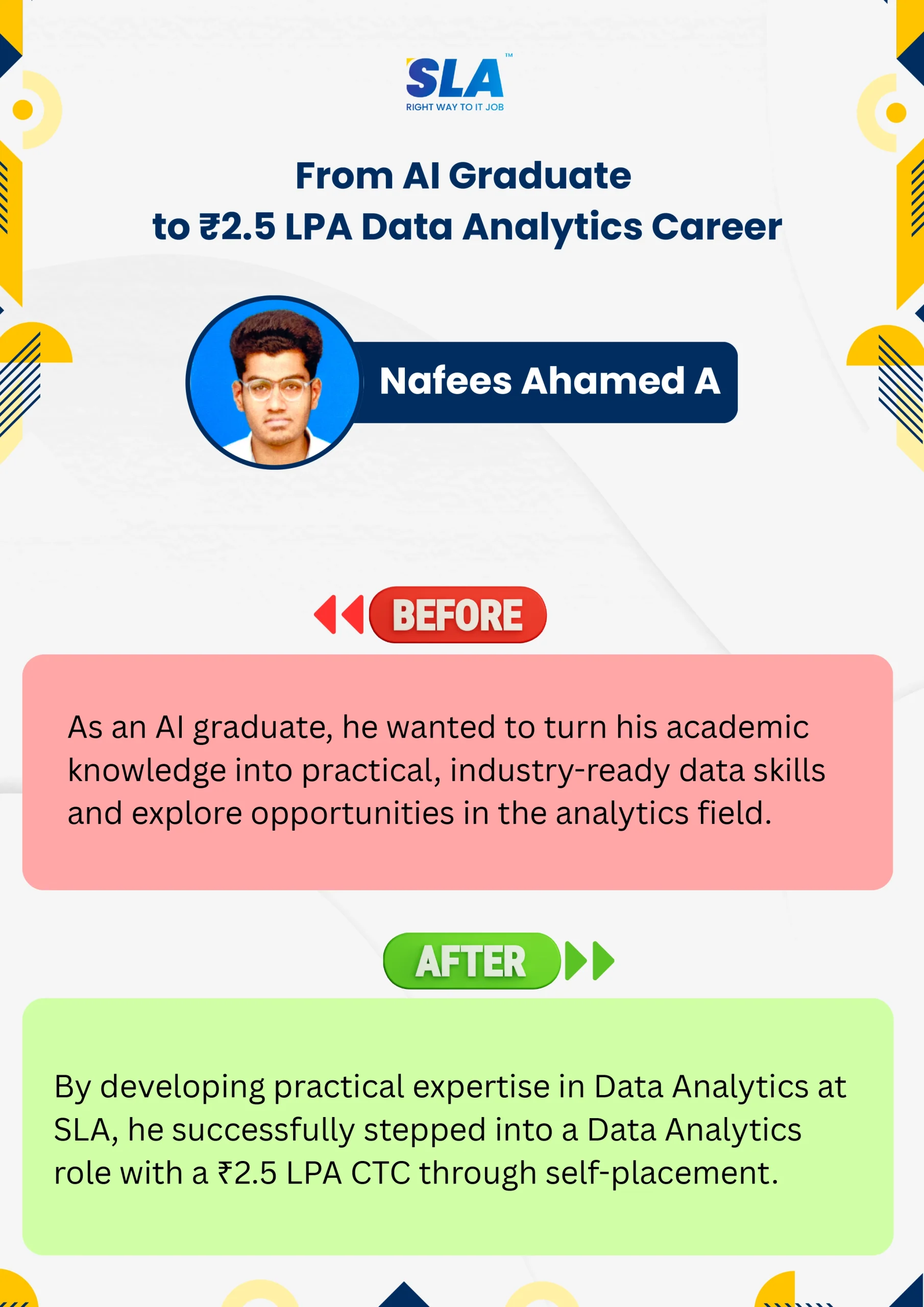
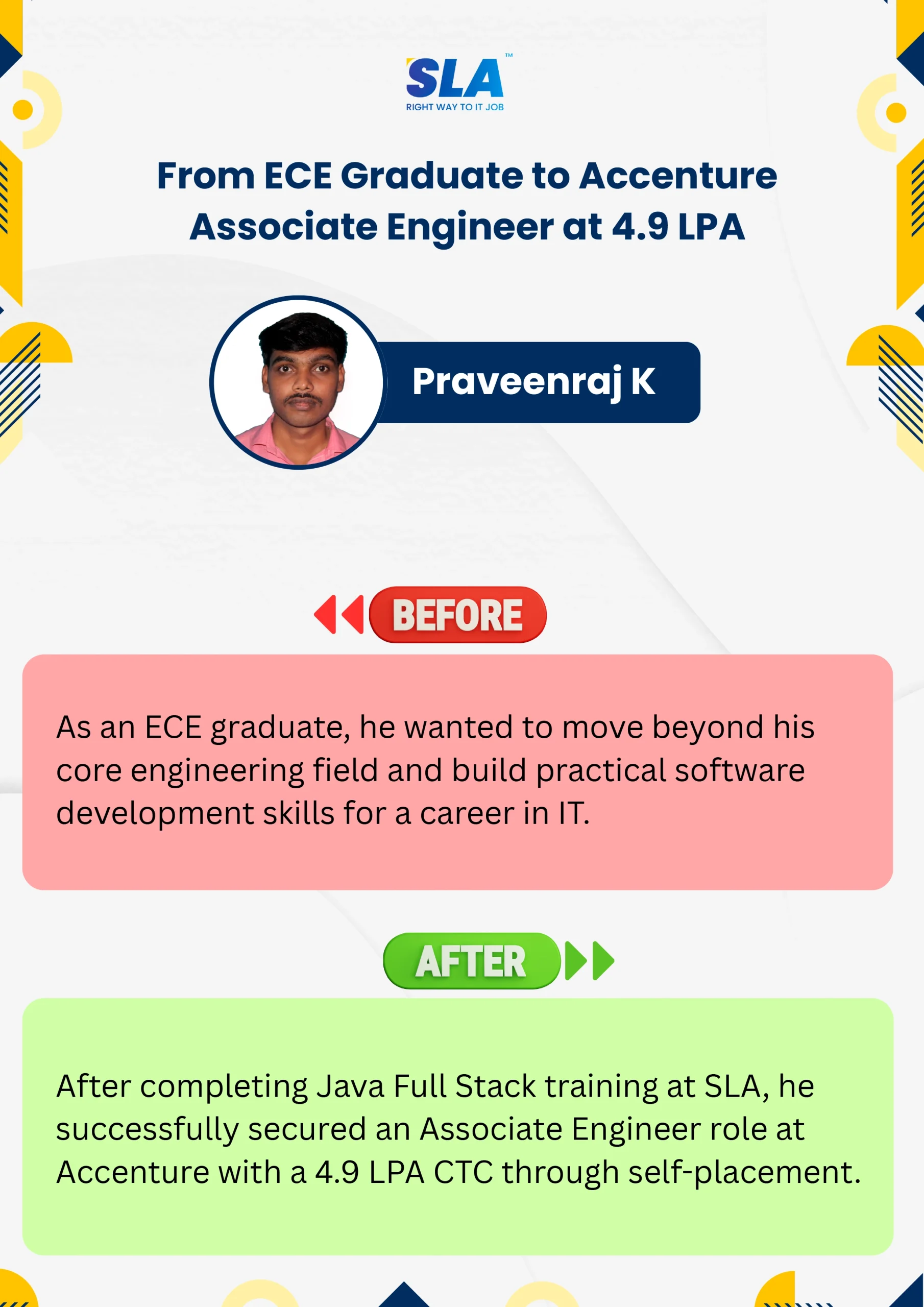
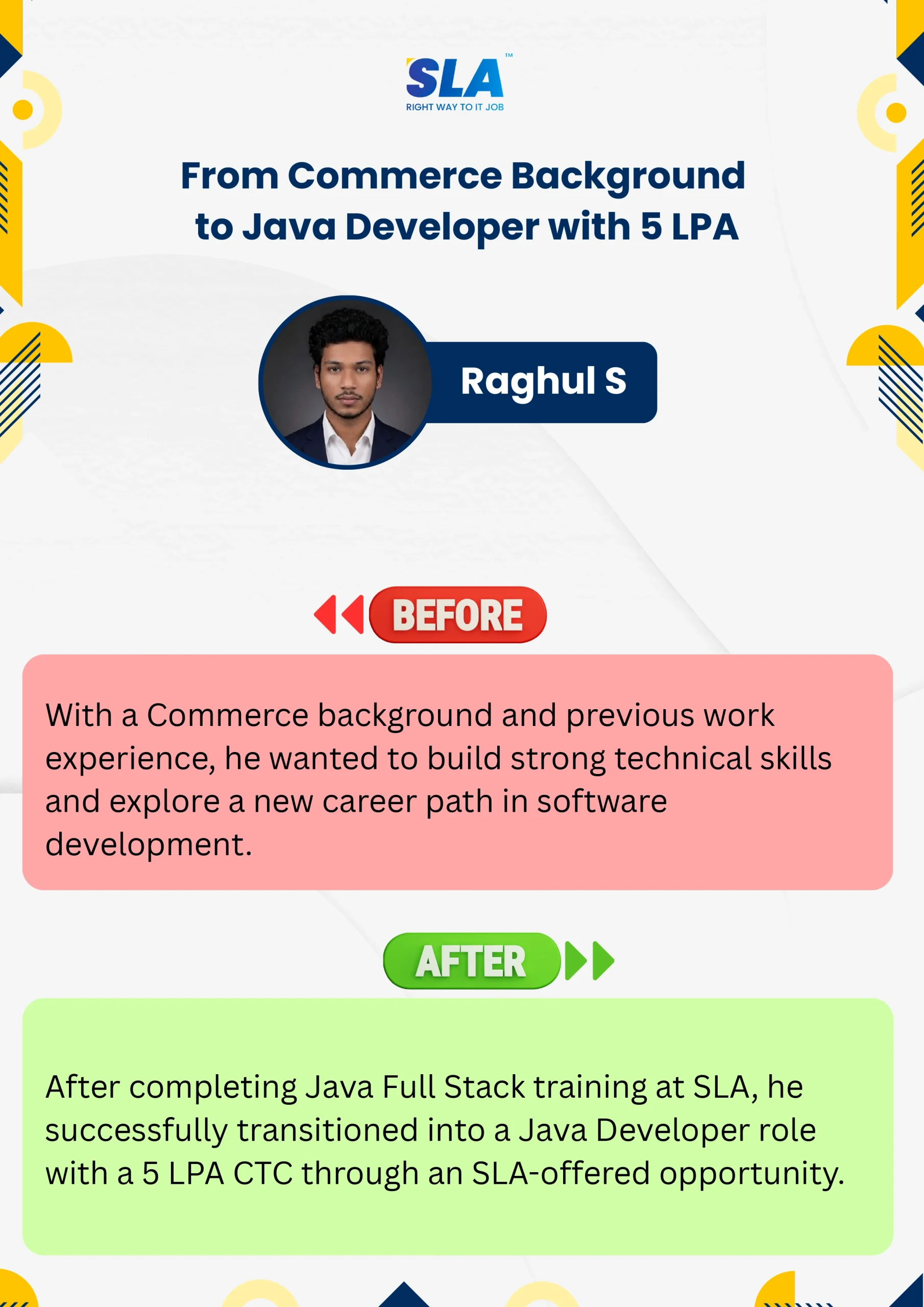
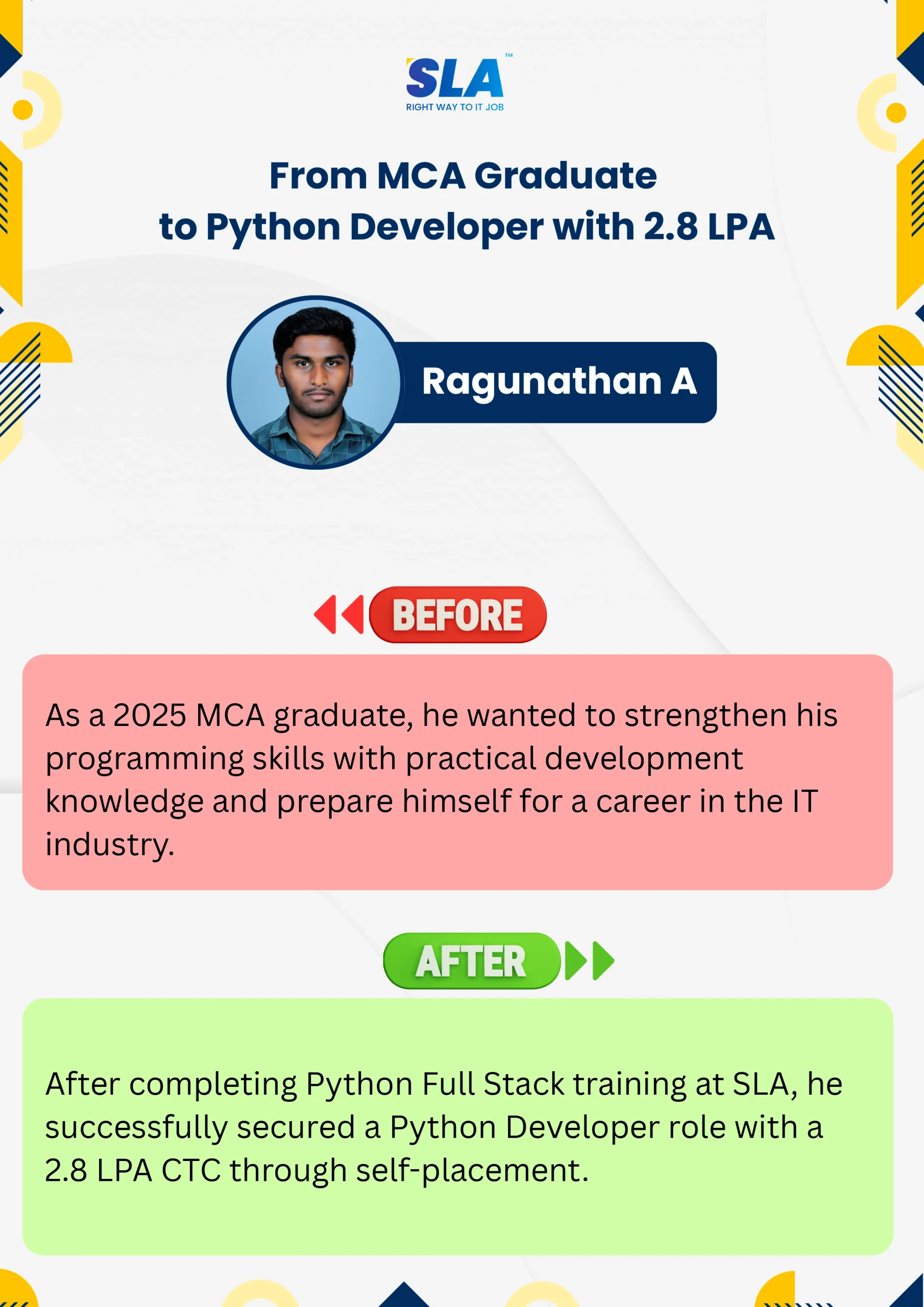
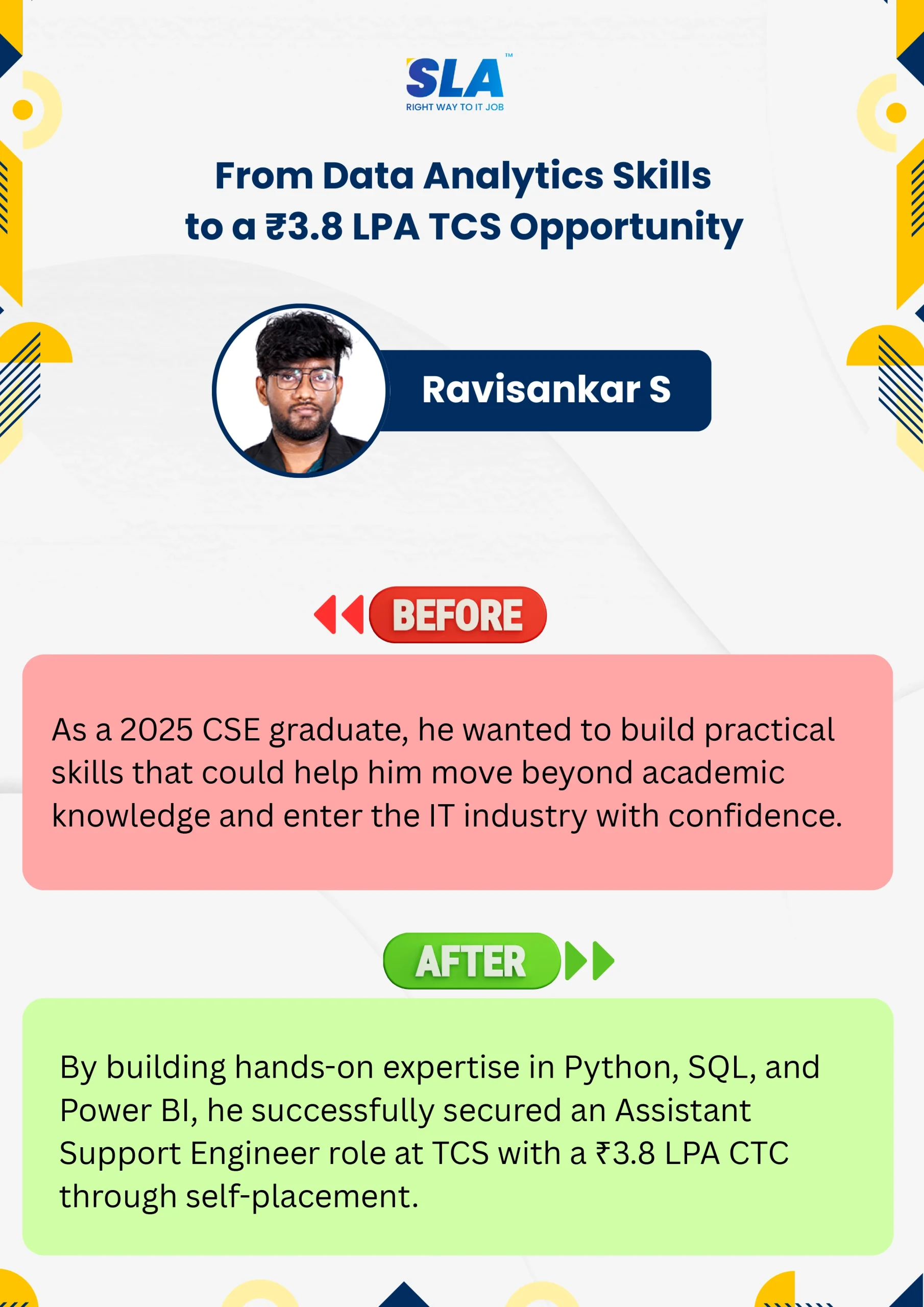
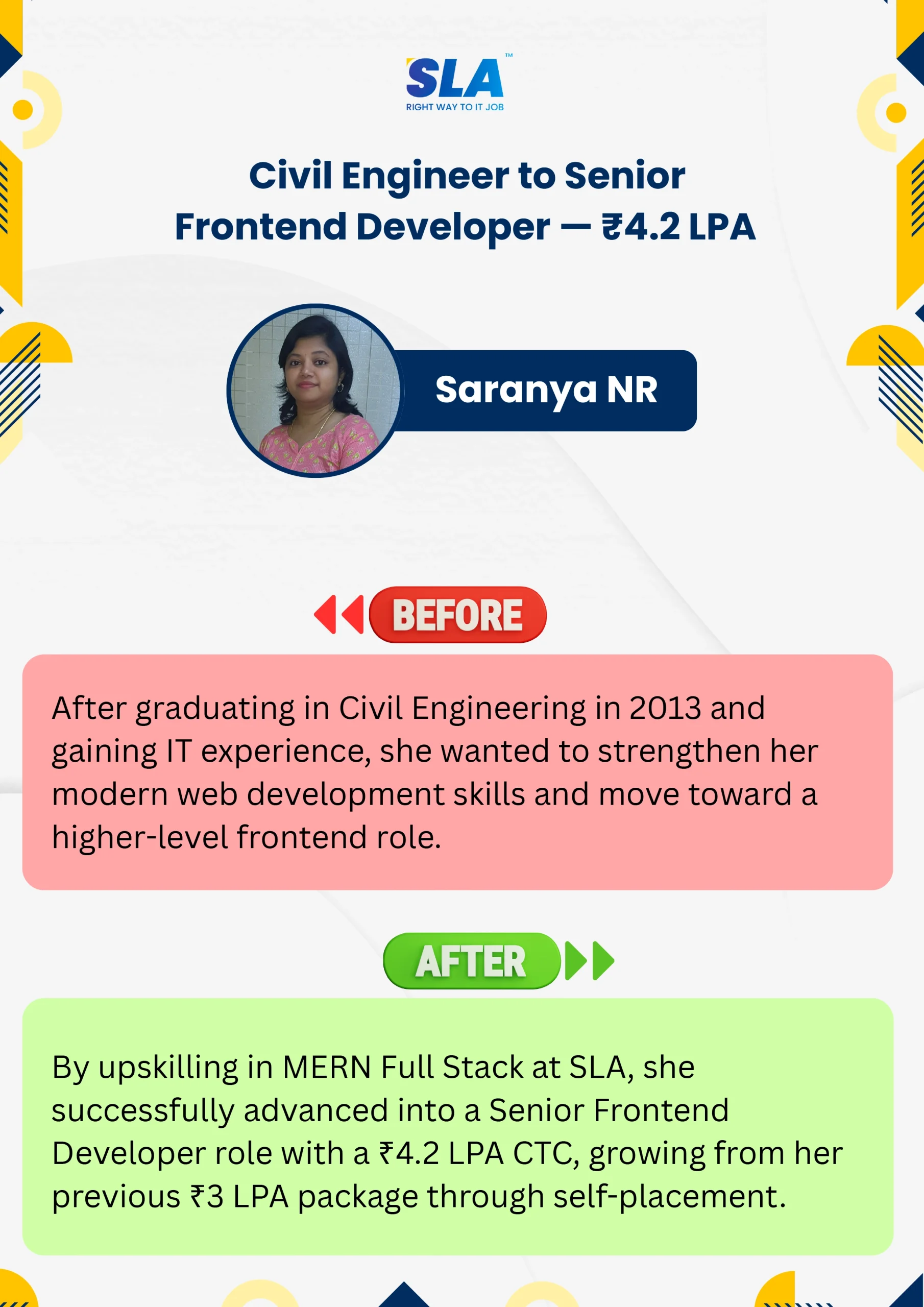
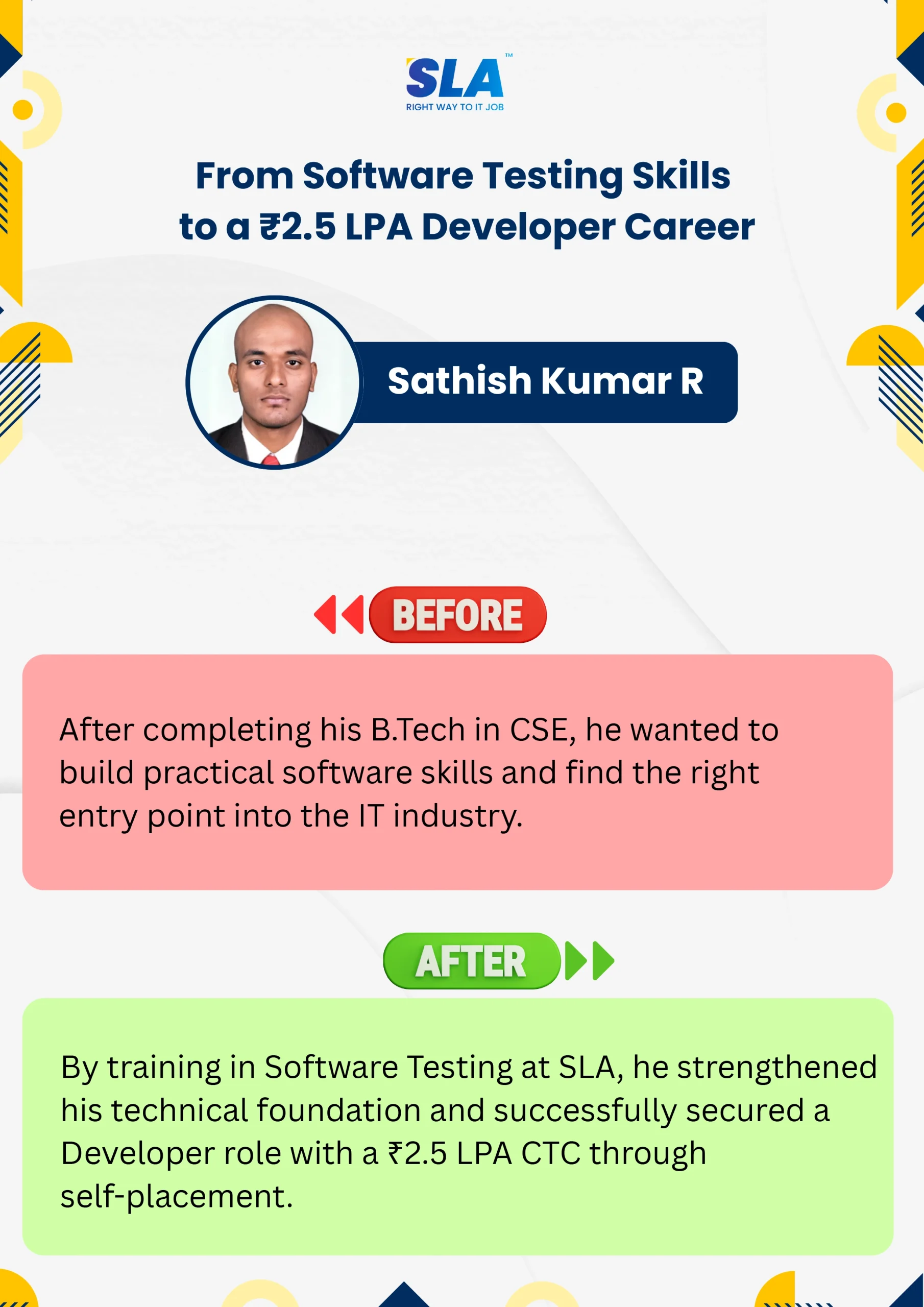
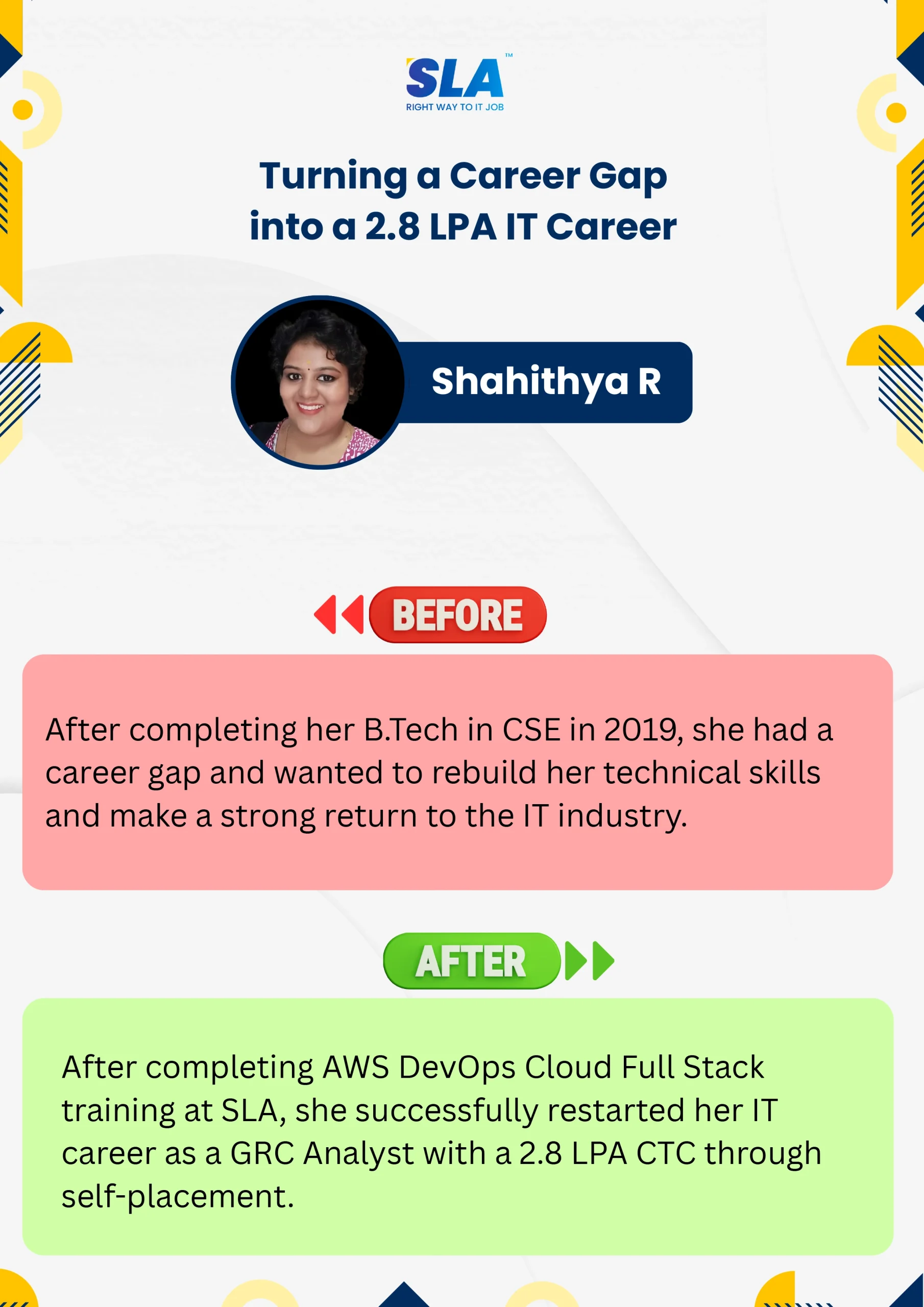
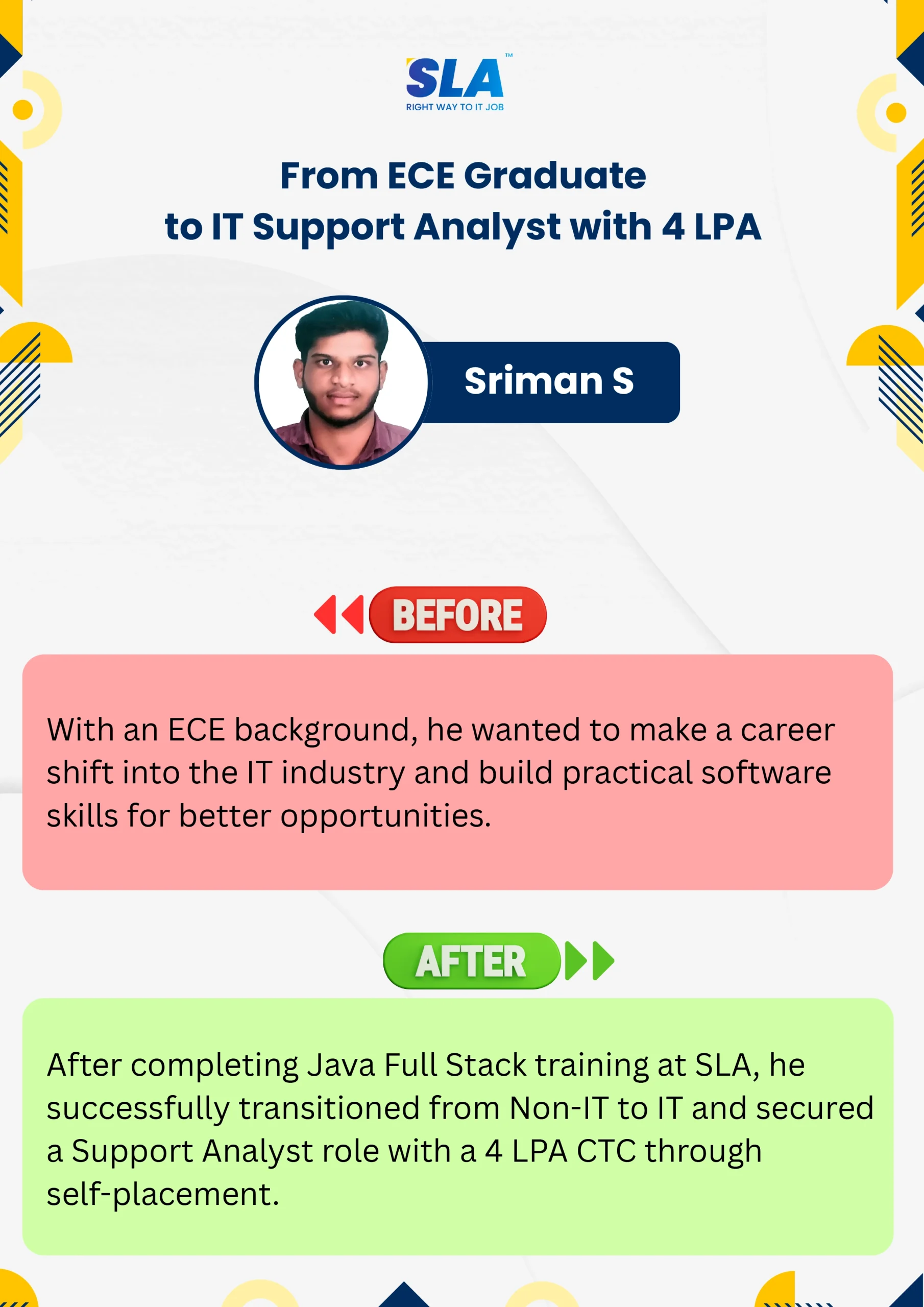
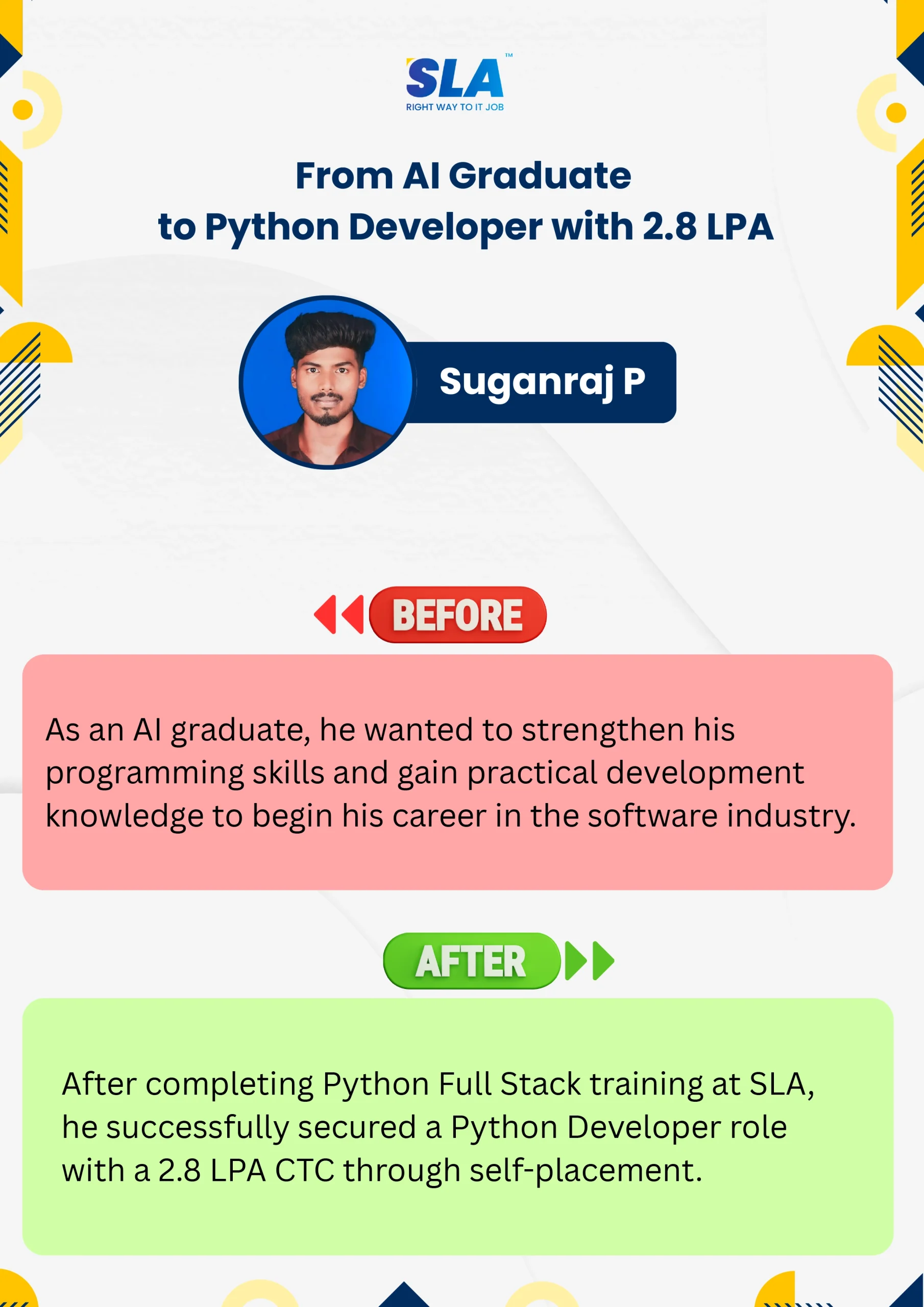
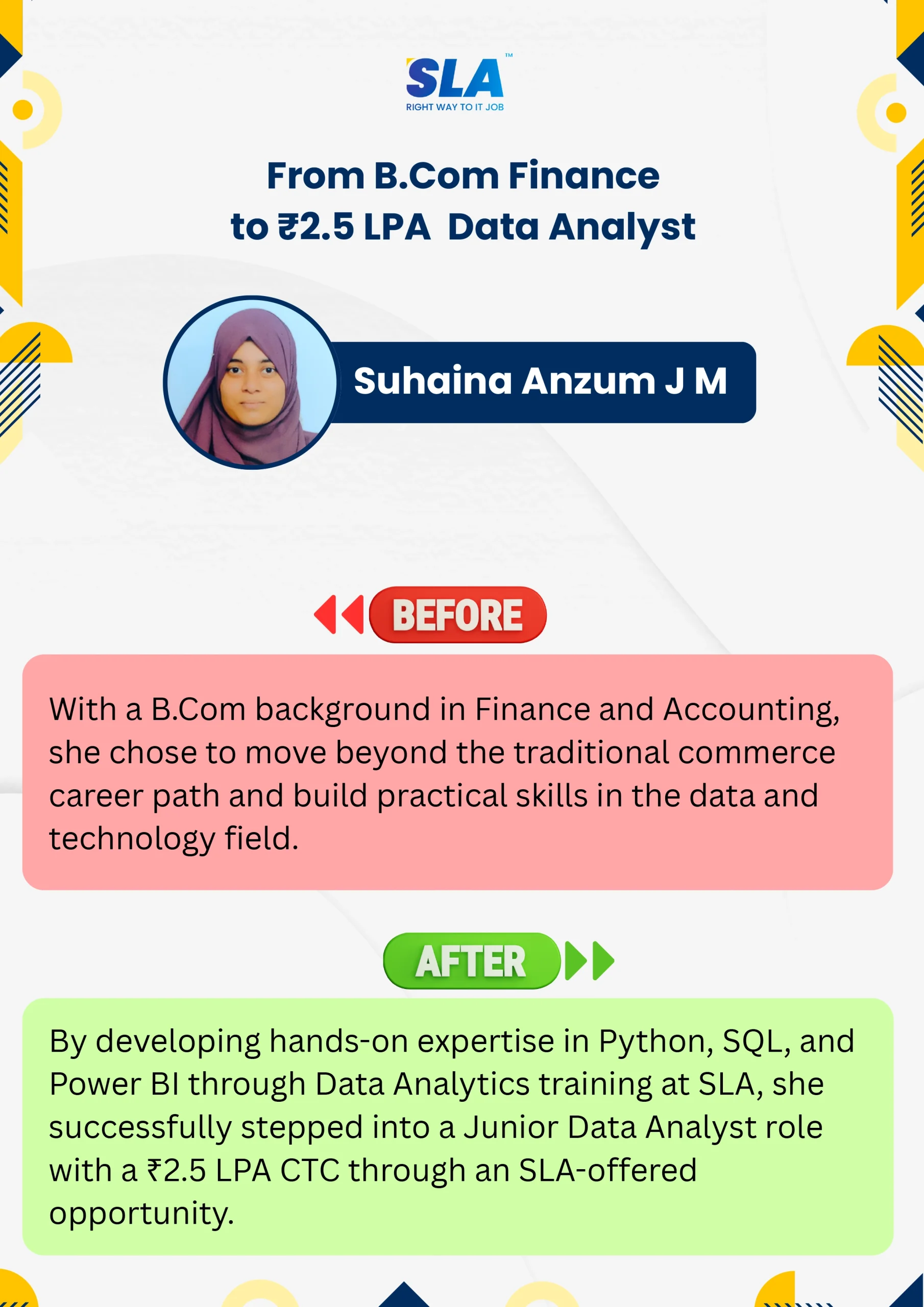
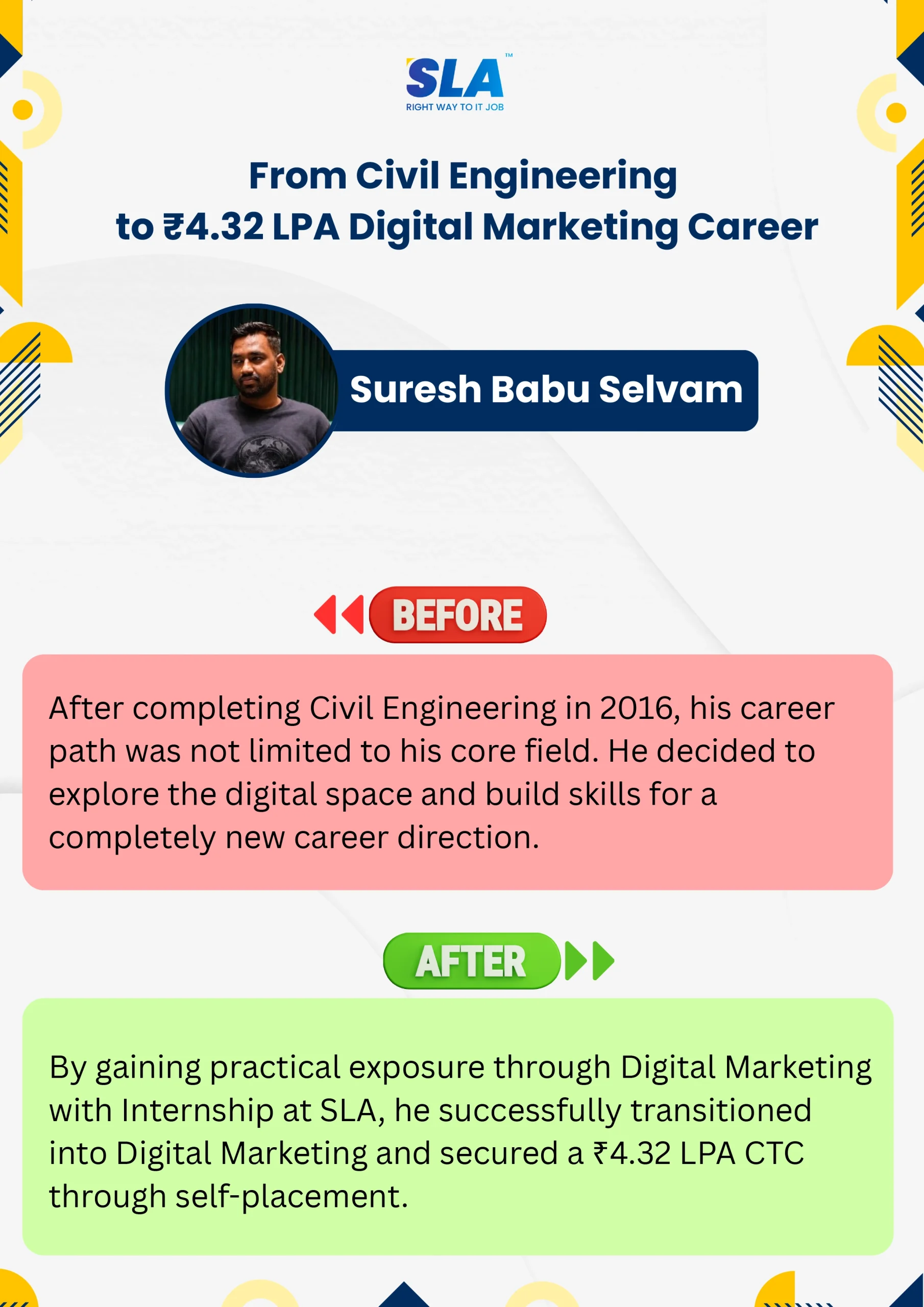
Life Changing Stories

Explore Our Students' Inspiring Leap Stories!

See More Success Stories

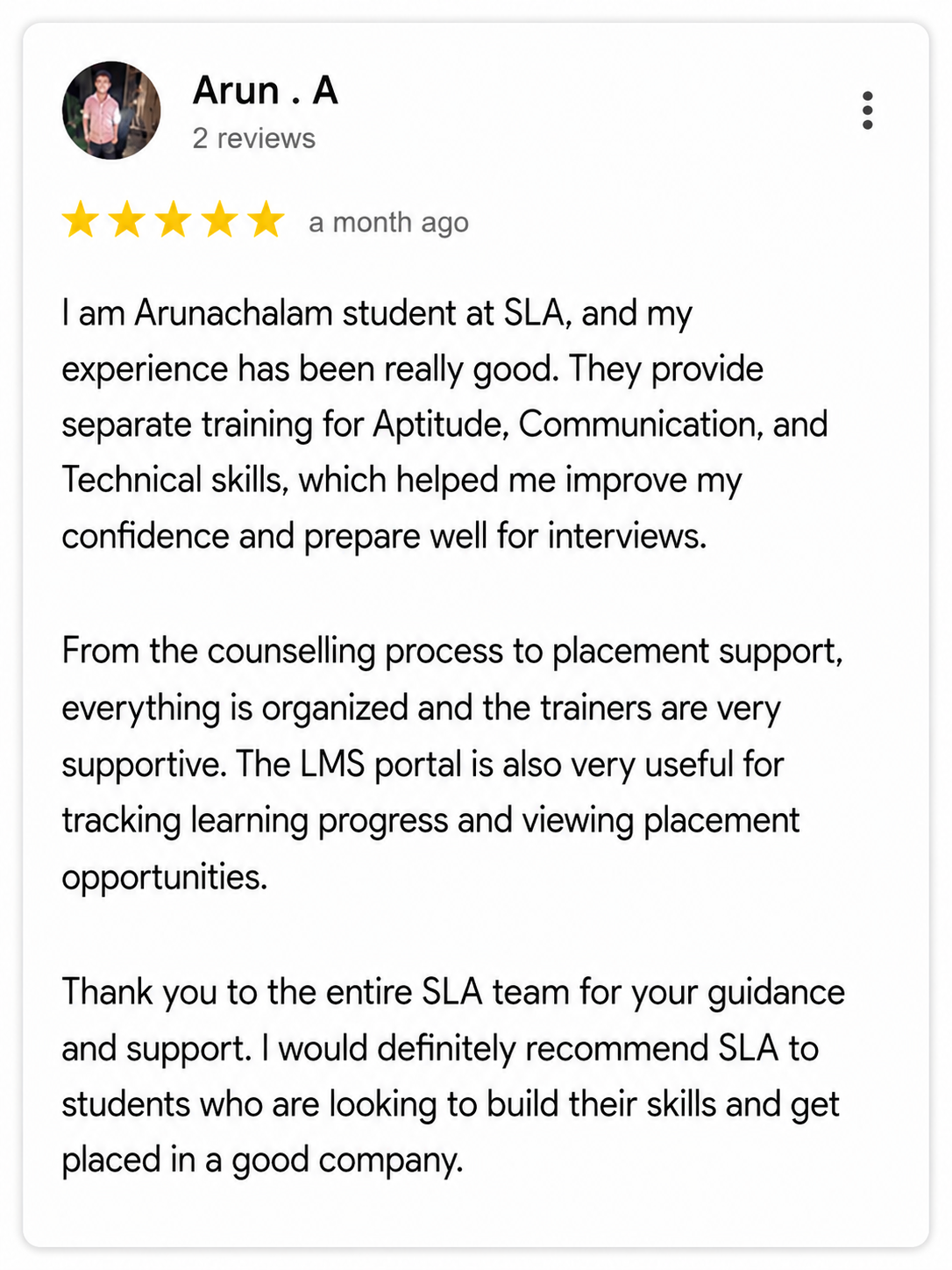
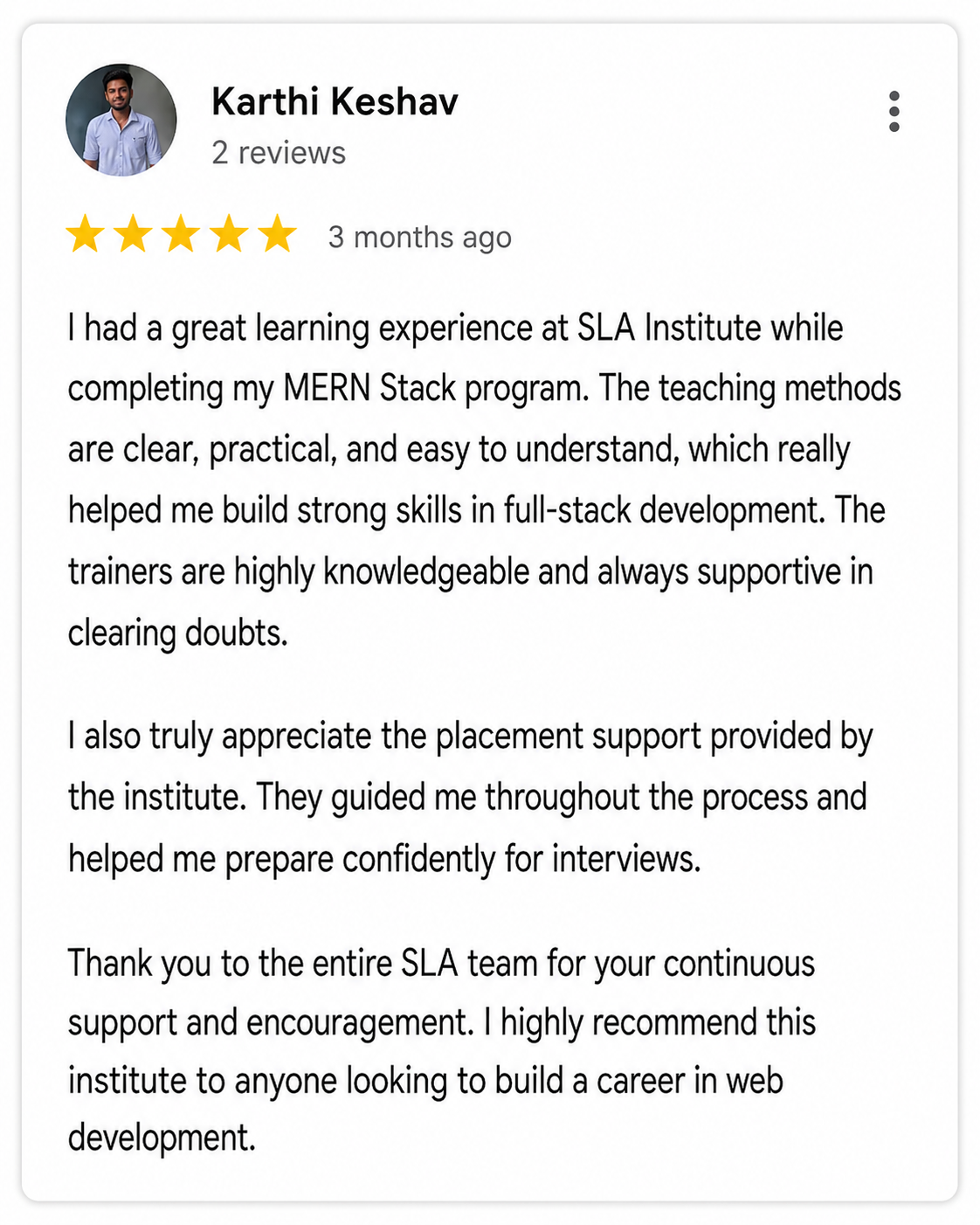
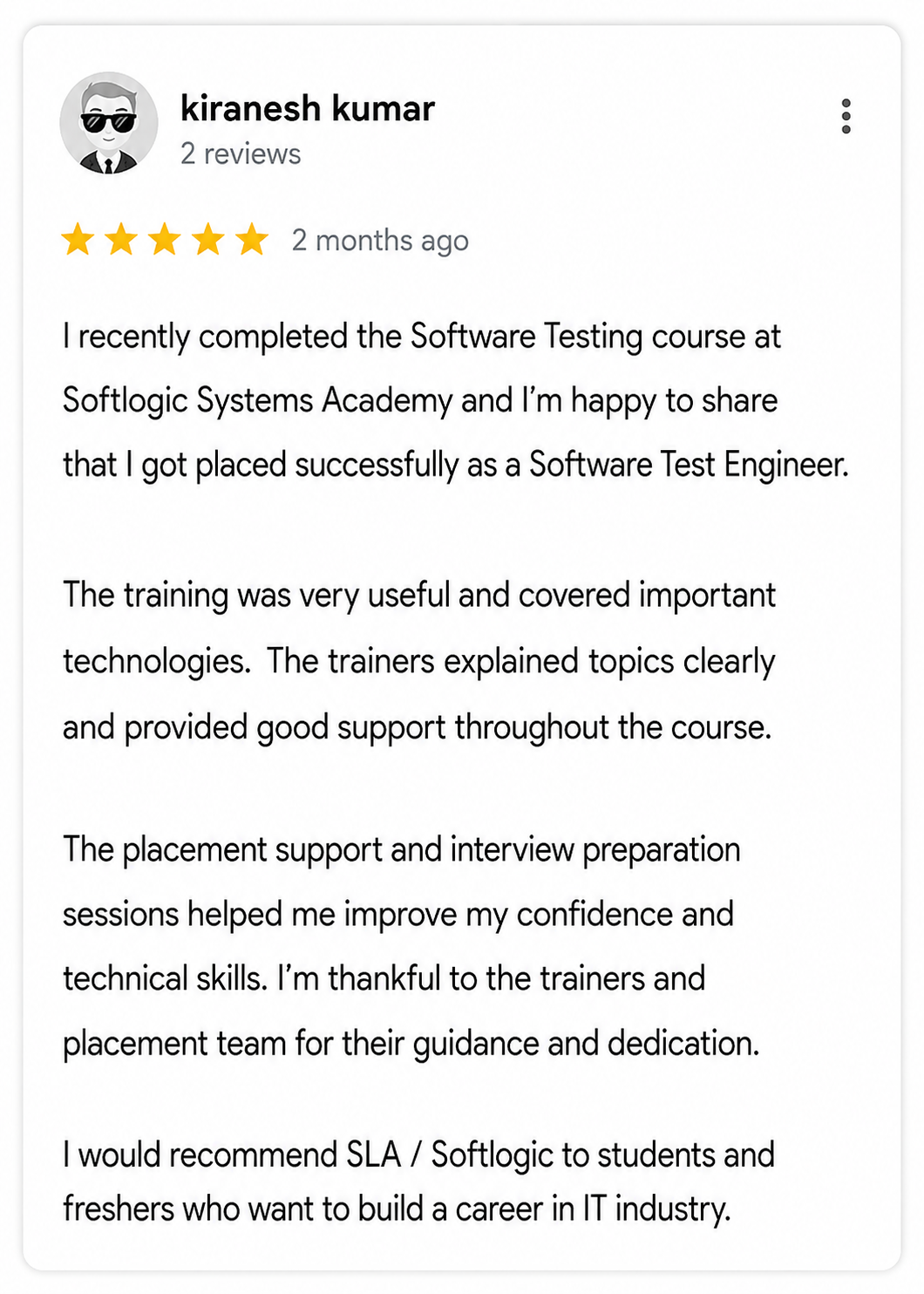
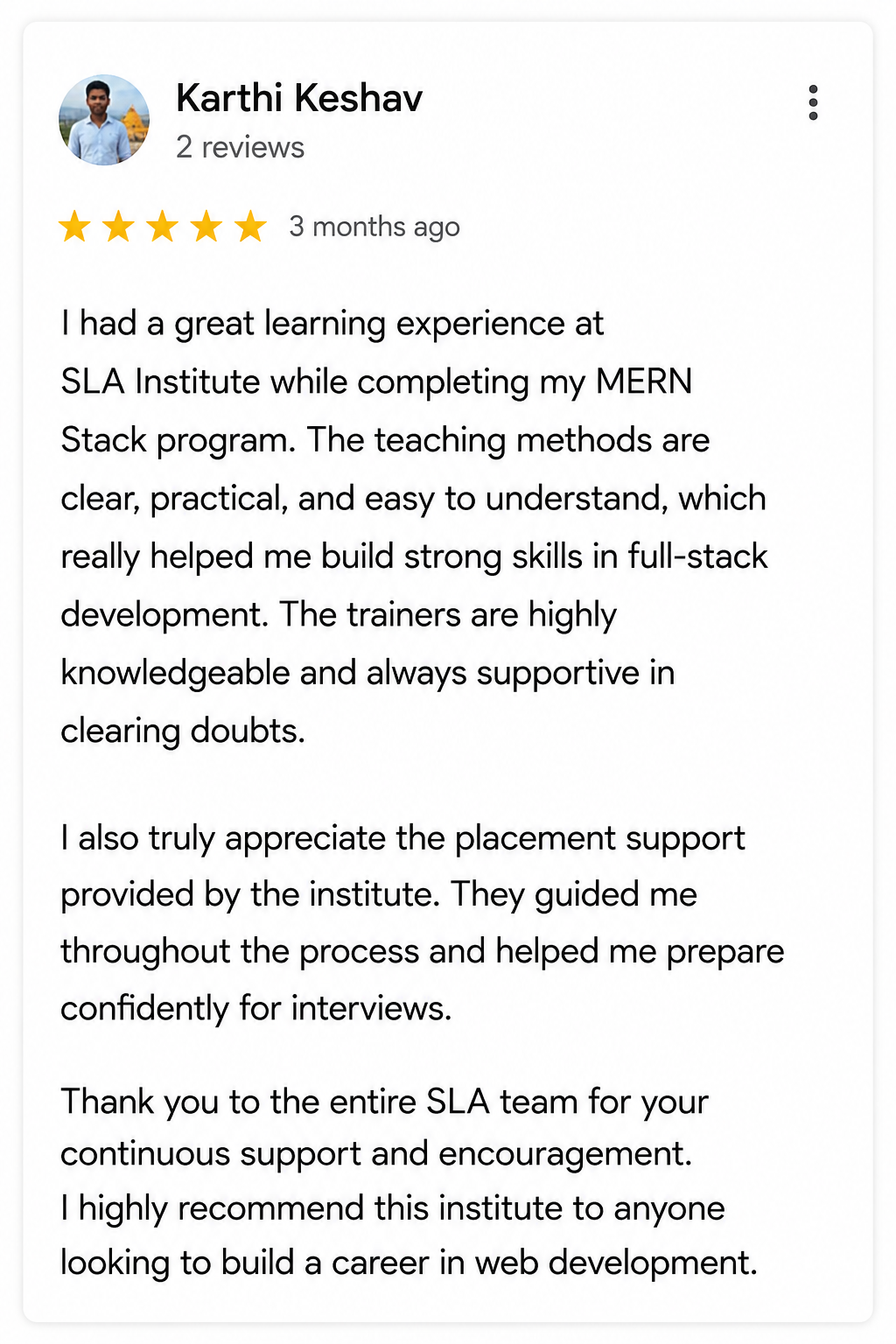
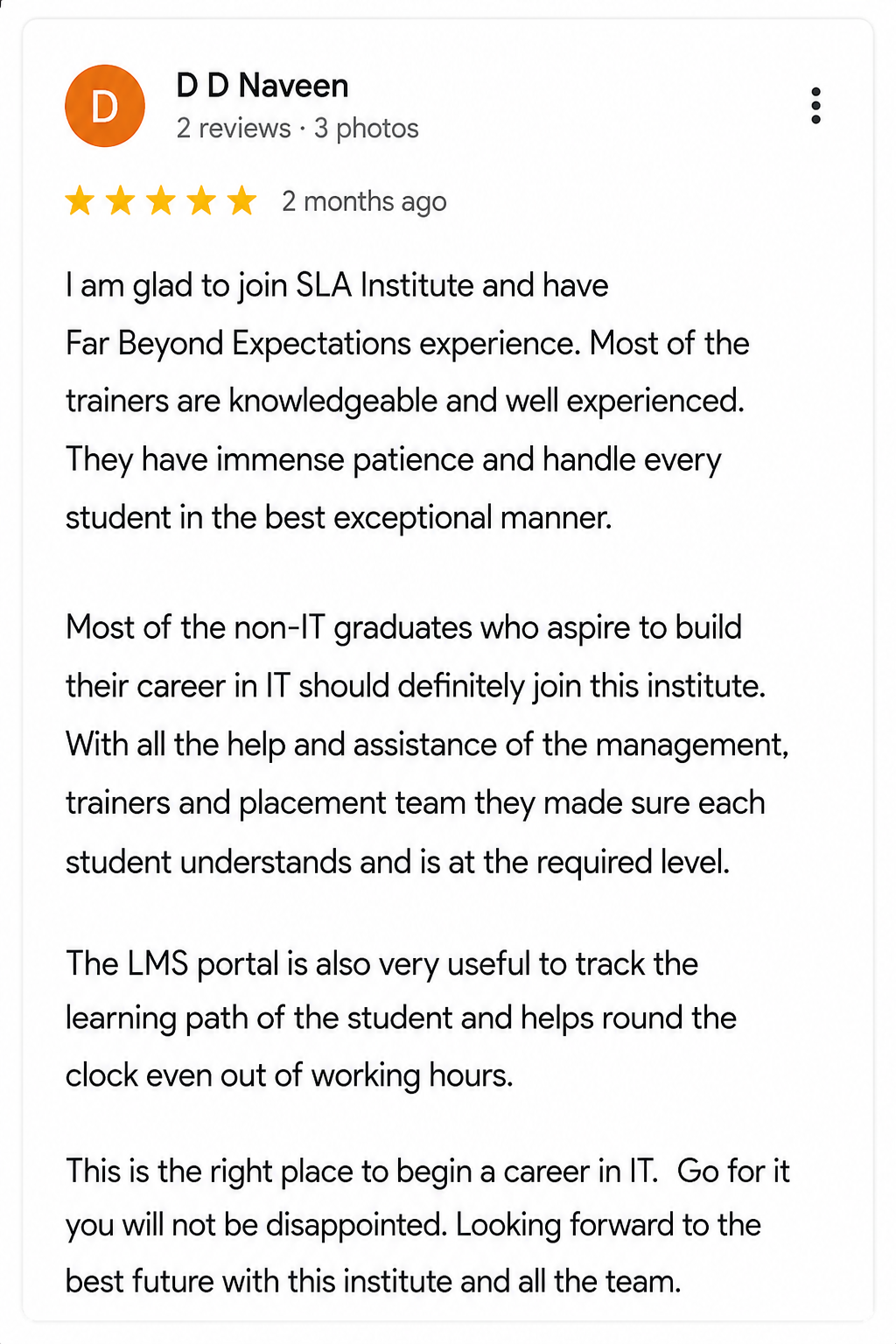
Check our Google Reviews

3D Review Carousel
Click here to view all Reviews

Syllabus of AWS Training in Chennai

Download Syllabus
  • Introduction to AWS
  • AWS Global Infrastructure
  • Regions and Availability Zones
  • Points of Presence
  • AWS Backbone Network
  • Amazon Virtual Private Cloud (VPC)
  • Subnets
  • Network ACLs and Security Groups
  • Elastic Network Interfaces (ENI)
  • Internet Gateway and NAT Gateway
  • VPC Peering and Elastic IPs
  • Load Balancing Concepts
  • Classic Load Balancer
  • Application Load Balancer
  • Network Load Balancer
  • Auto Scaling Groups
  • Amazon Route 53
  • Content Delivery Network (CDN)
  • IAM Users, Groups, and Roles
  • IAM Policies and Custom Policies
  • Multi-Factor Authentication (MFA)
  • AWS Organizations
  • Service Control Policies
  • Cross-Account Permissions
  • AWS Console and CLI
  • Amazon EC2 Fundamentals
  • EC2 Instance Types and Families
  • EC2 Purchasing Options
  • Amazon CloudWatch
  • Metrics, Alarms, and Logs
  • CloudWatch Events and Log Insights
  • CloudWatch Billing Alerts
  • AWS CloudTrail Concepts and Workflow
  • CloudTrail Events and Log Files
  • Amazon Simple Notification Service (SNS)
  • SNS Topics and Push Notifications
  • CloudWatch and SNS Integration
  • S3 Architecture and Fundamentals
  • Buckets, Objects, and Storage Classes
  • Lifecycle Policies and Versioning
  • S3 Bucket Access and Policies
  • Static Website Hosting
  • Cross-Region Replication
  • Amazon Elastic Block Store (EBS)
  • EBS Volume Types and Snapshots
  • EBS vs Instance Storage
  • Backup and Replication
  • Mounting and Troubleshooting EBS Volumes
  • Amazon Elastic File System (EFS)
  • EFS Creation, Management, and Mounting
  • Amazon Relational Database Service (RDS)
  • RDS Instances and Supported Databases
  • Amazon Aurora
  • Snapshots and Automated Backups
  • Database Replication
  • AWS CloudFormation
  • JSON and YAML Templates
  • Stacks and Resource Management
  • Introduction to DevOps
  • SDLC, Agile, and Scrum
  • Git Version Control
  • Commits, Branches, and Stashing
  • Rebase, Tagging, and Git Hooks
  • Git Flow
  • Continuous Integration and Continuous Delivery (CI/CD)
  • CI/CD Pipelines
  • Jenkins Installation and Administration
  • Jenkins Pipelines and Integrations
  • Docker Architecture and Fundamentals
  • Docker Images, Containers, and Dockerfile
  • Docker Hub and Container Registries
  • Docker Networking and Volumes
  • Kubernetes Fundamentals
  • Amazon EKS
  • Deployments, ConfigMaps, and Networking
  • Ingress, Load Balancing, and Rollouts
  • Prometheus and Grafana Monitoring
  • Ansible Architecture and Configuration
  • Inventory, Modules, and Playbooks
  • Variables, Facts, and Templates
  • Roles and Ansible Galaxy
  • Ansible Troubleshooting and Rolling Deployments
  • Terraform Installation and Configuration
  • Terraform Resources, Providers, and Registry
  • Remote State and Workspaces
  • AWS and Azure Cloud Deployment Using Terraform
  • AI Code Generation and Prompt Engineering
  • AWS Lambda Script Automation
  • S3 Event Processing and SNS Notifications

Objectives of AWS Training in Chennai

Build cloud computing knowledge and develop the technical skills required to work with AWS technologies. This course concentrates on cloud infrastructure, resource management, automation, deployment, and working with AWS services.

  • Cloud Basics: Understand AWS architecture, cloud computing models, global infrastructure, regions, availability zones, and essential networking concepts.
  • AWS Services: Master the configuration and management of AWS services, including EC2, S3, IAM, VPC, and RDS.
  • Infrastructure Setup: Build skills in networking, handling storage, controlling access, and setting up cloud resources.
  • Cloud Automation: Explore AWS CLI, CloudFormation, shell scripting, and other automation methods that help manage environments.
  • Security Management: Gain knowledge of monitoring AWS resources, handling permissions, setting security policies, and keeping track of cloud activities.
  • DevOps Integration: Get hands‑on experience with Git, Jenkins, Docker, CI/CD pipelines, and deployment workflows that rely on AWS.
  • Project Implementation: Apply AWS concepts into action by working on projects that include server deployment, website hosting, cloud networking, and monitoring resources.
Click Here to Get Started

Highlights of AWS Training in Chennai?

Softlogic Systems offers expert-led training, industry-relevant AWS curriculum, hands-on projects, flexible learning options, and placement assistance to support career development.

Students practice setting up EC2 instances and creating S3 buckets, managing IAM permissions, and building VPC networks. They also deploy cloud applications using hands‑on tasks.

The curriculum covers AWS services, cloud infrastructure, Linux, shell scripting, DevOps tools, Docker, Jenkins, and CI/CD ideas that match real industry needs.

Yes, Students get one hour of communication training and one hour of aptitude practice every day to build skills, logical reasoning, and interview confidence.

Yes, Softlogic Systems offers online and classroom training, with weekday and weekend batches, suitable for students and working professionals.

Practical sessions cover Amazon EC2, S3, IAM, VPC, RDS, CloudWatch, CloudTrail, CloudFormation, AWS CLI, and essential cloud technologies.

Students get career guidance, resume building, technical interview practice, aptitude training, and help finding AWS and cloud computing jobs.

Boost your skills with AWS Training in Chennai with Experts

Our Mentors are from Top Companies like:

  • Learn AWS from trainers who have 10+ years of experience in the industry.
  • Gain real cloud knowledge from AWS experts who have worked at MNC companies.
  • Benefit from professional AWS training and guidance that has helped 2000+ students.
  • Get AWS insights from experienced trainers who bring real‑world implementation expertise.
  • Experience instruction from trainers who communicate clearly and build strong interpersonal connections.
  • Get career guidance, interview preparation, and support to explore AWS job opportunities.
Click Here to Get Started

Explore Real Projects Built by Softlogic Students

Explore the real-world, enterprise-level projects designed and executed by our successful alumni. Gain the same hands-on exposure to live industry projects, build a standout portfolio, and prove your practical skills to top hiring managers instantly.
Cloud Server Deployment
Secure Network Configuration
Automated Infrastructure Deployment
Project Practices for AWS Training in Chennai

Why Softlogic Systems is the Best Choice for AWS Training in Chennai

Crowdfunding Platform

Online & Offline Training Options

Learn at your convenience with flexible classroom and live online training.

Learn from 100+ Real-Time Developers

Get trained by industry professionals with years of hands-on experience.
Voting System with Python Django

Hands-on Projects & Codeathons

Practice with real-time projects and coding challenges to build confidence.

0% EMI Fee Options

Pay your course fees flexibly with easy EMI plans at zero interest.

Resume & Interview Support

Get expert help with resume building, mock interviews, and soft skills.

Placement with Top IT Firms

Access placement opportunities with leading MNCs and IT companies.

500+ Hiring Partners

Benefit from Softlogic’s strong recruiter network for faster job placement.

No Backdoor Jobs

We ensure only genuine placement opportunities with trusted companies.
Request a Free Callback

Certifications

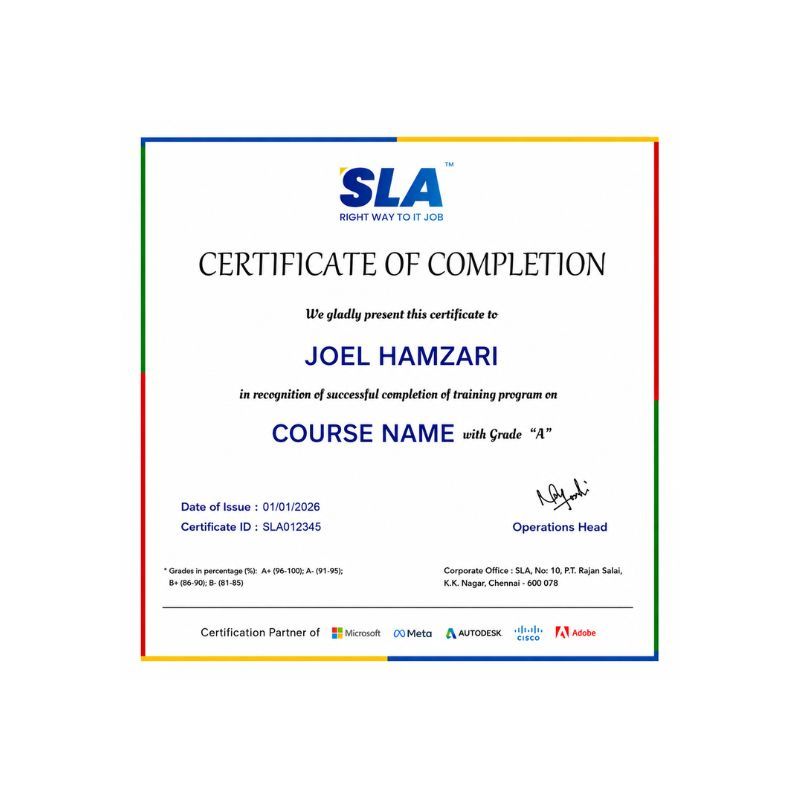
Earn Your Certificate of Completion

Validate your achievements with Softlogic's Certificate of Completion, verifying successful fulfillment of all essential components.

Take Your Career to the Next Level with  Certifications

Get a certifications through our training programs to gain a competitive edge in the industry.

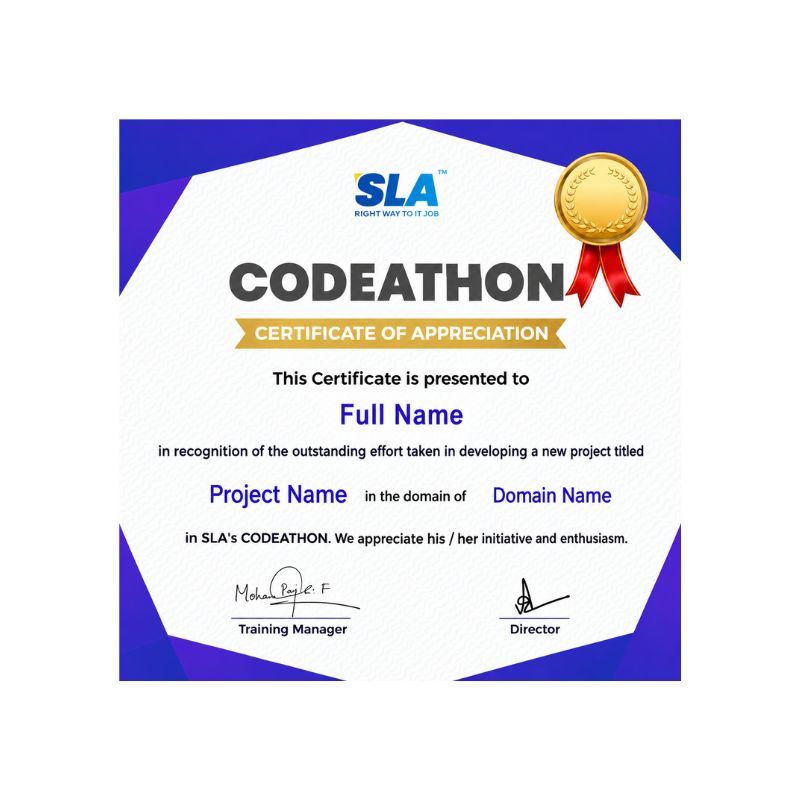
Stand Out from the Crowd with Codethon Certificate

Verify the authenticity of your real-time projects with Softlogic's Codethon certificate.

The Global Edge: Certified Vs. Uncertified

With Global Certification

✅ Visibility in ATS Filters

✅Command Higher Hikes

✅ Verified Skill Proof

✅Global Job Access

✅ Fast-Tracked Senior Roles

Without Global Certification

❌ Stuck in Screening

❌ Lower Starting Pay

❌ Unproven Technical Ability

❌ Limited Local Scope

❌ Slower Career Leader

  •  
Let's take the First Step to a better future! GET Free Career Guidance

The SLA Way to Get Placed

Seven connected stages, one continuous path from enrollment to your career launch — here is exactly how it works, step by step.

01
🎓

Technical Mastery

Industry-aligned curriculum, daily coding tasks, real-time projects.

02
💻

Career Readiness

Aptitude, communication, ATS-friendly resume optimization.

03
🎯

Placement Prep

Aptitude, communication tuning and technical interview mastery.

04
💬

Panel Mock Interviews

Real company-pattern mocks with expert panel feedback.

05
👨‍💼

Interview Schedule

Multiple company drives with lifetime placement support.

06
📝

Interview Feedback

Detailed performance analysis and one-on-one guidance.

07
🏆

Launch Your Career

Land your first job with lifetime alumni and career support.

Listen to Our Students' Video Testimonials

FAQ

Candidates who have a degree in any field can apply to the AWS program. Basic computer knowledge and an interest in cloud computing help you learn AWS technologies.

The AWS DevOps Engineer Program at Softlogic Systems follows a 6-month training schedule that covers Linux, shell scripting, AWS, DevOps tools, and hands‑on projects.

Fresh graduates can build cloud computing knowledge, gain hands‑on experience with AWS services, and develop skills that open entry‑level cloud and DevOps opportunities.

AWS is not difficult to learn with training and consistent practice. Learning Linux, networking, cloud basics, and AWS services step by step builds confidence and understanding.

Interested candidates can contact Softlogic Systems at +91 86818 84318 to discuss course details, eligibility, and available batches. The counselling team will guide them through the enrollment process.

Yes. Interested candidates can request a demo session to understand the AWS curriculum, teaching approach, and practical training methods before enrolling.

Yes, Students get opportunities to work on real-time cloud deployment projects. They apply cloud concepts, practice AWS configurations, and work in teams to solve problems.

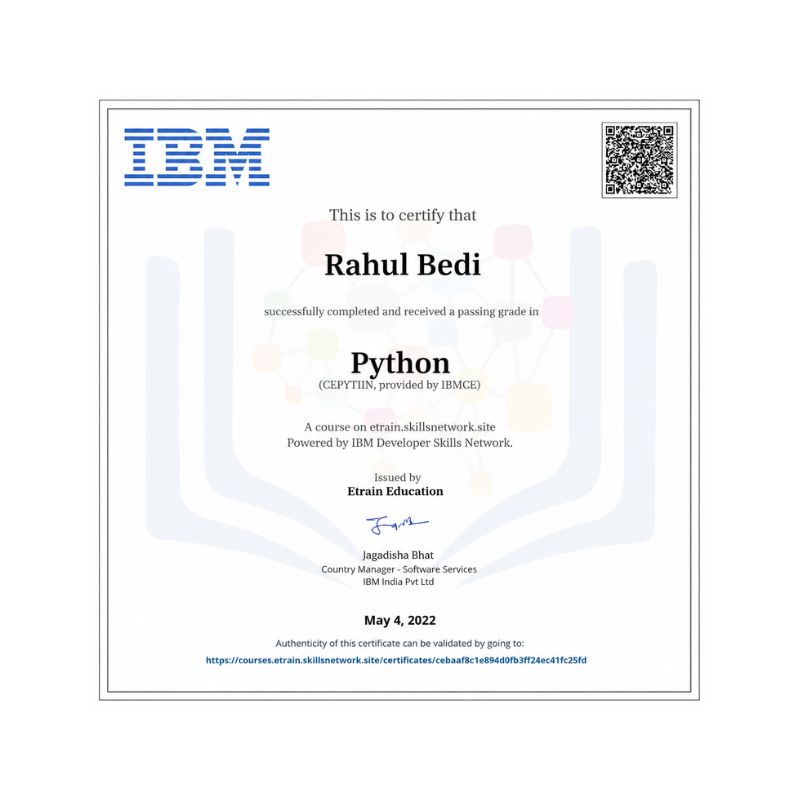
Yes, Students receive an IBM International Certificate after completing the training requirements. This certificate can be added to profiles to show learning and technical knowledge.

Candidates must hold a minimum degree in any domain. Students with arrears must clear them before course completion to access placement support.

AWS training provides technical knowledge relevant to several IT career paths, including:

  • AWS Cloud Engineer
  • Cloud Administrator
  • Cloud Support Associate
  • AWS Solutions Architect
  • DevOps Engineer

Related Blogs

Our counselors will share the Syllabus PDF with you via Email / Whatsapp

Get Your Instant Job & Placement Eligibility
Report in Just 30 Seconds!

We are excited to get started with you

Give us your information and we will arange for a free call (at your convenience) with one of our counsellors. You can get all your queries answered before deciding to join SLA and move your career forward.