
Softlogic is one of the Top Training institutes for MS Office. Learn how to use MS Office, from beginner basics to advanced techniques. Our MS Office Syllabus covers MS Word for documentation, MS Excel for data management, MS PowerPoint for presentations, MS Outlook for email communication, and other essential Office tools. We offer an MS Office Course with Placement Assistance, Mock interviews, Resume building, and certification.
Ms Office Certification Course
4.90
(1987)
DURATION

1 Months
EMI

0% Interest
Mode

Live Online / Offline

Let's take the first step to becoming an expert in MS Office Course
Click Here to Get Started
Lifelong Placement
Assistance
Get Certified
JOB PLACEMENT ELIGIBILITY TEST
×
Your Placement Eligibility Report
Want more details about MS Office Course?
Fill out the form, and our counsellors will get in touch with you at your preferred time. You can have all your queries answered. Once you decide that SLA is the perfect fit for your training needs, our counselors will guide you through the process every step of the way.

Course Schedules

Course Syllabus

Course Fees

or any other questions...
Fees, Duration & Batch Timings for MS Office Course
Hands On Training
3-5 Real Time Projects
60-100 Practical Assignments
3+ Assessments / Mock Interviews
July 2026
Week days
(Mon-Fri)
Online/Offline
2 Hours Real Time Interactive Technical Training
1 Hour Aptitude
1 Hour Communication & Soft Skills
(Suitable for Fresh Jobseekers / Non IT to IT transition)
Course Fee
July 2026
Week ends
(Sat-Sun)
Online/Offline
4 Hours Real Time Interactive Technical Training
(Suitable for working IT Professionals)
Course Fee
Save up to 20% in your Course Fee on our Job Seeker Course Series
Learn More
Syllabus of MS Office Course
Download Syllabus
MS Office
- Creating, editing, saving and printing text documents
- Font and paragraph formatting
- Simple character formatting
- Inserting tables, smart art, page breaks
- Using lists and styles
- Working with images
- Using Spelling and Grammar check
- Understanding document properties
- Mail Merge
Ms.Excel
- Spreadsheet basics
- Creating, editing, saving and printing spreadsheets
- Working with functions & formulas
- Modifying worksheets with color & autoformats
- Graphically representing data : Charts & Graphs
- Speeding data entry : Using Data Forms
- Analyzing data : Data Menu, Subtotal, Filtering Data
- Formatting worksheets
- Securing & Protecting spreadsheets
Ms.Power Point
- Opening, viewing, creating, and printing slides
- Applying auto layouts
- Adding custom animation
- Using slide transitions
- Graphically representing data : Charts & Graphs
- Creating Professional Slide for Presentation.
Internet
- Understanding how to search/Google
- bookmarking and Going to a specific website
- Copy and paste Internet content into your word file and emails
- Understanding social media platforms such as Facebook & Many more
- learn with best practices
Objectives of MS Office Course
The following are the main goals of our MS Office course:
- To possess expertise with key Microsoft Office applications.
- Having the ability to produce documents for sharing and printing.
- Being capable of making and sharing presentations.
- To assert one’s mastery of PowerPoint and Word.
- To independently produce presentations and documents that seem professional.
- To familiarize you with some of the more complex Word and PowerPoint features.
- To utilize Word and PowerPoint in various work-related, academic, and private contexts.
Request a Free Callback
Why Softlogic Systems is the Best Choice for MS Office Course – Learn, Practice, and Get Placed!

Online & Offline Training Options
Learn at your convenience with flexible classroom and live online training.

Learn from 100+ Real-Time Developers
Get trained by industry professionals with years of hands-on experience.

Hands-on Projects & Codeathons
Practice with real-time projects and coding challenges to build confidence.
0% EMI Fee Options
Pay your course fees flexibly with easy EMI plans at zero interest.

Resume & Interview Support
Get expert help with resume building, mock interviews, and soft skills.

Placement with Top IT Firms
Access placement opportunities with leading MNCs and IT companies.

1000+ Hiring Partners
Benefit from Softlogic’s strong recruiter network for faster job placement.

No Backdoor Jobs
We ensure only genuine placement opportunities with trusted companies.
Request a Free Callback
Highlights of MS Office Course
What is MS Office?
Microsoft Office is a suite of applications designed to help users be more productive and finish everyday computing tasks. You can create and edit documents with text and photos, work with data in databases and spreadsheets, and create presentations and posters.
What are the reasons for learning MS Office?
Here are the reasons to learn MS Office:
- Nearly all businesses in the world utilize Microsoft Office.
- It helps you improve your job hunting performance.
- Obtaining an industry-recognized Microsoft Office certification can help you grow in your work.
What are the prerequisites for learning MS Office?
Acquiring knowledge There are no prerequisites for Microsoft Office because the program is suitable for a wide range of users, including professionals and students.
- Fundamental computer knowledge
- Basic understanding of operating systems.
Our MS Office Course is suitable for:
- Students
- Professionals seeking a career change
- IT professionals aiming to enhance their skills
- Enthusiastic programmers
- Job Seekers
What are the course fees and duration?
Our MS Office training is offered for around 18,000 INR, with potential variations based on the course level (basic, intermediate, or advanced) and format (online or in person). Generally, the training spans approximately 1 month and includes certification upon completion. For accurate details concerning fees, duration, and certification, we suggest reaching out to our MS Office training center directly.
What are some job roles related to MS Office?
Microsoft Office proficiency is required for a number of jobs, including,
- Customer Service Representative
- Data Entry Operator
- Project Coordinator
- Administrative Assistant
- Executive Assistant
What is the salary range for a MS Office engineer?
A fresher MS Office professional with less than three years of experience typically earns an average annual salary of Rs.2 to Rs.3 lakhs. A MS Office developer who is mid-career, with 4–9 years of experience, typically earns an average annual salary of about ₹5 to ₹7 lakhs. As for an experienced MS Office with 10-20 years of experience, the average annual salary is approximately ₹8 to ₹15 lakhs.
List a few MS Office real-time applications.
Microsoft Office real-time applications include,
- Making spreadsheets, presentations, and papers
- Organizing calendars and emails
- Arranging information and data
- Working together on projects
- Producing analyses and reports
Boost Your Skills with Our MS Office Course Experts
Our Mentors are from Top Companies like:
- The trainers are experienced Microsoft Office professionals who have been mentoring students for the previous eight years.
- More than 5000 students have received instruction from them on various MS Office programs, including Word, Excel, Outlook, PowerPoint, and more.
- They offer a thorough grasp of both Microsoft Office’s fundamental and advanced features.
- They are proactive educators who make use of interactive lessons, practical examples, and projects to make sure students get the most out of their education.
- They are well-versed in all of Office 365’s capabilities, as well as their many tools.
- They are skilled at delving into Excel’s features and arsenal of potent formulae and tools.
- They offer a thorough understanding of PowerPoint’s capabilities and applications.
Request a Free Callback
What Modes of Training are available for MS Office Course?
Offline / Classroom Training

A Personalized Learning Experience with Direct Trainer Engagement!
- Direct Interaction with the Trainer
- Clarify doubts then and there
- Airconditioned Premium Classrooms and Lab with all amenities
- Codeathon Practices
- Direct Aptitude Training
- Live Interview Skills Training
- Direct Panel Mock Interviews
- Campus Drives
- 100% Placement Support
Online Training

Instructor Led Live Training! Learn at the comfort of your home
- No Recorded Sessions
- Live Virtual Interaction with the Trainer
- Clarify doubts then and there virtually
- Live Virtual Interview Skills Training
- Live Virtual Aptitude Training
- Online Panel Mock Interviews
- 100% Placement Support
Corporate Training

Blended Delivery model (both Online and Offline as per Clients’ requirement)
- Industry endorsed Skilled Faculties
- Flexible Pricing Options
- Customized Syllabus
- 12X6 Assistance and Support
GET Free Consultation
Certifications
Take your career to new heights with Softlogic's software training certifications.
Improve your abilities to get access to rewarding possibilities
Improve your abilities to get access to rewarding possibilities

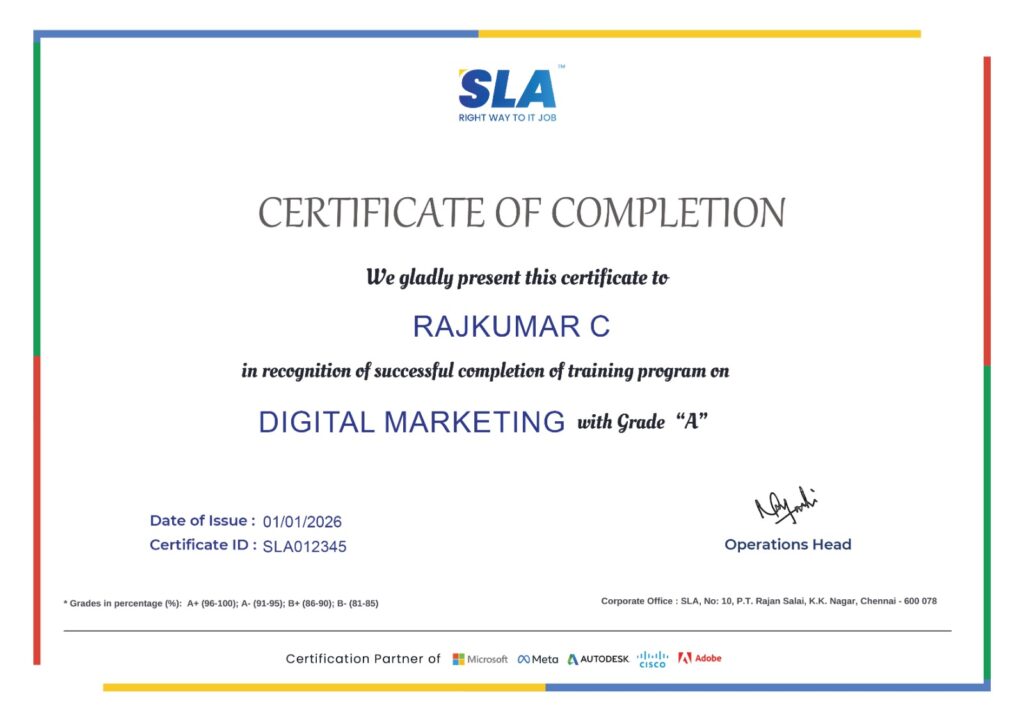
Earn Your Certificate of Completion
Validate your achievements with Softlogic's Certificate of Completion, verifying successful fulfillment of all essential components.
Take Your Career to the Next Level with Certifications
Get a certifications through our training programs to gain a competitive edge in the industry.

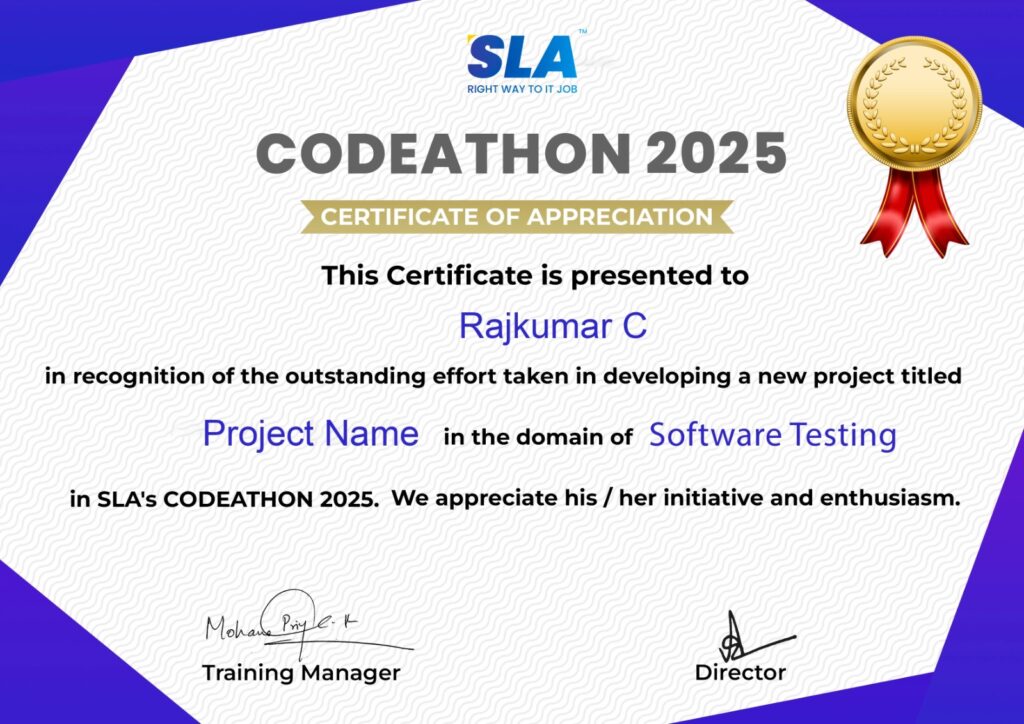
Stand Out from the Crowd with Codethon Certificate
Verify the authenticity of your real-time projects with Softlogic's Codethon certificate.
Hands-on Project Practices in MS Office Course
Newsletter Design
Sales Demonstration
Business Concept
Movie Tickets Online Reservation System
Spending Monitor
Analysis of Survey Data
Campaign for Mail Merge
Template for Meeting Minutes
Report on Data Analysis
The SLA Way to Get Placed in Top IT Companies
Enrollment

Technology Training
Coding Practices
Realtime Projects
Realtime Projects
Placement Training
Aptitude Training
Interview Skills
Interview Skills
Panel Mock
Interview

Unlimited
Interviews

Interview
Feedback

100%
IT Career
Placement Support for a MS Office Course Job
Genuine Placements. No Backdoor Jobs at Softlogic Systems.

Aptitude Training
from Day 1
Interview Skills
from Day 1

Softskills Training
from Day 1
Build Your Resume

Build your LinkedIn Profile

Build your GitHub
digital portfolio

Panel Mock Interview
Unlimited Interviews until you get placed

Life Long Placement Support at no cost
Request a Free Callback
FAQs
What is MS Office useful for?
A group of software applications created by Microsoft is called Microsoft Office. Word, Excel, PowerPoint, Outlook, Access, Publisher, and OneNote are all available. These applications are utilized in business, finance, research, and personal domains.
What skills do you need for MS Office?
The Microsoft Office Course shows students how to make the most of Word, Excel, PowerPoint, Outlook, OneNote, Access, SharePoint, Teams, and many other Office apps. In addition, the course will teach participants how to facilitate effective teamwork and communication by producing documents, spreadsheets, and presentations that appear professional.
What is the ability of MS Office?
You greatly enhance your value as an employee if you have excellent knowledge of Microsoft Office. The good news is that it’s simple to acquire useful skills in this field. You may learn how to use each product by enrolling in expert Microsoft Office courses. To advance in your existing position, you can even increase your expertise.
What advantages come with training in Microsoft Office?
One benefit of Microsoft Office training is the increase in employment options. It gets you ready for jobs as an executive assistant, manager, or in other departments. Second, you’ll gain a great degree of confidence and ability with Microsoft Office training. Not to mention, training will help you become more employable.
Does the Microsoft Office course involve hands-on practical training?
Yes, there are many practical projects and hands-on exercises in the Softlogic Systems Microsoft Office course that let users put the knowledge and skills they’ve learned to work.
Is a job placement guaranteed if I enroll in the Microsoft Office course?
Although Softlogic Systems cannot guarantee that students who enroll in the Microsoft Office course will find employment, we do our best to support and guide them to optimize their job prospects. Our placement team is highly skilled and committed.
If I already have a job offer, can I still go to job placement events through SLA?
Obviously! We never stop assisting people in finding jobs so they can fulfill their professional ambitions. To schedule a free trial of the best MS Office training coupled with placement assistance, get in touch with our career counselor.
How can SLA’s placement team assist us?
The SLA placement team’s thorough support can help you increase your work prospects. For those looking to change fields or those beginning their first job, our placement services offer comprehensive support. In addition to placement aid, SLA provides the following placement services:
- Develop a Resume
- Career counseling and guidance
- Engage in conversation with others.
- Job fairs
What kind of certification will I get once the MS Office course is over?
After finishing MS Office course at SLA, you will obtain globally recognized SLA course completion certificates, esteemed Microsoft credentials, and Codeathon certifications, all of which attest to your real-world project experience.
Which payment options are available at SLA?
For MS Office training at SLA, we accept cash, major credit cards (Visa, Maestro, Mastercard), Netbanking, and other payment methods.
Additional Information for
the MS Office Course
Future Prospects:
MS Office has become one of the most sought-after databases globally because of how simple it is for developers working with a variety of programming languages to store, manage, and retrieve data.
MS Office Certification Value:
Once you get your MS Office certification, employers will respect your IT knowledge and reliability. Therefore, even if you have never attended any training or are not a graduate, a certification will demonstrate your basic technical understanding of IT.
Continuous Learning:
Compared to similar platforms, it is faster, more capable of handling unstructured data, and offers superior indexing and search functions. The fact that MS Office integrates well with Node.js, the most popular backend framework, is just another reason to learn about it. It makes developing using Node easier to understand.
Related Blogs
Common Microsoft Office issues and Solutions
Published On: December 16, 2024
Microsoft Office offers a wide range of capabilities that simplify work and increase efficiency, from…
Microsoft Office Project Ideas
Published On: October 19, 2024
Working on Microsoft Office Project Ideas is a great way for students and beginners to…
MS Office Salary for Freshers and Experienced
Published On: October 4, 2024
Introduction Microsoft Office skills are no longer a credential that one can list on their…
MS Office Tutorial for Beginners
Published On: September 25, 2024
Introduction In today’s work environment, knowing how to work in Microsoft Office is a basic…
MS Office Interview Questions and Answers
Published On: June 7, 2024
Introduction The mastery of MS Office is a fundamental skill for professional efficiency in any…
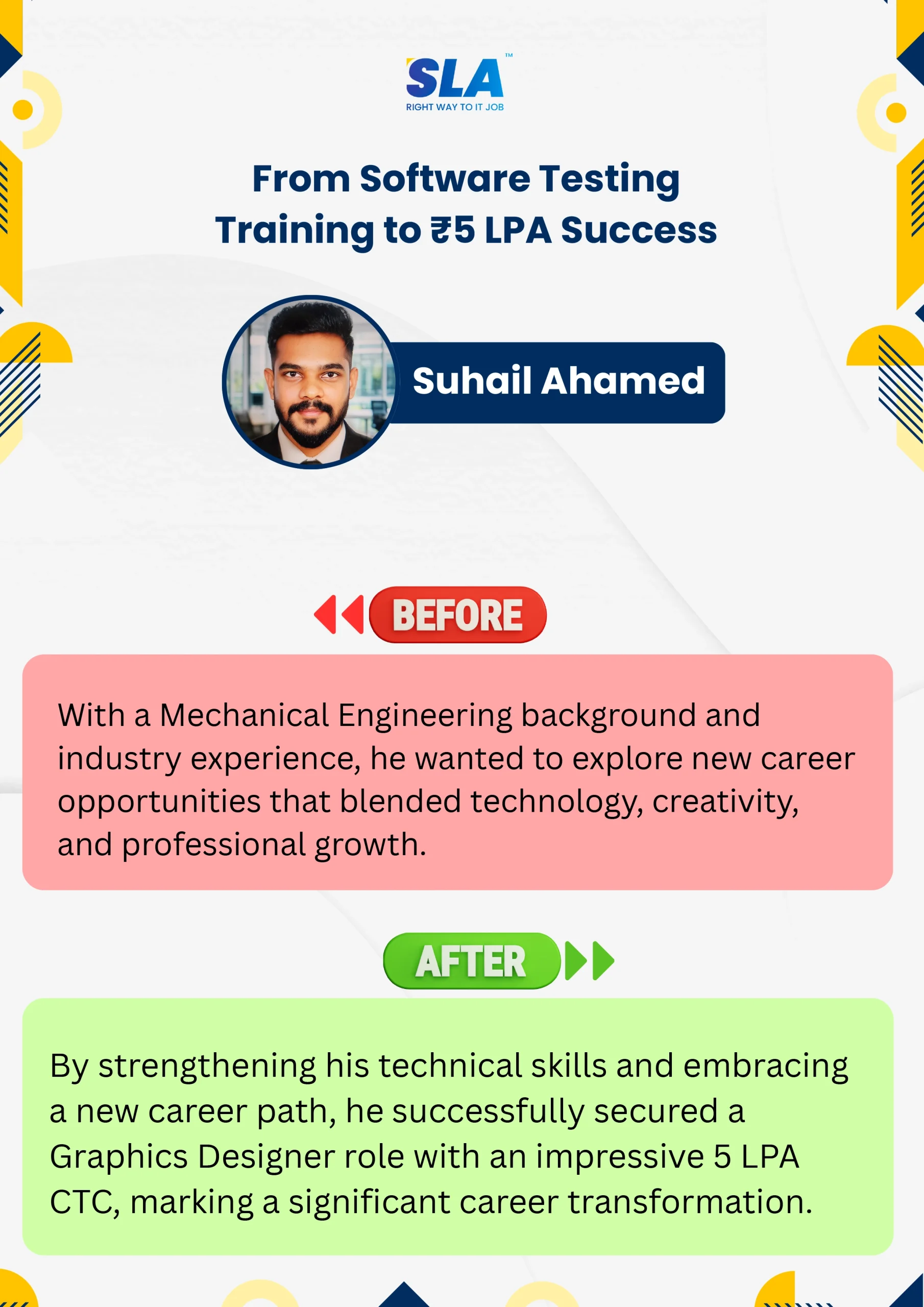
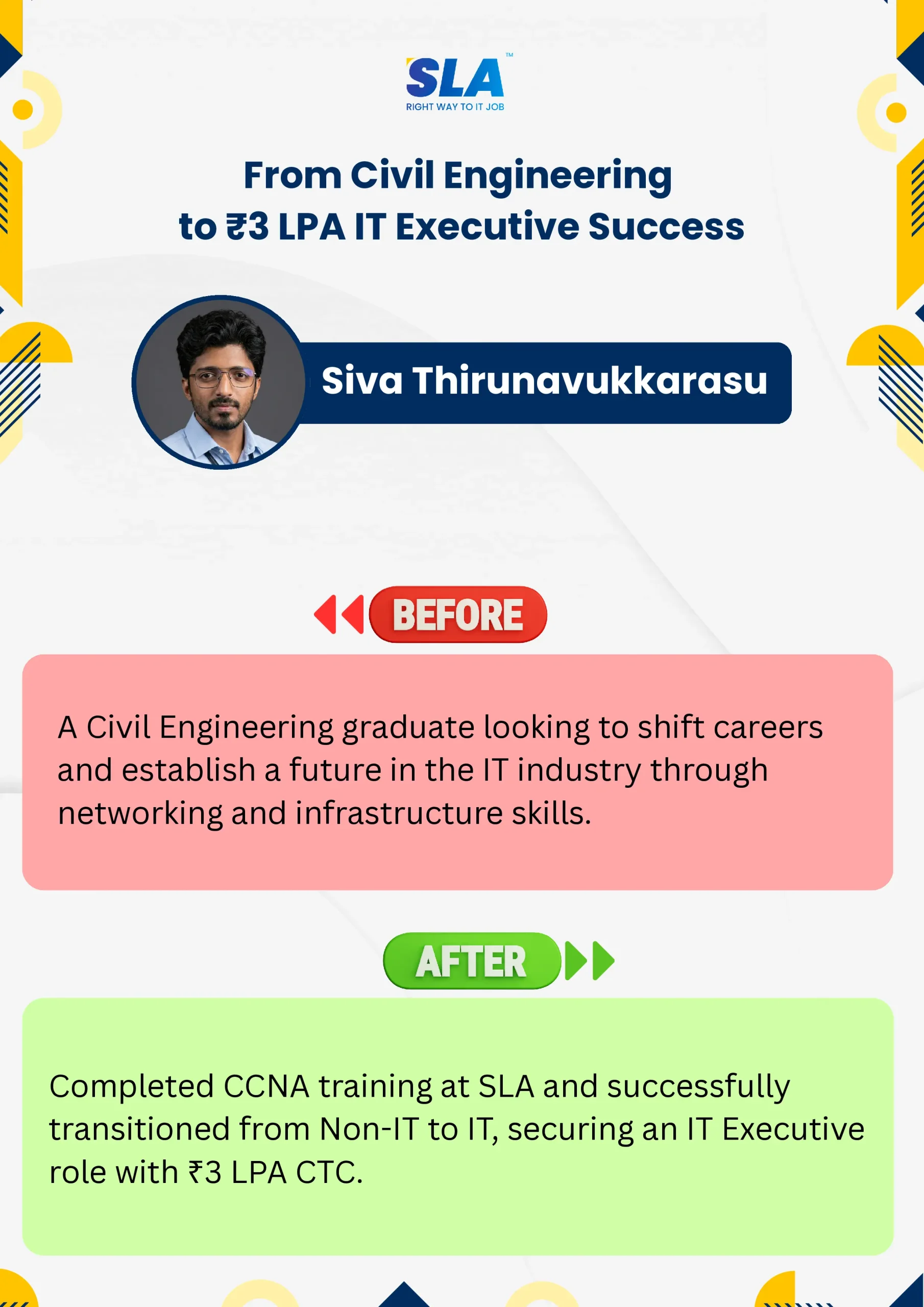
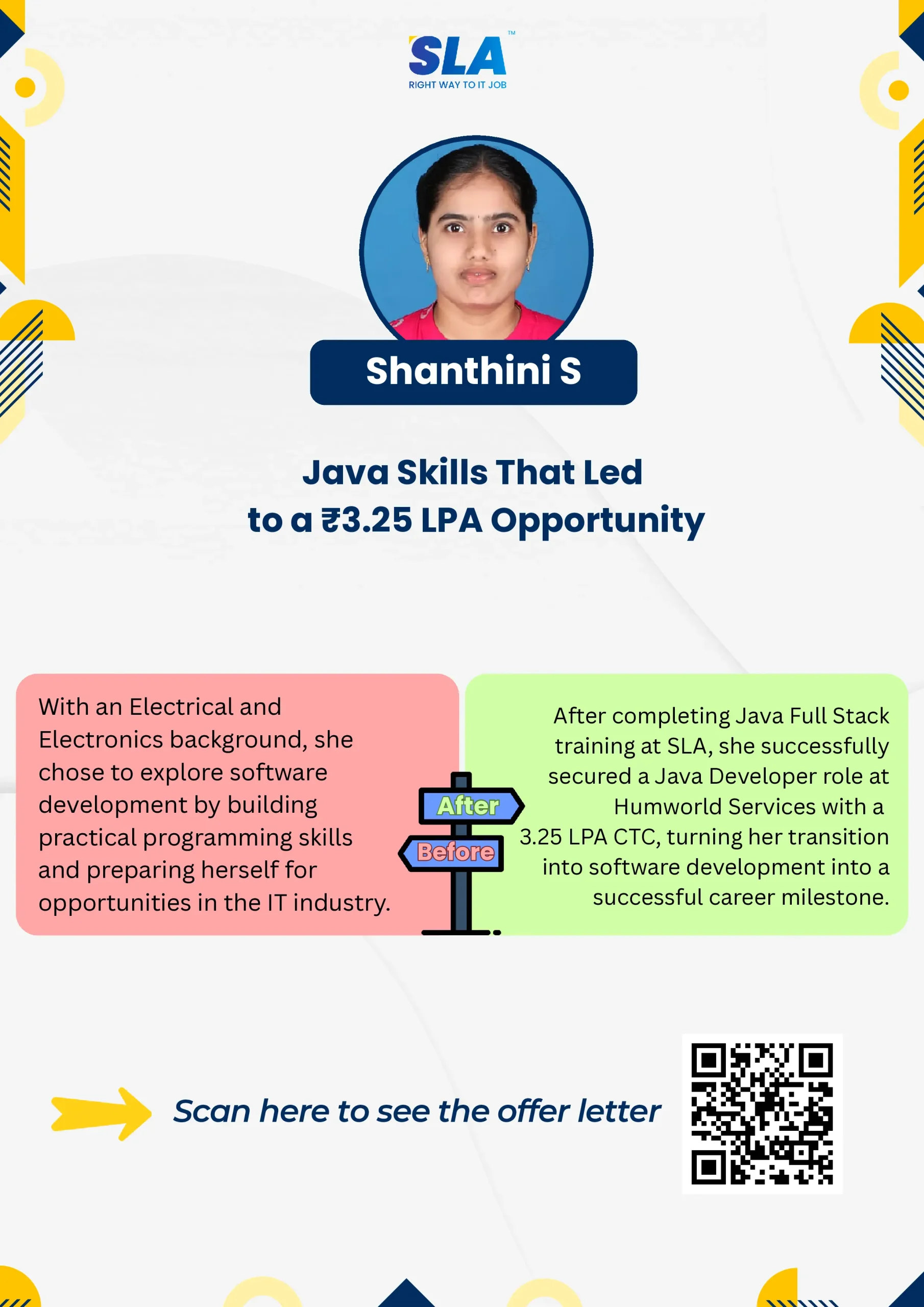
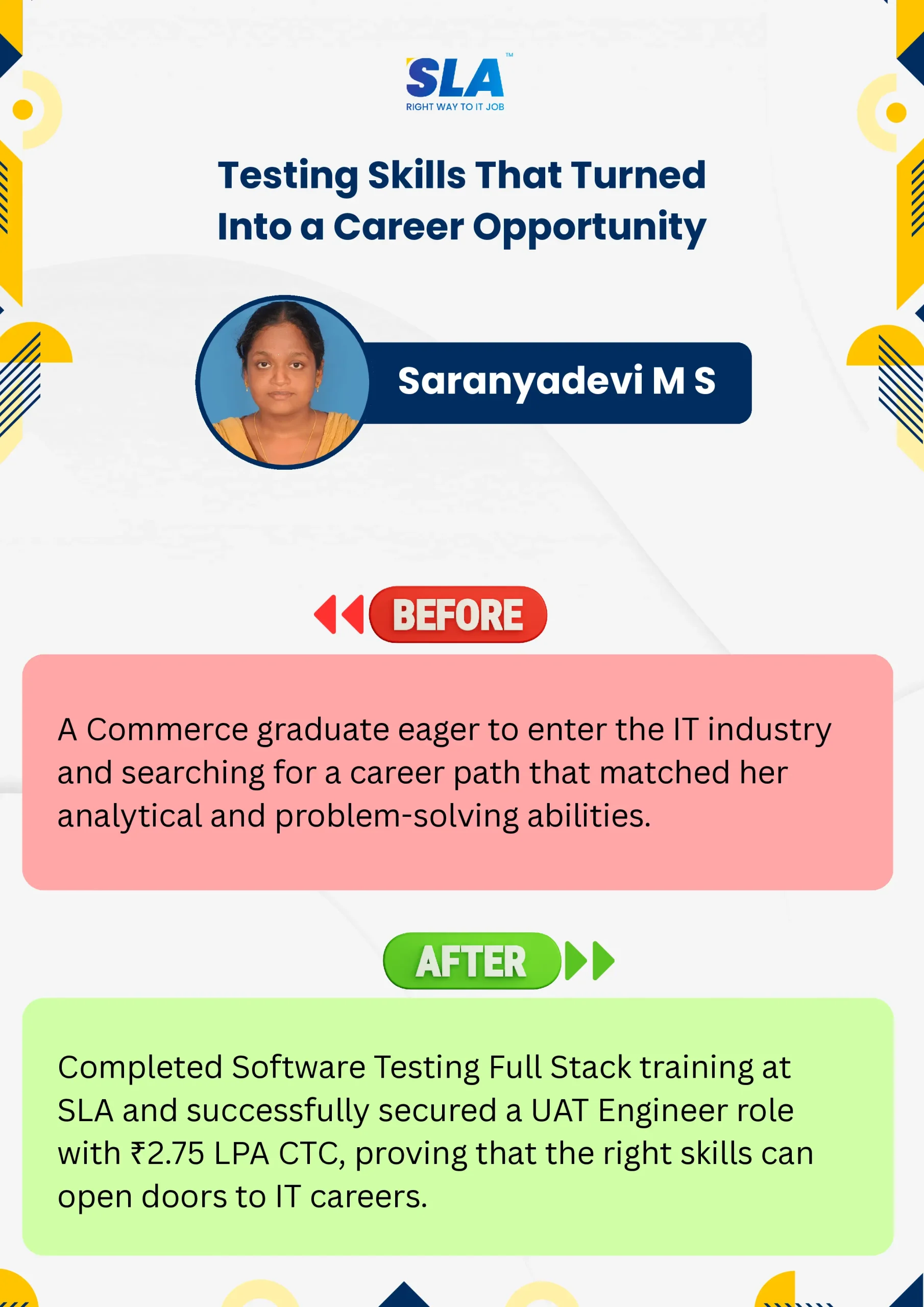
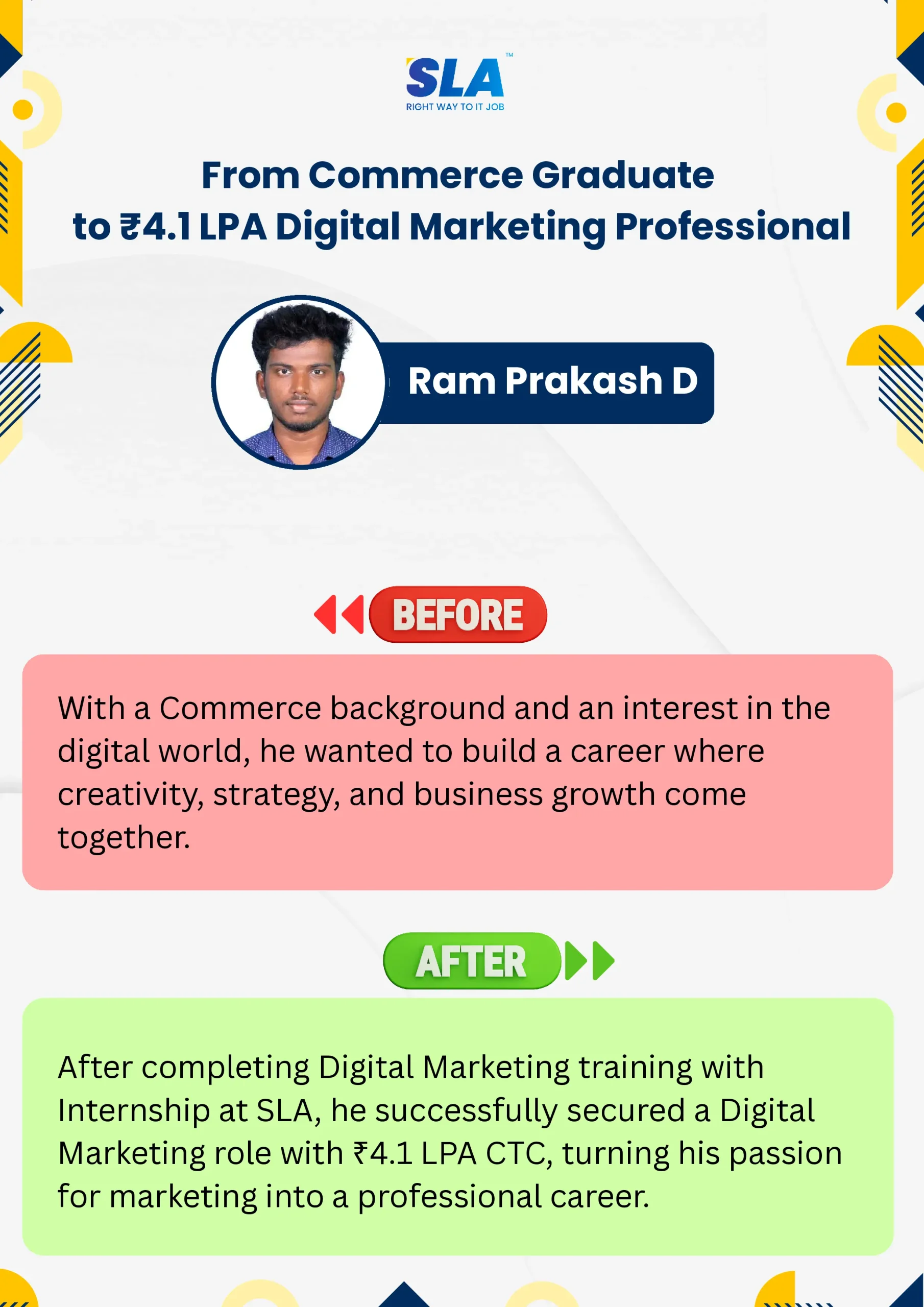
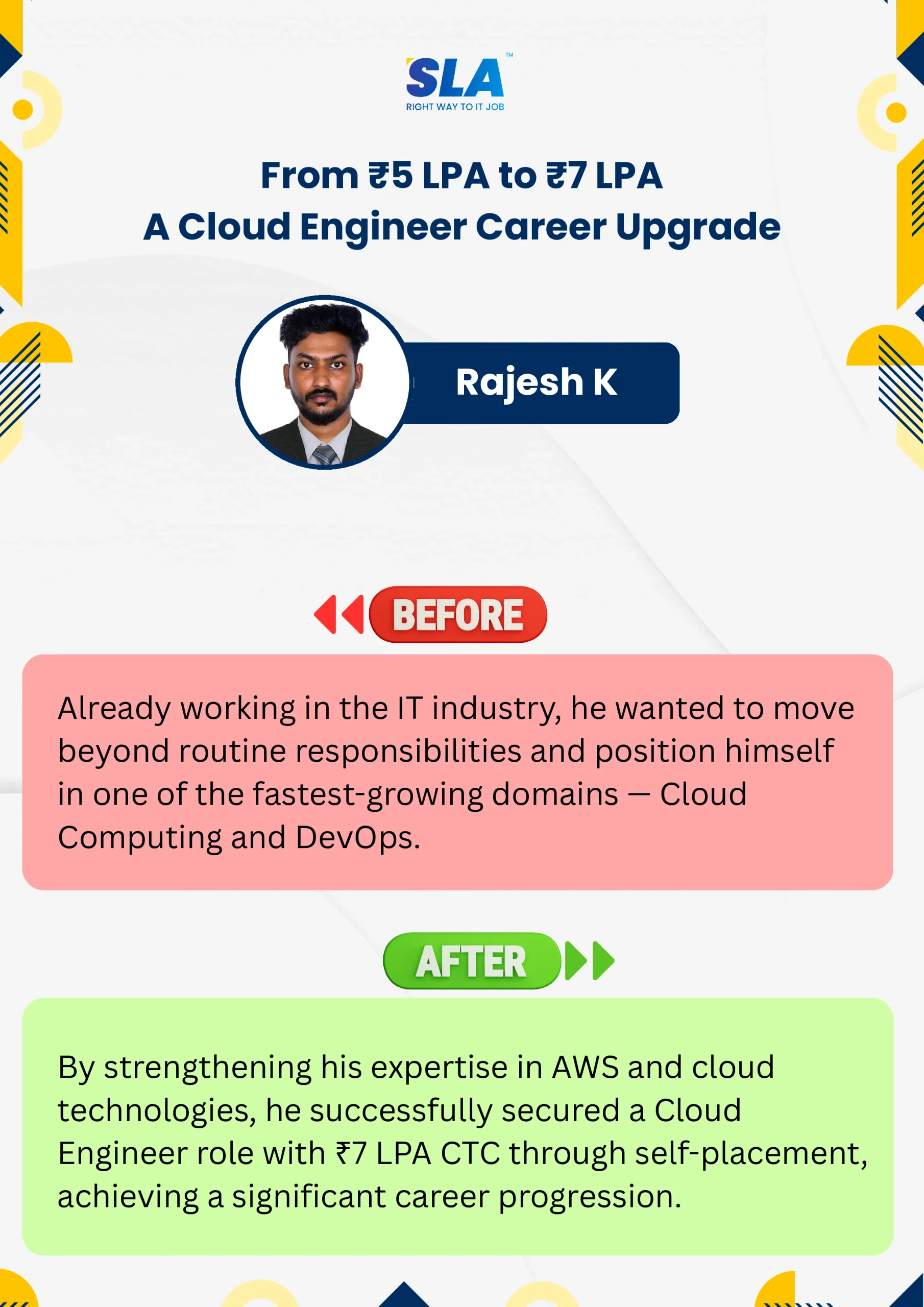

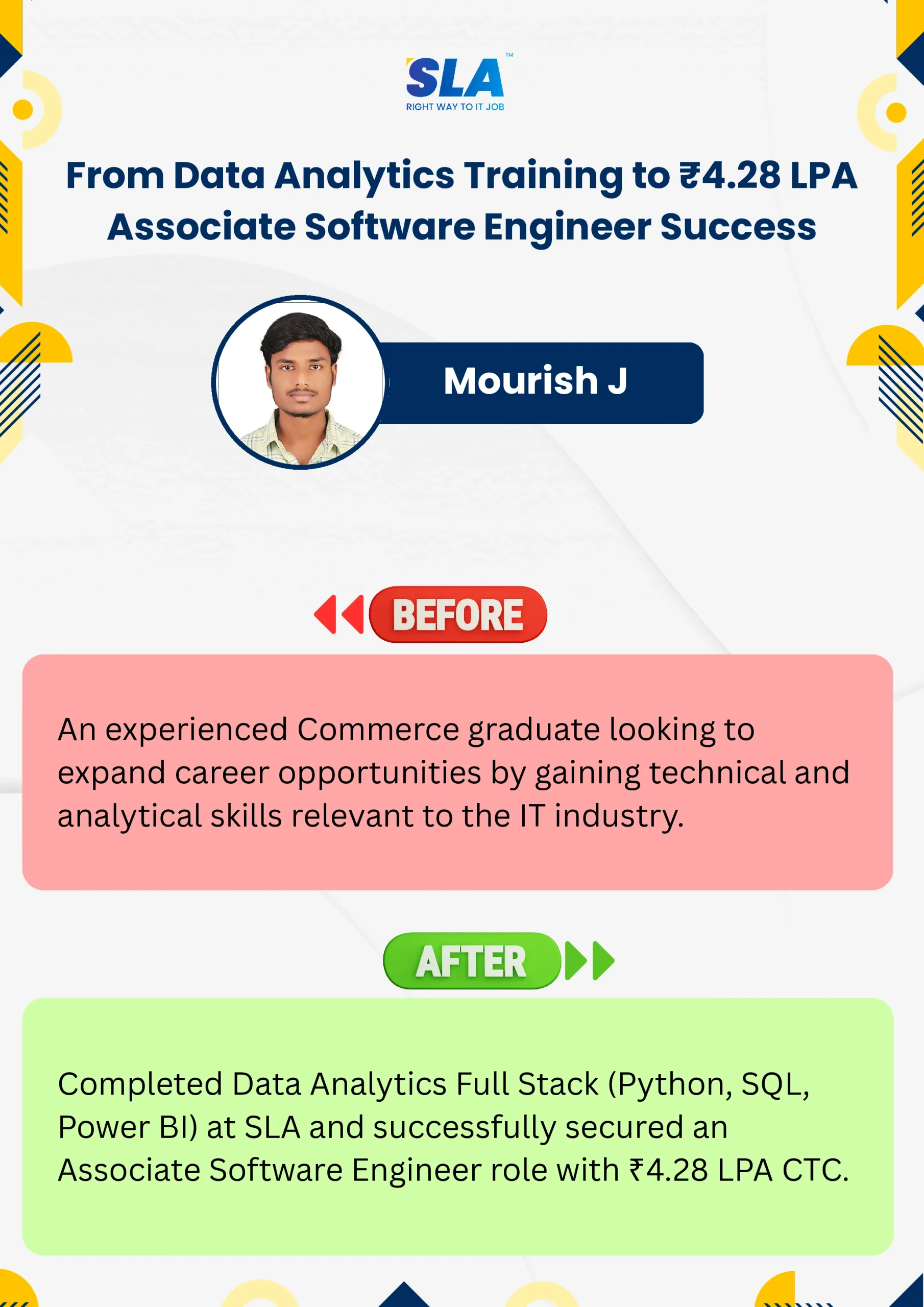
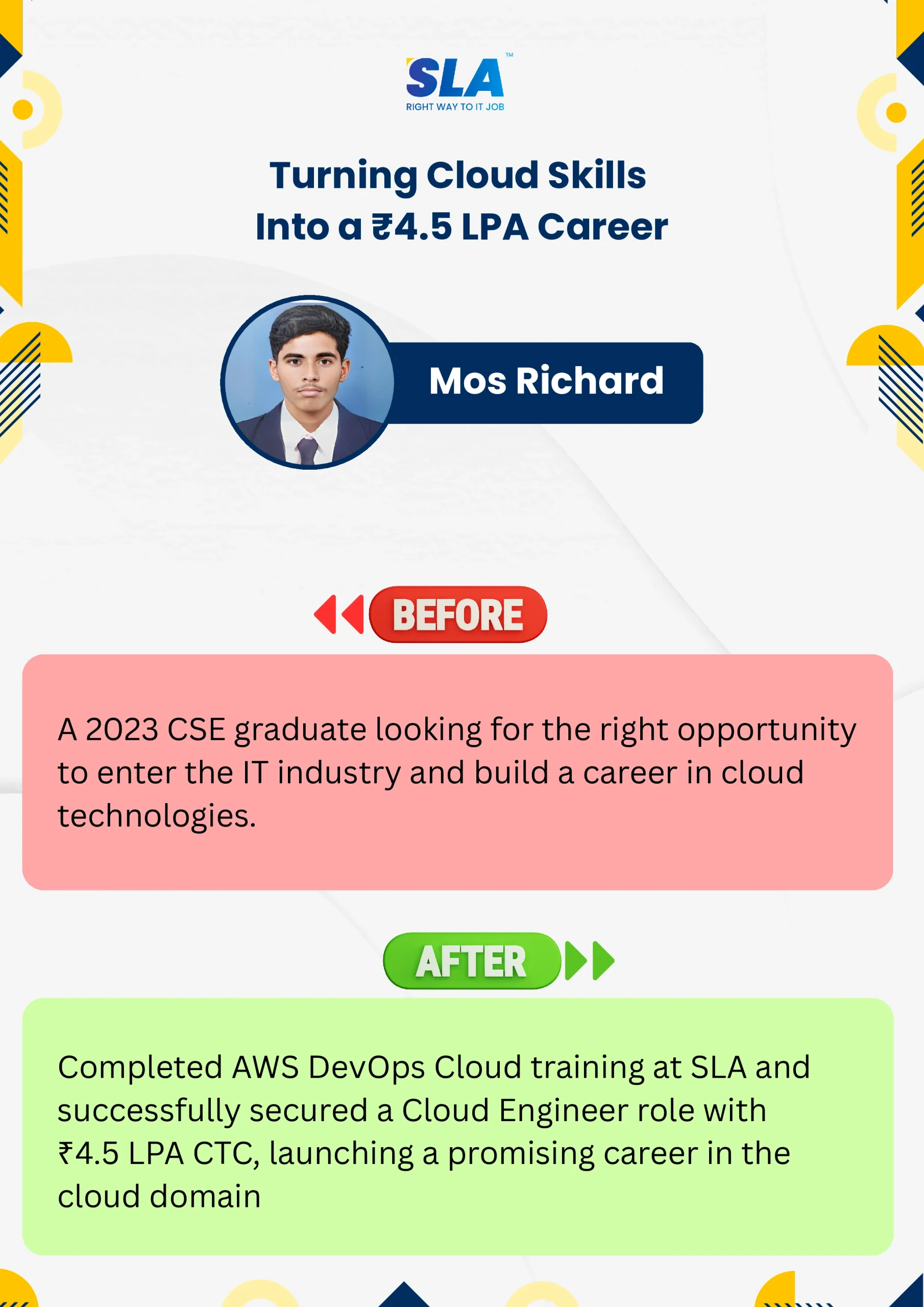
Google Reviews

Rating
4.8
1,053 Google reviews

Shaaru Menan
I had a 3 year career break. Joined SLA on Java Full Stack course and completed it.Did projects with the help of my Mentor. They…

Click here for Full Review

SARAN M
SLA Institute provides training in communication and aptitude along with strong technical skills. The trainers explain concepts clearly with a practical approach, which helps build…
Click here for Full Review

NalluKumar Ravichandran
Hi, I recently completed the DOT NET Full Stack Development course at SLA, and I had a great learning experience. The teaching style and student…
Click here for Full Review

Nithish Sahoo
I had an excellent experience taking this DevOps course. The curriculum is well-structured and covers both fundamental and advanced DevOps concepts in a clear manner.…
Click here for Full Review

MATHAN KUMAR G EEE
SLA Institute provides a structured learning environment for data analytics. The syllabus is relevant, and trainers are knowledgeable. Some sessions were very useful practically, while…
Click here for Full Review

Surya
Special thanks to Vishal Sir, the Placement Officer, for his interview guidance, resume support, and continuous motivation throughout the placement process. I would also like…
Click here for Full Review