Software Training Institute in Chennai with 100% Placements – SLA Institute
⭐ Exclusive Summer Courses Offer ⭐ 💰 Flat ₹5,000 - ₹10,000 off on all courses 👨‍👩‍👧 Additional discounts for group enrollments 🎓 100% Placement Support 🏆 90,000+ Students Successfully Placed 🚀 Avail now! Limited seats only!

MCSA Training In Omr

4.90
(8921)

Join Our 100% Job-Guaranteed MCSA Course in OMR. We Provide Quality MCSA training with an affordable Cost in OMR. Our MCSA Syllabus covers the Windows Server installation & configuration, networking fundamentals, Active Directory, storage management, virtualization, and server maintenance. At Softlogic Systems, you’ll earn globally recognized certifications, build real-time projects, and receive complete placement assistance to launch a successful career in your chosen field.
DURATION
Real-Time Location Services
2 Months
EMI
0% Interest
Mode
Rank-Based Percentile Gui Calculator using Tkinter
Live Online / Offline

Let's take the first step to becoming an expert in MCSA

Click Here to Get Started

100% Placement
Assurance

Get Certified

JOB PLACEMENT ELIGIBILITY TEST

×

Your Placement Eligibility Report

Want more details about MCSA Course?

Fill out the form, and our counsellors will get in touch with you at your preferred time. You can have all your queries answered. Once you decide that SLA is the perfect fit for your training needs, our counselors will guide you through the process every step of the way.

Course Schedules

Course Syllabus

Course Fees

CRM System Testing

or any other questions...

Fees, Duration & Batch Timings for MCSA Course

Hands On Training
3-5 Real Time Projects
60-100 Practical Assignments
3+ Assessments / Mock Interviews
June 2026
Week days
(Mon-Fri)
Online/Offline

2 Hours Real Time Interactive Technical Training 

1 Hour Aptitude 

1 Hour Communication & Soft Skills

(Suitable for Fresh Jobseekers / Non IT to IT transition)

Course Fee
June 2026
Week ends
(Sat-Sun)
Online/Offline

4 Hours Real Time Interactive Technical Training

(Suitable for working IT Professionals)

Course Fee

Save up to 20% in your Course Fee on our Job Seeker Course Series

Learn More

Syllabus of MCSA Course

Download Syllabus
Deploying and Managing Windows Server 2012
  • Windows Server 2012
  • Windows Server 2012 Management
  • Installing Windows Server 2012
  • Post-Installation Configuration of Windows Server 2012
  • Windows PowerShell
Active Directory Domain Services (AD DS)
  • AD DS
  • Domain Controllers
  • Installing a Domain Controller
Managing Active Directory Domain Services Objects
  • Managing User Accounts
  • Managing Group Accounts
  • Managing Computer Accounts
  • Delegating Administration
Automating AD DS Administration
  • Using Command Line Tools for Administration
  • Using Windows PowerShell for Administration
  • Performing Bulk Operations with Windows PowerShell
Implementing IPv4
  • TCP/IP
  • IPv4 Addressing
  • Subnetting and Supernetting
  • Configuring and Troubleshooting IPv4
Implementing Dynamic Host Configuration Protocol (DHCP)
  • Installing a DHCP Server Role
  • Configuring DHCP Scopes
  • Managing a DHCP Database
  • Securing and Monitoring DHCP
Implementing Domain Name System (DNS)
  • Name Resolution for Windows Clients and Servers
  • Installing and Managing a DNS Server
  • Managing DNS Zones
Implementing IPv6
  • IPv6 Addressing
  • Coexistence with IPv6
  • IPv6 Transition Technologies
Implementing Local Storage
  • Storage
  • Managing Disks and Volumes
  • Implementing Storage Spaces
Implementing File and Print Services
  • Securing Files and Folders
  • Protecting Shared Files and Folders Using Shadow Copies
  • Configuring Network Printing
Implementing Group Policy
  • Group Policy Processing
  • Implementing a Central Store for Administrative Templates
Securing Windows Servers Using Group Policy Objects
  • Windows Security
  • Configuring Security Settings
  • Restricting Software
  • Configuring Windows Firewall with Advanced Security
Implementing Server Virtualization with Hyper-V
  • Virtualization Technologies
  • Implementing Hyper-V
  • Managing Virtual Machine Storage
  • Managing Virtual Networks
Implementing a Group Policy Infrastructure
  • Group Policy
  • Implementing and Administering Group Policy Objects (GPOs)
  • Managing Group Policy Scope
  • Group Policy Processing
  • Troubleshooting the Application of GPOs
Managing User Desktops with Group Policy
  • Implementing Administrative Templates
  • Configuring Folder Redirection and Scripts
  • Configuring Group Policy Preferences
  • Managing Software with Group Policy
Managing User and Service Accounts
  • Automating User Account Management
  • Configuring Password-Policy and User-Account Lockout
  • Configuring Managed Service Accounts
Maintaining Active Directory Domain Services
  • Implementing Virtualized Domain Controllers
  • Implementing Read-Only Domain Controllers
  • Administering AD DS
  • Managing the AD DS Database
Configuring and Troubleshooting Domain Name System (DNS)
  • Installing the DNS Server Role
  • Configuring the DNS Server Role
  • Configuring DNS Zones
  • Configuring DNS Zone Transfers
  • Managing and Troubleshooting DNS
Configuring and Troubleshooting Remote Access
  • Configuring Network Access
  • Configuring VPN Access
  • Network Policies
  • Troubleshooting Routing and Remote Access
  • Configuring DirectAccess
Installing, Configuring, and Troubleshooting the Network Policy Server Role
  • Installing and Configuring a Network Policy Server
  • Configuring RADIUS Clients and Servers
  • NPS Authentication Methods
  • Monitoring and Troubleshooting a Network Policy Server

Objectives of MCSA Training

Our MCSA training in OMR has the most up-to-date syllabus, personally curated by IT industry experts who created the syllabus while bearing in mind the current trends in the IT industry. Our MCSA Training syllabus begins with fundamental concepts and goes all the way to advanced topics which are briefly discussed below:

  • The syllabus begins with fundamental topics like, Deploying and Managing Windows Server 2012, Active Directory Domain Services (AD DS), Managing Active Directory Domain Services Objects etc.
  • The syllabus then moves to topics like, Implementing IPv6, Implementing Local Storage, Implementing File and Print Services, Implementing Group Policy etc.
  • The course then moves onto advanced topics like, Configuring and Troubleshooting Domain Name System (DNS), Configuring and Troubleshooting Remote Access, etc.

Why Softlogic Systems is the Best Choice for MCSA Training – Learn, Practice, and Get Placed!

Crowdfunding Platform
Online & Offline Training Options
Learn at your convenience with flexible classroom and live online training.
Learn from 100+ Real-Time Developers
Get trained by industry professionals with years of hands-on experience.
Voting System with Python Django
Hands-on Projects & Codeathons
Practice with real-time projects and coding challenges to build confidence.
0% EMI Fee Options
Pay your course fees flexibly with easy EMI plans at zero interest.
Resume & Interview Support
Get expert help with resume building, mock interviews, and soft skills.
Placement with Top IT Firms
Access placement opportunities with leading MNCs and IT companies.
1000+ Hiring Partners
Benefit from Softlogic’s strong recruiter network for faster job placement.
No Backdoor Jobs
We ensure only genuine placement opportunities with trusted companies.
Want to Speak to a Trainer about MCSA?Request a Free Callback

Highlights of MCSA Course

MCSA, or Microsoft Certified Solutions Associate, is a certification program provided by Microsoft. It confirms proficiency in managing and utilizing Microsoft technologies like Windows Server, SQL Server, Office 365, and Azure. Geared towards IT professionals and developers, MCSA validates skills and expertise in Microsoft products and technologies.

The following are the reasons for learning MCSA:

  • Career Advancement: MCSA certification enhances your resume, boosts credibility in IT, and increases job opportunities in Microsoft-related roles.
  • Skill Validation: MCSA validates proficiency in Microsoft technologies like Windows Server, SQL Server, Office 365, and Azure, proving competency to potential employers.
  • Industry Recognition: MCSA, offered by Microsoft, is a globally respected certification, indicating dedication to ongoing learning and career growth in technology.

SLA does not demand any prerequisites for any course, due to the fact that SLA’s course syllabus covers everything from basic to advanced level. But having a fundamental experience in these below topics will help you understand the course better:

  • Basic Computer Skills: You should be comfortable with operating systems and common software applications.
  • Fundamental IT Knowledge: It’s important to understand networking concepts, hardware components, and basic system administration.
  • Experience with Microsoft Technologies: Having some familiarity with Microsoft Windows operating systems and applications is helpful.

Our MCSA Course is suitable for: 

  • Students
  • Job Seekers
  • Freshers
  • IT professionals aiming to enhance their skills
  • Professionals seeking career change
  • Enthusiastic programmers

The following are some of the jobs related to MCSA:

  • System Administrator
  • Network Administrator
  • Database Administrator (DBA)
  • IT Support Specialist

The System Administrator freshers salary typically with less than 2 years of experience earn approximately ₹3-4 lakhs annually. For a mid-career System Administrator with around 4 years of experience, the average annual salary is around ₹5-5.5 lakhs. An experienced System Administrator with more than 8 years of experience can anticipate an average yearly salary of around ₹6-6.8 lakhs. Visit SLA for more courses.

Here are several real time MCSA applications:

  • Server Deployment and Configuration
  • Network Infrastructure Design
  • Database Administration
  • Cloud Migration and Management

Boost Your Skills with Our MCSA Training Experts

Our Mentors are from Top Companies like:

The following are our trainers profile for our MCSA Training in OMR:

  • Our instructors bring over 5 years of hands-on experience in MCSA-related fields, ensuring top-notch training.
  • They are dedicated professionals who value teamwork and excel in delivering exceptional training sessions.
  • Holding MCSA certification themselves, our trainers possess a range of professional qualifications.
  • They possess extensive expertise spanning Networking, System Administration, and both Windows and Linux systems.
  • With excellent communication and problem-solving abilities, our trainers ensure effective knowledge transfer.
  • Crafting high-quality course materials and providing interactive labs, they enrich the learning journey.
  • Specializing in the setup and management of Windows Server 2012 and 2016 networks, they excel in troubleshooting network issues.
  • Proficient in configuring Active Directory services, our trainers support complex corporate network structures.
  • Their skills extend to configuring distributed systems, securing networks, and managing Windows Server and Linux systems.
  • Experienced in wireless and VPN connectivity, they optimize data storage and backup solutions.
  • Proficient in PowerShell scripting, they automate tasks and enhance system performance.
  • Having guided numerous professionals to MCSA certification, they assist students with resume building and interview preparation, ensuring holistic support in placement activities.
Want to Speak to a Trainer about MCSA?Request a Free Callback

What Modes of Training are available for MCSA Course?

Offline / Classroom Training

A Personalized Learning Experience with Direct Trainer Engagement!
  • Direct Interaction with the Trainer
  • Clarify doubts then and there
  • Airconditioned Premium Classrooms and Lab with all amenities
  • Codeathon Practices
  • Direct Aptitude Training
  • Live Interview Skills Training
  • Direct Panel Mock Interviews
  • Campus Drives
  • 100% Placement Support
Explore Offline Courses

Online Training

Interactive Quiz Website
Instructor Led Live Training! Learn at the comfort of your home
  • No Recorded Sessions
  • Live Virtual Interaction with the Trainer
  • Clarify doubts then and there virtually
  • Live Virtual Interview Skills Training
  • Live Virtual Aptitude Training
  • Online Panel Mock Interviews
  • 100% Placement Support
Explore Online Courses

Corporate Training

Blended Delivery model (both Online and Offline as per Clients’ requirement)
  • Industry endorsed Skilled Faculties
  • Flexible Pricing Options
  • Customized Syllabus
  • 12X6 Assistance and Support
Explore Offline Courses
Want to Master your Skills in MCSA?GET Free Consultation

Certifications

Take your career to new heights with Softlogic's software training certifications.
Improve your abilities to get access to rewarding possibilities
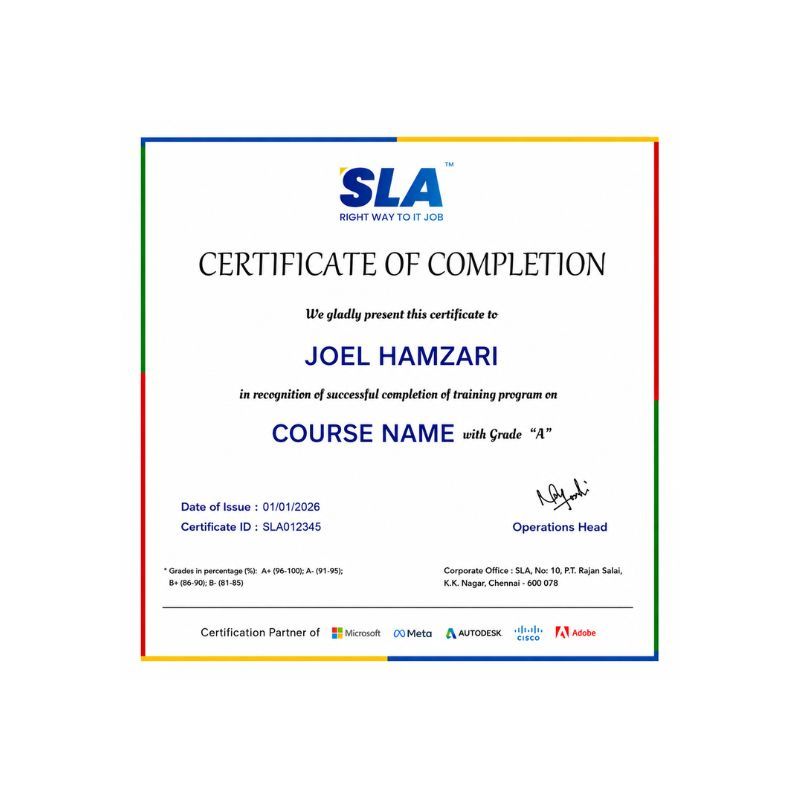
Earn Your Certificate of Completion
Validate your achievements with Softlogic's Certificate of Completion, verifying successful fulfillment of all essential components.
Take Your Career to the Next Level with  Certifications
Get a certifications through our training programs to gain a competitive edge in the industry.
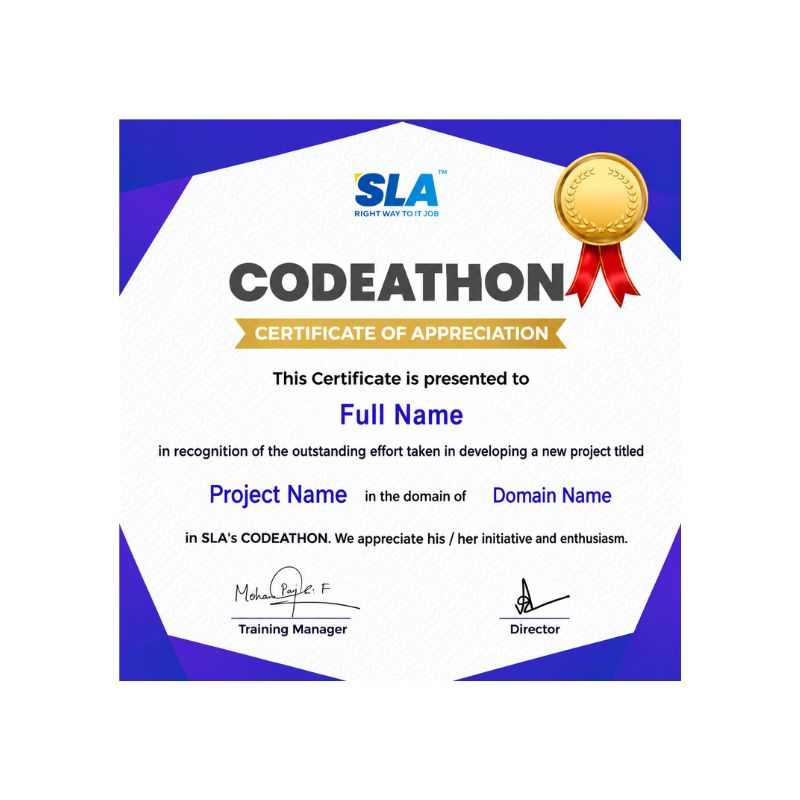
Stand Out from the Crowd with Codethon Certificate
Verify the authenticity of your real-time projects with Softlogic's Codethon certificate.

Hands-on Project Practices in MCSA Course

Certificate Services Deployment
Integration with Cloud Services
Monitoring and Performance Optimization
Implementing Network Security Policies
Implementing High Availability with Failover Clustering
Remote Access and VPN Setup
Backup and Disaster Recovery Planning
Server Virtualization with Hyper-V
Group Policy Implementation

The SLA Way to Get Placed in Top IT Companies

Enrollment

Technology Training

Coding Practices
Realtime Projects

Placement Training

Aptitude Training
Interview Skills
CRM System Testing

Panel Mock
Interview

Unlimited
Interviews

Interview
Feedback

100%
IT Career

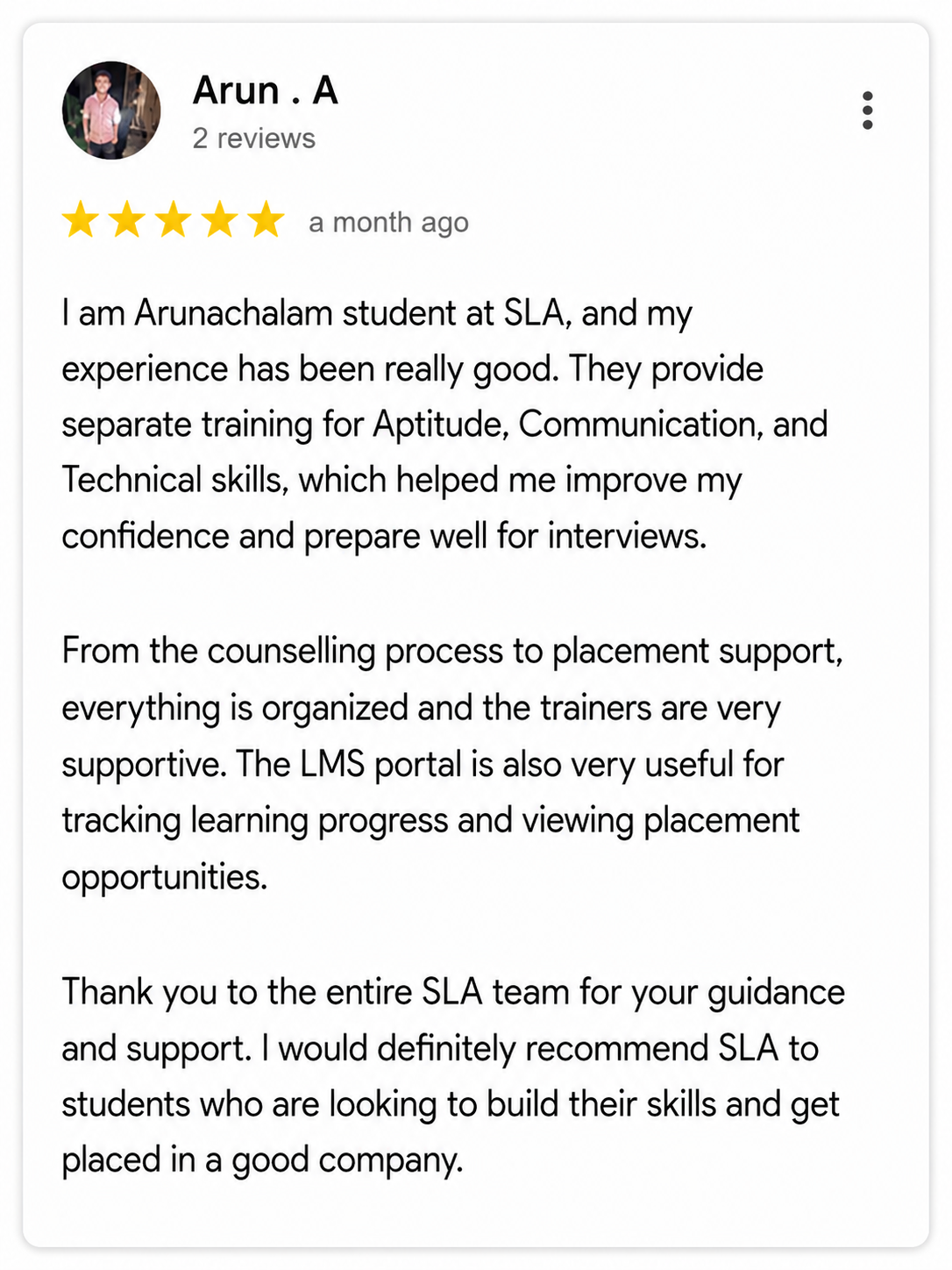
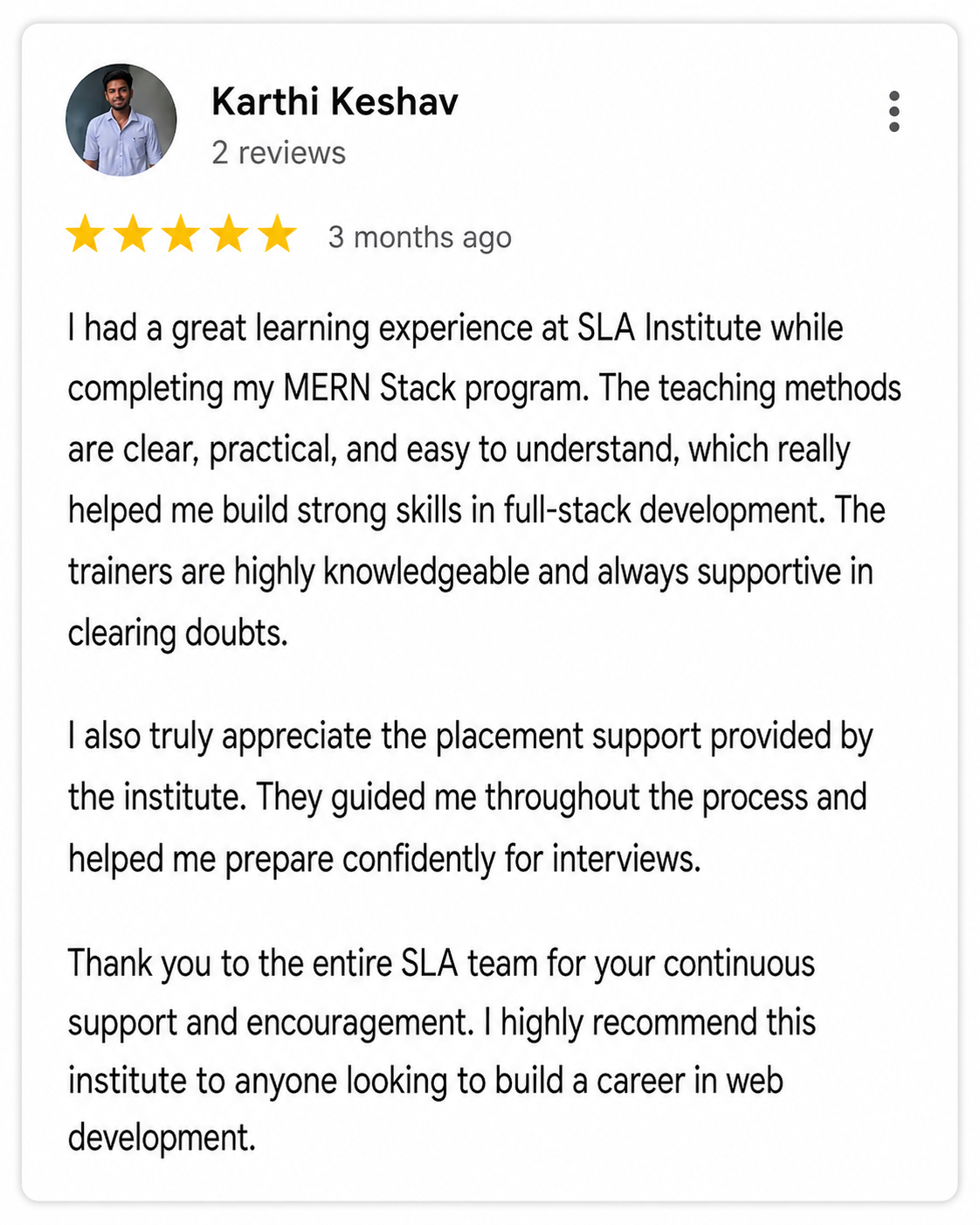
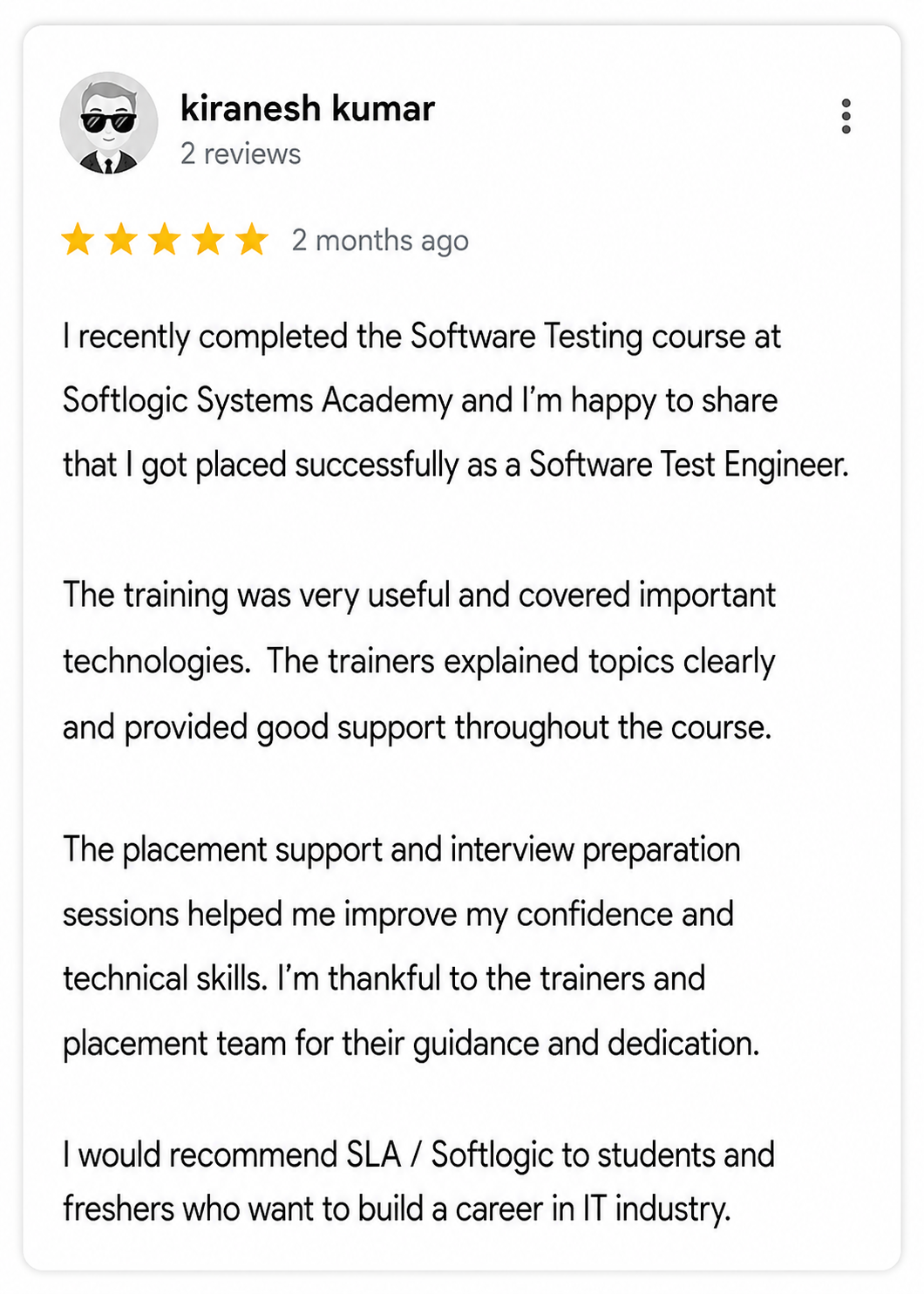
Google Reviews

Rating
4.8
1,053 Google reviews

NalluKumar Ravichandran

Hi, I recently completed the DOT NET Full Stack Development course at SLA, and I had a great learning experience. The teaching style and student…
Click here for Full Review

Shaaru Menan

I had a 3 year career break. Joined SLA on Java Full Stack course and completed it.Did projects with the help of my Mentor. They…
Click here for Full Review

MATHAN KUMAR G EEE

SLA Institute provides a structured learning environment for data analytics. The syllabus is relevant, and trainers are knowledgeable. Some sessions were very useful practically, while…
Click here for Full Review

Nithish Sahoo

I had an excellent experience taking this DevOps course. The curriculum is well-structured and covers both fundamental and advanced DevOps concepts in a clear manner.…
Click here for Full Review

 Surya

 Special thanks to Vishal Sir, the Placement Officer, for his interview guidance, resume support, and continuous motivation throughout the placement process. I would also like…
Click here for Full Review

SARAN M

SLA Institute provides training in communication and aptitude along with strong technical skills. The trainers explain concepts clearly with a practical approach, which helps build…
Click here for Full Review

Discover What Our Students Have To Say

See More Reviews

Placement Support for a MCSA Job

Genuine Placements. No Backdoor Jobs at Softlogic Systems.

Aptitude Training
from Day 1

CRM System Testing

Interview Skills
from Day 1

Softskills Training
from Day 1

Build Your Resume

Build your LinkedIn Profile

Build your GitHub
digital portfolio

Panel Mock Interview

Unlimited Interviews until you get placed

Life Long Placement Support at no cost

Unlock Career Opportunities with our Placement TrainingRequest a Free Callback

FAQs

MCSA, or Microsoft Certified Solutions Associate, isn’t a standalone exam but a certification program by Microsoft. Candidates must pass specific exams aligned with their chosen certification track, testing their proficiency in Microsoft technologies. Upon passing the required exams, candidates receive MCSA certification for their chosen technology track.

The MCSA certification encompasses a variety of Microsoft technologies, such as:

  • Windows Server
  • SQL Server
  • Office 365
  • Azure (Microsoft Cloud Services)

The number of exams needed to obtain an MCSA certification varies depending on the chosen certification track. Generally, candidates must pass one to three exams for each MCSA certification.

SLA’s MCSA syllabus covers topics from beginner’s level to advanced level, hence it is open to all candidates regardless of their past experience.

Getting prepared for MCSA exams usually entails self-studying with official Microsoft resources, enrolling in training courses, practicing with mock tests, and gaining hands-on experience in the relevant technology, all of which are offered by SLA.

Yes, SLA provides an EMI option with 0% interest.

SLA has a total of two branches. One is in Navalur, OMR and another is in K.K.Nagar.

Our OMR branch is located at the hub of IT industry, which gives students great opportunities in practical training , placements and placements

Yes, SLA has an HR department which deals with students grievances and issues

SLA’s trainers have years of experience both in the field of IT and teaching.

Additional Information for
the MCSA Course

Trends in the MCSA (Microsoft Certified Solutions Associate) certification have evolved alongside advancements in Microsoft technologies and shifts in the IT industry. Here are the rephrased points:

  • Cloud Focus: The rise in cloud computing adoption has led to a heightened emphasis on MCSA tracks related to Microsoft Azure and cloud services. IT professionals are pursuing MCSA certifications to showcase their proficiency in deploying, managing, and securing cloud-based solutions.
  • Hybrid Environments: Organizations are increasingly adopting hybrid IT environments that blend on-premises infrastructure with cloud services. Consequently, MCSA tracks covering both on-premises and cloud technologies, like Windows Server and Azure, are gaining popularity.
  • DevOps Integration: The integration of development and operations practices (DevOps) is becoming more widespread in IT organizations. MCSA certifications tied to DevOps practices, such as Azure DevOps, are sought after as companies aim to streamline software development and deployment processes.
  • Security Emphasis: With cybersecurity gaining paramount importance, MCSA tracks focusing on security-related technologies, such as Windows Server Security and Azure Security, are witnessing heightened interest. IT professionals pursue these certifications to bolster their skills in securing IT infrastructures and data.

Data Analytics and AI: The growing reliance on data-driven decision-making has propelled the demand for MCSA certifications related to data analytics, business intelligence, and artificial intelligence (AI), such as SQL Server and Azure Data certifications. IT professionals are eager to acquire these certifications to develop skills in data analysis, machine learning, and predictive analytics.

Related Blogs

Our counselors will share the Syllabus PDF with you via Email / Whatsapp

Get Your Instant Job & Placement Eligibility
Report in Just 30 Seconds!
Below 30% - not Eligible (Needs Preparation)
30% – 70% - Partially Eligible (Needs Guidance)
Above 70% - Fully Eligible (Ready to Start)

We are excited to get started with you

Give us your information and we will arange for a free call (at your convenience) with one of our counsellors. You can get all your queries answered before deciding to join SLA and move your career forward.