Software Training Institute in Chennai with 100% Placements – SLA Institute

MCSA Certification Course

4.80
(1538)

Softlogic is one of the Top Training institutes for MCSA. Learn how to use MCSA, from beginner basics to advanced techniques. Our MCSA Syllabus covers the Windows Server installation & configuration, networking fundamentals, Active Directory, storage management, virtualization, and server maintenance. We offer an MCSA Course with Placement Assistance, Mock interviews, Resume building, and certification.


DURATION
Real-Time Location Services
2 Months
EMI
0% Interest
Mode
Rank-Based Percentile Gui Calculator using Tkinter
Live Online / Offline

Let's take the first step to becoming an expert in MCSA

Click Here to Get Started

Lifelong Placement
Assistance

Get Certified

JOB PLACEMENT ELIGIBILITY TEST

×

Your Placement Eligibility Report

Want more details about MCSA?

Fill out the form, and our counsellors will get in touch with you at your preferred time. You can have all your queries answered. Once you decide that SLA is the perfect fit for your training needs, our counselors will guide you through the process every step of the way.

Course Schedules

Course Syllabus

Course Fees

CRM System Testing

or any other questions...

Fees, Duration & Batch Timings for MCSA

Hands On Training
3-5 Real Time Projects
60-100 Practical Assignments
3+ Assessments / Mock Interviews
July 2026
Week days
(Mon-Fri)
Online/Offline

2 Hours Real Time Interactive Technical Training 

1 Hour Aptitude 

1 Hour Communication & Soft Skills

(Suitable for Fresh Jobseekers / Non IT to IT transition)

Course Fee
July 2026
Week ends
(Sat-Sun)
Online/Offline

4 Hours Real Time Interactive Technical Training

(Suitable for working IT Professionals)

Course Fee

Save up to 20% in your Course Fee on our Job Seeker Course Series

Learn More

Syllabus of MCSA

Download Syllabus
  • Windows Server 2012
  • Windows Server 2012 Management
  • Installing Windows Server 2012
  • Post-Installation Configuration of Windows Server 2012
  • Windows PowerShell
  • AD DS
  • Domain Controllers
  • Installing a Domain Controller
  • Managing User Accounts
  • Managing Group Accounts
  • Managing Computer Accounts
  • Delegating Administration
  • Using Command Line Tools for Administration
  • Using Windows PowerShell for Administration
  • Performing Bulk Operations with Windows PowerShell
  • TCP/IP
  • IPv4 Addressing
  • Subnetting and Supernetting
  • Configuring and Troubleshooting IPv4
  • Installing a DHCP Server Role
  • Configuring DHCP Scopes
  • Managing a DHCP Database
  • Securing and Monitoring DHCP
  • Name Resolution for Windows Clients and Servers
  • Installing and Managing a DNS Server
  • Managing DNS Zones
  • IPv6 Addressing
  • Coexistence with IPv6
  • IPv6 Transition Technologies
  • Storage
  • Managing Disks and Volumes
  • Implementing Storage Spaces
  • Securing Files and Folders
  • Protecting Shared Files and Folders Using Shadow Copies
  • Configuring Network Printing
  • Group Policy Processing
  • Implementing a Central Store for Administrative Templates
  • Windows Security
  • Configuring Security Settings
  • Restricting Software
  • Configuring Windows Firewall with Advanced Security
  • Virtualization Technologies
  • Implementing Hyper-V
  • Managing Virtual Machine Storage
  • Managing Virtual Networks
  • Group Policy
  • Implementing and Administering Group Policy Objects (GPOs)
  • Managing Group Policy Scope
  • Group Policy Processing
  • Troubleshooting the Application of GPOs
  • Implementing Administrative Templates
  • Configuring Folder Redirection and Scripts
  • Configuring Group Policy Preferences
  • Managing Software with Group Policy
  • Automating User Account Management
  • Configuring Password-Policy and User-Account Lockout
  • Configuring Managed Service Accounts
  • Implementing Virtualized Domain Controllers
  • Implementing Read-Only Domain Controllers
  • Administering AD DS
  • Managing the AD DS Database
  • Installing the DNS Server Role
  • Configuring the DNS Server Role
  • Configuring DNS Zones
  • Configuring DNS Zone Transfers
  • Managing and Troubleshooting DNS
  • Configuring Network Access
  • Configuring VPN Access
  • Network Policies
  • Troubleshooting Routing and Remote Access
  • Configuring DirectAccess
  • Installing and Configuring a Network Policy Server
  • Configuring RADIUS Clients and Servers
  • NPS Authentication Methods
  • Monitoring and Troubleshooting a Network Policy Server

Objectives of MCSA

The objectives of learning MCSA training include

  • To increase your proficiency with operating systems, servers, and web applications.
  • To enable you to install, configure, administer, and handle Windows Server 2008 with ease.
  • To become proficient in the administration of databases, security features, and SQL (Structured Query Language) server-related services.
  • To offer you administration experience for business applications hosted in the cloud.
  • To assist you in designing Linux solutions for the cloud.
Request a Free Callback

Why Softlogic Systems is the Best Choice for MCSA – Learn, Practice, and Get Placed!

Crowdfunding Platform
Online & Offline Training Options
Learn at your convenience with flexible classroom and live online training.
Learn from 100+ Real-Time Developers
Get trained by industry professionals with years of hands-on experience.
Voting System with Python Django
Hands-on Projects & Codeathons
Practice with real-time projects and coding challenges to build confidence.
0% EMI Fee Options
Pay your course fees flexibly with easy EMI plans at zero interest.
Resume & Interview Support
Get expert help with resume building, mock interviews, and soft skills.
Placement with Top IT Firms
Access placement opportunities with leading MNCs and IT companies.
1000+ Hiring Partners
Benefit from Softlogic’s strong recruiter network for faster job placement.
No Backdoor Jobs
We ensure only genuine placement opportunities with trusted companies.
Request a Free Callback

Highlights of MCSA

Microsoft created the MCSA (Microsoft Certified Solutions Associate) certification program, which was aimed at individuals looking for entry-level positions in the field of information technology. 

Learning MCSA is beneficial for several reasons:

  • Expertise with Microsoft Products: With the MCSA certification, IT workers could verify and exhibit their familiarity with Microsoft products.
  • No Prerequisites Required: Since it was an entry-level qualification, there were no specific requirements for anyone who wanted to pursue it.
  • Growth Opportunities: The MCSA certification opened doors to more advanced and sophisticated Microsoft qualifications, such as the MCSE (Microsoft Certified Solutions Expert) certification.

  • Diverse Roles: IT job titles like Desktop Support Specialist, Network Administrator, Microsoft Systems Administrator, Database Administrator (entry-level), and Computer Network Architect were frequently held by those with the MCSA credential.
  • High Demand: MCSA skills are sought after, increasing job prospects.

To begin learning MCSA, no prerequisites are required. While prior computer hardware knowledge helps, it’s not necessary. As you learn, keep your mind open to new ideas and technological advancements.

Our MCSA Course is suitable for:

  • Students
  • Professionals seeking a career change
  • IT professionals aiming to enhance their skills
  • Enthusiastic programmers
  • Job Seekers

Our MCSA training is offered for around 20,000 INR, with potential variations based on the course level (basic, intermediate, or advanced) and format (online or in person). Generally, the training spans approximately 2 months and includes certification upon completion. For accurate details concerning fees, duration, and certification, we suggest reaching out to our training center directly.

Here are some jobs related to MCSA:

  • Desktop support specialist: Installing new programs, managing updates and offering technical support.
  • Network administrator: Installing, monitoring, debugging, and updating hardware and software components used to set network infrastructure.
  • Microsoft systems administrator: Installation, setup, upkeep, security, and dependable functioning of peripherals, appliances, storage systems, and servers at the enterprise level.
  • Database administrator (Entry-Level): Maintain and add new data to databases as appropriate, and perform an updated analysis when required. 
  • Computer network architect: Principally in charge of designing a company’s communication and IT systems.

A fresher MCSA professional with less than three years of experience typically earns an average annual salary of ₹2,75,000.  A MCSA Developer who is mid-career, with 4–9 years of experience, typically earns an average annual salary of about ₹9,00,000. As for an experienced MCSA with 10-20 years of experience, the average annual salary is approximately ₹ 20,00,000.

Here are some real-time applications of MCSA across industries:

  • Network Management: Set up and keep networks to ensure smooth communication.
  • Server Administration: Keep an eye on servers to ensure the smooth running of services and applications.
  • System Maintenance: This is known as system maintenance.
  • Help Desk Support: Provide prompt fixes for hardware and software problems.
  • Desktop Management: Keep your desktop computer’s hardware and software dependable.
  • Cloud Integration: Integrate and oversee cloud services with cloud integration.

Boost Your Skills with Our MCSA Experts

Our Mentors are from Top Companies like:
  • Our trainers for the MCSA Course possess vast experience in hardware and network infrastructure, offering invaluable expertise to students.
  • Many trainers hold advanced degrees in computer science, network engineering, or related fields.
  • Several trainers have earned certifications in various hardware technologies, enhancing their credibility and knowledge.
  • They bring valuable insights from diverse hardware projects across various industries, enriching students’ learning experiences.
  • Trainers excel in articulating complex network concepts clearly, ensuring students’ comprehension and engagement.
  • With profound insights into hardware and network principles, trainers offer comprehensive guidance and mentorship to students.
  • Dedicated to remaining abreast of the latest trends and advancements, our MCSA trainers ensure students receive current and relevant knowledge.
Request a Free Callback

What Modes of Training are available for MCSA?

Offline / Classroom Training

A Personalized Learning Experience with Direct Trainer Engagement!
  • Direct Interaction with the Trainer
  • Clarify doubts then and there
  • Airconditioned Premium Classrooms and Lab with all amenities
  • Codeathon Practices
  • Direct Aptitude Training
  • Live Interview Skills Training
  • Direct Panel Mock Interviews
  • Campus Drives
  • 100% Placement Support
Explore Offline Courses

Online Training

Interactive Quiz Website
Instructor Led Live Training! Learn at the comfort of your home
  • No Recorded Sessions
  • Live Virtual Interaction with the Trainer
  • Clarify doubts then and there virtually
  • Live Virtual Interview Skills Training
  • Live Virtual Aptitude Training
  • Online Panel Mock Interviews
  • 100% Placement Support
Explore Online Courses

Corporate Training

Blended Delivery model (both Online and Offline as per Clients’ requirement)
  • Industry endorsed Skilled Faculties
  • Flexible Pricing Options
  • Customized Syllabus
  • 12X6 Assistance and Support
Explore Offline Courses
GET Free Consultation

Certifications

Take your career to new heights with Softlogic's software training certifications.
Improve your abilities to get access to rewarding possibilities
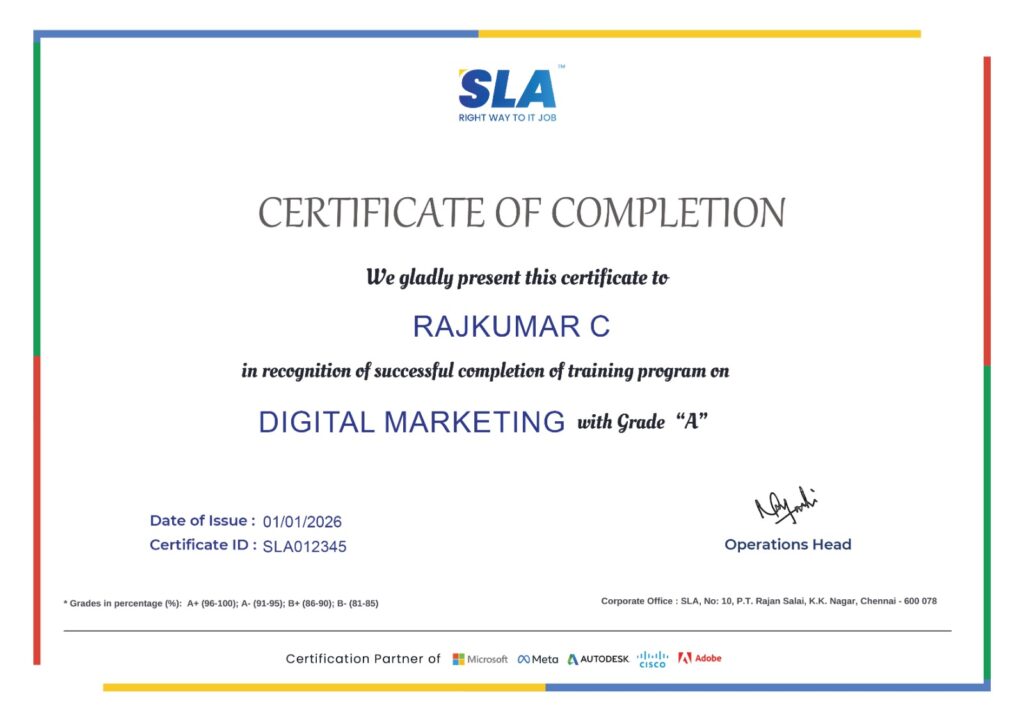
Earn Your Certificate of Completion
Validate your achievements with Softlogic's Certificate of Completion, verifying successful fulfillment of all essential components.
Take Your Career to the Next Level with  Certifications
Get a certifications through our training programs to gain a competitive edge in the industry.
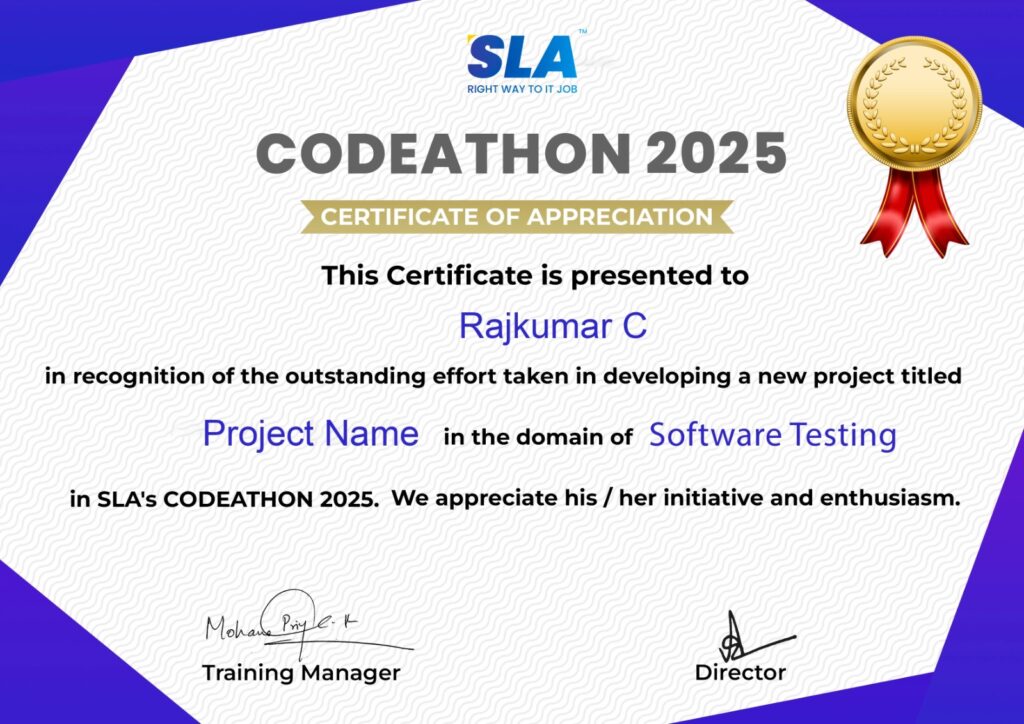
Stand Out from the Crowd with Codethon Certificate
Verify the authenticity of your real-time projects with Softlogic's Codethon certificate.

Hands-on Project Practices in MCSA

Build a patch management system for Windows Server
Performance Dashboard for Windows Server
Use MDT to deploy Windows Server
Implement Windows Server Storage Spaces Direct (S2D)
Improvements to GPMC
Install a safe RDS infrastructure
Enhance Microsoft SQL Server
App for Network Monitoring
Transfer files to a new Windows server

The SLA Way to Get Placed in Top IT Companies

Enrollment

Technology Training

Coding Practices
Realtime Projects

Placement Training

Aptitude Training
Interview Skills
CRM System Testing

Panel Mock
Interview

Unlimited
Interviews

Interview
Feedback

100%
IT Career

Placement Support for a MCSA Job

Genuine Placements. No Backdoor Jobs at Softlogic Systems.

Aptitude Training
from Day 1

CRM System Testing

Interview Skills
from Day 1

Softskills Training
from Day 1

Build Your Resume

Build your LinkedIn Profile

Build your GitHub
digital portfolio

Panel Mock Interview

Unlimited Interviews until you get placed

Life Long Placement Support at no cost

Request a Free Callback

FAQs

Start with MCSA basics. Microsoft Certified Solutions Associate is referred to as MCSA. Microsoft offers this certification to verify that IT workers are competent in developing, constructing, deploying, and supporting solutions that make use of Microsoft technology. 

Operating systems, servers, and web apps are all covered in MCSA training. The MCSE program teaches business intelligence, data platform skills, server infrastructure, and private cloud computing.

An entry-level certification program for people just starting out in IT is MCSA. Following MCSA is the expert-level certification course called MCSA. To become a system administrator, professionals must complete the MCSA course. The MCSE program prepares students to work as system engineers.

Applicants need to have a basic understanding of server technologies, operating systems, etc. in order to enroll in the simpler MCSA course. The more challenging MCSE course is meant for seasoned IT workers and is at an advanced level compared to MCSA.

MCSA developers are highly sought after due to MCSA’s extensive use in network development and maintenance and the growing popularity of network infrastructure. With its versatility and rich ecosystem, MCSA remains a top choice for network administrators.

Of course! To support candidates in achieving their professional objectives, we provide continuing placement assistance. To schedule a free demonstration of the top MCSA training with placement assistance, get in touch with our career counselor.

The SLA placement team improves your employment opportunities by offering comprehensive assistance. With our placement services, you will receive comprehensive support whether you are a certified student wishing to change careers or are a first-time worker. SLA offers the following premium services as part of our placement support:

  • Developing a resume
  • Career counseling and guidance
  • Practice interviews
  • Career fairs

You will receive internationally recognized SLA course completion certificates, prestigious Microsoft credentials, and Codeathon certificates upon completing the training, all of which validate your practical project expertise.

We take cash, credit cards (Visa, Maestro, Mastercard), Netbanking, and other major payment options for MCSA training at SLA.

Please give our course counselor a call at +91 86818 84318 or via WhatsApp. Alternatively, you can email us at enquiry@softlogicsys.in, utilize our website form, or chat on our website.

Additional Information for
the MCSA

Obtaining MCSA certification greatly enhances one’s ability to pursue employment opportunities in the IT industry. Qualified professionals can work in a variety of capacities, such as system administrator, in charge of maintaining and overseeing all Microsoft-based networks, servers, and structures.

Employers will value your IT expertise and trustworthiness once you have earned your MCSA certification. Therefore, a certification will serve as evidence of your fundamental technical understanding of IT, even if you have never taken any training or are not a graduate. 

Microsoft introduced role-based certifications to replace MCSA. These aim to provide professionals with the knowledge and abilities required for work in data science, artificial intelligence, cloud computing, and other emerging technology fields.

Related Blogs

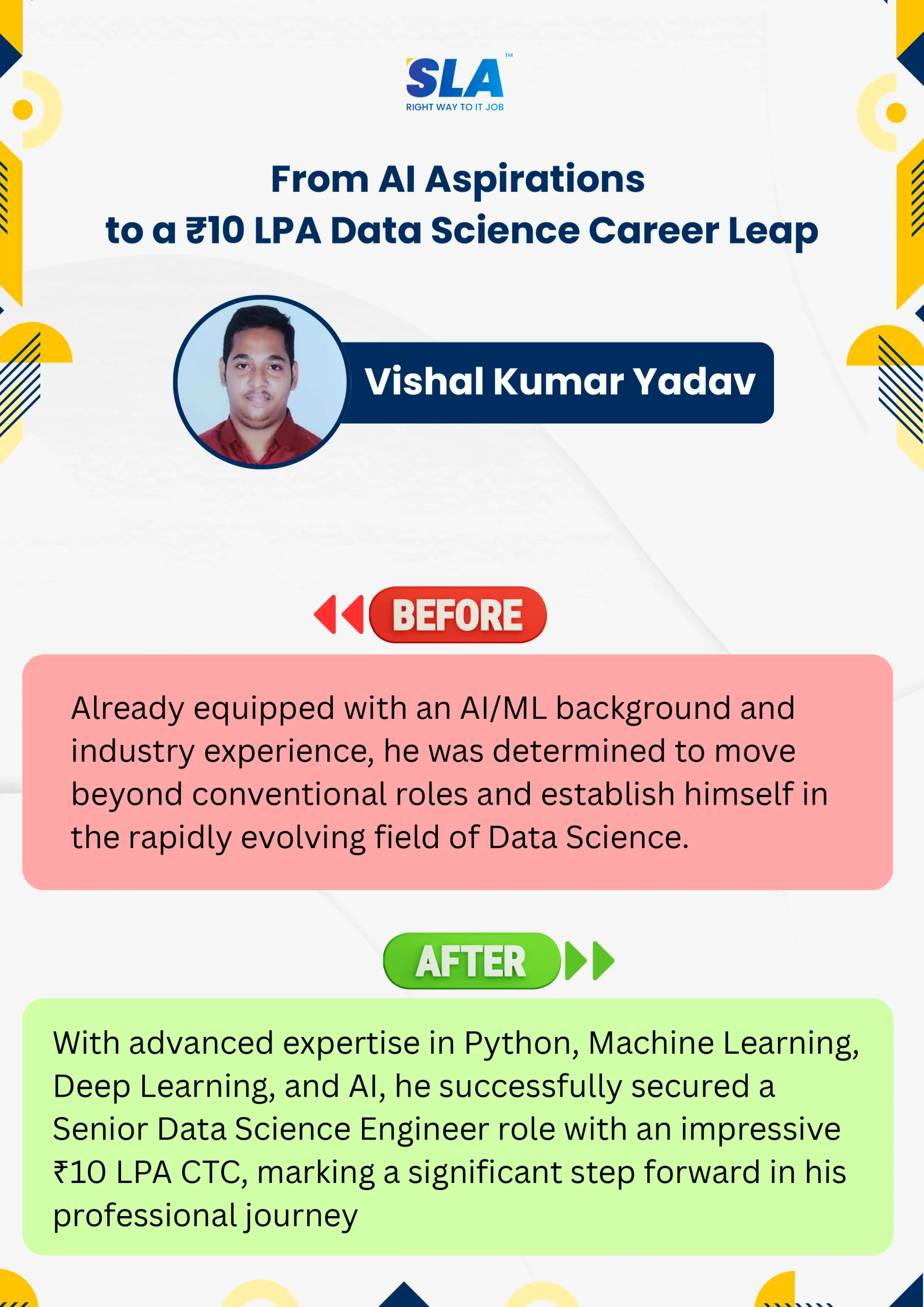
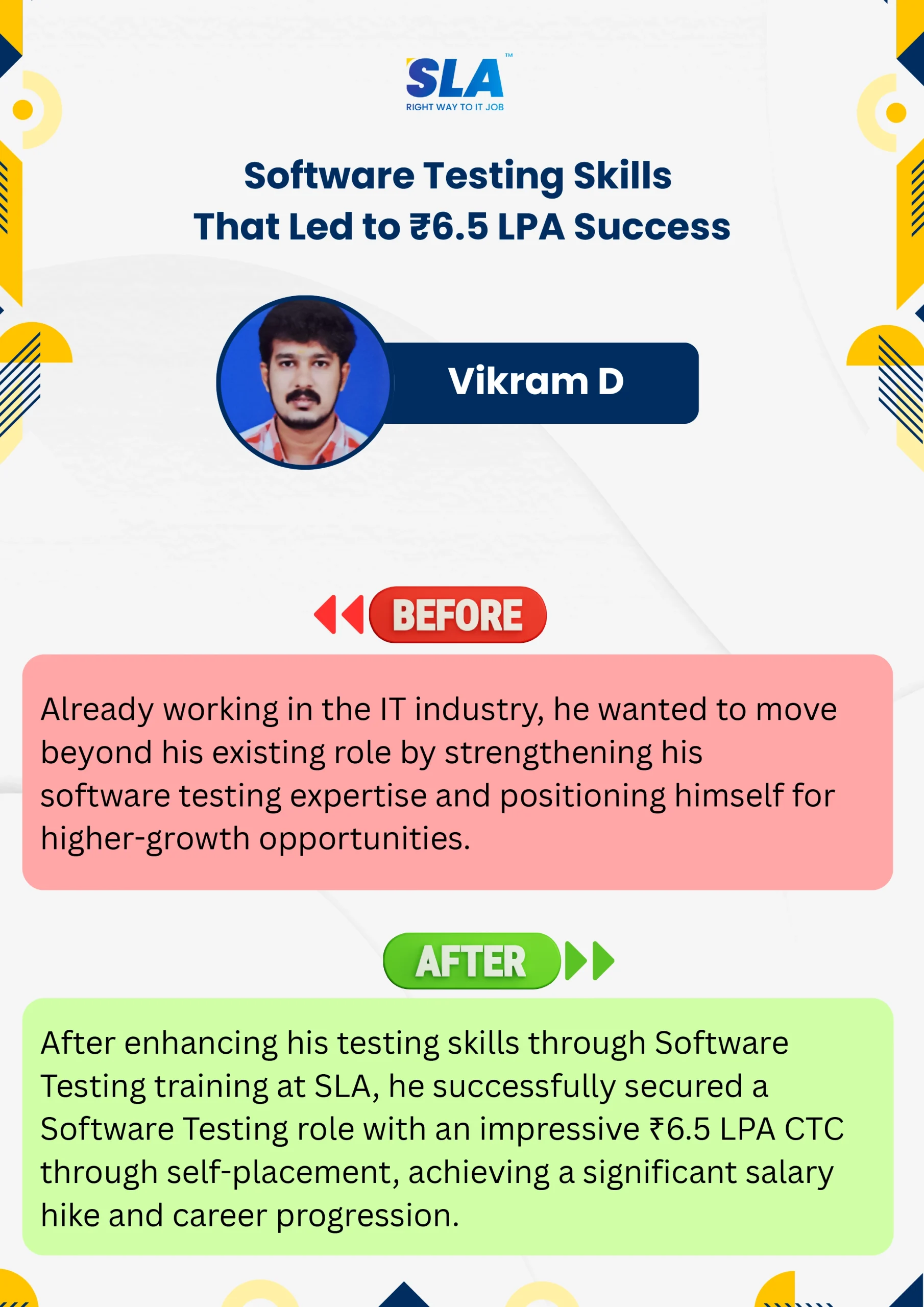
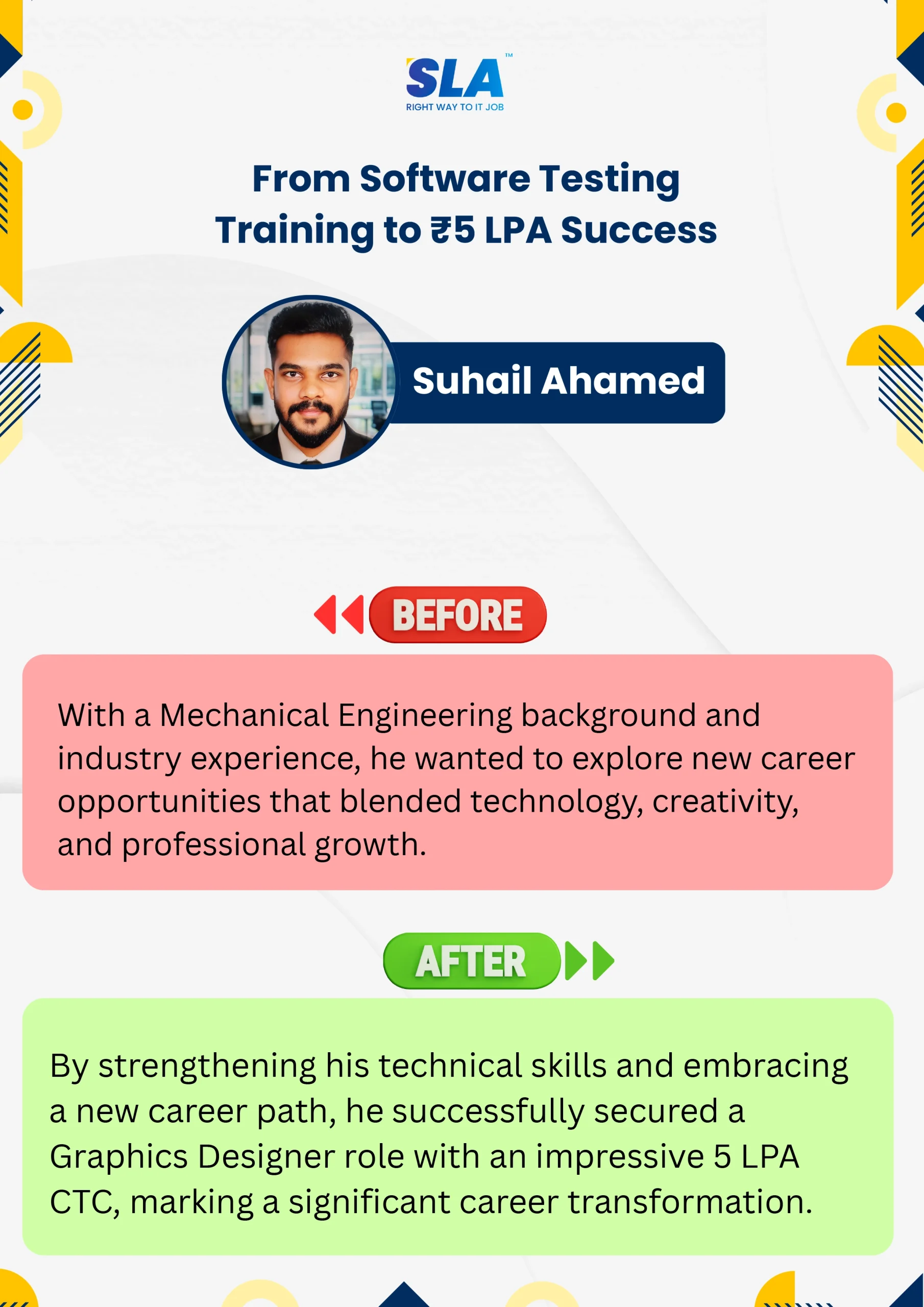
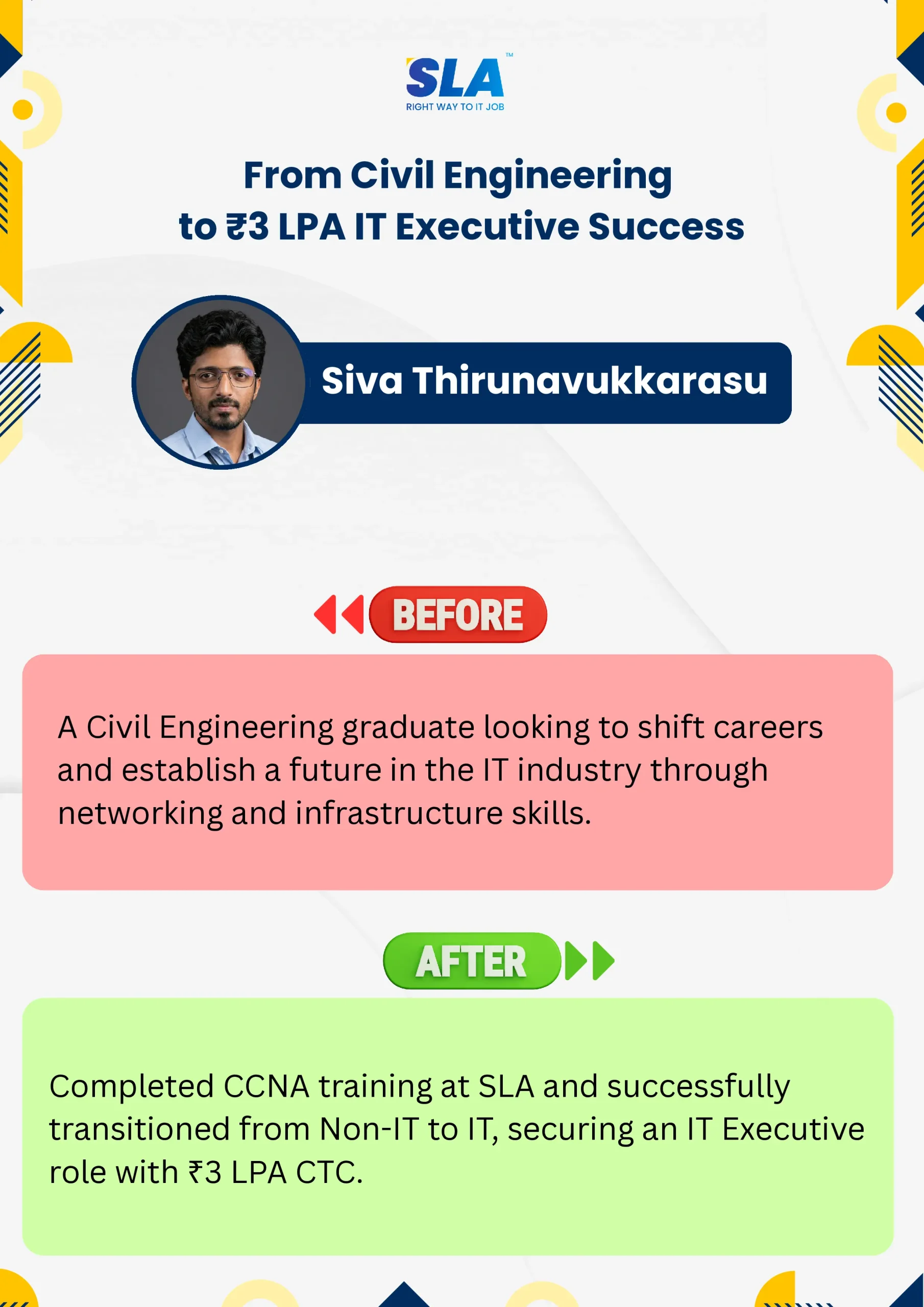
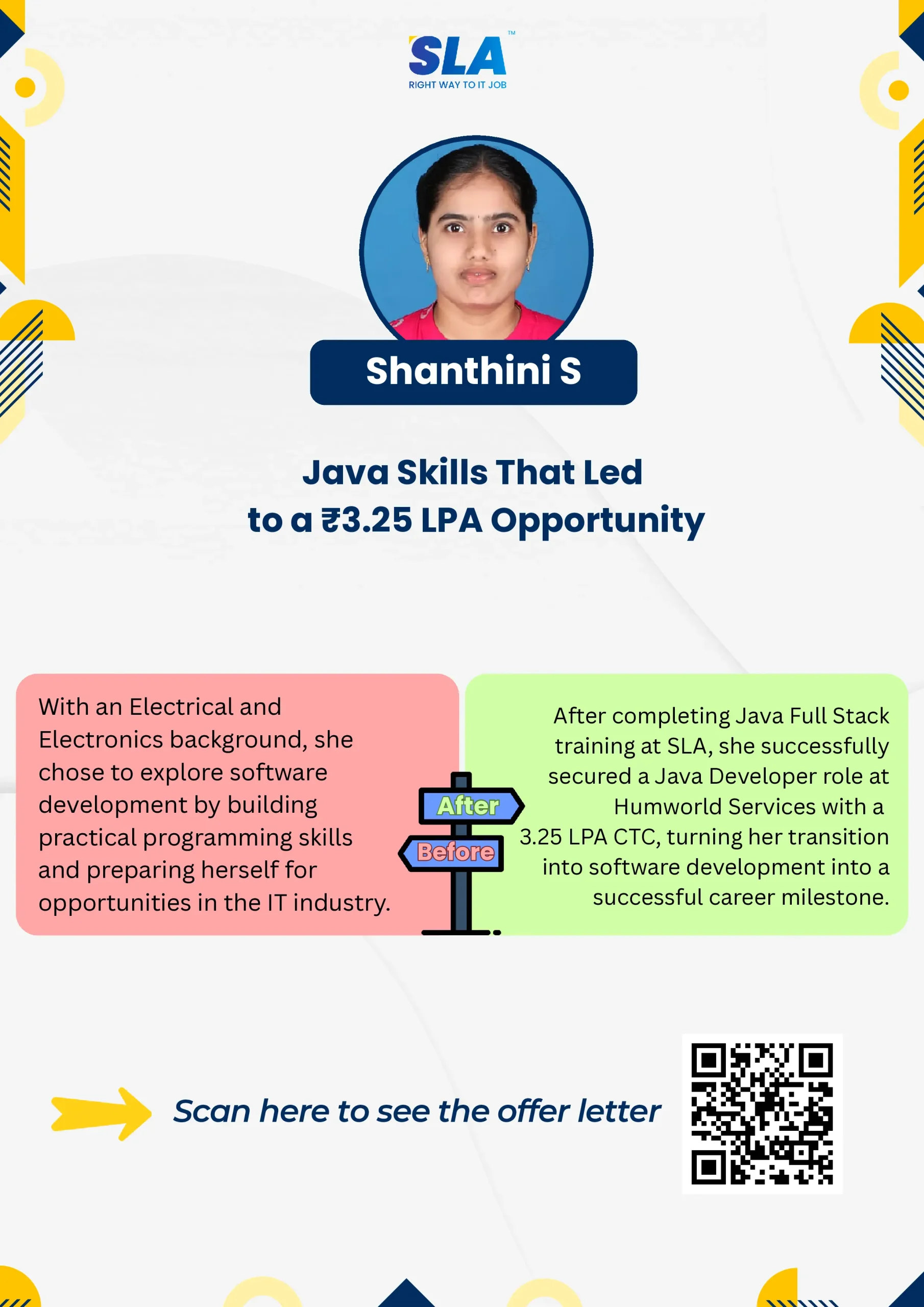
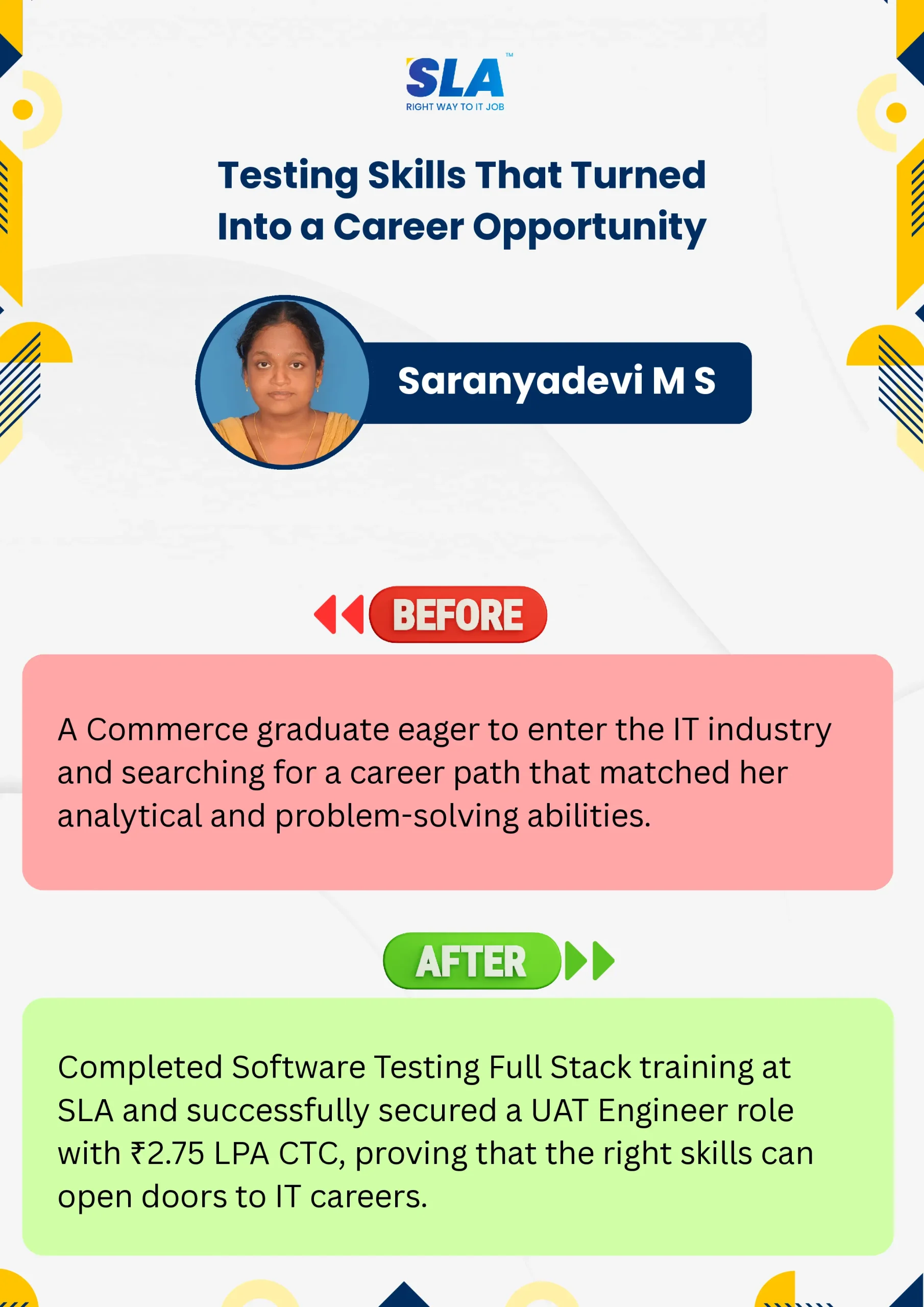
Life Changing Stories

Explore Our Students' Inspiring Leap Stories!

See More Success Stories

Google Reviews

Rating
4.8
1,053 Google reviews

 Surya

 Special thanks to Vishal Sir, the Placement Officer, for his interview guidance, resume support, and continuous motivation throughout the placement process. I would also like…
Click here for Full Review

NalluKumar Ravichandran

Hi, I recently completed the DOT NET Full Stack Development course at SLA, and I had a great learning experience. The teaching style and student…
Click here for Full Review

Shaaru Menan

I had a 3 year career break. Joined SLA on Java Full Stack course and completed it.Did projects with the help of my Mentor. They…
Click here for Full Review

Nithish Sahoo

I had an excellent experience taking this DevOps course. The curriculum is well-structured and covers both fundamental and advanced DevOps concepts in a clear manner.…
Click here for Full Review

MATHAN KUMAR G EEE

SLA Institute provides a structured learning environment for data analytics. The syllabus is relevant, and trainers are knowledgeable. Some sessions were very useful practically, while…
Click here for Full Review

SARAN M

SLA Institute provides training in communication and aptitude along with strong technical skills. The trainers explain concepts clearly with a practical approach, which helps build…
Click here for Full Review

Discover What Our Students Have To Say

See More Reviews

Listen to Our Students' Video Testimonials

Our counselors will share the Syllabus PDF with you via Email / Whatsapp

Get Your Instant Job & Placement Eligibility
Report in Just 30 Seconds!
Below 30% - not Eligible (Needs Preparation)
30% – 70% - Partially Eligible (Needs Guidance)
Above 70% - Fully Eligible (Ready to Start)

We are excited to get started with you

Give us your information and we will arange for a free call (at your convenience) with one of our counsellors. You can get all your queries answered before deciding to join SLA and move your career forward.