
Softlogic Systems Uipath Course Syllabus is specifically designed for College Students, Freshers, and Job Seekers. Our UiPath syllabus covers the UiPath Studio, workflow design, selectors, data manipulation, automation of business processes, debugging, and deployment. Our UiPath Course Content helps you learn UiPath step by Step with real-time projects and Interview Preparations.
UiPath Course Syllabus
4.50
(4145)
DURATION

2 Months
JOB READY

Syllabus
CERTIFIED

Courses

Let's take the first step to becoming an expert in UiPath Training
Click Here to Get Started
Lifelong Placement
Support
Get Certified
Check Your Job Eligibility
×
Your Placement Eligibility Report
Syllabus for The UiPath Training Course
Download Syllabus
Session 1- Robotics Process Automation
- Introduction of RPA
- What and why RPA
- Job Opportunities with RPA
- The way of working with RPA
- Type of jobs eligible for RPA automation
- RPA tools
- Industries adoption story
- Business Case story
Session 2 –UiPath Building blocks
- Introduction
- Installation and activation
- Interfaces
- Different types of workflows
- Creating-a-basic-workflow
- Debugging
- Managing packages
- Reusing Library
- Installing-the-extension-for-UiPath-studio
- Source control
- Activities guide
- Workflow, Control Flow, Sequences
- Sequences
- Flowcharts
- State Machines
- Control Flows
- The-assign-activity
- The-delay-activity
- The-do-while-activity
- The-if-activity
- The-switch-activity
- The-while-activity
- The-for-each-activity
- The-break-activity
- Managing-variables
- Naming-best-practices
- The-variables-panel
- Generic-value-variables
- Text-variables
- True-or-false-variables
- Number-variables
- Array-variables
- Date-and-time-variables
- Data-table-variables
- Managing-arguments
- Using-arguments
Session 3- Excel and Data Tables
- Data Manipulations
- Excel Automation
- Data tables
Session 4- Recording
- Recording Introduction
- Recording Types
- Automatic Recording
- Manual Recording
Session 5- Scraping
- UI Elements
- Output-or-screen-scraping-methods
- Examples-of-using-output-or-screen-scraping-methods
- About-web-scraping
- Example-of-using-web-scraping
- About-data-scraping
- Example-of-using-data-scraping
Session 6- Image and Text Automation
- About-image-and-text-automation
- Mouse-and-keyboard-activities
- Guides/text-activities
- Guides/ocr-activities
- Image-activities
- Mouse-and-keyboard-automation
- Text-automation
- OCR-and-image-automation
Session 9- Exception and Debugging
- Exception Handling
- Logging
- Debugging
- Tracing
Session 7- Mail and PDF
- PDF-data-extraction
- Email-automation
Session 8- Project Organization
- Project organization
Session 10- Custom Component and Code Stage
- Custom Component Development
- Component Deployment
- Accessing Robots using WCF Web Services
Session 11- Database
- Connecting with Database
- Executing Query with Database
Session 12- Citrix – Virtual Environment Automation
- Citrix Automation
- Advance Citrix Automation
Session 13-UiPath Orchestrator, Front + Back Office Robots
- Orchestrator Overview
- Orchestrator Hosting
- Robots Hosting
- Processing Hosting
- Process Monitoring
The SLA way to Become
a UiPath Training Expert

Enrollment

Technology Training
Coding Practices
Realtime Projects
Realtime Projects

Placement Training
Aptitude Training
Interview Skills
Interview Skills

Panel Mock
Interview

Unlimited
Interviews

Interview
Feedback

100%
IT Career
FAQ
What is RPA UiPath?
UiPath is a tool for comprehensive end-to-end robotic process automation. It provides businesses with opportunities to speed the shift in operations by automating daily office processes. By employing various methods, it converts tedious tasks into automated processes.
Is UiPath easy to learn?
Yes, UiPath is considered relatively easy to learn compared to other robotic process automation (RPA) tools. It offers a user-friendly interface and visual design environment, making it accessible to users with varying levels of technical expertise.
What are the technical requirements for running UiPath?
UiPath requires Windows 7 or above (8/8.1/10) for 32-bit or 64-bit systems and 1GB RAM. It also requires .NET Framework 4.6.1 or later and at least 2GB hard disk space.
What are the technical requirements for running UiPath?
UiPath requires Windows 7 or above (8/8.1/10) for 32-bit or 64-bit systems and 1GB RAM. It also requires .NET Framework 4.6.1 or later and at least 2GB hard disk space.
What programming languages are needed to use UiPath?
UiPath provides an intuitive, easy to use interface and require no prior programming knowledge. It can be used without any coding language, but it includes Visual Basic for Applications and JavaScript for specific tasks.
What is UiPath best used for?
Many companies desire attended and unattended automation combined in the best possible way, and UiPath delivers.
Does UiPath need coding?
UiPath doesn’t need typical coding skills like Java or Python, but you do need to understand some programming basics. It uses a visual interface for creating automation workflows, so you don’t have to write code from scratch. Still, it helps to know about things like variables and conditions. UiPath provides lots of ready-made actions, so you don’t have to write much code yourself, making it easier for beginners.
What programming languages are needed to use UiPath?
UiPath provides an intuitive, easy to use interface and require no prior programming knowledge. It can be used without any coding language, but it includes Visual Basic for Applications and JavaScript for specific tasks.
Does UiPath integrate with other software?
Yes, UiPath can be integrated with other software. It has the ability to connect to any software platform and to consume all type of data or knowledge available in them.
Does UiPath integrate with other software?
Yes, UiPath can be integrated with other software. It has the ability to connect to any software platform and to consume all type of data or knowledge available in them.
Does UiPath have a future?
Yes, UiPath has a bright future. As more companies adopt automation to improve their efficiency and reduce costs, UiPath’s user-friendly interface and powerful capabilities make it a valuable tool. With the ongoing digital transformation, the demand for UiPath and similar RPA solutions is likely to grow, ensuring its continued relevance and success.
Does RPA UiPath require coding?
You won’t need any programming skills or experience if you’ve never done simple automated tasks before.
Which language is better for UiPath?
For UiPath, the preferred language depends on your project needs and your familiarity with programming. VB.NET is commonly used because it’s simple and easy to learn, making it great for beginners. C# is another option, offering more versatility but may require more experience.
Can I automate test cases using UiPath?
Yes, UiPath is capable of creating automated test scripts to check for user interface, state transitions, regression tests, and other tasks. It can integrate with other test automation frameworks as well.
Can I automate test cases using UiPath?
Yes, UiPath is capable of creating automated test scripts to check for user interface, state transitions, regression tests, and other tasks. It can integrate with other test automation frameworks as well.
Is UiPath in demand?
Project managers, analysts, architects, and RPA developers are among the positions that are in high demand. With a current 18–20% demand-supply mismatch, India is likely to create over 200,000 RPA UiPath jobs in the next five years.
Can UiPath work without Internet?
Yes, UiPath can be used offline. Once you install UiPath on your computer, you can create and run automation without needing an internet connection. However, some features like accessing online resources may require internet.
Does UiPath have a built-in library of activities?
Yes, UiPath has a built-in library of activities for commonly used tasks such as file operations, string manipulation, flow control, web automation, and more.
Is UiPath easy to learn?
When given the proper training and guidance, UiPath is thought to be a fairly easy platform to use. Enroll in our UiPath course, as we have a customized curriculum as per the skill level of learners around the world.
Does UiPath have a built-in library of activities?
Yes, UiPath has a built-in library of activities for commonly used tasks such as file operations, string manipulation, flow control, web automation, and more.
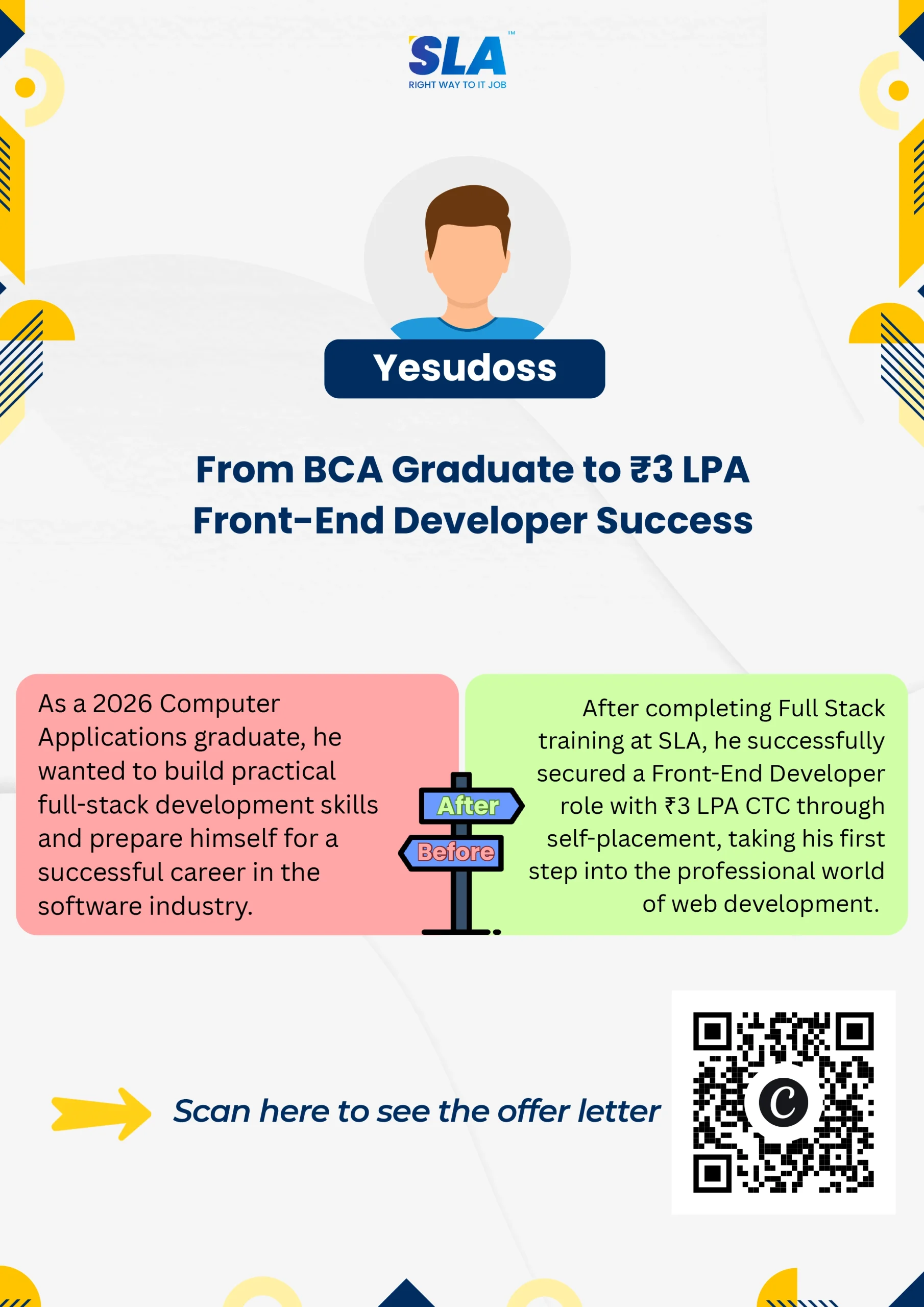






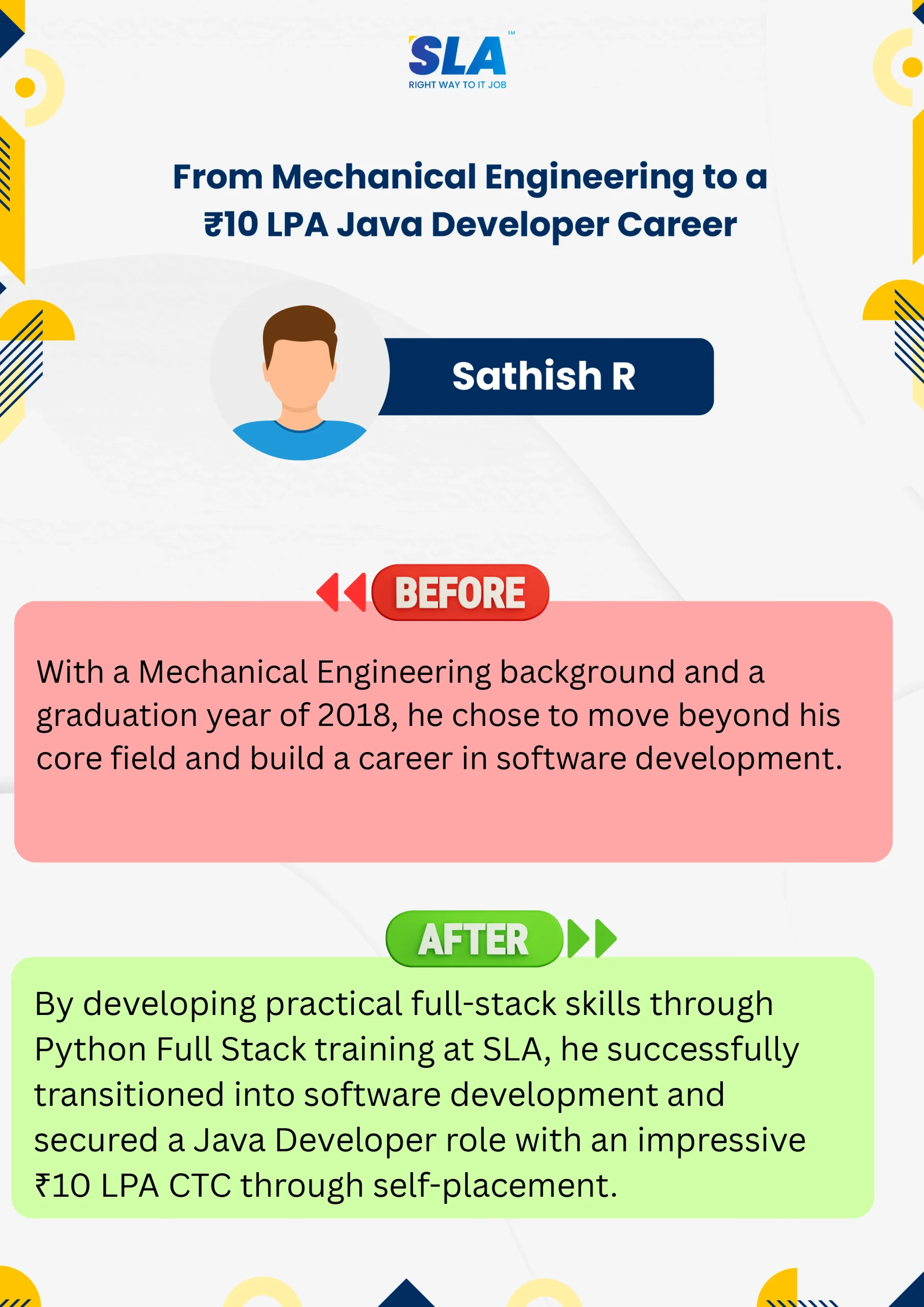



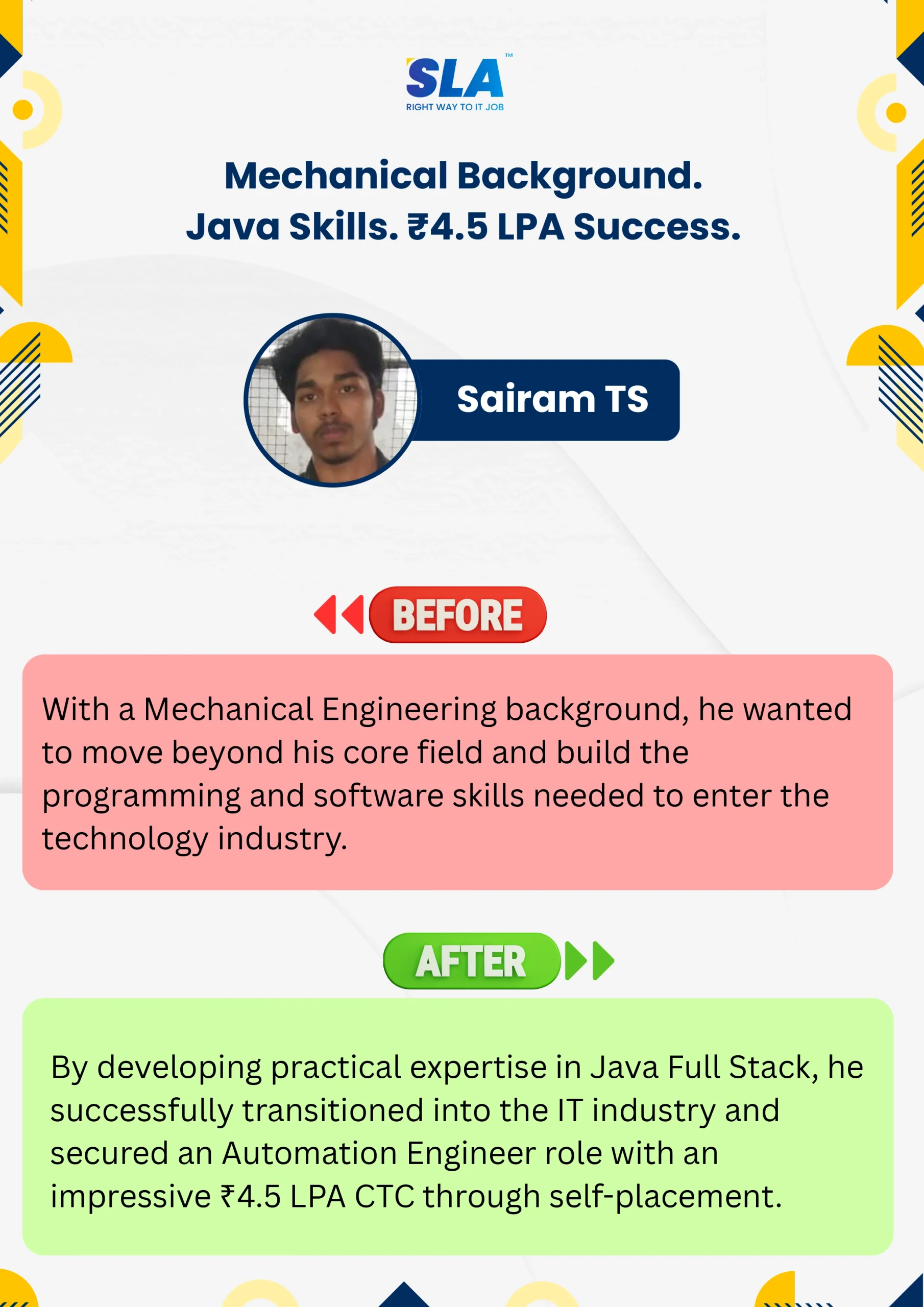
Google Reviews

Rating
4.8
1,053 Google reviews

MATHAN KUMAR G EEE
SLA Institute provides a structured learning environment for data analytics. The syllabus is relevant, and trainers are knowledgeable. Some sessions were very useful practically, while…

Click here for Full Review

Shaaru Menan
I had a 3 year career break. Joined SLA on Java Full Stack course and completed it.Did projects with the help of my Mentor. They…
Click here for Full Review

Surya
Special thanks to Vishal Sir, the Placement Officer, for his interview guidance, resume support, and continuous motivation throughout the placement process. I would also like…
Click here for Full Review

SARAN M
SLA Institute provides training in communication and aptitude along with strong technical skills. The trainers explain concepts clearly with a practical approach, which helps build…
Click here for Full Review

Nithish Sahoo
I had an excellent experience taking this DevOps course. The curriculum is well-structured and covers both fundamental and advanced DevOps concepts in a clear manner.…
Click here for Full Review

NalluKumar Ravichandran
Hi, I recently completed the DOT NET Full Stack Development course at SLA, and I had a great learning experience. The teaching style and student…
Click here for Full Review
Discover What Our Students Have To Say
See More ReviewsRelated Blogs for
The UiPath Training Course
UiPath Challenges For Beginners
Published On: November 4, 2024
Introduction UiPath is a top robotic process automation (RPA) platform that automates repetitive tasks through…
UiPath Project Ideas
Published On: October 25, 2024
Introduction Are you ready to experience the power of automation? Exploring and practising UiPath project…
UiPath Developer Salary For Freshers and Experienced
Published On: October 12, 2024
Introduction UiPath has become a core tool for automation teams across banking, IT services, healthcare,…
UiPath Tutorial for RPA Aspirants
Published On: October 9, 2024
Introduction Embarking on your personal path as an RPA (Robotic Process Automation) hopeful may be…
Top 14 UiPath Interview Questions and Answer
Published On: May 12, 2022
Introduction In the industry of Robotic Process Automation (RPA), UiPath is the most sought-after software…