
Softlogic is one of the Top Training institutes for Git. Learn how to use Git, from beginner basics to advanced techniques. Our Git Syllabus covers the Git fundamentals, repository creation, branching and merging, commit management, conflict resolution, and working with remote repositories on platforms like GitHub and GitLab. We offer a Git Course with Placement Assistance, Mock interviews, Resume building, and certification.
Github Certification Course
4.80
(1987)
DURATION

2 Months
EMI

0% Interest
Mode

Live Online / Offline

Let's take the first step to becoming an expert in Github
Click Here to Get Started
Lifelong Placement
Assistance
Get Certified
JOB PLACEMENT ELIGIBILITY TEST
×
Your Placement Eligibility Report
Want more details about Github?
Fill out the form, and our counsellors will get in touch with you at your preferred time. You can have all your queries answered. Once you decide that SLA is the perfect fit for your training needs, our counselors will guide you through the process every step of the way.

Course Schedules

Course Syllabus

Course Fees

or any other questions...
Fees, Duration & Batch Timings for Github
Hands On Training
3-5 Real Time Projects
60-100 Practical Assignments
3+ Assessments / Mock Interviews
July 2026
Week days
(Mon-Fri)
Online/Offline
2 Hours Real Time Interactive Technical Training
1 Hour Aptitude
1 Hour Communication & Soft Skills
(Suitable for Fresh Jobseekers / Non IT to IT transition)
Course Fee
July 2026
Week ends
(Sat-Sun)
Online/Offline
4 Hours Real Time Interactive Technical Training
(Suitable for working IT Professionals)
Course Fee
Save up to 20% in your Course Fee on our Job Seeker Course Series
Learn More
Syllabus of Github
Download Syllabus
Introduction
- What is a Version Control System (VCS)?
- Distributed vs Non-distributed VCS
- What is Git and where did it come from?
- Alternatives to Git
- Cloud-based solutions (Github, Gitlab, BitBucket etc)
Installation and Configuration
- Obtaining Git
- Installing Git
- Common configuration options
- GUI tools
Key Terminology
- Clone
- Working Tree
- Checkout
- Staging area
- Add
- Commit
- Push
- Pull
- Stash
Git – Local Repository Actions
- Creating a repository (git init)
- Checking status (git status)
- Adding files to a repository (git add)
- Committing files (git commit)
- Removing staged files (git reset)
- Removing committed files (git rm)
- Checking logs (git log)
Git – Remote Repository Actions
- Creating a remote repository (git init)
- Cloning repositories (git clone)
- Updating the remote repository from the local (git push)
- Updating the local repository from the remote (git pull)
Tagging in Git
- What are Git Tags?
- Listing tags
- Lightweight tags
- Displaying tag details (tag show)
- Annotated tags
- Checking out tags
- Pushing tags
- Pulling tags
Branching in Git
- What is a branch
- A note about andlt;HEADandgt;
- Listing branches
- Create new branch
- Checkout branch
- Pushing branches
- Pulling branches
Merging in Git
- Fetching Changes (git fetch)
- Rebasing (git rebase)
- Git Pull
Git Workflows
- Different ways of using Git
- Centralised
- Feature Branch
- Gitflow Workflow
- Forking Workflow
Git – Stashing Changes
- What is Stashing?
- Using Stash
- Creating a branch from a Stash
Advanced Repository Actions
- Removing untracked files (git clean)
- Remove staged changes (git reset)
- Revert a commit (git revert)
- Checkout a previous commit (git checkout)
Advanced Branching and Merging
- Deleting a Branch
- Fast forward merge
- Three way merge
- Resolving merge conflicts
- Cherry-Picking (git cherry-pick)
Advanced Git Configuration
- Aliases
- Submodules
- Patches
- Hooks
Objectives of Github
The Git Training will cover all the topics ranging from fundamental to advanced concepts, which will make it easy for students to grasp Git. The Git Course Curriculum is composed of some of the most useful and rare concepts that will surely give students a complete understanding of Git as well. So, some of those curriculum are discussed below as objectives:
- To make students well-versed with the fundamental concepts in Git like – Version Control Systems, Distributed vs Non-distributed VCS, Cloud-based solutions (Github, Gitlab, BitBucket) etc.
- To make students know more about Git by making them learn concepts like – Obtaining Git, Installing Git, Clone, Working Tree, Checkout, Git- Local Repository Actions etc.
- To make students knowledgeable in advanced Git concepts like – Advanced Tagging, Branching, Merging, Git Workflows, Advanced Repository Actions, Advanced Git Configuration etc.
Request a Free Callback
Why Softlogic Systems is the Best Choice for Github – Learn, Practice, and Get Placed!

Online & Offline Training Options
Learn at your convenience with flexible classroom and live online training.

Learn from 100+ Real-Time Developers
Get trained by industry professionals with years of hands-on experience.

Hands-on Projects & Codeathons
Practice with real-time projects and coding challenges to build confidence.
0% EMI Fee Options
Pay your course fees flexibly with easy EMI plans at zero interest.

Resume & Interview Support
Get expert help with resume building, mock interviews, and soft skills.

Placement with Top IT Firms
Access placement opportunities with leading MNCs and IT companies.

1000+ Hiring Partners
Benefit from Softlogic’s strong recruiter network for faster job placement.

No Backdoor Jobs
We ensure only genuine placement opportunities with trusted companies.
Request a Free Callback
Highlights of Github
What is Git?
Git is a distributed version control system created by Linus Torvalds in 2005, widely used for managing code changes and collaboration. It allows users to maintain local repositories, work offline, and sync with remote servers. Key features include commits, branching, merging, and data integrity, crucial for software development and documentation.
What is Git Full Stack?
Git Full Stack refers to mastering Git’s functionalities across all stages of software development. This includes basic commands, branching, merging, handling remote repositories, resolving conflicts, and advanced features like stashing and cherry-picking. It ensures effective project management, collaboration, and version control for complex software projects.
What are the reasons for learning Git?
The following are the reasons for learning Git:
- Version Control: Git tracks code changes over time, allowing you to manage modifications, revert to previous versions, and observe project evolution.
- Collaboration: Git supports simultaneous work by multiple developers, streamlining the process of merging changes, resolving conflicts, and coordinating team efforts.
- Branching and Merging: Git’s branching feature enables isolated work on new features or experiments, which can be merged back into the main codebase when complete.
- Backup and Recovery: Git serves as a backup system by maintaining a history of changes, allowing you to recover lost work or revert to earlier versions if needed.
What are the prerequisites for learning Git?
The following are the prerequisites for learning Git, but they are not mandatory:
- Basic Command Line Proficiency: Git is primarily used through the command line or terminal, so having a basic understanding of how to navigate directories, create files, and execute commands is essential.
- Fundamental Version Control Knowledge: It helps to have a grasp of version control principles and their significance. This includes understanding how to track changes, make commits, and manage branches and merges.
- Basic File and Directory Management: Knowing how files and directories function within your operating system, including file paths and permissions, will be beneficial.
- Introductory Programming Knowledge: While not mandatory, some familiarity with programming concepts and the structure of code can aid in understanding how Git tracks and manages changes in your projects.
What are the course fees and duration?
Our Git Course Fees may vary depending on the specific course program you choose (basic / intermediate / full stack), course duration, and course format (remote or in-person). On an average the Git Course Fees range from 25k to 30k, for a duration of 1.5 months total with international certification.
What are some of the jobs related to Git?
The following are the jobs related to Git:
- Software Developer
- DevOps Engineer
- Data Scientist
- Web Developer
- Systems Administrator
- Software Project Manager
List a few real time Git applications.
The following are the real-time Git applications:
- Collaborative Coding Platforms
- Content Management Systems
- Documentation Management
- Educational Platforms
- Design Version Control
- Research and Data Science
Boost Your Skills with Our Github Experts
Our Mentors are from Top Companies like:
- Our Git trainers are experts with extensive experience in software development, code repository management, and open-source version control.
- They bring practical experience in using and creating repositories for a wide range of applications.
- They craft detailed guides to teach learners the basics of version control systems, help them gain confidence in working within shared repositories, and clarify the branching process.
- With a deep understanding of Git commands—including line, branching, merging, tagging, and GitHub—they are well-equipped to instruct on managing large projects, utilizing remote repositories, and collaborating with distributed teams.
- Our trainers excel in breaking down complex technical concepts into easily understandable terms and possess the expertise to handle tasks such as branch history recreation, undoing changes, and rewriting history.
- They are adept at creating and managing distributed repositories on both Git and GitHub.
- Utilizing Git-specific tools and techniques like git-flow, git rebase, gitk, and git bisect, our trainers assess students’ performance and provide targeted feedback to enhance their technical abilities.
- They are patient, enthusiastic, and dedicated to helping learners build their confidence and skills in Git.
Request a Free Callback
What Modes of Training are available for Github?
Offline / Classroom Training

A Personalized Learning Experience with Direct Trainer Engagement!
- Direct Interaction with the Trainer
- Clarify doubts then and there
- Airconditioned Premium Classrooms and Lab with all amenities
- Codeathon Practices
- Direct Aptitude Training
- Live Interview Skills Training
- Direct Panel Mock Interviews
- Campus Drives
- 100% Placement Support
Online Training

Instructor Led Live Training! Learn at the comfort of your home
- No Recorded Sessions
- Live Virtual Interaction with the Trainer
- Clarify doubts then and there virtually
- Live Virtual Interview Skills Training
- Live Virtual Aptitude Training
- Online Panel Mock Interviews
- 100% Placement Support
Corporate Training

Blended Delivery model (both Online and Offline as per Clients’ requirement)
- Industry endorsed Skilled Faculties
- Flexible Pricing Options
- Customized Syllabus
- 12X6 Assistance and Support
GET Free Consultation
Certifications
Take your career to new heights with Softlogic's software training certifications.
Improve your abilities to get access to rewarding possibilities
Improve your abilities to get access to rewarding possibilities

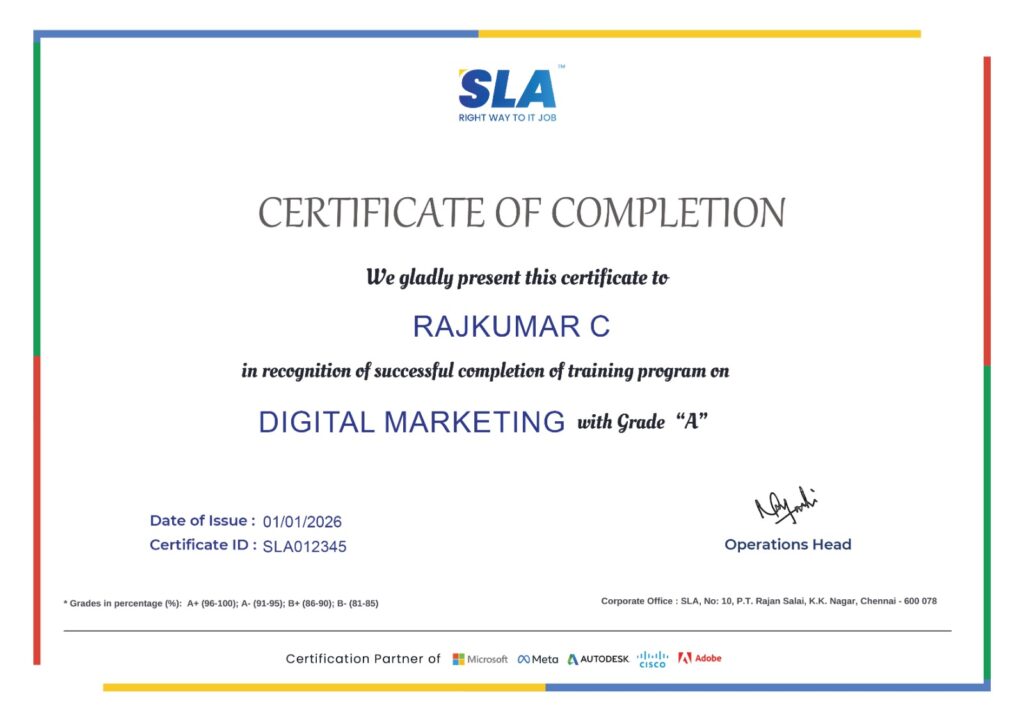
Earn Your Certificate of Completion
Validate your achievements with Softlogic's Certificate of Completion, verifying successful fulfillment of all essential components.
Take Your Career to the Next Level with Certifications
Get a certifications through our training programs to gain a competitive edge in the industry.

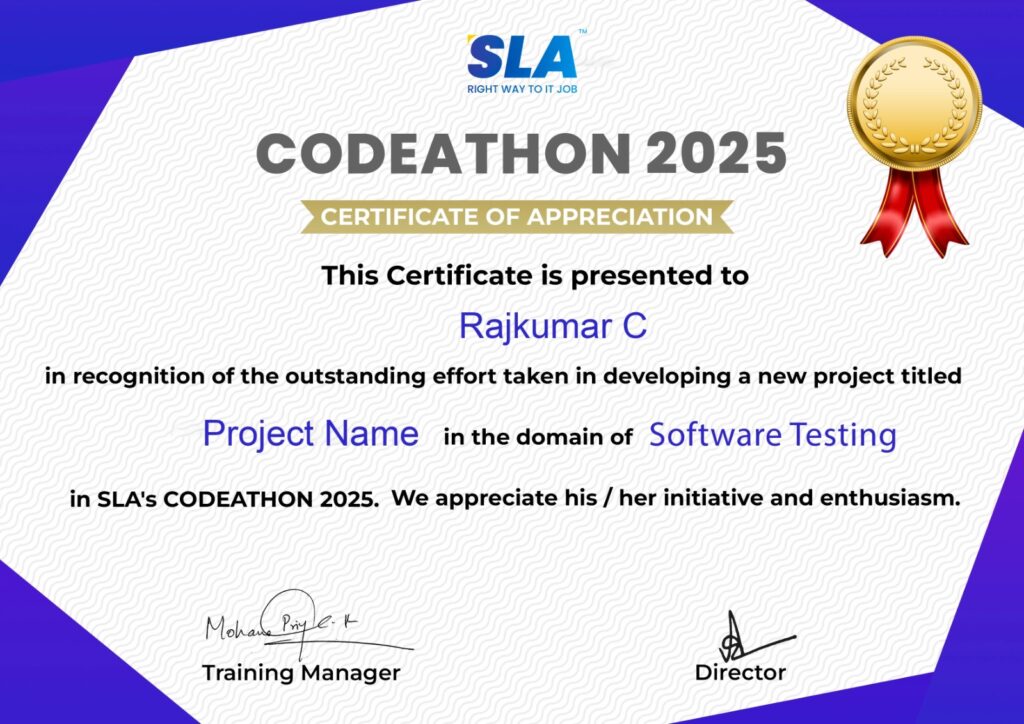
Stand Out from the Crowd with Codethon Certificate
Verify the authenticity of your real-time projects with Softlogic's Codethon certificate.
Hands-on Project Practices in Github
Event Management System
Collaborative Markdown Documentation
Interactive Git Tutorial Repository
Multi-Page Blog Application
Version-Controlled Data Analysis
Bug Tracking System
Open Source Contribution
Collaborative Coding Project
Personal Portfolio Website
The SLA Way to Get Placed in Top IT Companies
Enrollment

Technology Training
Coding Practices
Realtime Projects
Realtime Projects
Placement Training
Aptitude Training
Interview Skills
Interview Skills
Panel Mock
Interview

Unlimited
Interviews

Interview
Feedback

100%
IT Career
Placement Support for a Github Job
Genuine Placements. No Backdoor Jobs at Softlogic Systems.

Aptitude Training
from Day 1
Interview Skills
from Day 1

Softskills Training
from Day 1
Build Your Resume

Build your LinkedIn Profile

Build your GitHub
digital portfolio

Panel Mock Interview
Unlimited Interviews until you get placed

Life Long Placement Support at no cost
Request a Free Callback
FAQs
What distinguishes git pull from git fetch?
git fetch retrieves updates from a remote repository without merging them into your local branch, simply updating your remote tracking branches. In contrast, git pull combines git fetch with git merge, fetching changes and then automatically merging them into your local branch.
How can I handle a merge conflict in Git?
When a merge conflict occurs, Git will indicate the conflicting sections within the files. To resolve this, manually edit the conflicted files to address the issues, then use git add to stage the resolved files and git commit to complete the merge process.
What is .gitignore used for, and how does it function?
The .gitignore file is used to specify files and directories that Git should not track. This is particularly useful for excluding files such as logs, build outputs, and sensitive data. You define patterns or specific file names in the .gitignore file to prevent these from being included in version control.
What steps should I follow to revert a commit in Git?
To revert a commit, use git revert <commit> to generate a new commit that undoes the changes from the specific commit. If you need to erase a commit from history (a process that should be approached with caution if the commit has been shared), you can use git reset with either –hard or –soft options based on whether you want to keep or discard local changes.
How do git merge and git rebase differ from each other?
git merge combines changes from one branch into another, creating a new merge commit that consolidates both branches’ changes. git rebase, on the other hand, re-applies commits from one branch onto another base, resulting in a linear history without additional merge commits. While rebasing can streamline the history, it might be more challenging to manage in shared branches.
What steps should I follow to create a new branch and switch to it in Git?
To both create a new branch and switch to it, use the command git checkout -b <branch-name>. This command generates a new branch and changes your working directory to that branch simultaneously.
What does git stash do, and how is it used?
git stash temporarily stores uncommitted changes, allowing you to switch branches or fetch updates without committing your current work. You can save your changes with git stash push, and later reapply them with git stash pop, which also removes the stashed changes from the list.
What is the method for viewing the commit history of a particular file?
To examine the commit history of a particular file, use git log — <file-path>. This command displays a log of commits that have affected the specified file, including details of each change.
Where is the corporate office of Softlogic Systems located?
The corporate office of the Softlogic Systems is located at the institute’s K.K.Nagar branch.
What payment methods does Softlogic accept?
Softlogic accepts a wide range of payment methods, including:
- Cash
- Debit cards
- Credit cards (MasterCard, Visa, Maestro)
- Net banking
- UPI
- Including EMI.
Additional Information for
the Github
Scopes available in the future for learning Git.
The following are the scopes available in the future for learning Git Course:
- Automation and Scripting: Utilizing Git within automated workflows and scripts for Continuous Integration/Continuous Deployment (CI/CD) pipelines.
- Managing Remote Collaboration: Enhancing skills for managing remote repositories and collaborating effectively with distributed teams via platforms like GitHub, GitLab, and Bitbucket.
- Branching Strategies: Mastering various branching models such as Git Flow and GitHub Flow to efficiently manage large-scale projects.
- IDE Integration: Exploring how Git integrates with Integrated Development Environments (IDEs) and other development tools to enhance workflow.
- Handling Sensitive Data: Learning best practices for securing sensitive data in Git repositories, including the use of Git secrets and other security protocols.
- In-Depth Knowledge of Git Internals: Gaining a deeper understanding of Git’s internal mechanisms and data structures for a more comprehensive grasp of its operations.
- GitOps: Delving into GitOps, which leverages Git as the primary source of truth for managing infrastructure and applications declaratively.
- Working with Other VCS: Learning to collaborate with other version control systems (VCS) like Mercurial or Subversion and understanding integration and migration strategies.
Related Blogs
Common GIT Challenges and Solutions for New Developers
Published On: November 19, 2024
Git is a crucial tool for software development projects, enabling teams to work together and…
Ideas For GitHub Projects
Published On: October 12, 2024
Introduction Searching for interesting ideas for GitHub projects to boost your coding profile? GitHub is…
Git Salary for Freshers and Experienced
Published On: September 25, 2024
Introduction Git has become a crucial skill for professionals working in software development, DevOps, and…
Git Tutorial for beginners
Published On: September 16, 2024
Introduction Job hunting frequently requires mastery of Git, the fundamental version control tool for collaborative…
Git Interview Questions and Answers
Published On: June 7, 2024
Introduction Git proficiency is no longer a nice-to-have but an absolute necessity for today’s software…


Google Reviews

Rating
4.8
1,053 Google reviews

MATHAN KUMAR G EEE
SLA Institute provides a structured learning environment for data analytics. The syllabus is relevant, and trainers are knowledgeable. Some sessions were very useful practically, while…

Click here for Full Review

Surya
Special thanks to Vishal Sir, the Placement Officer, for his interview guidance, resume support, and continuous motivation throughout the placement process. I would also like…
Click here for Full Review

NalluKumar Ravichandran
Hi, I recently completed the DOT NET Full Stack Development course at SLA, and I had a great learning experience. The teaching style and student…
Click here for Full Review

SARAN M
SLA Institute provides training in communication and aptitude along with strong technical skills. The trainers explain concepts clearly with a practical approach, which helps build…
Click here for Full Review

Shaaru Menan
I had a 3 year career break. Joined SLA on Java Full Stack course and completed it.Did projects with the help of my Mentor. They…
Click here for Full Review

Nithish Sahoo
I had an excellent experience taking this DevOps course. The curriculum is well-structured and covers both fundamental and advanced DevOps concepts in a clear manner.…
Click here for Full Review