Software Training Institute in Chennai with 100% Placements – SLA Institute
⭐ Exclusive Summer Courses Offer ⭐ 💰 Flat ₹5,000 - ₹10,000 off on all courses 👨‍👩‍👧 Additional discounts for group enrollments 🎓 100% Placement Support 🏆 90,000+ Students Successfully Placed 🚀 Avail now! Limited seats only!

Data Analytics Training In Omr

4.80
(5684)

Join Our 100% Job-Guaranteed Data Analytics Course in OMR. We Provide Quality Data Analytics training with an affordable Cost in OMR. Our Data Analytics Syllabus covers the data analytics fundamentals, statistical analysis, data visualization, SQL, Excel, Python for analytics, and business intelligence tools. At Softlogic Systems, you’ll earn globally recognized certifications, build real-time projects, and receive complete placement assistance to launch a successful career in your chosen field.
DURATION
Real-Time Location Services
2months
EMI
0% Interest
Mode
Rank-Based Percentile Gui Calculator using Tkinter
Live Online / Offline

Let's take the first step to becoming an expert in Data Analytics

Click Here to Get Started

100% Placement
Assurance

Get Certified

JOB PLACEMENT ELIGIBILITY TEST

×

Your Placement Eligibility Report

Want more details about Data Analytics Course?

Fill out the form, and our counsellors will get in touch with you at your preferred time. You can have all your queries answered. Once you decide that SLA is the perfect fit for your training needs, our counselors will guide you through the process every step of the way.

Course Schedules

Course Syllabus

Course Fees

CRM System Testing

or any other questions...

Fees, Duration & Batch Timings for Data Analytics Course

Hands On Training
3-5 Real Time Projects
60-100 Practical Assignments
3+ Assessments / Mock Interviews
June 2026
Week days
(Mon-Fri)
Online/Offline

2 Hours Real Time Interactive Technical Training 

1 Hour Aptitude 

1 Hour Communication & Soft Skills

(Suitable for Fresh Jobseekers / Non IT to IT transition)

Course Fee
June 2026
Week ends
(Sat-Sun)
Online/Offline

4 Hours Real Time Interactive Technical Training

(Suitable for working IT Professionals)

Course Fee

Save up to 20% in your Course Fee on our Job Seeker Course Series

Learn More

Syllabus of Data Analytics Course

Download Syllabus
  • Python Introduction & history
  • Color coding schemes
  • Salient features & flavors
  • Application types
  • Language components
  • String handling management
    • String operations – indexing, slicing, ranging
    • String methods – concatenation, repetition, formatting
    • Supporting functions
  • Native data types
    • List
    • Tuple
    • Set
    • Dictionary
  • Decision making statements
    • If
    • If…else
    • If…elif…else
  • Looping statements
    • For loop
    • While loop
  • Function types
    • Built-in functions
    • Math functions
    • User defined functions
    • Recursive functions
    • Lambda functions
  • OOPs
    • Classes and objects
    • init constructor
    • Self-keyword
    • Data abstraction
    • Data encapsulation
    • Polymorphism
    • Inheritance
  • Exception handling
    • Error vs exception
    • Types of error
    • User defined exception handling
    • Exception handler components
    • Try block, except block, finally block
  • Data Visualization
  • Reporting Business Intelligence (BI)
  • Traditional BI
  • Self-Serviced BI Cloud Based BI
  • On Premise BI
  • Power BI Products
  • Power BI Desktop (Power Query, Power Pivot, Power View)
  • Flow of Work in Power BI Desktop
  • Power BI Report Server
  • Power BI Service, Power BI Mobile
  • Power BI Architecture
  • A Brief History of Power BI
  • Data Transformation
  • Benefits of Data Transformation
  • Shape or Transform Data using Power Query
  • Overview of Power Query / Query Editor
  • Query Editor User Interface
  • The Ribbon (Home, Transform, Add Column, View Tabs)
  • The Queries Pane
  • The Data View / Results Pane
  • The Query Settings Pane, Formula
  • Bar Saving the Work
  • Data types
  • Changing the Data type of a Column Filters in Power Query
  • Auto Filter / Basic Filtering Filter a Column using
  • Text Filters Filter a Column using Number Filters
  • Filter a Column using Date Filters Filter Multiple Columns
  • Remove Columns / Remove Other Columns Name
  • Rename a Column Reorder Columns or Sort Columns
  • Add Column / Custom Column Split Columns Merge
  • Columns PIVOT, UNPIVOT Columns Transpose Columns
  • Header Row or Use First Row as Headers Keep Top Rows
  • Keep Bottom Rows Keep Range of Rows Keep Duplicates
  • Keep Errors Remove Top Rows
  • Remove Bottom Rows
  • Remove Alternative Rows
  • Remove Duplicates, Remove Blank Rows
  • Remove Errors Group Rows / Group By
  • IF..ELSE Conditions
  • TransformColumn()
  • RemoveColumns()
  • SplitColumns()
  • ReplaceValue()
  • Table.Distinct() Options and GROUP BY Options
  • Table.Group()
  • Table.Sort() with Type Conversions
  • PIVOT Operation and Table.Pivot ().
  • List Functions Using Parameters with M Language
  • Data Modeling Introduction Relationship
  • Need of Relationship Relationship Types
  • Cardinality in General
    • One-to-One
    • One-to-Many
    • Many-to-One
    • Many-to-Many
  • AutoDetect the relationship
  • Create a new relationship
  • Edit existing relationships
  • Make Relationship Active or Inactive
  • Delete a relationship
  • What is DAX
  • Calculated Column, Measures
  • DAX Table and Column Name Syntax
  • Creating Calculated Columns
  • Creating Measures
  • Calculated Columns Vs Measures
  • DAX Syntax & Operators
  • Types of Operators
    • Arithmetic Operators
    • Comparison Operators
    • Text Concatenation Operator
    • Logical Operators
  • Date and Time Functions
    • YEAR, MONTH,DAY
    • WEEKDAY, WEEKNUM FORMAT (Text Function)
    • Month Name, Weekday Name
    • IF
    • TRUE, FALSE NOT,
    • OR, IN, AND
  • Text Function
    • LEN, CONCATENATE
    • LEFT, RIGHT, MID UPPER
    • LOWER TRIM, SUBSTITUTE, BLANK
  • Logical Functions
    • IF TRUE, FALSE NOT
    • OR, IN, AND IF ERROR SWITCH
  • Math & Statistical Functions
    • INT ROUND, ROUNDUP
    • ROUNDDOWN
    • DIVIDE EVEN, ODD
    • POWER, SIGN SQRT
    • FACT SUM, SUMX MIN, MINX MAX
    • MAXX COUNT,
    • COUNTX AVERAGE
    • AVERAGEX COUNTROWS
    • COUNTBLANK
  • Report View User Interface
  • Fields Pane
  • Visualizations pane
  • Ribbon, Views, Pages Tab
  • Canvas Visual Interactions Interaction Type (Filter, Highlight, None)
  • Visual Interactions Default Behavior, Changing the Interaction
  • Grouping and Binning Introduction
  • Using grouping, Creating Groups on Text Columns
  • Using binning, Creating Bins on Number Column and Date Columns
  • Sorting Data in Visuals
  • Changing the Sort Column
  • Changing the Sort Order
  • Sort using column that is not used in the Visualization
  • Sort using the Sort by Column button
  • Hierarchy Introduction
  • Default Date Hierarchy
  • Creating Hierarchy
  • Creating Custom Date Hierarchy
  • REPORT VIEW
  • Change Hierarchy Levels
  • Drill-Up and Drill-Down Reports
  • Data Actions, Drill Down, Drill Up, Show Next Level
  • Expand Next Level Drilling filters other visuals option
  • Visualizing Data
  • Why Visualizations
  • Visualization types
  • Create and Format Bar and Column Charts
  • Create and Format Stacked Bar Chart
  • Stacked Column Chart
  • Create and Format Clustered Bar Chart
  • Clustered Column Chart
  • Create and Format 100% Stacked Bar Chart 100% Stacked Column Chart
  • Create and Format Pie and Donut Charts
  • Create and Format Scatter Charts
  • Create and Format Table Visual
  • Matrix Visualization
  • Line and Area Charts
  • Create and Format Line Chart, Area Chart
  • Stacked Area Chart Combo Charts
  • VISUALIZATIONS
  • Create and Format Line and Stacked Column Chart
  • Line and Clustered Column Chart
  • Create and Format Ribbon Chart
  • Waterfall Chart, Funnel Chart
  • Power BI Service Introduction
  • Power BI Cloud Architecture
  • Creating Power BI Service Account
  • SIGN IN to Power BI Service Account
  • Publishing Reports to the Power BI service
  • Import / Getting the Report to PBI Service
  • My Workspace / App Workspaces Tabs
  • DATASETS, WORKBOOKS, REPORTS & DASHBOARDS
  • Working with Datasets Creating Reports in Cloud using Published
  • Datasets
  • Creating Dashboards Pin Visuals and Pin LIVE
  • Report Pages to Dashboard
  • Advantages of Dashboards Interacting with
  • Dashboards
  • Formatting Dashboard, Sharing Dashboard
  • Group by()
  • Pivot tables()
  • Multi-indexing()
  • merge()
  • concatenate()
  • join()
  • data transformation using apply()
  • map()
  • query()
  • Resampling time series functionality
  • excel writer()
  • pipe()
  • creating dataframes
  • reading CSV files with intrinsic index
  • converting CSV files to dataframes
  • converting dataframes to CSV files
  • converting dataframes to excel file
  • Common Table Expressions (CTE)
  • Recursive CTE’s
  • temporary functions
  • pivoting data with sum() and CASE WHEN
  • Except vs Not in
  • self joins, rank vs dense_rank vs row number
  • ranking data
  • calculating delta values,
  • multiple groupings using rollup
  • calculating running totals
  • computing a moving average
  • date time manipulations
  • Formatting strings, stored methods
  • JOINS
  • Sub Queries
  • Manipulation of date and time
  • procedural data storage
  • Connecting SQL to Python or R language, window Functions
  • Project1 – Product Sales Analysis – Power BI Project and review
  • Project2 – Financial Performance Analysis – Power BI Project and review
  • Project3 – Health care sales Analysis –
  • Intermediate Power BI project and review
  • Project4 – Anamoly detection in Credit card transactions – Intermediate Power BI project and review

Objectives of Data Analytics Training

Our Data Analytics syllabus has all the elements that you would expect. The syllabus is fully modern and up-to-date in terms of industry standards. The curriculum of the syllabus is discussed below: 

  • The Data Analytics syllabus begins with base level topics like definition of Data Analytics and taxonomy
  • The syllabus then explores topics like Querying big data with Hive, HIVE e HIVEQL etc.
  • Then the syllabus moves on to advanced topics like Big Data & Machine learning, Machine learning tools, Spark and SparkML, H2O, AzureML. 

Why Softlogic Systems is the Best Choice for Data Analytics Training – Learn, Practice, and Get Placed!

Crowdfunding Platform
Online & Offline Training Options
Learn at your convenience with flexible classroom and live online training.
Learn from 100+ Real-Time Developers
Get trained by industry professionals with years of hands-on experience.
Voting System with Python Django
Hands-on Projects & Codeathons
Practice with real-time projects and coding challenges to build confidence.
0% EMI Fee Options
Pay your course fees flexibly with easy EMI plans at zero interest.
Resume & Interview Support
Get expert help with resume building, mock interviews, and soft skills.
Placement with Top IT Firms
Access placement opportunities with leading MNCs and IT companies.
1000+ Hiring Partners
Benefit from Softlogic’s strong recruiter network for faster job placement.
No Backdoor Jobs
We ensure only genuine placement opportunities with trusted companies.
Want to Speak to a Trainer about Data Analytics?Request a Free Callback

Highlights of Data Analytics Course

Data analytics involves analyzing extensive datasets to reveal significant patterns, trends, correlations, and insights. These findings are pivotal for decision-making and shaping business strategies. The process employs diverse techniques, tools, and methodologies to extract valuable insights from raw data. Ultimately, these insights are leveraged to enhance processes, identify opportunities, manage risks, and boost overall performance.

The following are the reasons for learning Data Analytics:

  • Smart Decisions: Knowing about data lets people make smart choices in many areas, like business and personal life.
  • Lots of Jobs: If you understand data, you can find work in different fields like finance, healthcare, marketing, and tech. Many companies need people who can work with data.
  • Making Things Better: Businesses use data to make things work better, save money, and do better overall. They look at data to find ways to improve how they do things.

Beating the Competition: Companies that use data well have an advantage over others. They understand what’s happening in their market, what customers want, and what their competitors are doing. This helps them come up with new ideas and change faster.

SLA does not demand for any prerequisites for any course. All our courses are taught from basic level so no prerequisites required. But, still having an knowledge on these below topics can help you learn data analytics easily:

  • Computer Literacy: Being comfortable with computers, using software applications, and managing digital files is essential for data analytics, as much of the work involves handling data in digital formats.
  • Mathematical and Statistical Proficiency: Understanding basic mathematical concepts like algebra, calculus, and probability theory, as well as statistical methods such as mean, median, and standard deviation, lays a strong foundation for data analysis techniques.
  • Critical Thinking and Problem-Solving Abilities: Data analytics requires analyzing complex problems and drawing meaningful insights from data. Therefore, having strong critical thinking skills, logical reasoning, and problem-solving abilities is vital.
  • Basic Understanding of Programming (Optional): While not always necessary, having some familiarity with programming languages like Python, R, or SQL can be beneficial. These languages are commonly used for tasks such as data manipulation, analysis, and visualization in data analytics.

Our Big Data Course in OMR is suitable for:

  • Any students with an interest in big data analytics
  • Professionals seeking a career change
  • IT professionals aiming to enhance their skills with big data
  • Job Seekers

The Data Analytics course fees depend on the program level (basic, intermediate, or advanced) and the course format (online or in-person).On average, the Data Analytics course fees come in the range of ₹55,000 to ₹60,000 INR for 3 months, inclusive of international certification. For some of the most precise and up-to-date details on fees, duration, and certified Data Analytics certification, kindly contact our Best Placement Training Institute in Chennai directly.

The following are some of the jobs related to Data Analytics:

  • Data Analyst
  • Data Scientist
  • Business Intelligence Analyst
  • Data Engineer
  • Machine Learning Engineer

The Data Analyst freshers salary typically with less than a year of experience earn approximately ₹4-5 lakhs annually. For a mid-career Data Analyst with around 3 years of experience, the average annual salary is around ₹6.1 lakhs. An experienced Data Analyst with more than 5 years of experience can anticipate an average yearly salary of around ₹8.3 lakhs. Visit SLA for more courses.

Here are several real-time Data Analytics applications:

  • IoT Sensor Data Analysis
  • Social Media Sentiment Analysis
  • Real-Time Fraud Detection
  • Real-Time Stock Market Analysis
  • Real-Time Traffic Monitoring

Boost Your Skills with Our Data Analytics Training Experts

Our Mentors are from Top Companies like:

The following are our trainer’s profile for the Data Analytics Training in OMR

  • Our Data Analytics instructors are seasoned professionals in the analytics field, boasting extensive technical expertise and practical experience. 
  • With a wealth of knowledge in managing and executing data-driven solutions, they are adept at guiding learners through the essentials of data analytics across various domains. 
  • Their comprehensive study materials facilitate a deeper understanding of the diverse analytical possibilities.
  • Equipped with a thorough grasp of data analytics certification standards, our trainers adeptly cover topics including data exploration, machine learning algorithms, fundamental Big Data concepts, and data visualization. 
  • Through engaging real-life scenario-based instruction and personalized mentoring, our trainers effectively prepare students for certification exams.
  • Demonstrating excellent communication and interpersonal skills, our trainers ensure a conducive learning environment for students. 
  • Proficient in deploying secure and powerful data solutions, they also possess the capability to configure servers for high-performance computing. 
  • Furthermore, their expertise extends to developing and deploying applications following the software development life cycle.
  • Utilizing analytics platforms and techniques, our instructors assess student performance and provide constructive feedback to nurture their analytics skills. 
  • Embracing a team-oriented approach, our trainers are passionate about supporting students in acquiring the necessary knowledge and achieving their career aspirations seamlessly.
Want to Speak to a Trainer about Data Analytics?Request a Free Callback

What Modes of Training are available for Data Analytics Course?

Offline / Classroom Training

A Personalized Learning Experience with Direct Trainer Engagement!
  • Direct Interaction with the Trainer
  • Clarify doubts then and there
  • Airconditioned Premium Classrooms and Lab with all amenities
  • Codeathon Practices
  • Direct Aptitude Training
  • Live Interview Skills Training
  • Direct Panel Mock Interviews
  • Campus Drives
  • 100% Placement Support
Explore Offline Courses

Online Training

Interactive Quiz Website
Instructor Led Live Training! Learn at the comfort of your home
  • No Recorded Sessions
  • Live Virtual Interaction with the Trainer
  • Clarify doubts then and there virtually
  • Live Virtual Interview Skills Training
  • Live Virtual Aptitude Training
  • Online Panel Mock Interviews
  • 100% Placement Support
Explore Online Courses

Corporate Training

Blended Delivery model (both Online and Offline as per Clients’ requirement)
  • Industry endorsed Skilled Faculties
  • Flexible Pricing Options
  • Customized Syllabus
  • 12X6 Assistance and Support
Explore Offline Courses
Want to Master your Skills in Data Analytics?GET Free Consultation

Certifications

Take your career to new heights with Softlogic's software training certifications.
Improve your abilities to get access to rewarding possibilities
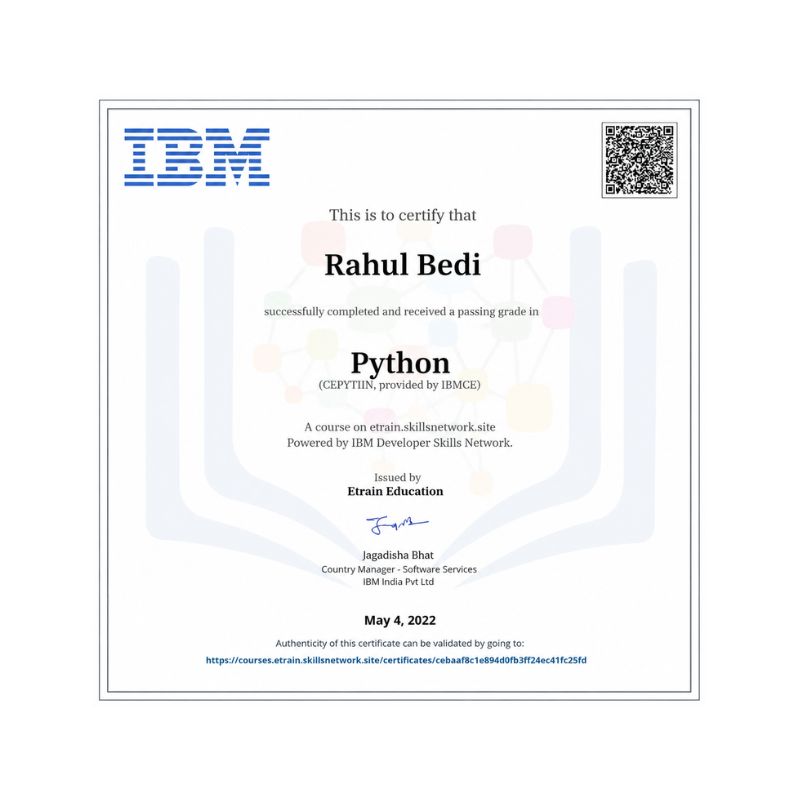
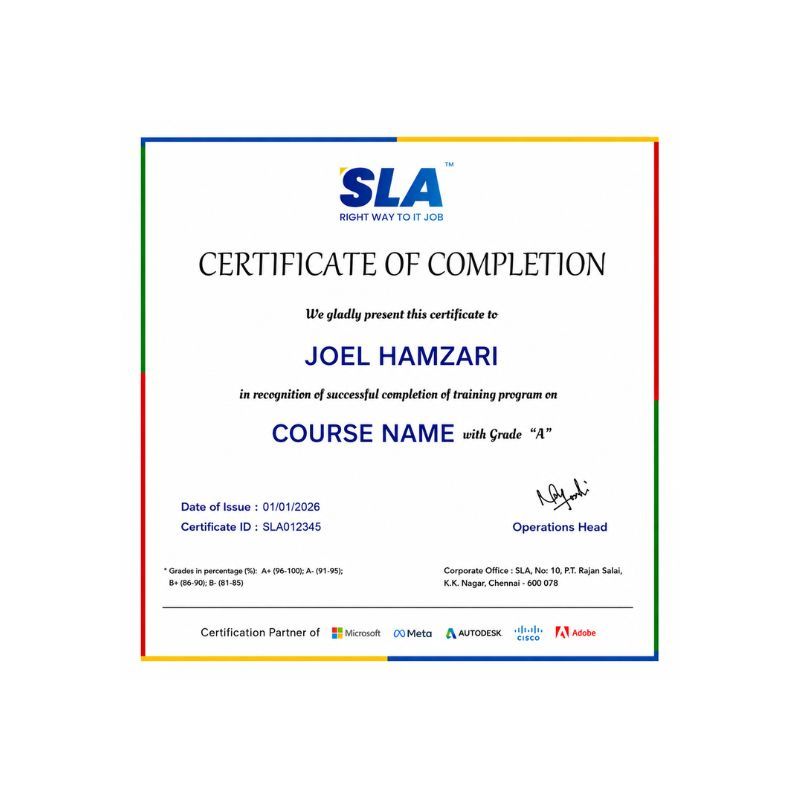
Earn Your Certificate of Completion
Validate your achievements with Softlogic's Certificate of Completion, verifying successful fulfillment of all essential components.
Take Your Career to the Next Level with  Certifications
Get a certifications through our training programs to gain a competitive edge in the industry.
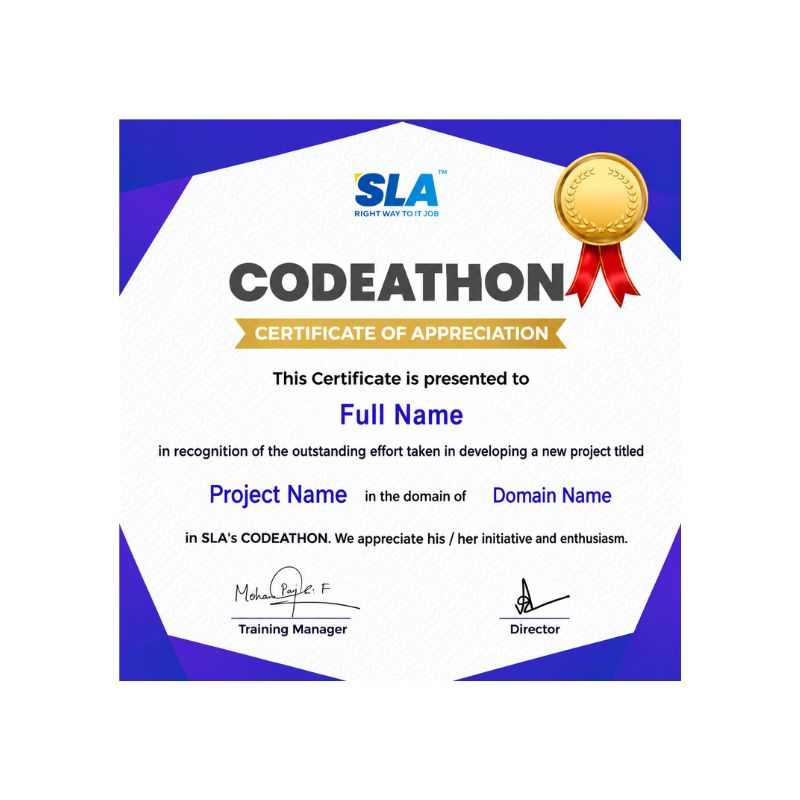
Stand Out from the Crowd with Codethon Certificate
Verify the authenticity of your real-time projects with Softlogic's Codethon certificate.

Hands-on Project Practices in Data Analytics Course

Real-Time Supply Chain Optimization
Real-Time Financial Fraud Detection
Real-Time Traffic Prediction
Real-Time Sentiment Analysis for Product Reviews
Real-Time Energy Consumption Optimization
Real-Time Healthcare Monitoring
Real-Time Predictive Maintenance
Real-Time Social Network Analysis
Real-Time Customer Segmentation

The SLA Way to Get Placed in Top IT Companies

Enrollment

Technology Training

Coding Practices
Realtime Projects

Placement Training

Aptitude Training
Interview Skills
CRM System Testing

Panel Mock
Interview

Unlimited
Interviews

Interview
Feedback

100%
IT Career

Google Reviews

Rating
4.8
1,053 Google reviews

Nithish Sahoo

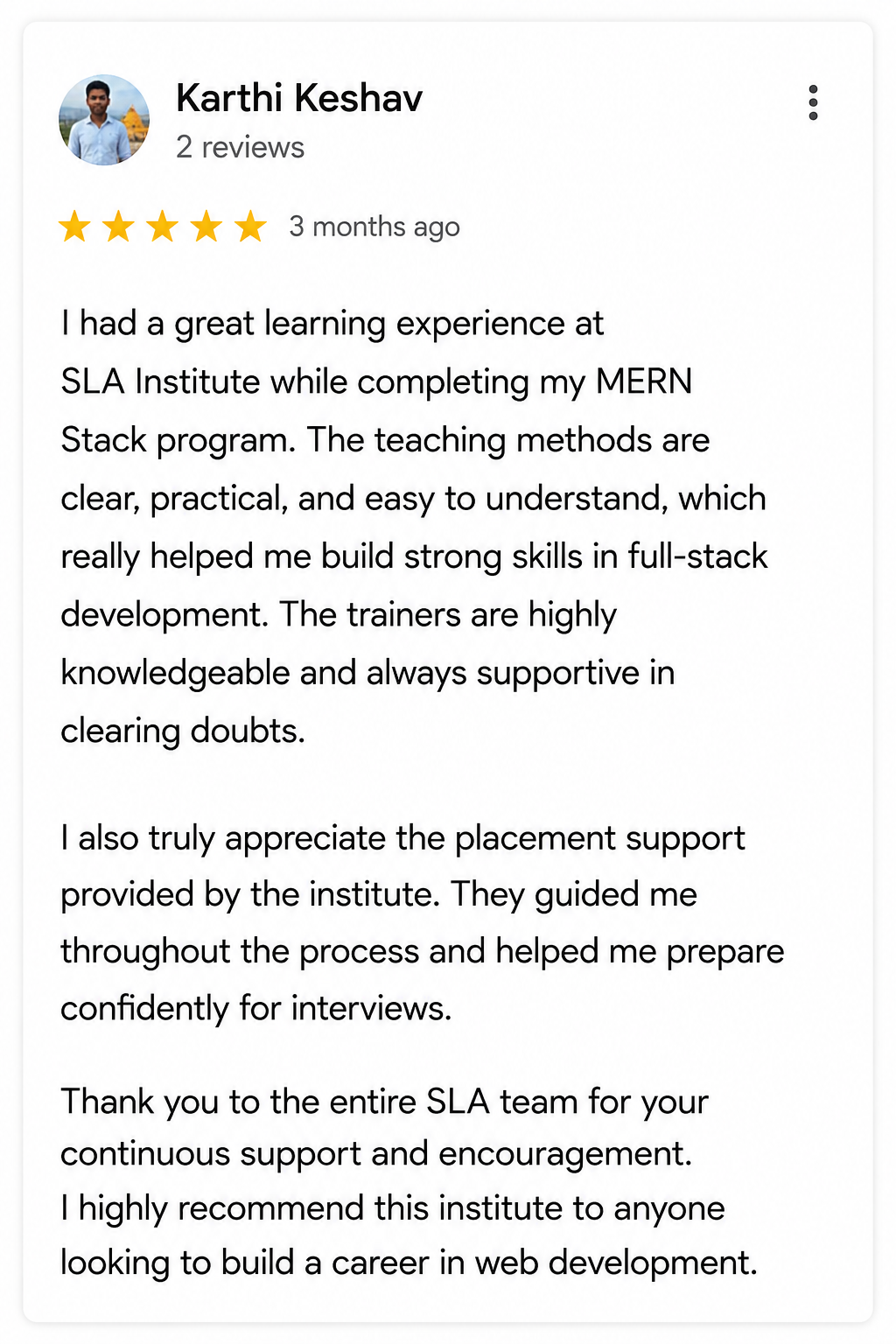
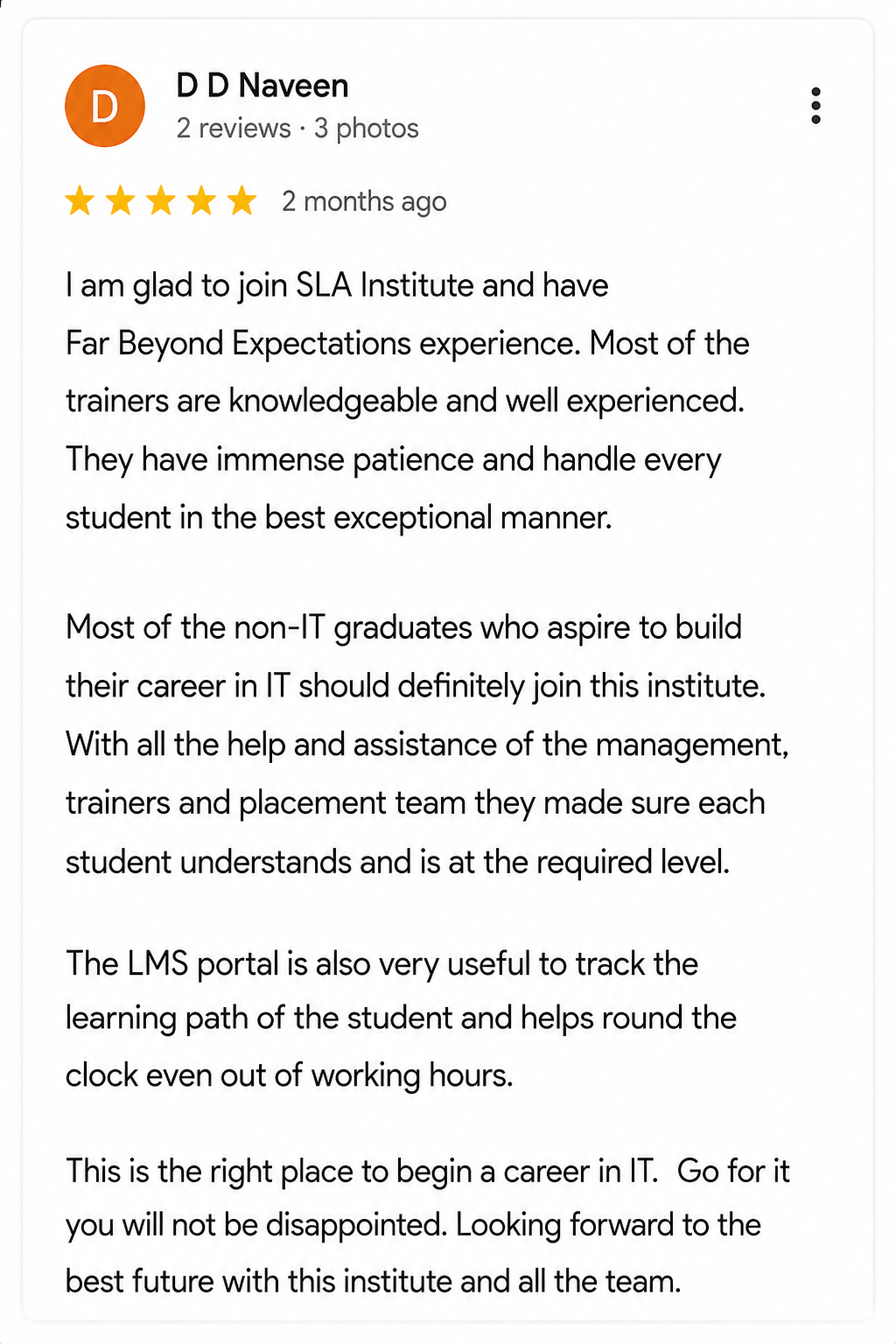
I had an excellent experience taking this DevOps course. The curriculum is well-structured and covers both fundamental and advanced DevOps concepts in a clear manner.…
Click here for Full Review

NalluKumar Ravichandran

Hi, I recently completed the DOT NET Full Stack Development course at SLA, and I had a great learning experience. The teaching style and student…
Click here for Full Review

SARAN M

SLA Institute provides training in communication and aptitude along with strong technical skills. The trainers explain concepts clearly with a practical approach, which helps build…
Click here for Full Review

MATHAN KUMAR G EEE

SLA Institute provides a structured learning environment for data analytics. The syllabus is relevant, and trainers are knowledgeable. Some sessions were very useful practically, while…
Click here for Full Review

 Surya

 Special thanks to Vishal Sir, the Placement Officer, for his interview guidance, resume support, and continuous motivation throughout the placement process. I would also like…
Click here for Full Review

Shaaru Menan

I had a 3 year career break. Joined SLA on Java Full Stack course and completed it.Did projects with the help of my Mentor. They…
Click here for Full Review

Discover What Our Students Have To Say

See More Reviews

Placement Support for a Data Analytics Job

Genuine Placements. No Backdoor Jobs at Softlogic Systems.

Aptitude Training
from Day 1

CRM System Testing

Interview Skills
from Day 1

Softskills Training
from Day 1

Build Your Resume

Build your LinkedIn Profile

Build your GitHub
digital portfolio

Panel Mock Interview

Unlimited Interviews until you get placed

Life Long Placement Support at no cost

Unlock Career Opportunities with our Placement TrainingRequest a Free Callback

FAQs

Our trainers in SLA are seasoned and experienced. They will teach students from base level to advanced level due to their years of experience. 

SLA does indeed accept a wide range of payment methods starting from cheques, cash, cards to all types of UPI digital payments.

Yes, SLA does definitely teach hands-on practical training as part of its curriculum. 

Yes, SLA provides EMI options with 0% interest.

Yes, all of SLA’s classrooms are smart classrooms, with modern technologies like computers and monitors to facilitate an efficient way of teaching.

Data analytics requires proficiency in Python, R, and SQL. Python is used for data manipulation and machine learning, R for statistical analysis and visualization, and SQL for database querying.

Common tools and libraries include Pandas and Matplotlib (Python), dplyr and ggplot2 (R), Scikit-learn and TensorFlow (machine learning), and Apache Spark (Big Data processing).

Steps include problem definition, data collection, EDA, feature engineering, model building, deployment, and iteration.

Techniques include handling missing data, normalization, encoding categorical variables, removing outliers, feature scaling, and dimensionality reduction.

Evaluation metrics vary based on the task, including accuracy, precision, recall, F1-score (classification), MSE, RMSE, MAE, R-squared (regression), and silhouette score, Davies-Bouldin index, Calinski-Harabasz index (clustering). Cross-validation techniques like k-fold validation are also used.

Additional Information for
the Data Analytics Course

  • 1950s-1960s: Early Beginnings:

Data analytics traces back to the 1950s-60s, with businesses and organizations using computers for data processing and statistical analysis.

  • 1970s-1980s: Rise of Business Intelligence (BI):

The 1970s-80s saw the rise of Business Intelligence (BI) tools like Decision Support Systems (DSS) and Management Information Systems (MIS) for extracting insights from structured data.

  • 1990s: Data Warehousing and OLAP:

In the 1990s, data warehousing and Online Analytical Processing (OLAP) enabled organizations to store and analyze large volumes of data from diverse sources.

  • Late 1990s-Early 2000s: Emergence of Data Mining and Predictive Analytics:

Towards the late 1990s and early 2000s, data mining and predictive analytics gained momentum, uncovering patterns and leveraging machine learning for forecasting.

  • 2000s-Present: Big Data and Advanced Analytics:
  • The 2000s ushered in the era of Big Data, marked by technologies like Hadoop and Apache Spark for processing large-scale data.
  • Advanced analytics techniques, including machine learning and AI, became prominent, driving actionable insights from complex data.
  • Cloud computing and scalable infrastructure accelerated data analytics adoption, emphasizing real-time analytics and edge computing for swift decision-making.

Related Blogs

Our counselors will share the Syllabus PDF with you via Email / Whatsapp

Get Your Instant Job & Placement Eligibility
Report in Just 30 Seconds!
Below 30% - not Eligible (Needs Preparation)
30% – 70% - Partially Eligible (Needs Guidance)
Above 70% - Fully Eligible (Ready to Start)

We are excited to get started with you

Give us your information and we will arange for a free call (at your convenience) with one of our counsellors. You can get all your queries answered before deciding to join SLA and move your career forward.