
Softlogic is one of the Top Training institutes for WordPress. Learn how to use WordPress, from beginner basics to advanced techniques. Our WordPress syllabus covers WordPress installation, customization, plugin management, page builders, SEO best practices, security, and website maintenance. We offer an WordPress Course with Placement Assistance, Mock interviews, Resume building, and certification.
WordPress Course With Certificate
4.90
(3257)
DURATION

2 Months
EMI

0% Interest
Mode

Live Online / Offline

Let's take the first step to becoming an expert in WordPress
Click Here to Get Started
Lifelong Placement
Assistance
Get Certified
JOB PLACEMENT ELIGIBILITY TEST
×
Your Placement Eligibility Report
Want more details about WordPress?
Fill out the form, and our counsellors will get in touch with you at your preferred time. You can have all your queries answered. Once you decide that SLA is the perfect fit for your training needs, our counselors will guide you through the process every step of the way.

Course Schedules

Course Syllabus

Course Fees

or any other questions...
Fees, Duration & Batch Timings for WordPress
Hands On Training
3-5 Real Time Projects
60-100 Practical Assignments
3+ Assessments / Mock Interviews
July 2026
Week days
(Mon-Fri)
Online/Offline
2 Hours Real Time Interactive Technical Training
1 Hour Aptitude
1 Hour Communication & Soft Skills
(Suitable for Fresh Jobseekers / Non IT to IT transition)
Course Fee
July 2026
Week ends
(Sat-Sun)
Online/Offline
4 Hours Real Time Interactive Technical Training
(Suitable for working IT Professionals)
Course Fee
Save up to 20% in your Course Fee on our Job Seeker Course Series
Learn More
Syllabus of WordPress
Download Syllabus
Introduction CMS And WordPress
- Why CMS
- Advantages and Disadvantages of CMS
- com vs. WordPress.org
WordPress Installation
- Setting up WordPress in Local Server
- Setting up WordPress in Remote Server
- Upgrading WordPress
- Understanding FTP
User Administration
- WordPress Admin
- Creating Users
- User Rights & Roles
WordPress Themes
- Free theme Vs Paid Theme
- Theme Selection Process
- Adding/installing Themes
- Changing Themes
- Preview & Activating Themes
Working with Widgets
- Installing widgets in sidebar
- Installing widgets in footer
Working with Menu for your Website
- Creating menus
- Adding pages, posts, categories to menus
- Creating Sub-menus
- Deleting items from menu
WordPress Plugins
- Installing plugins
- Activating Plugin & managing plugins
- Upgrading plugins
- Recommended Plugins
Working with Content
- Posts Vs Pages
- Adding Hyperlinks
- Playing with Media content
- Previewing and Editing Posts
- Previewing and Editing Pages
- Page Order
- Creating a post
- Adding Media files to content –images and videos
- Using Categories and Tags
- Creating Pages
- Page Hierarchy
WordPress Settings
- General settings
- Reading
- Media
- Writing settings
- Discussion
- Permalinks
WordPress Backup
- Enhancing WordPress Security
Objectives of WordPress
The objectives of learning the WordPress course are,
- To become familiar with WordPress’ fundamentals
- To install and configure WordPress
- To produce and oversee web content;
- To submit and enhance photos and other media;
- To control permissions and user accounts
- To implement site security measures
- To select and install themes
- To alter the look of the website
- To install and set up necessary plugins.
- To apply WordPress SEO best practices
- To add extensions and plugins to a project to make it more unique
- To search for materials, data, and assistance
Request a Free Callback
Why Softlogic Systems is the Best Choice for WordPress – Learn, Practice, and Get Placed!

Online & Offline Training Options
Learn at your convenience with flexible classroom and live online training.

Learn from 100+ Real-Time Developers
Get trained by industry professionals with years of hands-on experience.

Hands-on Projects & Codeathons
Practice with real-time projects and coding challenges to build confidence.
0% EMI Fee Options
Pay your course fees flexibly with easy EMI plans at zero interest.

Resume & Interview Support
Get expert help with resume building, mock interviews, and soft skills.

Placement with Top IT Firms
Access placement opportunities with leading MNCs and IT companies.

1000+ Hiring Partners
Benefit from Softlogic’s strong recruiter network for faster job placement.

No Backdoor Jobs
We ensure only genuine placement opportunities with trusted companies.
Request a Free Callback
Highlights of WordPress
What is WordPress?
WordPress is an open-source content management system (CMS). With WordPress, users may develop and manage websites, blogs, and other online content for free. If you want to create a website without knowing how to code, this is a popular option.
What are the prerequisites for learning WordPress?
Considering that taking a WordPress course does not require any prerequisite knowledge. However, it can be beneficial to have a fundamental understanding of the following concepts:
- Basic understanding of text and image modification methods
- Understanding of website architecture.
- Basic knowledge of HTML, CSS, and JavaScript.
Our WordPress course is suitable for:
- Students
- Professionals seeking a career change
- IT professionals aiming to enhance their skills
- Enthusiastic programmers
- Job Seekers
What are the course fees and duration?
Our WordPress training cost ranges from ₹25,000, and it varies based on the course level (basic, intermediate, or advanced) and format (online or in person). Generally, the WordPress course duration is approximately 2 months and includes certification upon completion. For accurate details concerning fees, duration, and certification, we suggest reaching out to our WordPress training institute directly.
What are some job roles related to WordPress?
Gaining knowledge of WordPress can lead to a variety of job prospects:
- WordPress Developer
- WordPress Designer
- WordPress Theme Developer
- WordPress plugin developer
- Content Manager
- Support Specialist
- WordPress SEO Specialist
- WordPress Security Specialist
- WordPress Site Administrator
What is the salary range for a WordPress professional?
The average salary for a fresher Java WordPress developer with less than 3 years of experience is ₹2.5 lakhs. The average yearly salary for a Java WordPress developer in their mid-career who has 4 to 9 years of experience is ₹4.7 lakhs. An experienced Java developer’s salary is around ₹12 lakhs annually.
List a few WordPress real-time applications.
There are several widely used real-time apps in the WordPress context, which is always changing. Upcoming developments in real-time functionality could potentially encompass additional features or plugins.
- WebSocket plugins
- Headless WordPress
- Real-time gaming
- Chat apps
- Any modernized app development.
Boost Your Skills with Our WordPress Experts
Our Mentors are from Top Companies like:
- Our WordPress trainers are top specialists in their fields who provide the best education for global learners.
- They work with leading IT MNCs and bring a wealth of experience and higher qualifications.
- They provide insightful analysis on website security and provide knowledge on how to keep your WordPress website safe.
- Our trainers will help you use WordPress to make interesting portfolios, blogs, and company websites.
- Their extensive knowledge in WordPress development includes website optimization, themes, and plugins.
- Their extensive understanding of WordPress CMS and its features guarantees a thorough educational experience.Our WordPress trainers are renowned for their accommodating and kind demeanor, which enables you to think clearly and perform well.
Request a Free Callback
What Modes of Training are available for WordPress?
Offline / Classroom Training

A Personalized Learning Experience with Direct Trainer Engagement!
- Direct Interaction with the Trainer
- Clarify doubts then and there
- Airconditioned Premium Classrooms and Lab with all amenities
- Codeathon Practices
- Direct Aptitude Training
- Live Interview Skills Training
- Direct Panel Mock Interviews
- Campus Drives
- 100% Placement Support
Online Training

Instructor Led Live Training! Learn at the comfort of your home
- No Recorded Sessions
- Live Virtual Interaction with the Trainer
- Clarify doubts then and there virtually
- Live Virtual Interview Skills Training
- Live Virtual Aptitude Training
- Online Panel Mock Interviews
- 100% Placement Support
Corporate Training

Blended Delivery model (both Online and Offline as per Clients’ requirement)
- Industry endorsed Skilled Faculties
- Flexible Pricing Options
- Customized Syllabus
- 12X6 Assistance and Support
GET Free Consultation
Certifications
Take your career to new heights with Softlogic's software training certifications.
Improve your abilities to get access to rewarding possibilities
Improve your abilities to get access to rewarding possibilities

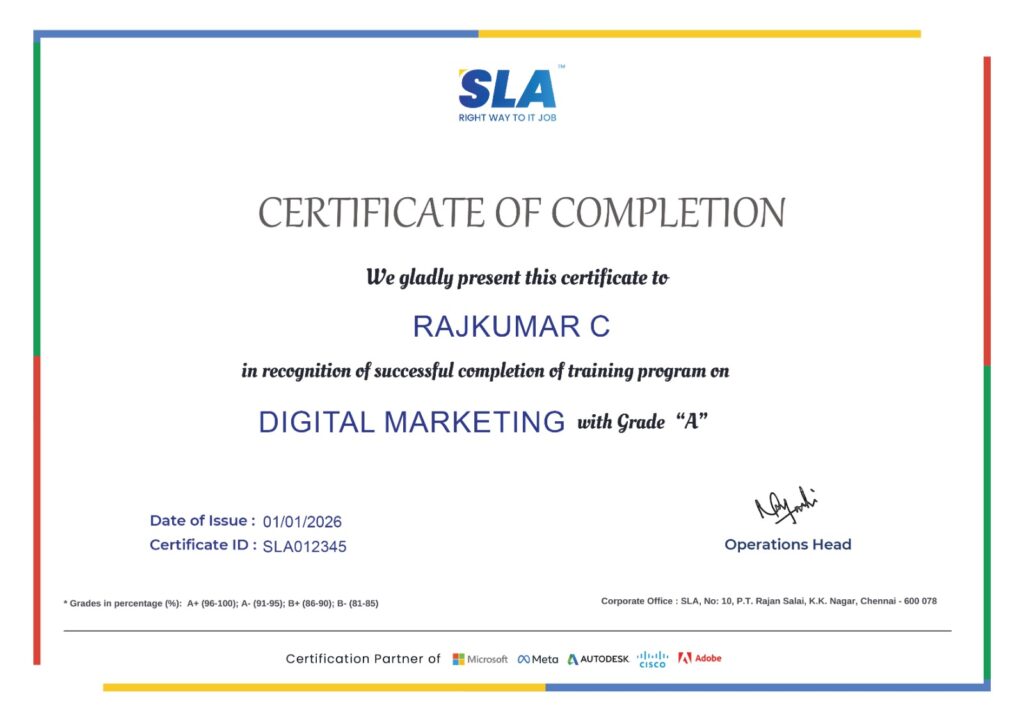
Earn Your Certificate of Completion
Validate your achievements with Softlogic's Certificate of Completion, verifying successful fulfillment of all essential components.
Take Your Career to the Next Level with Certifications
Get a certifications through our training programs to gain a competitive edge in the industry.

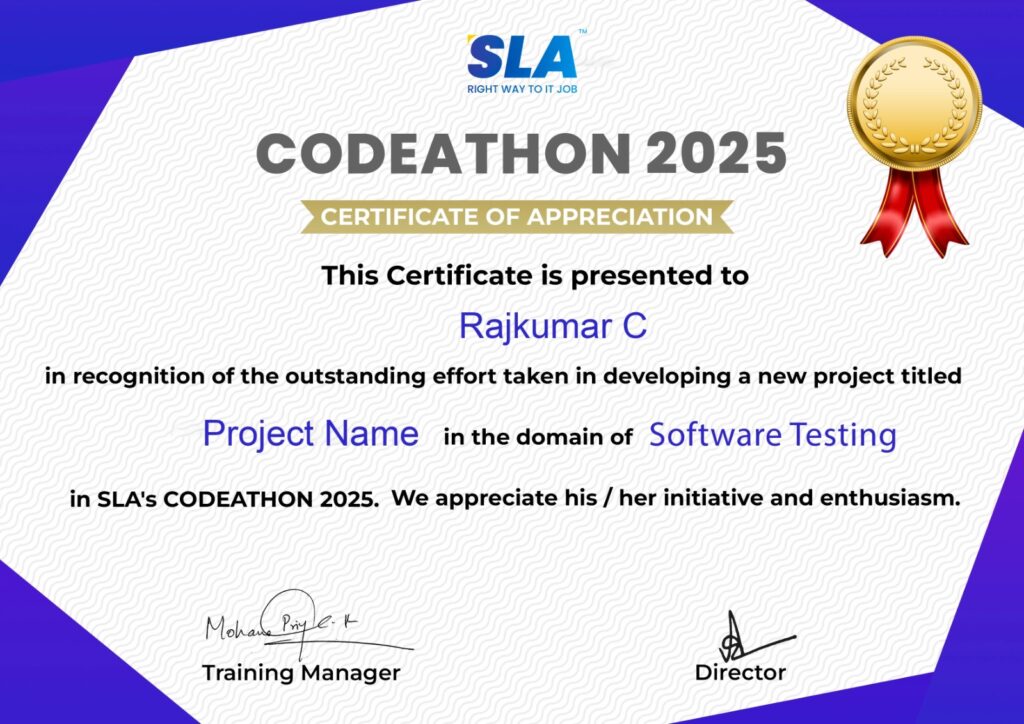
Stand Out from the Crowd with Codethon Certificate
Verify the authenticity of your real-time projects with Softlogic's Codethon certificate.
Hands-on Project Practices in WordPress
Employment Board
Crowdfunding Website
Platform for Auctions
Gamification System
Website for Classified Ads
Site of Membership
Monitoring User Activity
Stock Market Portfolios
Content Personalization System
The SLA Way to Get Placed in Top IT Companies
Enrollment

Technology Training
Coding Practices
Realtime Projects
Realtime Projects
Placement Training
Aptitude Training
Interview Skills
Interview Skills
Panel Mock
Interview

Unlimited
Interviews

Interview
Feedback
100%
IT Career
Placement Support for a WordPress Job
Genuine Placements. No Backdoor Jobs at Softlogic Systems.

Aptitude Training
from Day 1
Interview Skills
from Day 1

Softskills Training
from Day 1
Build Your Resume

Build your LinkedIn Profile

Build your GitHub
digital portfolio

Panel Mock Interview
Unlimited Interviews until you get placed

Life Long Placement Support at no cost
Request a Free Callback
FAQs
What is WordPress?
WordPress has a simple interface and is easy to use. Users can tailor their websites to suit their needs with the help of its template system and plugin architecture.
Why is WordPress important?
Using WordPress, a content management system (CMS), you can create and administer websites. WordPress has a template system and plugin architecture that allow you to alter any website to suit your online store, blog, portfolio, or business.
Does WordPress require coding?
With the help of WordPress, an open-source content management system, users can build and maintain websites without needing to know much code. It provides a large selection of customizable plugins, themes, and layouts to meet different demands.
Who uses WordPress?
A content management system is WordPress (CMS for short). It’s a feature-rich website creation and management application. WordPress can be useful for e-commerce storefronts, personal websites, blogs, and business websites. Since this platform operates online, no desktop software needs to be downloaded to utilize it.
Is WordPress easy to learn?
With WordPress’s user-friendly design, creating a basic website should just take a few hours. It’s not that hard to learn WordPress.
Why is WordPress a good career?
If you’re interested in web development, becoming a developer is a wise career move. Since WordPress powers a sizable section of the internet, WordPress developers are in high demand.
What certification will I receive after finishing the WordPress course?
You will receive internationally recognized SLA course completion certificates for the WordPress course upon conclusion of the training, in addition to prestigious IBM credentials and Codeathon certificates attesting to your proficiency with real-world projects.
What are the possible payment methods at SLA for WordPress training?
We take cash, credit cards (Visa, Maestro, Mastercard), Netbanking, and other major payment options for WordPress training at SLA.
What happens if I miss a WordPress course session?
SLA trainers promise that not a single WordPress training class will be missed. We will assign substitute WordPress classes to those who missed the classes and gave advance notice.
I still have some questions about joining the WordPress course at SLA.
Kindly contact our WordPress course advisor via WhatsApp or at +91 86818 84318. As an alternative, you can contact us by chat on our website, email enquiry@softlogicsys.in, or through our contact form.
Additional Information for
the WordPress
Future Prospects of WordPress
WordPress is a popular web development platform that will probably keep changing in the future. The following are some trends and projections for WordPress:
- Themes: WordPress themes will incorporate AI as well, and customization options will improve usability.
- Artificial intelligence: Deep learning (DL) algorithms can provide more sophisticated features, while machine learning (ML) algorithms can offer recommendations for how to enhance website content.
- Block editor: You may create aesthetically rich pages and post layouts more rapidly by using modular blocks and drag-and-drop capability.
- Job market: There is a great need for WordPress developers, as seen by the thousands of positions posted on LinkedIn globally.
Important WordPress Features
WordPress has many key features that include:
- No cost: WordPress is free to install, use, and modify for anybody.
- Open-source: The General Public License (GPLv2 or later) governs open-source WordPress. Users are free to execute, examine, modify, and distribute the program under the terms of this license.
- Trendy: With WordPress powering over 26% of all websites, it is the most widely used content management system worldwide.
- Flexible: Versatile WordPress is a platform that lends itself to the creation of nearly any kind of website.
- SEO-friendly: With WordPress, SEO for websites is easy.
WordPress Certification Value
Having a WordPress certification can help you land a job by proving your proficiency with the platform.
- Commitment: Demonstrate your dedication to understanding WordPress and possessing the abilities required to create successful websites with certifications.
- Networking: Having a certification might help you get in touch with other industry experts within the WordPress community, which may open up career opportunities.
- Stand out: If you don’t have any relevant experience, having a certification can make you more appealing to companies.
- Increased visibility: The platform’s visibility may increase as more users publish their WordPress certifications.
- Differentiate: WordPress can be set apart from other platforms with the use of certifications.
- Resume: You can improve your resume by including a credential from a reputable school.
Related Blogs
WordPress Challenges For Beginners
Published On: November 6, 2024
Introduction WordPress is a widely-used content management system (CMS) in the IT industry, enabling users…
WordPress Project Ideas
Published On: October 25, 2024
Introduction WordPress is one of the most popular platforms for building websites, blogs, and online…
WordPress Developer Salary for Freshers and Experienced
Published On: October 14, 2024
Introduction WordPress currently powers 43% of the internet, providing a rich job market for developers…
Top 11 WordPress Interview Questions and Answers
Published On: May 21, 2022
Introduction With the rapid increase in digitalization and adaptation to digital technologies, every organization has…
Google Reviews

Rating
4.8
1,053 Google reviews

Surya
Special thanks to Vishal Sir, the Placement Officer, for his interview guidance, resume support, and continuous motivation throughout the placement process. I would also like…

Click here for Full Review

NalluKumar Ravichandran
Hi, I recently completed the DOT NET Full Stack Development course at SLA, and I had a great learning experience. The teaching style and student…
Click here for Full Review

Shaaru Menan
I had a 3 year career break. Joined SLA on Java Full Stack course and completed it.Did projects with the help of my Mentor. They…
Click here for Full Review

Nithish Sahoo
I had an excellent experience taking this DevOps course. The curriculum is well-structured and covers both fundamental and advanced DevOps concepts in a clear manner.…
Click here for Full Review

MATHAN KUMAR G EEE
SLA Institute provides a structured learning environment for data analytics. The syllabus is relevant, and trainers are knowledgeable. Some sessions were very useful practically, while…
Click here for Full Review

SARAN M
SLA Institute provides training in communication and aptitude along with strong technical skills. The trainers explain concepts clearly with a practical approach, which helps build…
Click here for Full Review