
Softlogic Systems Selenium with Python Course Syllabus is specifically designed for College Students, Freshers, and Job Seekers. Our Selenium with Python syllabus covers Selenium basics, WebDriver, locating elements, handling waits, working with frames, data-driven testing, and integrating with testing frameworks like PyTest and Unittest. Our Selenium with Python Course Content helps you learn Selenium with Python step by Step with real-time projects and Interview Preparations.
Selenium with Python Syllabus
4.80
(5874)
DURATION

4 Months
JOB READY

Syllabus
CERTIFIED

Courses

Let's take the first step to becoming an expert in Selenium with Python Syllabus
Click Here to Get Started
Lifelong Placement
Support
Get Certified
Check Your Job Eligibility
×
Your Placement Eligibility Report
Syllabus for The Selenium with Python Syllabus Course
Download Syllabus
Introduction to Selenium and Python
- Overview of Selenium and Python for automation testing
- Setting up Selenium WebDriver with Python
- Installing and configuring the Selenium environment
- Basics of Python programming for automation
Selenium WebDriver Basics
- Introduction to WebDriver and its architecture
- Locating elements using various methods (ID, Name, XPath, CSS Selectors)
- Interacting with web elements (click, send keys, get text)
- Handling dynamic web elements and AJAX
Advanced WebDriver Techniques
- Cross-browser testing with Chrome, Firefox, and Edge
- Handling multiple windows, tabs, and browser sessions
- Managing cookies and browser notifications
- Working with JavaScript and custom elements
Synchronization in Selenium
- Implicit, explicit, and fluent waits
- Handling synchronization issues with dynamic pages
- Wait conditions and their importance in automation testing
Creating Test Automation Frameworks
- Introduction to test automation frameworks
- Building a simple test framework with Python and Selenium
- Using pytest and unittest for test case management
- Data-driven testing with CSV, Excel, and JSON files
Handling Web Elements in Detail
- Working with dropdowns, checkboxes, radio buttons
- Handling frames and iframes in Selenium
- Interacting with alerts, pop-ups, and modals
- File upload and download handling in tests
Advanced Selenium Features
- Using ActionChains for mouse and keyboard actions
- Performing drag-and-drop operations
- Capturing screenshots during test execution
- Extracting browser logs and network traffic
Selenium Grid and Parallel Execution
- Introduction to Selenium Grid and setting up a grid
- Parallel test execution with Selenium Grid
- Running tests on remote machines and cloud platforms like BrowserStack
Integration with Other Tools
- Integrating Selenium with Jenkins for Continuous Integration (CI)
- Version control with Git for automation projects
- Generating test reports with Allure or TestNG
- Integrating with third-party tools for better test management
Debugging and Best Practices
- Debugging Selenium scripts and handling exceptions
- Writing maintainable and reusable test scripts
- Optimizing Selenium tests for performance
The SLA way to Become
a Selenium with Python Syllabus Expert

Enrollment

Technology Training
Coding Practices
Realtime Projects
Realtime Projects

Placement Training
Aptitude Training
Interview Skills
Interview Skills

Panel Mock
Interview

Unlimited
Interviews

Interview
Feedback

100%
IT Career
FAQ
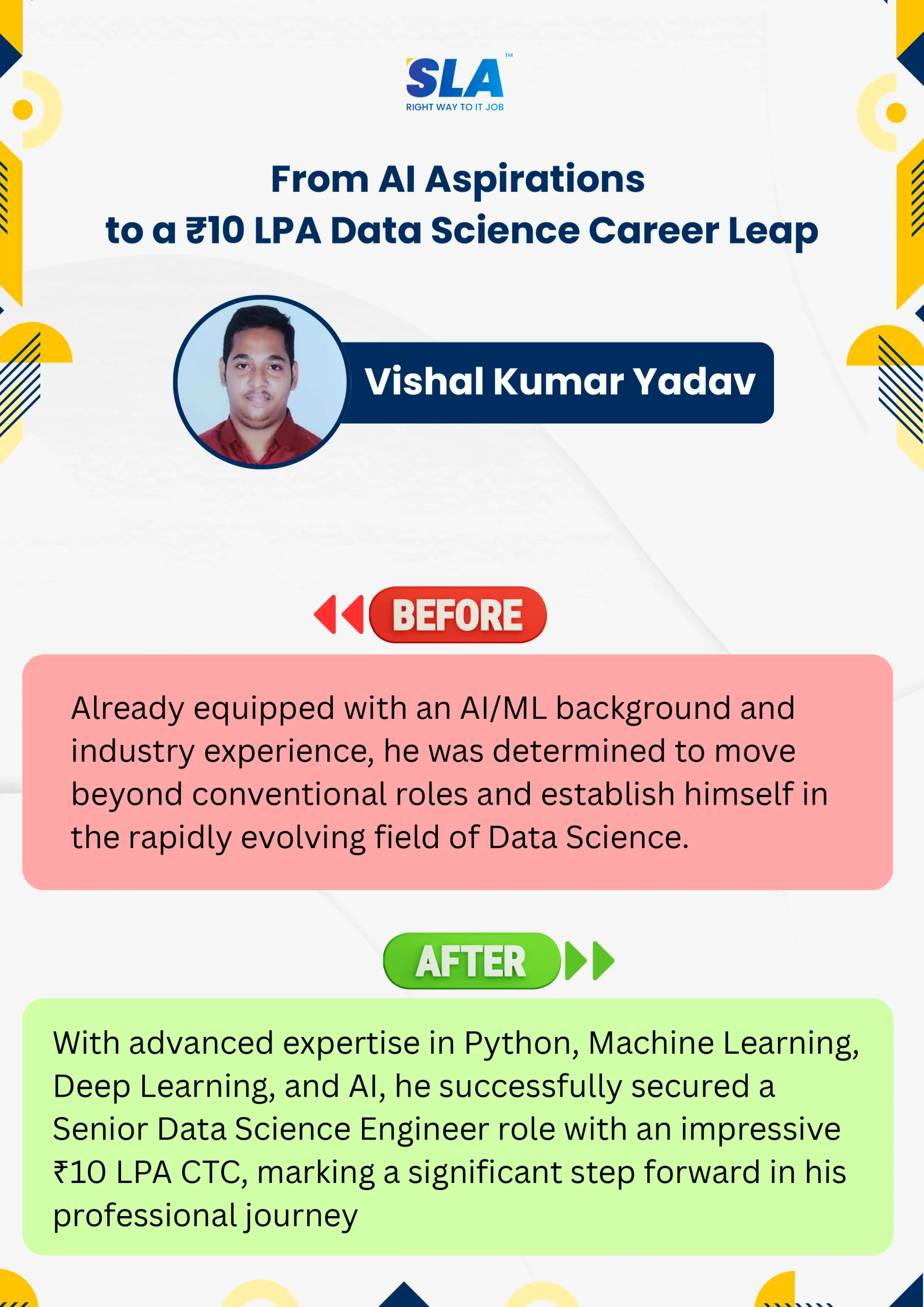
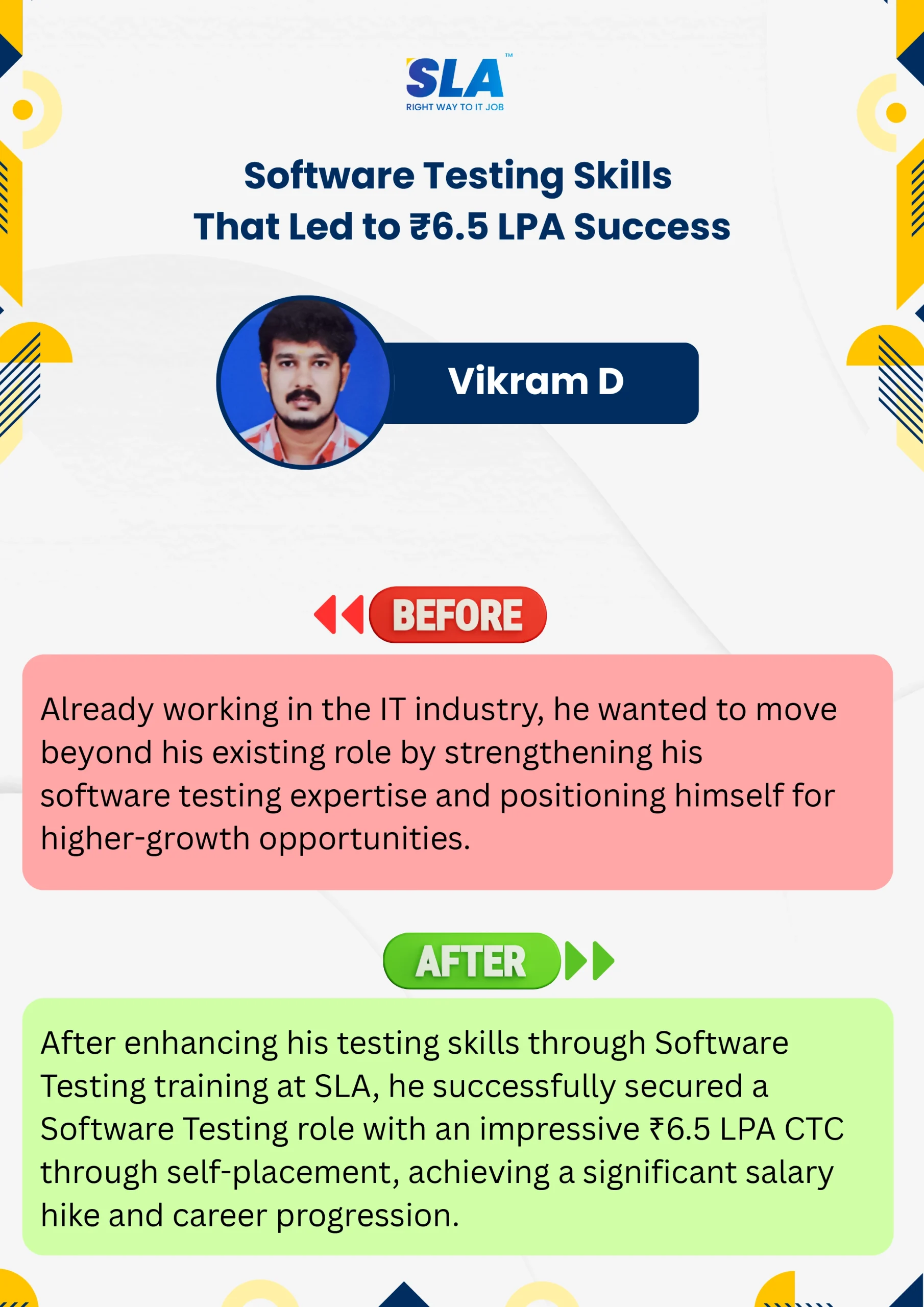
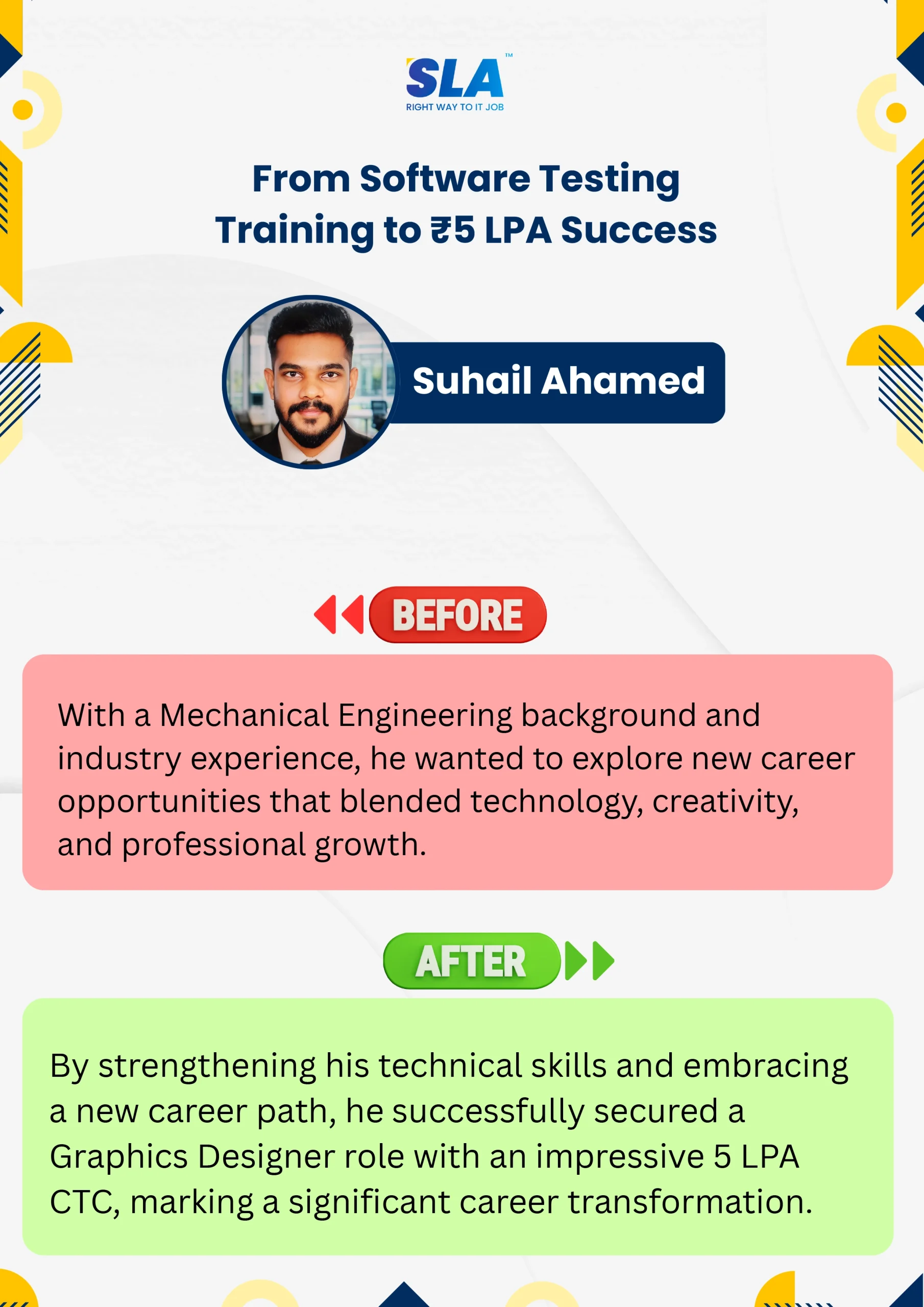
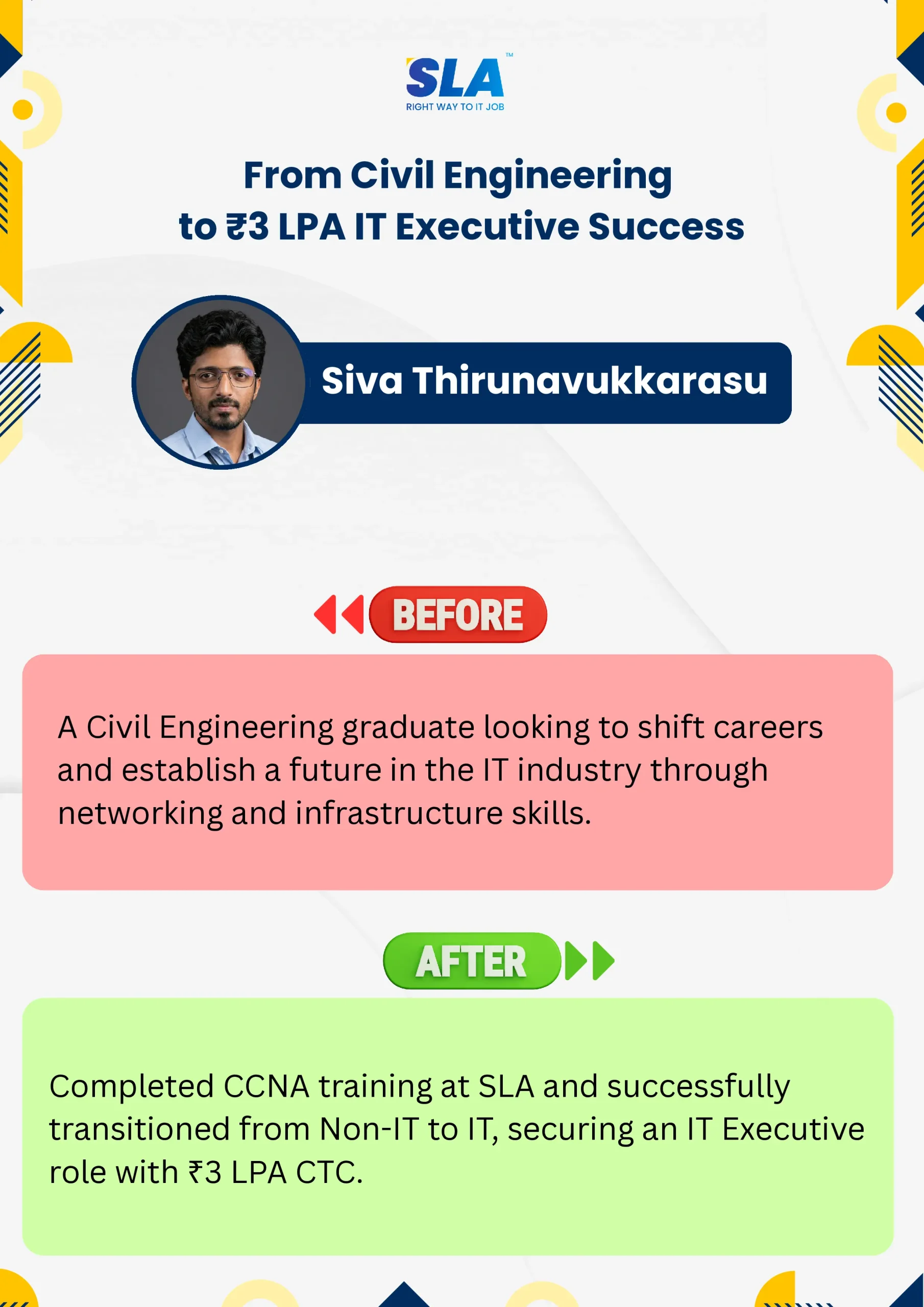
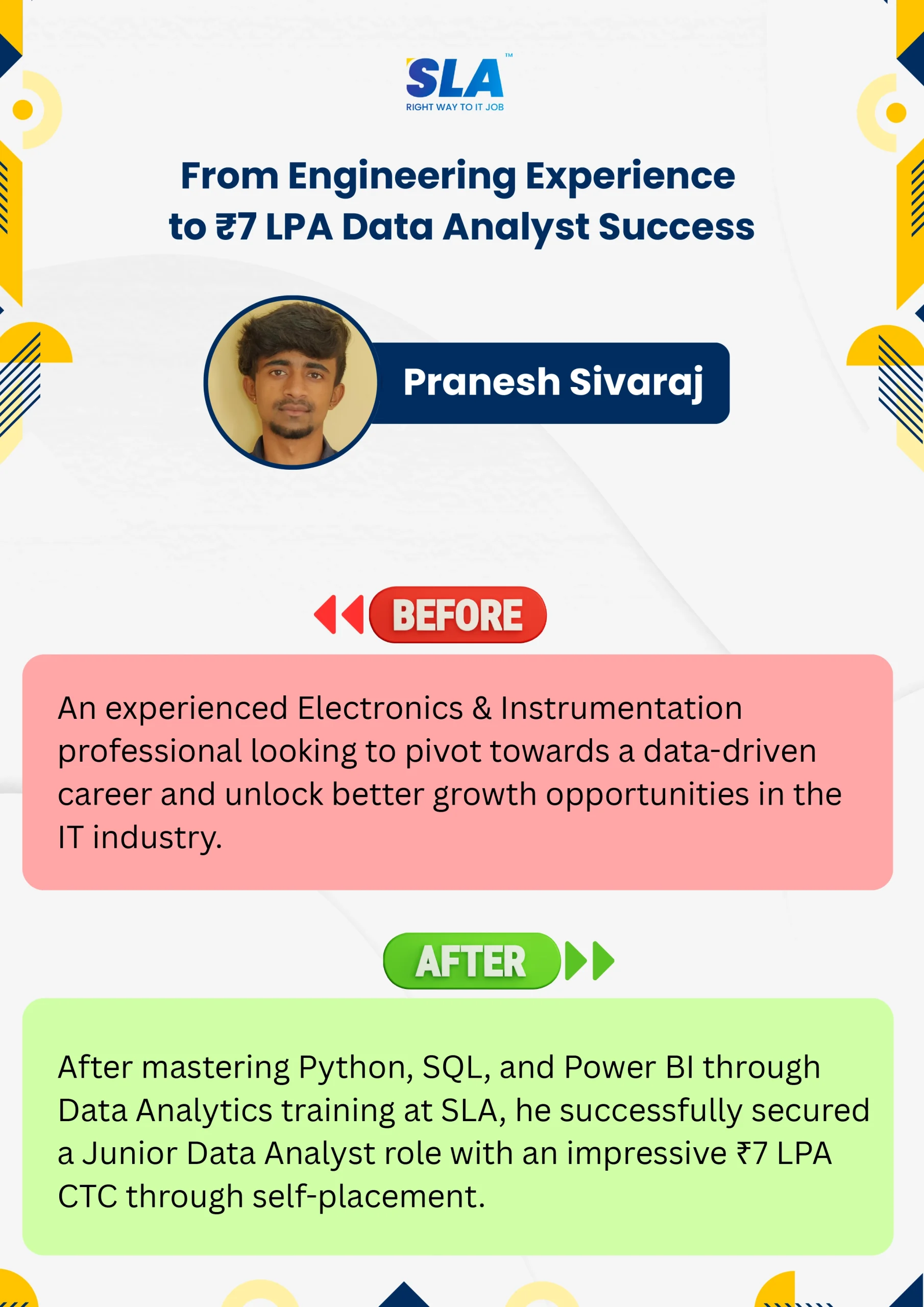
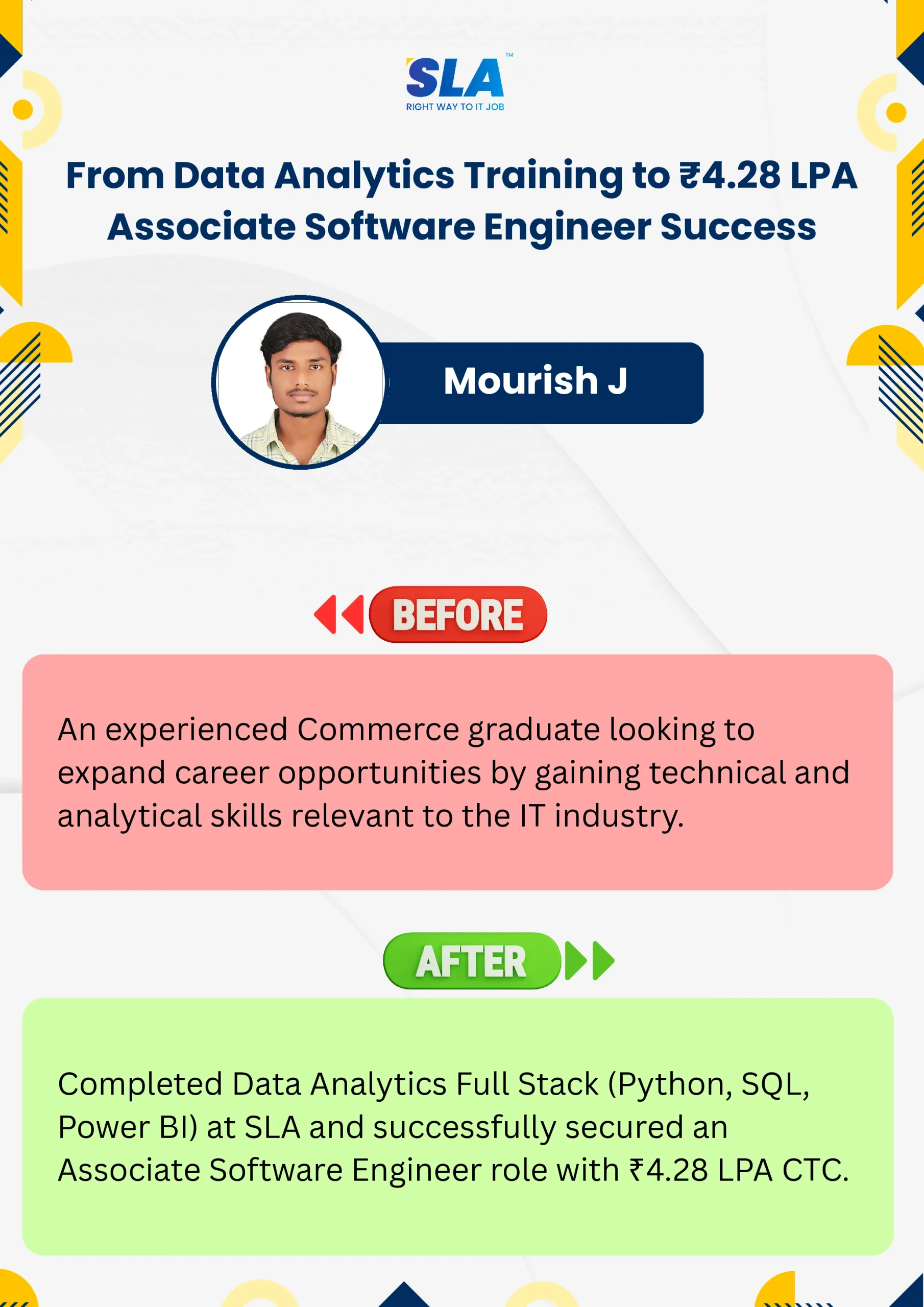
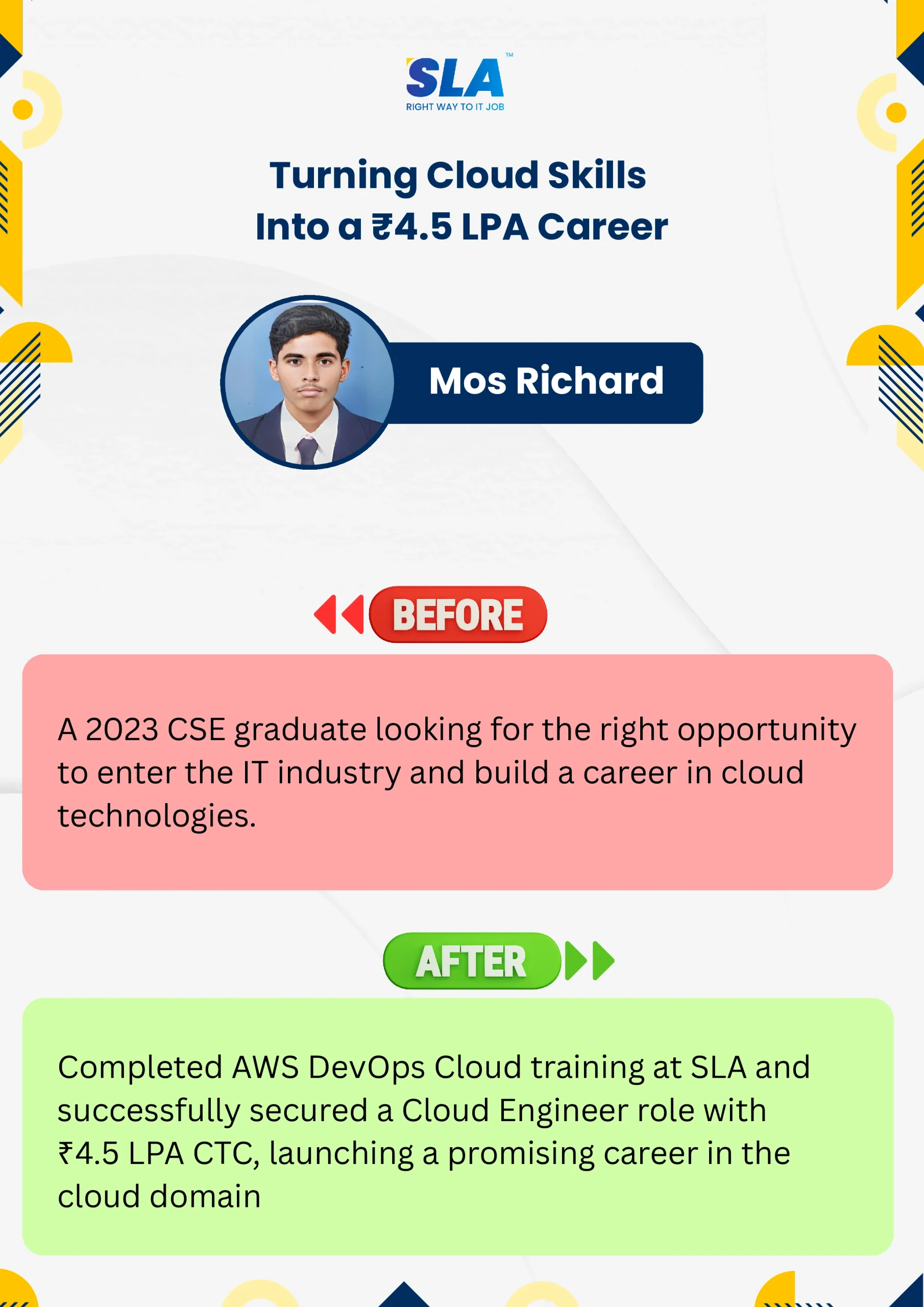
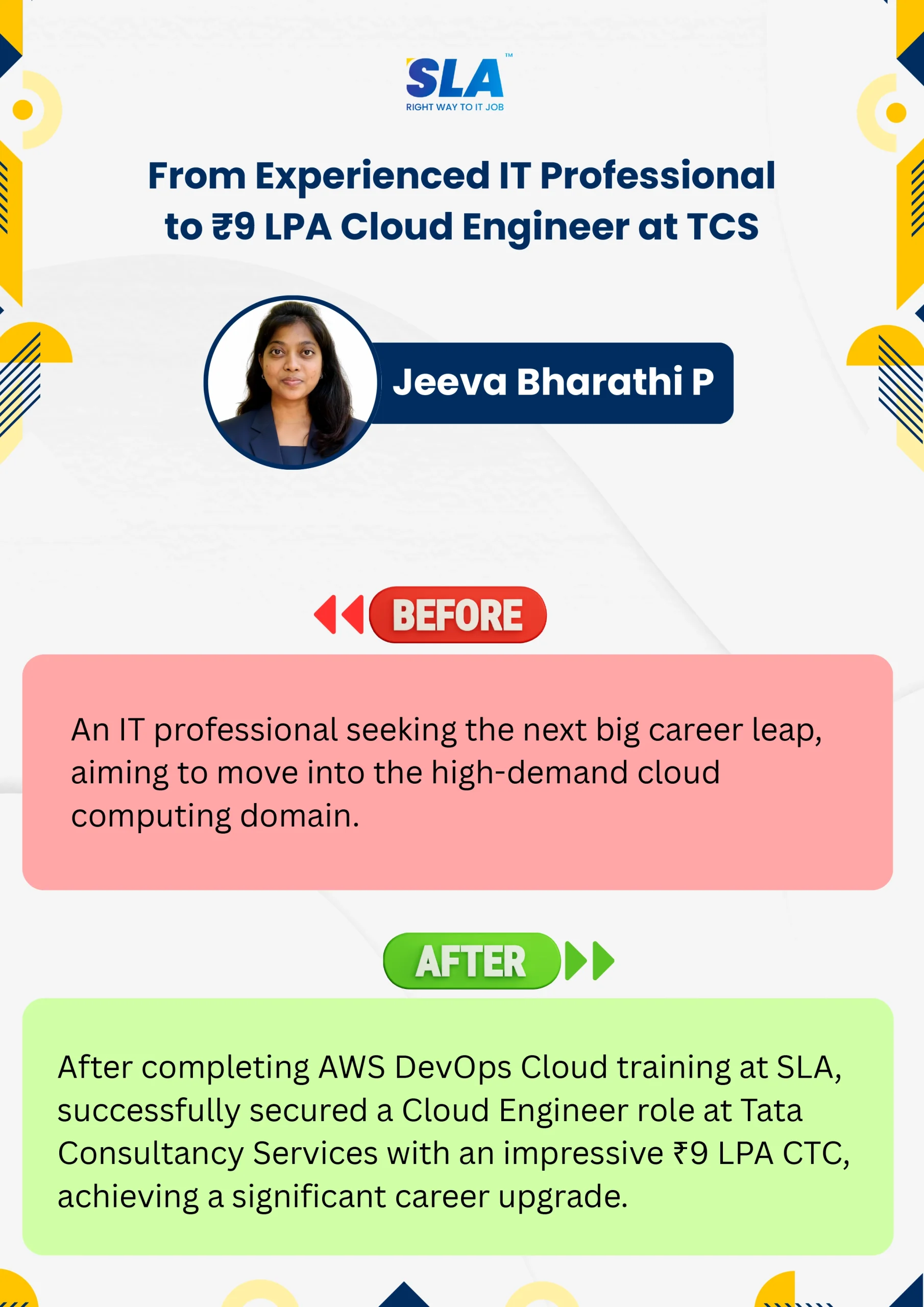
Google Reviews

Rating
4.8
1,053 Google reviews

Shaaru Menan
I had a 3 year career break. Joined SLA on Java Full Stack course and completed it.Did projects with the help of my Mentor. They…

Click here for Full Review

SARAN M
SLA Institute provides training in communication and aptitude along with strong technical skills. The trainers explain concepts clearly with a practical approach, which helps build…
Click here for Full Review

NalluKumar Ravichandran
Hi, I recently completed the DOT NET Full Stack Development course at SLA, and I had a great learning experience. The teaching style and student…
Click here for Full Review

Nithish Sahoo
I had an excellent experience taking this DevOps course. The curriculum is well-structured and covers both fundamental and advanced DevOps concepts in a clear manner.…
Click here for Full Review

MATHAN KUMAR G EEE
SLA Institute provides a structured learning environment for data analytics. The syllabus is relevant, and trainers are knowledgeable. Some sessions were very useful practically, while…
Click here for Full Review

Surya
Special thanks to Vishal Sir, the Placement Officer, for his interview guidance, resume support, and continuous motivation throughout the placement process. I would also like…
Click here for Full Review