
Softlogic is one of the Top Training institutes for HTML. Learn how to use HTML, from beginner basics to advanced techniques. Our HTML syllabus covers the HTML basics, elements, attributes, forms, tables, multimedia integration, semantic tags, and HTML5 advanced features. We offer an HTML Course with Placement Assistance, Mock interviews, Resume building, and certification.
HTML For Beginners Course
4.80
(2941)
DURATION

15 Days
EMI

0% Interest
Mode

Live Online / Offline

Let's take the first step to becoming an expert in HTML
Click Here to Get Started
Lifelong Placement
Assistance
Get Certified
JOB PLACEMENT ELIGIBILITY TEST
×
Your Placement Eligibility Report
Want more details about HTML?
Fill out the form, and our counsellors will get in touch with you at your preferred time. You can have all your queries answered. Once you decide that SLA is the perfect fit for your training needs, our counselors will guide you through the process every step of the way.

Course Schedules

Course Syllabus

Course Fees

or any other questions...
Fees, Duration & Batch Timings for HTML
Hands On Training
3-5 Real Time Projects
60-100 Practical Assignments
3+ Assessments / Mock Interviews
July 2026
Week days
(Mon-Fri)
Online/Offline
2 Hours Real Time Interactive Technical Training
1 Hour Aptitude
1 Hour Communication & Soft Skills
(Suitable for Fresh Jobseekers / Non IT to IT transition)
Course Fee
July 2026
Week ends
(Sat-Sun)
Online/Offline
4 Hours Real Time Interactive Technical Training
(Suitable for working IT Professionals)
Course Fee
Save up to 20% in your Course Fee on our Job Seeker Course Series
Learn More
Syllabus of HTML
Download Syllabus
HTML Overview
- HTML Editing Tools
- WYSISYG Authoring Tools
- Document Structure
- HTML Tags
- Information browsers ignore
- Tips on good HTML style
- Specifying Color in HTML
Structural HTML Tags
- The Summary of Structural Tags
- Setting up an HTML document
- The global settings with the “BODY” tag
- Using META tag
Formatting Text
- The summary of Text tags
- Working with HTML text
- The inline type styles
- The FONT tag
- The Lists
- The layout techniques with HTML
Creating Links
- The summary of tags related to linking
- Simple Hypertext links
- Linking within a document
- Affecting the appearance of links
- Targeting windows
- The Image maps
- Non-Web links and protocols
Adding images and other page elements
- The summary of object placement tags
- Horizontal rules
- The Image basics
- The IMG tag and its attributes
- Adding Java Applets to the page
- Adding Plug-in Media with EMBED
- Adding Media files with OBJECT
Tables
- The summary of Table tags
- Introduction to tables
- The Basic table structure
- Affecting table appearance
- Table troubleshooting
- Tips and tricks
- Standard table templates
- Multipart images in tables
Frames
- The summary of Frame tags
- Introduction to frames
- The basic frameset structure
- The frame function and appearance
- Targeting frames
- The Inline (Floating) frames
- Frame design tips and tricks
Forms
- Summary of FORM tags
- Introduction to Forms
- The basic form (FORM)
- The FORM elements
- The New FORM attributes (HTML 4.0)
- Affecting the appearance of forms
- Unconventional use of FORM elements
- Demystifying CGI
- Retrieving the parameter value using getParameter () method
Server Side includes (SSI)
- How SSI is used
- The SSI and the server
- Adding SSI commands to a document
- Using environment variables
- The XSSI
- The List of elements
- The Include variables
- Time formats for SSI output
Objectives of HTML
The HTML Training will cover all the topics ranging from fundamental to advanced concepts, which will make it easy for students to grasp HTML. The HTML Course Curriculum is composed of some of the most useful and rare concepts that will surely give students a complete understanding of HTML as well. So, some of those curriculum are discussed below as objectives:
- To make students well-versed with fundamental concepts of HTML like – HTML Editing Tools, WYSIWYG Authoring Tools, Document Structure, HTML Tags, Structural HTML Tags etc.
- To make students more aware of HTML by making them learn concepts like – Creating Links, Horizontal rules, The Image basics, The IMG tag and its attributes etc.
- To make students more knowledgeable in advanced HTML concepts like – Tables, Frames, Forms, Horizontal rules, The Image basics, The IMG tag and its attributes etc.
Request a Free Callback
Why Softlogic Systems is the Best Choice for HTML – Learn, Practice, and Get Placed!

Online & Offline Training Options
Learn at your convenience with flexible classroom and live online training.

Learn from 100+ Real-Time Developers
Get trained by industry professionals with years of hands-on experience.

Hands-on Projects & Codeathons
Practice with real-time projects and coding challenges to build confidence.
0% EMI Fee Options
Pay your course fees flexibly with easy EMI plans at zero interest.

Resume & Interview Support
Get expert help with resume building, mock interviews, and soft skills.

Placement with Top IT Firms
Access placement opportunities with leading MNCs and IT companies.

1000+ Hiring Partners
Benefit from Softlogic’s strong recruiter network for faster job placement.

No Backdoor Jobs
We ensure only genuine placement opportunities with trusted companies.
Request a Free Callback
Highlights of HTML
What is HTML?
HTML (HyperText Markup Language) is the core language for designing and structuring web pages and applications. It uses tags to organize and present text, images, links, and multimedia. Essential features include document structure, elements and attributes, hyperlinks, forms, and multimedia support. HTML is universally supported by browsers and forms the basis for web technologies like CSS and JavaScript.
What is HTML Full Stack?
HTML Full Stack encompasses the skills needed for both frontend and backend web development, with HTML forming the base for frontend structure. It includes HTML for content, CSS for styling, JavaScript for interactivity, backend languages like Node.js or Python, database management, APIs, version control, and deployment tools.
What are the reasons for learning HTML?
The following are the reasons for learning HTML:
- Web Page Development: HTML is the fundamental language used to structure content on the web, enabling the creation of web pages and applications.
- Core for Frontend Development: HTML provides the essential groundwork for frontend development, making it crucial for understanding web technologies.
- Content Structuring: It facilitates the organization and display of text, images, links, and multimedia on web pages effectively.
- Improved Accessibility and SEO: HTML aids in creating content that is both accessible and optimized for search engines, enhancing usability and visibility.
What are the prerequisites for learning HTML?
The following are the prerequisites for learning HTML, but they are not mandatory:
- Basic Computer Skills: Comfort with using a computer, including managing files and working with text editors.
- Familiarity with Web Browsers: Understanding how to navigate and utilize web browsers like Chrome or Firefox to interact with web content.
- Basic Knowledge of Internet and Web Technologies: A fundamental grasp of how the internet operates and the purpose of websites and web pages.
- Text Editing Skills: Ability to use basic text editors such as Notepad or more advanced editors like VS Code or Sublime Text for coding.
What are the course fees and duration?
Our HTML Course Fees may vary depending on the specific course program you choose (basic / intermediate / full stack), course duration, and course format (remote or in-person). On an average the HTML Course Fees range from 15k to 20k, for a duration of 1.5 months total with international certification.
What are some of the jobs related to HTML?
The following are the jobs related to HTML:
- Front End Developer
- Web Designer
- Content Manager
- Email Marketing Specialist
- UI/UX Developer
- Web Content Editor
List a few real time HTML applications.
The following are the real-time HTML applications:
- Website
- E-commerce platforms
- Content Management Systems
- Web Applications
- Educational Platforms
- Social Media Platforms’
Boost Your Skills with Our HTML Experts
Our Mentors are from Top Companies like:
- Our trainers are seasoned HTML professionals with over a decade of experience in crafting high-quality web pages.
- They excel in writing HTML, CSS, and JavaScript, and are well-versed in additional web technologies like AJAX, JSON, and AngularJS.
- They have a deep understanding of page layout fundamentals and can adeptly adjust a website’s design and functionality.
- Their expertise includes creating exceptional user experiences through HTML forms, various input types, and accessibility techniques.
- They are skilled in producing HTML documents that feature text, tables, images, audio, video, and interactive elements. With a robust grasp of HTML page organization, they can seamlessly link multiple pages.
- Their experience extends to collaborating with designers, developers, and content creators, and they are certified in HTML5, CSS3, JavaScript, and related technologies.
- They offer innovative and effective solutions for project execution and bring a cooperative and positive approach to helping students master HTML and web development.
Request a Free Callback
What Modes of Training are available for HTML?
Offline / Classroom Training

A Personalized Learning Experience with Direct Trainer Engagement!
- Direct Interaction with the Trainer
- Clarify doubts then and there
- Airconditioned Premium Classrooms and Lab with all amenities
- Codeathon Practices
- Direct Aptitude Training
- Live Interview Skills Training
- Direct Panel Mock Interviews
- Campus Drives
- 100% Placement Support
Online Training

Instructor Led Live Training! Learn at the comfort of your home
- No Recorded Sessions
- Live Virtual Interaction with the Trainer
- Clarify doubts then and there virtually
- Live Virtual Interview Skills Training
- Live Virtual Aptitude Training
- Online Panel Mock Interviews
- 100% Placement Support
Corporate Training

Blended Delivery model (both Online and Offline as per Clients’ requirement)
- Industry endorsed Skilled Faculties
- Flexible Pricing Options
- Customized Syllabus
- 12X6 Assistance and Support
GET Free Consultation
Certifications
Take your career to new heights with Softlogic's software training certifications.
Improve your abilities to get access to rewarding possibilities
Improve your abilities to get access to rewarding possibilities

Earn Your Certificate of Completion
Validate your achievements with Softlogic's Certificate of Completion, verifying successful fulfillment of all essential components.
Take Your Career to the Next Level with Certifications
Get a certifications through our training programs to gain a competitive edge in the industry.

Stand Out from the Crowd with Codethon Certificate
Verify the authenticity of your real-time projects with Softlogic's Codethon certificate.


Hands-on Project Practices in HTML
Photo Gallery
Interactive Quiz
Product Comparison Table
Event Registration Form
Interactive Resume
Product or Service Landing Page
Blog Layout
Restaurant Menu Page
Personal Portfolio Website
The SLA Way to Get Placed in Top IT Companies
Enrollment

Technology Training
Coding Practices
Realtime Projects
Realtime Projects
Placement Training
Aptitude Training
Interview Skills
Interview Skills
Panel Mock
Interview

Unlimited
Interviews

Interview
Feedback

100%
IT Career
Placement Support for a HTML Job
Genuine Placements. No Backdoor Jobs at Softlogic Systems.

Aptitude Training
from Day 1
Interview Skills
from Day 1

Softskills Training
from Day 1
Build Your Resume

Build your LinkedIn Profile

Build your GitHub
digital portfolio

Panel Mock Interview
Unlimited Interviews until you get placed

Life Long Placement Support at no cost
Request a Free Callback
FAQs
What are semantic HTML elements and why are they significant?
Semantic HTML elements provide meaning to the content they enclose, making it easier for both humans and machines to understand. Examples include <header>, <footer>, <article>, and <section>. They enhance accessibility, SEO, and maintainability by giving better context and structure to web content.
How do HTML attributes function and what are some common examples?
HTML attributes offer extra details about elements and are included within the opening tag as a name-value pair. Common examples are href for hyperlinks, src for images, and alt for alternative text. Attributes help define the behavior and properties of HTML elements.
What distinguishes HTML from XHTML?
HTML (HyperText Markup Language) is the standard markup language for web pages, while XHTML (Extensible HyperText Markup Language) is a more rigorous variant that follows XML rules. XHTML requires all tags to be properly nested and closed, and attributes must be quoted, which ensures greater consistency and compatibility.
What is the purpose of the DOCTYPE declaration in an HTML document?
The DOCTYPE declaration specifies the document type and version of HTML, guiding browsers on how to render the page. For HTML5, it is written as <!DOCTYPE html>. This declaration initiates standards mode in browsers, which helps in achieving consistent rendering of web content.
What are HTML entities, and in what situations should they be utilized?
HTML entities are codes used to represent special characters that are otherwise hard to include directly in HTML, such as © for the copyright symbol or < for the less-than sign. They ensure that these characters are displayed correctly and are not mistaken for HTML code.
What are the recommended practices for organizing an HTML document?
Best practices include starting with the <!DOCTYPE html> declaration, using semantic HTML5 elements to organize content, ensuring tags are properly nested, and placing metadata in the <head> section while keeping content in the <body>. Consistent indentation and comments also aid in code readability.
How do HTML forms operate, and what are some common input types?
HTML forms gather user input and submit it to a server using the <form> element. They incorporate various input types such as <input>, <textarea>, and <select>. Common input types include text, password, email, radio, checkbox, and submit.
What is the function of the tag in HTML?
The <meta> tag provides metadata about an HTML document, such as character encoding, author details, and viewport settings. It is crucial for SEO and responsive design. For example, <meta charset=”UTF-8″> specifies the character encoding used in the document.
Where is the corporate office of Softlogic Systems located?
The corporate office of the Softlogic Systems is located at the institute’s K.K.Nagar branch.
What payment methods does Softlogic accept?
Softlogic accepts a wide range of payment methods, including:
- Cash
- Debit cards
- Credit cards (MasterCard, Visa, Maestro)
- Net banking
- UPI
- Including EMI.
Additional Information for
the HTML
Scopes available in the future for learning HTML.
The following are the scopes available in the future for learning HTML Course:
- Web Components: Study custom elements, shadow DOM, and HTML templates to develop reusable components and modular web applications.
- Progressive Web Apps (PWAs): Learn how HTML works with service workers and other technologies to create fast, reliable, and engaging PWAs.
- Responsive Design: Enhance your skills in creating flexible layouts that adjust to various screen sizes using HTML combined with CSS media queries.
- Enhancing Accessibility: Learn techniques for making web content accessible to all users, including ARIA roles and attributes.
- Optimizing HTML: Study techniques for improving HTML performance, such as lazy loading, reducing HTML payload, and optimizing multimedia.
- Mobile and Web Integration: Explore how HTML can be paired with technologies like Apache Cordova or Progressive Web Apps for cross-platform development.
- API Interaction: Understand how HTML can work with RESTful APIs and GraphQL to dynamically fetch and display content.
- Component Libraries: Discover design systems and component libraries that integrate with HTML to streamline the creation of consistent and scalable interfaces.
Related Blogs
What Should Be The First Tag in Any HTML Document
Published On: April 9, 2026
Introduction The very first tag for any HTML page is the <!DOCTYPE html> declaration. It…
HTML Project Ideas
Published On: October 14, 2024
HTML Project Ideas help students and beginners understand the basics of web page structure and…
HTML Developer Salary for Freshers and Experienced
Published On: September 26, 2024
Introduction HTML is the non-negotiable foundation of the internet. From the most advanced websites to…
HTML Interview Questions and Answers
Published On: May 12, 2022
Introduction Due to globalization, almost every country in the world is adapting to digital technologies.…

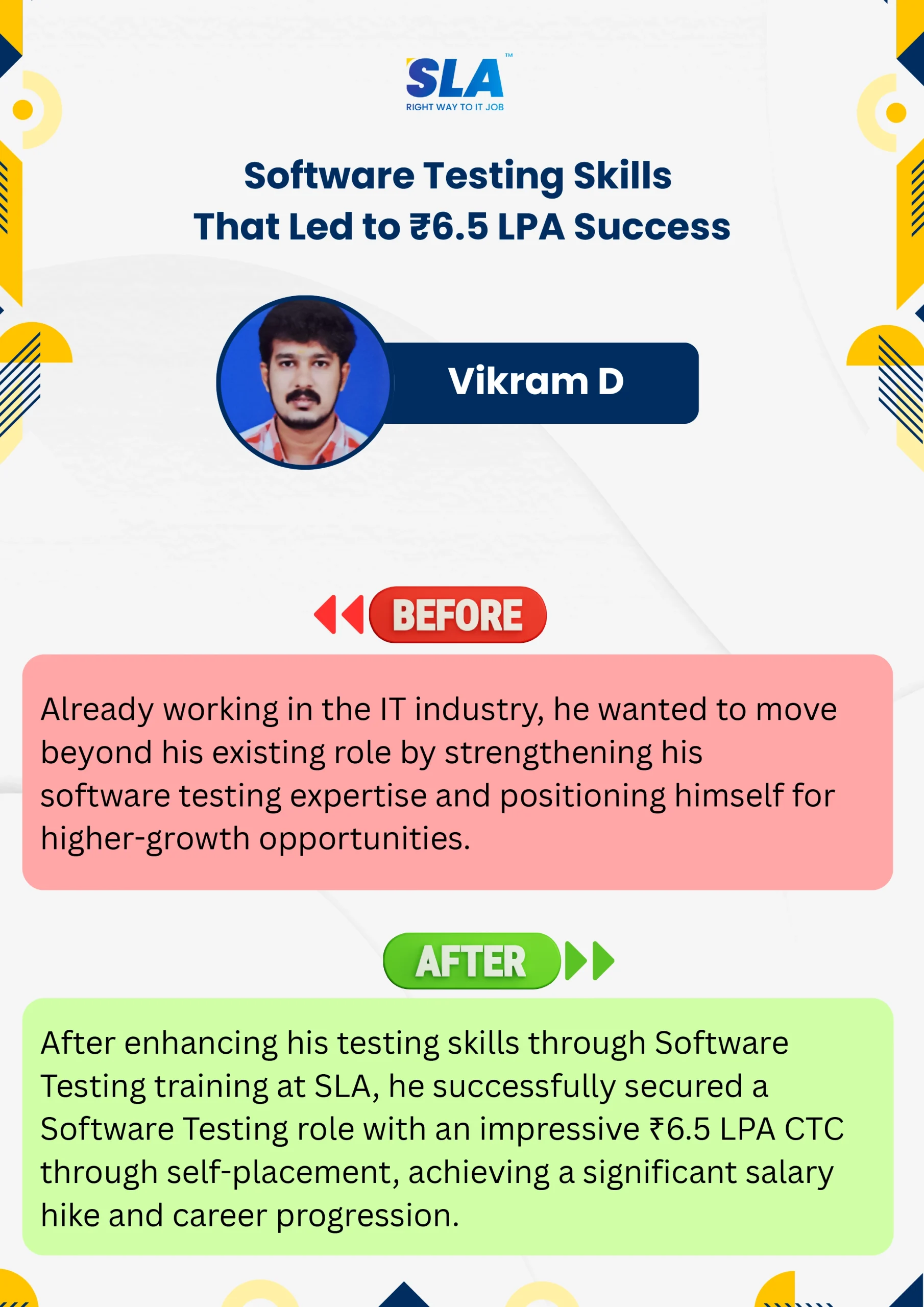
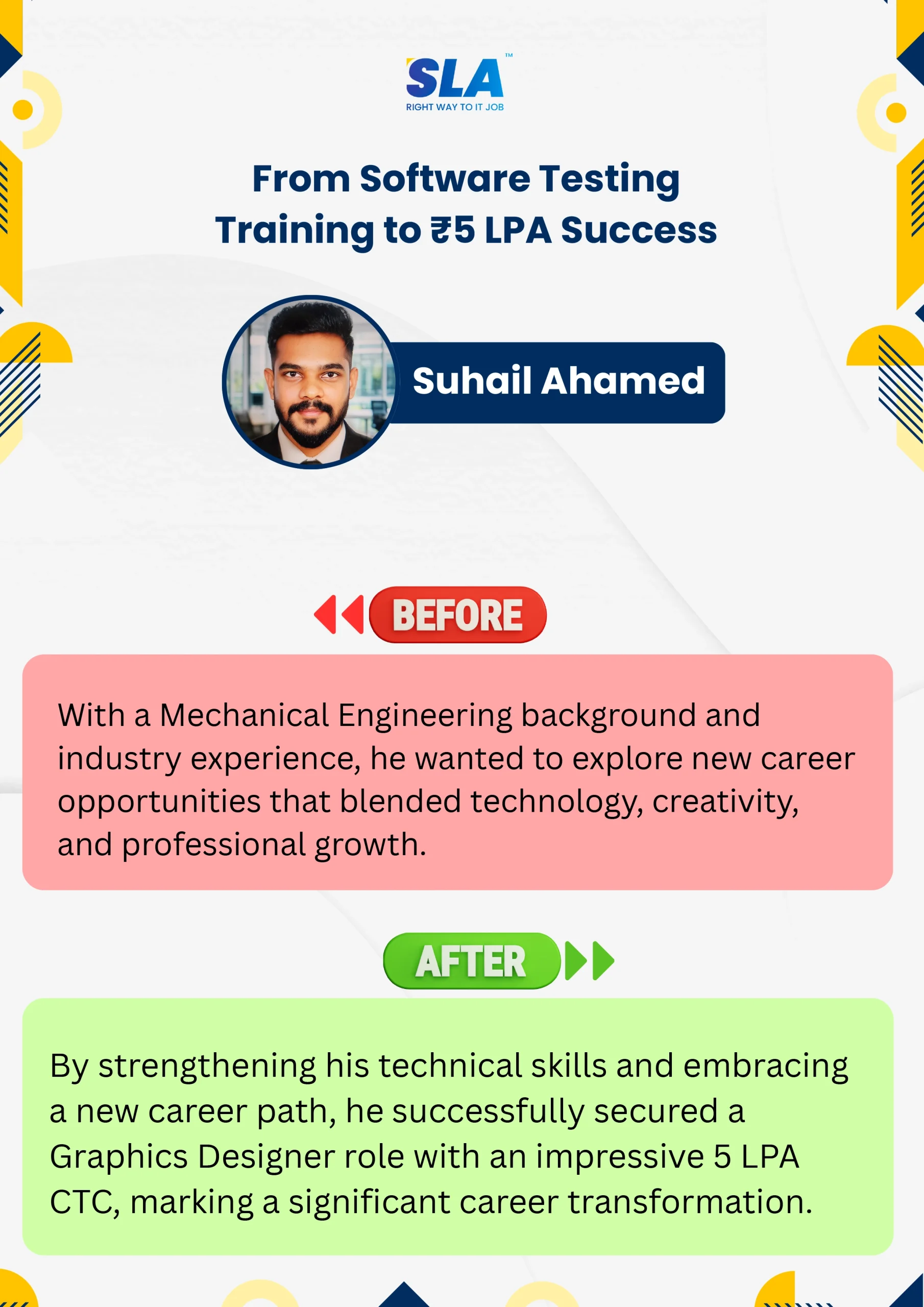

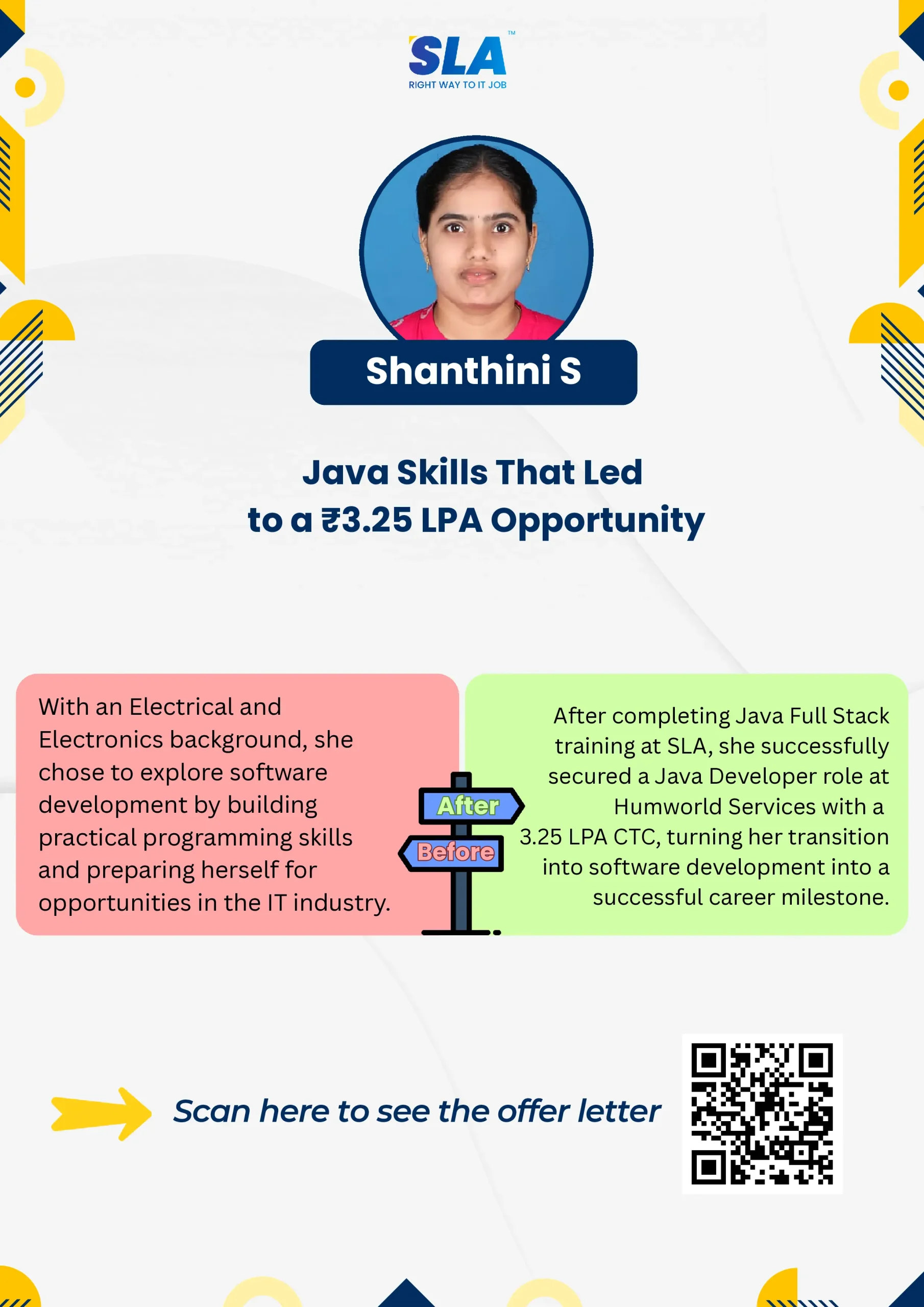





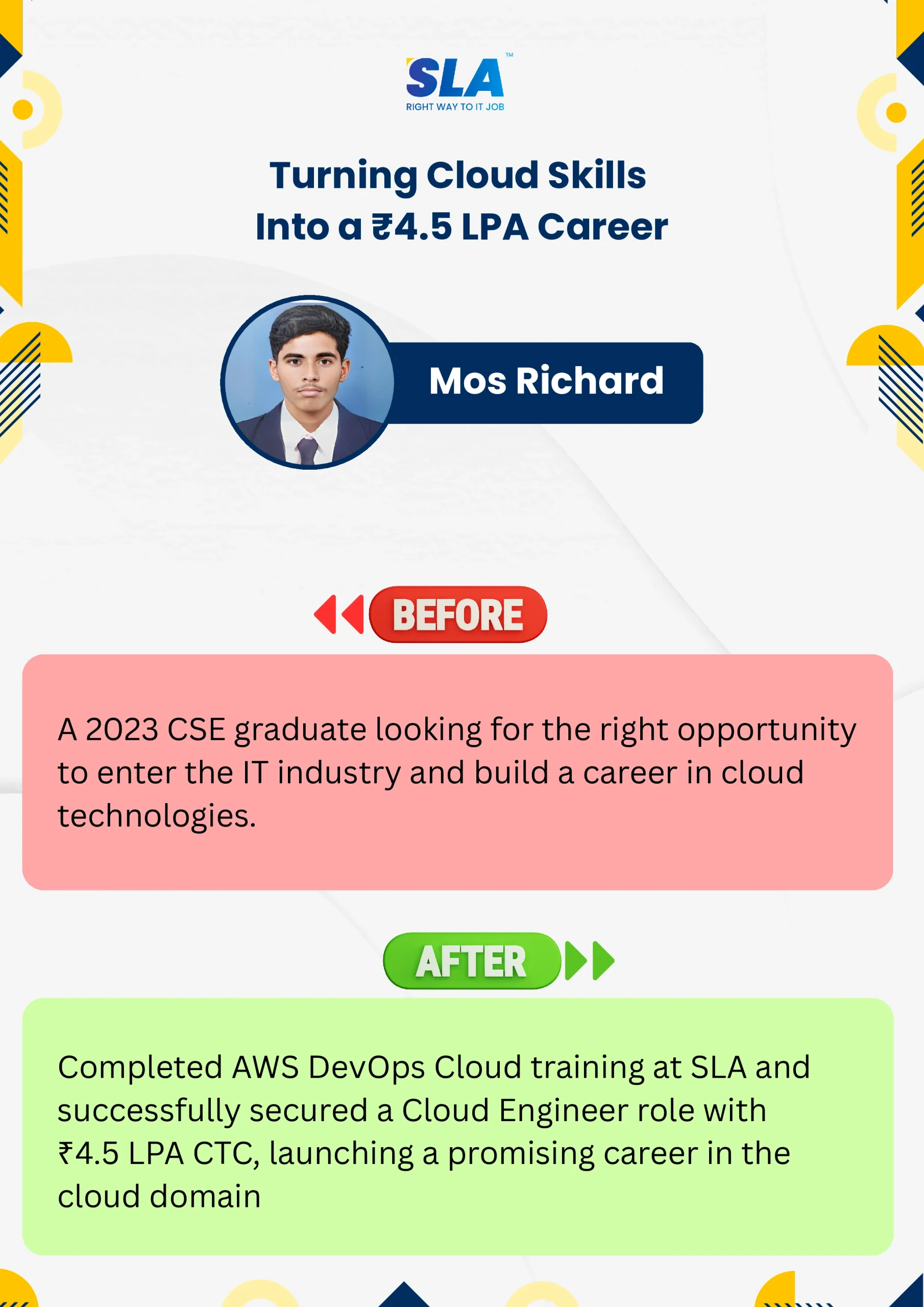

Google Reviews

Rating
4.8
1,053 Google reviews

Surya
Special thanks to Vishal Sir, the Placement Officer, for his interview guidance, resume support, and continuous motivation throughout the placement process. I would also like…

Click here for Full Review

NalluKumar Ravichandran
Hi, I recently completed the DOT NET Full Stack Development course at SLA, and I had a great learning experience. The teaching style and student…
Click here for Full Review

Shaaru Menan
I had a 3 year career break. Joined SLA on Java Full Stack course and completed it.Did projects with the help of my Mentor. They…
Click here for Full Review

Nithish Sahoo
I had an excellent experience taking this DevOps course. The curriculum is well-structured and covers both fundamental and advanced DevOps concepts in a clear manner.…
Click here for Full Review

MATHAN KUMAR G EEE
SLA Institute provides a structured learning environment for data analytics. The syllabus is relevant, and trainers are knowledgeable. Some sessions were very useful practically, while…
Click here for Full Review

SARAN M
SLA Institute provides training in communication and aptitude along with strong technical skills. The trainers explain concepts clearly with a practical approach, which helps build…
Click here for Full Review