
Softlogic is one of the Top Training institutes for MSBI. Learn how to use MSBI, from beginner basics to advanced techniques. Our MSBI Syllabus Covers the SQL Server Integration Services (SSIS), SQL Server Analysis Services (SSAS), and SQL Server Reporting Services (SSRS). We offer an MSBI Course with Placement Assistance, Mock interviews, Resume building, and certification.
MSBI Certification Course
4.80
(974)
DURATION

2 Months
EMI

0% Interest
Mode

Live Online / Offline

Let's take the first step to becoming an expert in MSBI
Click Here to Get Started
Lifelong Placement
Assistance
Get Certified
JOB PLACEMENT ELIGIBILITY TEST
×
Your Placement Eligibility Report
Want more details about MSBI?
Fill out the form, and our counsellors will get in touch with you at your preferred time. You can have all your queries answered. Once you decide that SLA is the perfect fit for your training needs, our counselors will guide you through the process every step of the way.

Course Schedules

Course Syllabus

Course Fees

or any other questions...
Fees, Duration & Batch Timings for MSBI
Hands On Training
3-5 Real Time Projects
60-100 Practical Assignments
3+ Assessments / Mock Interviews
July 2026
Week days
(Mon-Fri)
Online/Offline
2 Hours Real Time Interactive Technical Training
1 Hour Aptitude
1 Hour Communication & Soft Skills
(Suitable for Fresh Jobseekers / Non IT to IT transition)
Course Fee
July 2026
Week ends
(Sat-Sun)
Online/Offline
4 Hours Real Time Interactive Technical Training
(Suitable for working IT Professionals)
Course Fee
Save up to 20% in your Course Fee on our Job Seeker Course Series
Learn More
Syllabus of MSBI
Download Syllabus
Introduction to SSIS & Data Warehouse
- Need for SSIS and ETL / DWH Entities
- Data Warehouse Design and SSIS
- DW Components and SSIS Tools
- SSIS Configuration and Catalog DB
- Control Flow Tasks Architecture
- Data Flow Tasks and ETL Architecture
- Data Pipelines and Data Buffers
Basic ETL Entities in SSIS
- SSIS Data Types and Data Conversions
- SSIS Local and Global Variables
- Dynamic Precedence Constraints
- Dynamic Connection Managers in DFT
- Data Flow Transformations and Usage
- Handling ETL Enumerations in SSIS
- ETl with Loops & Indexed Connections
SSIS Expressions & Package Debugging
- Conditional Precedence Expressions
- SSIS Parameters Usage and Variables
- Control Flow Breakpoints – Usage
- Data Flow Data Viewers and Audits
- SSIS Expressions & Debugging Options
- Debugging SSIS Packages & Limitations
- Debugging Procedures in Realtime
Data Flow Transformations and ETL
- Row and Column Transformations
- Combining and Splitting Data
- Performing SQL Database Operations
- MERGE Vs UNION ALL Transformations
- Lookup, Fuzzy Lookup and Grouping
- SORT Vs AGGREGATE Transformations
- OLE-DB Command Usage & Parameters
- Derived Columns & Data Conversions
- SSIS Parameter Mappings & Options
- Tabular Data Stream & Commit Size
- Table Locks & Batch Calculations
SSIS Customizations with .NET
- SSIS SCRIPT Task (.NET) and Coding
- Scripts for Control Flow Limitations
- Scripts for Data Flow Limitations
- ADO Connections and DataAdapters
- Custom Code (.NET) Handling in SSIS
- Script Tasks & Notify Operators
- SSIS Expressions and Iterations
SCD Transformation – ETL / DW
- Data Analytics and Column Profiling
- Data Sampling and Data Delta
- Type I and Type II SCD Examples
- Dimension Table Design, Surrogate Keys
- SCD – Business Keys and Attributes
- SCD – Historical Attributes and Status
- Event Notifications and Emails
- ETL – Partial and Full Cache Options
- Fact Table Loads and ETL Load IDs
- PIVOT, UNPIVOT and WebService T/Fs
- TDS Sizing and Memory Options
Checksum Operations for ETL/DW
- CHECKSUM Transformation in DW
- CACHE Transformation & Usage
- Partial and Full Cache Options
- SSIS Transactions & Isolation Levels
- Checksum for Type 1 and Type 2
- SSIS Checkpoints and Limitations
Change Data Capture (CDC) for ETL/DW
- CDC Sources and Controls in SSIS
- CDC Tables and Change Tracking
- Dynamic CDC Connections & Logging
- Using CDC for Dimension Loads (ETL)
Events, Errors and Logging
- SSIS Package Events and Audits
- Package Level Event Handling Options
- SSIS Event Bubbling Escalations
- SSIS Logging & Project Connections
- Windows Event Logs and SSIS Jobs
- SQL Server Logging and Audit Tables
- Global Connections and Project Audits
- Logging Fuzzy Data Loads and ETL
- Need For XML Connections & ADO
- XML Connections & BLOB Data
- Using SSIS Data Profile Viewer Task
Master – Child Packages & Fact Loads
- Configuring Master Packages, Parameters
- Configuring Child Packages, Parameters
- Parameter Bindings, Execute Process
- OLE DB Transformation and Parameters
- Net Connection Limitations in SSIS
- Solutions to Data Delta Options
- Fact Loads with DAT / BLOB Files
- Fact Loads with SSIS CDC Controls
- Fact Loads with SSIS SCD Controls
- Fact Loads with Key Lookups
- Tuning Fact Loads in Warehouse
Deployment Procedures
- Project Builds & Bit Level Options
- Creating ISPAC Files : SSIS 2014, 2012
- Securing SSIS Manifest Files (PROD)
- 64 bit and 32 bit Configurations
- Validation & Verification Techniques
- Configuration Options and Connections
- Control Loops and Indexed Connections
- Migrating SSIS ISPAC Files & Options
- SSIS Package Backups and Passwords
- Project Level Passwords and Encryption
SSIS Project Deployments
- SSIS Deployment and SSIS Catalog DB
- SSIS Catalog Project Files and Options
- Security – Logins, Users, SSISAdmin
- SSIS Catalog Folders in SSISDB
- Post Deployments & Connections
- Package Configurations, Parameters
- SSIS Package Validations, Reports
- Checksum Management and Encryptions
- SSIS Package Scripts with T-SQL
- Tuning Deployment and Configurations
- SSIS Package Performance Reports
SSIS Package Security and Reports
- SSIS Package Security Options
- Encrypting SSIS Catalog Packages
- SSIS Package Store and SSISDB
- Security Audits Reports and Limitations
- SSIS Folder Level Security Options
- Project Level Security and SSIS Roles
- Container and Package Logging
SSIS Package Upgrades
- SSIS Project Migration Utilities
- Importing ISPAC and Manifest Files
- SSIS Project Import Wizard – Usage
- Upgrading Packages & Configurations
- Command-Line Deployments & Options
- Package Backup Procedures & Jobs
- Upgrading SSIS 2012 to SSIS 2014
- MSDB and SSIS Catalog DB Files
- Comparing SSIS 2012 and 2014
Objectives of MSBI
The objectives of learning MSBI training include
- To give learners a comprehensive understanding and skill with Microsoft BI tools, such as SQL Server Reporting Services (SSRS), Analysis Services (SSAS), and Integration Services (SSIS).
- To fully utilize these technologies’ reporting, analytical, and data integration capabilities.
- To impart knowledge of the ideas and principles of data warehousing.
- To use data purification techniques to create BI solutions that are reliable and effective.
- To give learners the ability to create ETL solutions with SSIS.
- To plan and carry out ETL procedures for gathering data from several sources, transforming it following business needs, and then loading it into data marts or warehouses.
- To establish dimensions and measurements, carry out computations and aggregations, and build and construct OLAP cubes.
- To use SSRS to create interactive and eye-catching reports.
- The MSBI tools and technologies, including Power BI, Microsoft Reporting Services (SSRS), Microsoft Analysis Services (SSAS), and Microsoft Integration Services (SSIS), are all well-known to our MSBI trainers, who have extensive experience in the business intelligence field.
- The instructors offer thorough and in-depth understanding of every tool in addition to useful applications and real-world examples.
- They are able to communicate ideas about dimensional modeling, metadata, data mining, and data warehouse management in an understandable manner.
- Additionally, they offer guidance on creating interactive visualizations, reports, efficient data management plans, and query optimization.
- Under the guidance of our trainer, trainees are also introduced to technologies such as T-SQL, DAX, MDX, and XML for the best possible data analysis and from a management standpoint.
Request a Free Callback
Why Softlogic Systems is the Best Choice for MSBI – Learn, Practice, and Get Placed!

Online & Offline Training Options
Learn at your convenience with flexible classroom and live online training.

Learn from 100+ Real-Time Developers
Get trained by industry professionals with years of hands-on experience.

Hands-on Projects & Codeathons
Practice with real-time projects and coding challenges to build confidence.
0% EMI Fee Options
Pay your course fees flexibly with easy EMI plans at zero interest.

Resume & Interview Support
Get expert help with resume building, mock interviews, and soft skills.

Placement with Top IT Firms
Access placement opportunities with leading MNCs and IT companies.

1000+ Hiring Partners
Benefit from Softlogic’s strong recruiter network for faster job placement.

No Backdoor Jobs
We ensure only genuine placement opportunities with trusted companies.
Request a Free Callback
Highlights of MSBI
What is MSBI?
One tool with ETL capabilities is Microsoft Business Intelligence (MSBI). In addition to extracting, transforming, and loading (ETL) data points, it can organize and visualize multidimensional data. In essence, it transforms unprocessed data into useful business knowledge.
What are the reasons for learning MSBI?
Learning MSBI is beneficial for several reasons:
- Microsoft product that is simple to use and install.
- A good way to generate reports with pagination.
- MSBI provides E2ES business solutions supported by a range of web services.
- MSBI’s GUI is simple to use.
- It provides flawless and simple tools for integrating with SharePoint and DotNet.
What are the prerequisites for learning MSBI?
There aren’t any exact requirements, although it helps to know the fundamentals of certain concepts and technologies, like
- Foundations of Databases
- Excel for Microsoft
- Knowledge of SQL
- Fundamentals of Business Intelligence
Our MSBI Course is suitable for:
- Students
- Professionals seeking a career change
- IT professionals aiming to enhance their skills
- Enthusiastic programmers
- Job Seekers
What are the course fees and duration?
Depending on the program level (basic, intermediate, or advanced) and the mode of instruction (online or in-person), the costs for our MSBI Course may change. The duration of the MSBI course is 1 to 2 months, with reasonable course fees that include international certification. To obtain accurate and current details on costs, time, and certification, please get in touch with our MSBI Training Institute immediately.
What are some job roles related to MSBI?
Job opportunities in the business intelligence, data analysis, and data management domains are abundant for individuals with proficiency in Microsoft Business Intelligence (MSBI). Some of them are as follows:
- Data Scientist
- Data Quality Analyst
- Data Warehouse Developer
- Business Analyst
- BI Project Manager
- Business Intelligence Developer
- Data Architect
What is the salary range for MSBI engineers?
A fresher MSBI professional with less than three years of experience typically earns an average annual salary of ₹3,00,000. A MSBI Developer who is mid-career, with 4–9 years of experience, typically earns an average annual salary of about ₹8,00,000. As for an experienced MSBI with 10-20 years of experience, the average annual salary is approximately ₹32,000,000.
List a few MSBI real-time applications.
Here are some real-time applications of MSBI across industries:
- Sales and Marketing Analytics
- Financial Reporting and Analysis
- Supply Chain Management
- Customer Relationship Management
- Manufacturing Performance Monitoring
- Predictive Analytics
- Risk Management
Boost Your Skills with Our MSBI Experts
Our Mentors are from Top Companies like:
- The MSBI tools and technologies, including Power BI, Microsoft Reporting Services (SSRS), Microsoft Analysis Services (SSAS), and Microsoft Integration Services (SSIS), are all well-known to our MSBI trainers, who have extensive experience in the business intelligence field.
- The instructors offer thorough and in-depth understanding of every tool in addition to useful applications and real-world examples.
- They are able to communicate ideas about dimensional modeling, metadata, data mining, and data warehouse management in an understandable manner.
- Additionally, they offer guidance on creating interactive visualizations, reports, efficient data management plans, and query optimization.
- Under the guidance of our trainer, trainees are also introduced to technologies such as T-SQL, DAX, MDX, and XML for the best possible data analysis and from a management standpoint.
Request a Free Callback
What Modes of Training are available for MSBI?
Offline / Classroom Training

A Personalized Learning Experience with Direct Trainer Engagement!
- Direct Interaction with the Trainer
- Clarify doubts then and there
- Airconditioned Premium Classrooms and Lab with all amenities
- Codeathon Practices
- Direct Aptitude Training
- Live Interview Skills Training
- Direct Panel Mock Interviews
- Campus Drives
- 100% Placement Support
Online Training

Instructor Led Live Training! Learn at the comfort of your home
- No Recorded Sessions
- Live Virtual Interaction with the Trainer
- Clarify doubts then and there virtually
- Live Virtual Interview Skills Training
- Live Virtual Aptitude Training
- Online Panel Mock Interviews
- 100% Placement Support
Corporate Training

Blended Delivery model (both Online and Offline as per Clients’ requirement)
- Industry endorsed Skilled Faculties
- Flexible Pricing Options
- Customized Syllabus
- 12X6 Assistance and Support
GET Free Consultation
Certifications
Take your career to new heights with Softlogic's software training certifications.
Improve your abilities to get access to rewarding possibilities
Improve your abilities to get access to rewarding possibilities

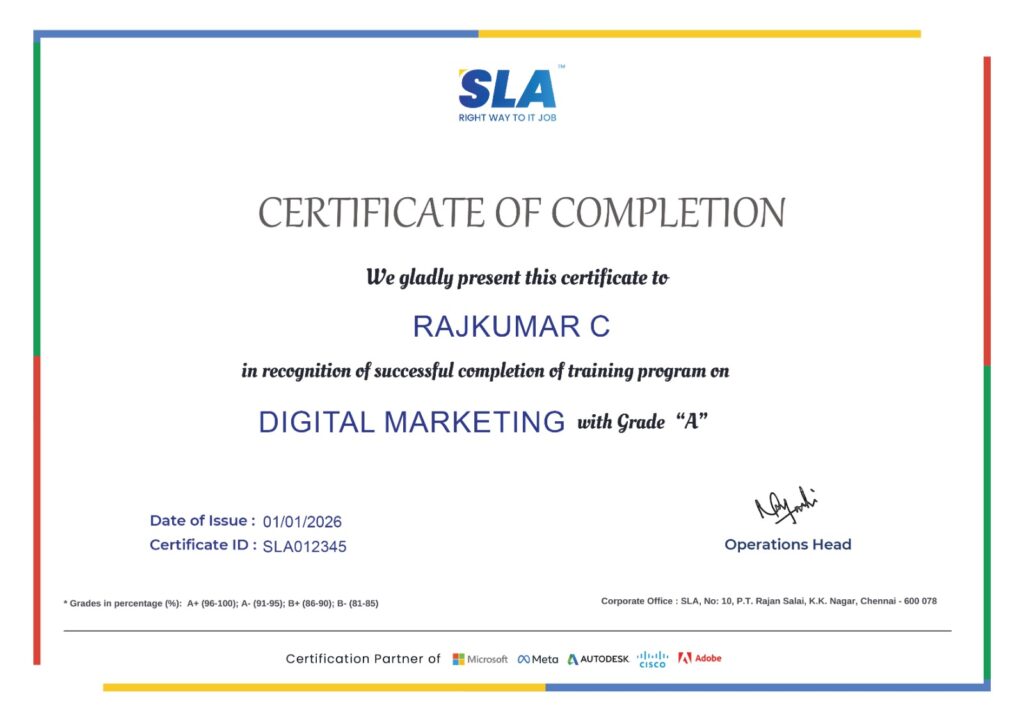
Earn Your Certificate of Completion
Validate your achievements with Softlogic's Certificate of Completion, verifying successful fulfillment of all essential components.
Take Your Career to the Next Level with Certifications
Get a certifications through our training programs to gain a competitive edge in the industry.

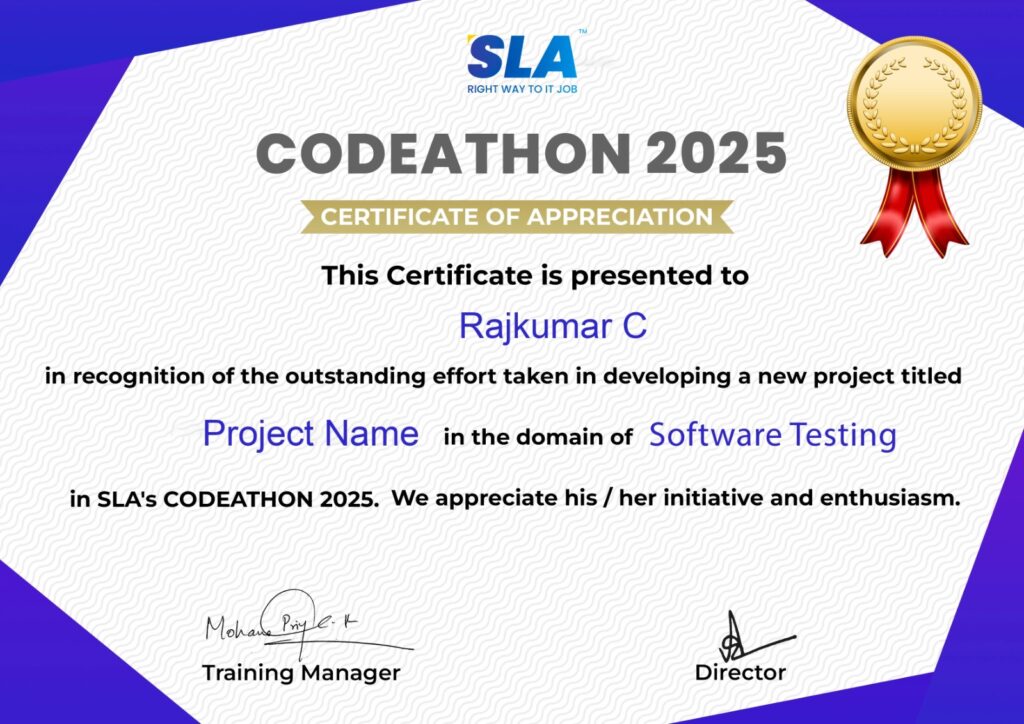
Stand Out from the Crowd with Codethon Certificate
Verify the authenticity of your real-time projects with Softlogic's Codethon certificate.
Hands-on Project Practices in MSBI
Analytics for Call Centers
Analytics for Transportation
Analysis of Project Costs
Analysis of Healthcare Claims
Shop Analytics
Dashboard for Web Analytics
Analytics for IT Service Management
Forecasting Call Volume
Analysis of Operational Efficiency
The SLA Way to Get Placed in Top IT Companies
Enrollment

Technology Training
Coding Practices
Realtime Projects
Realtime Projects
Placement Training
Aptitude Training
Interview Skills
Interview Skills
Panel Mock
Interview

Unlimited
Interviews

Interview
Feedback

100%
IT Career
Placement Support for a MSBI Job
Genuine Placements. No Backdoor Jobs at Softlogic Systems.

Aptitude Training
from Day 1
Interview Skills
from Day 1

Softskills Training
from Day 1
Build Your Resume

Build your LinkedIn Profile

Build your GitHub
digital portfolio

Panel Mock Interview
Unlimited Interviews until you get placed

Life Long Placement Support at no cost
Request a Free Callback
FAQs
What to learn in MSBI?
For people who are passionate about working with data, making visualizations, and helping organizations extract useful insights from their data, a career in MSBI may be quite rewarding. It was projected that demand for workers with MSBI skills would be steady due to the increasing importance of data-driven decision-making in the business environment.
What skills do you need for MSBI?
Businesses rely a lot on data-driven decision-making; thus, mastering Microsoft BI technologies thoroughly will help you have a successful career. The ability to optimize data-driven solutions, enhance problem-solving abilities, and expand career options are among the advantages.
What subjects are taught in the MSBI course?
A variety of subjects are covered in the MSBI course, including data integration, SQL Server Integration Services, ETL (extract, transform, and load), data analysis tools, reporting services, analysis services, and data visualization.
Does the course make sense for beginners?
Yes, novices would benefit much from the MSBI course. The course includes lab exercises that give students hands-on experience with the technology in addition to introductory lectures on the major Microsoft BI tools.
Is there a regular update to the course material?
Yes, MSBI updates its course material frequently to give students access to the newest developments in technology and industry trends.
What certification will I receive after finishing the course?
After completing Softlogic’s training, you will receive internationally recognized Microsoft, Codeathon, and Softlogic course completion certifications, which attest to your practical project experience.
What kinds of job opportunities exist following completion of the MSBI course?
You can work in a variety of IT-related fields after passing the MSBI course, including banking, healthcare, retail, education, and finance.
If I have a job offer already, can I still participate in job placement events?
Of course! To support candidates in achieving their professional objectives, we provide continuing placement assistance. To schedule a free demonstration of the top MSBI training with placement assistance, get in touch with our career counselor.
What are the possible payment methods at SLA?
We take cash, credit cards (Visa, Maestro, Mastercard), Netbanking, and other major payment options for MSBI training at SLA.
I have further questions.
Please give our course counselor a call at +91 86818 84318 or via WhatsApp. Alternatively, you can email us at enquiry@softlogicsys.in, utilize our website form, or chat on our website.
Additional Information for
the MSBI
Future Prospects with the MSBI Course
The demand is rising as well because these experts use their skills to maximize the data. These are some justifications for pursuing a profession as an MSBI developer. Professionals with expertise in Microsoft Business Intelligence are highly sought after in various prominent sectors.
The following roles can be obtained through our MSBI training:
- BI Developers and Engineers: They collaborate closely with business stakeholders to comprehend requirements, establish data models, construct ETL procedures, and produce insights-rich reports and dashboards.
- Data Analysts: Frequently collaborate closely with business users to comprehend their analytical requirements and convert them into insights that can be put to use.
- BI Consultant: To satisfy customer demands, BI Consultants evaluate business requirements, create BI architectures, create ETL procedures, and modify reports and dashboards.
- Data Warehouse Developers: They handle data modeling, schema design, ETL development, performance optimization, and troubleshooting concerns pertaining to data warehousing.
- BI Architect: BI Architects use MSBI tools and other technologies to design and implement enterprise-wide BI strategies and architectures.
- Business Intelligence Manager/Director: In enterprises, business intelligence teams and initiatives are managed by managers and directors.
Related Blogs
MSBI Project Ideas
Published On: October 21, 2024
Introduction Looking for interesting MSBI Project Ideas to boost your data analytics and business intelligence…
MSBI Developer Salary for Freshers and Experienced
Published On: October 4, 2024
Introduction Microsoft Business Intelligence (MSBI) is one of the leading software packages in the data-driven…
MSBI Tutorial for Beginners
Published On: September 27, 2024
Introduction Overwhelmed with data analysis and reporting? Unable to connect a variety of data sources,…
MSBI Interview Questions and Answers
Published On: January 4, 2024
Introduction There is a high demand for professionals with MSBI skills in various industries. As…
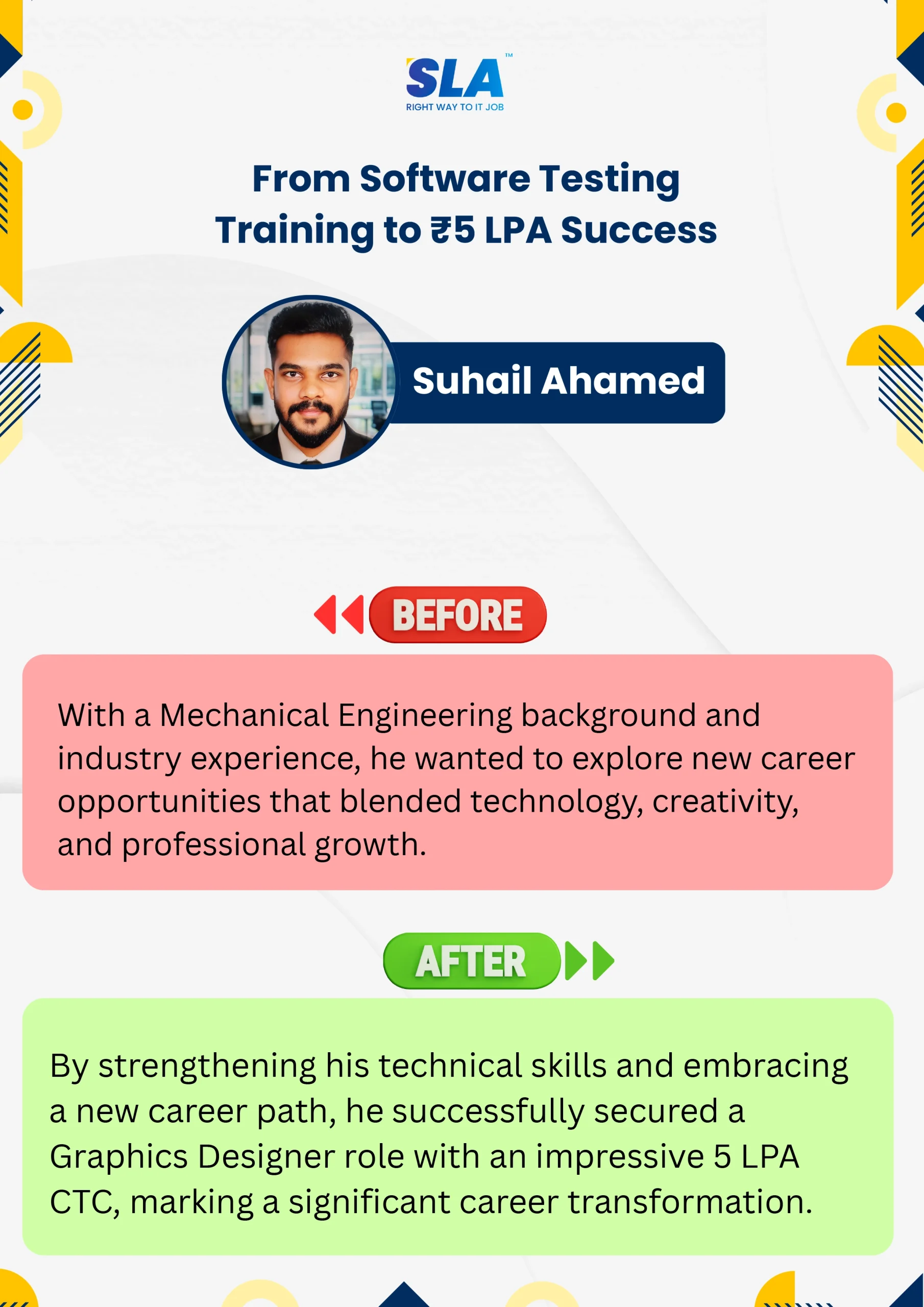
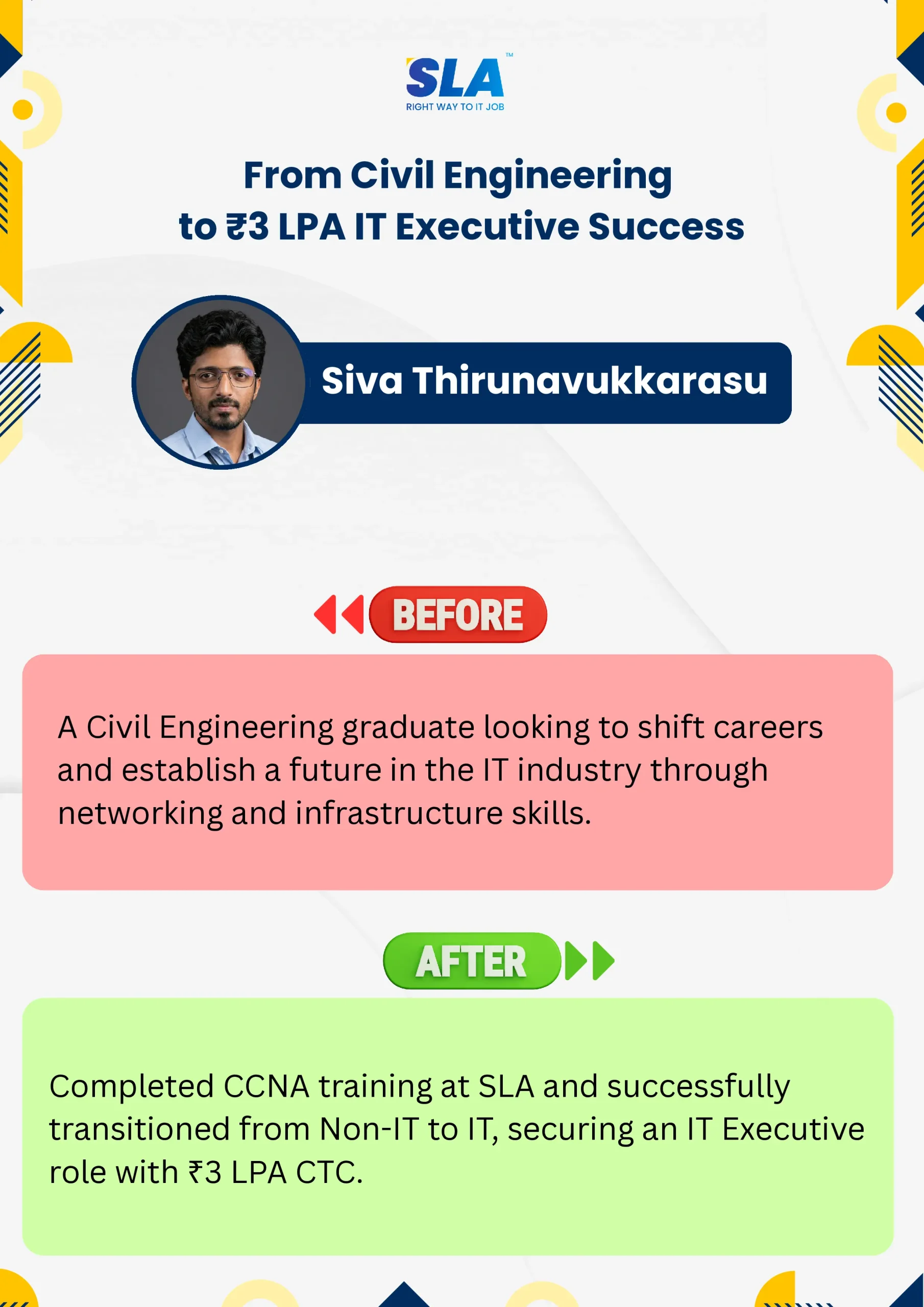
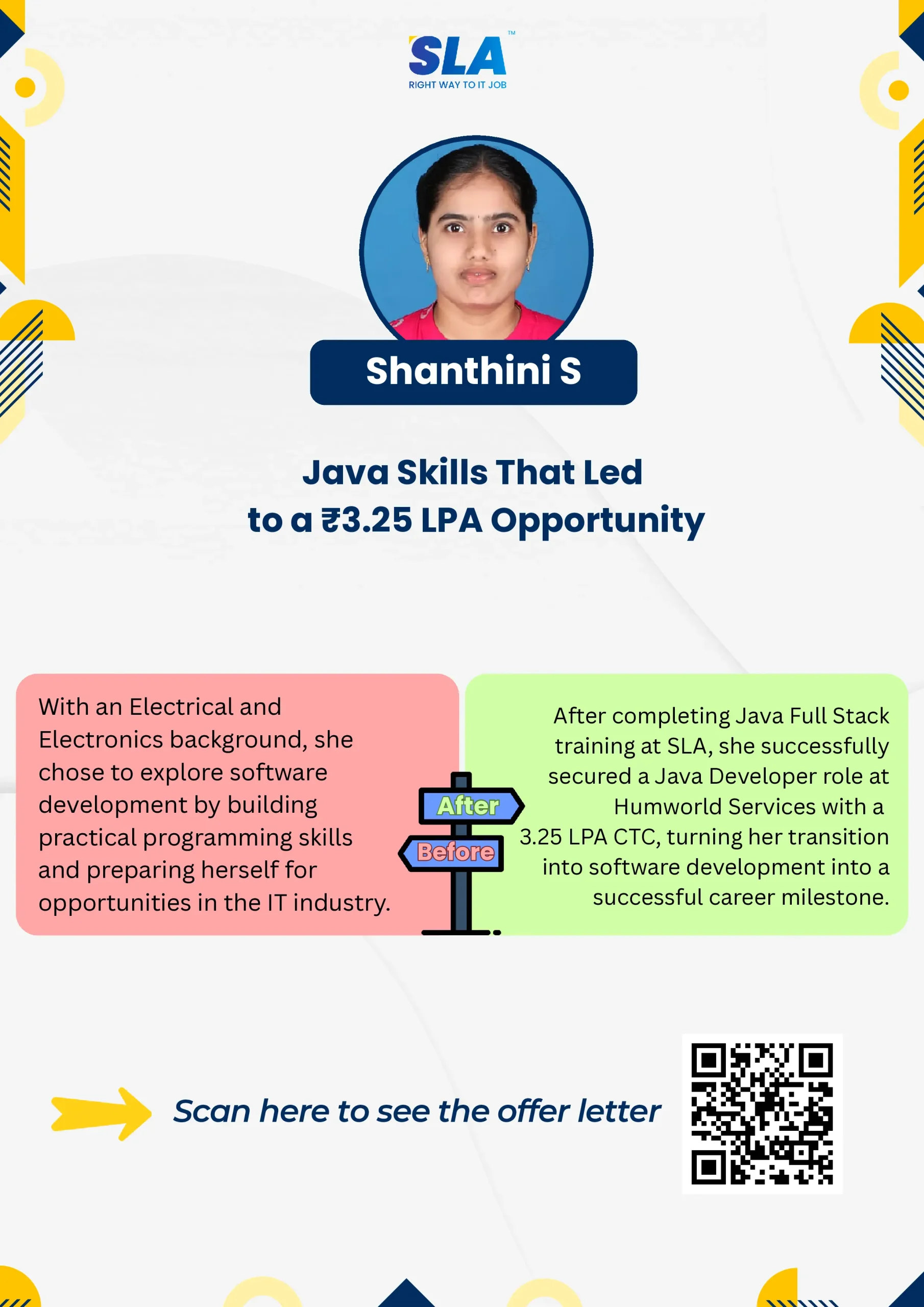
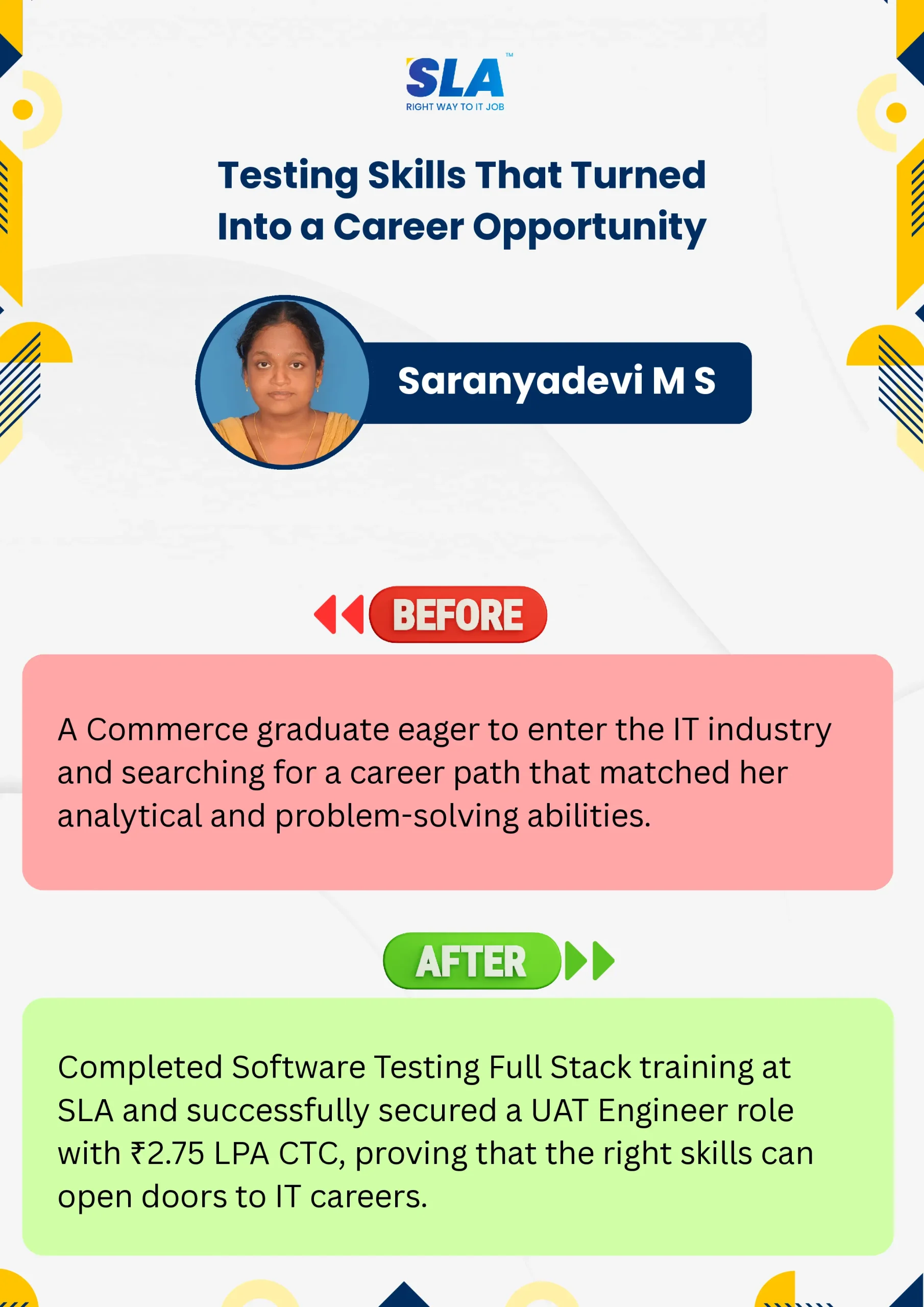
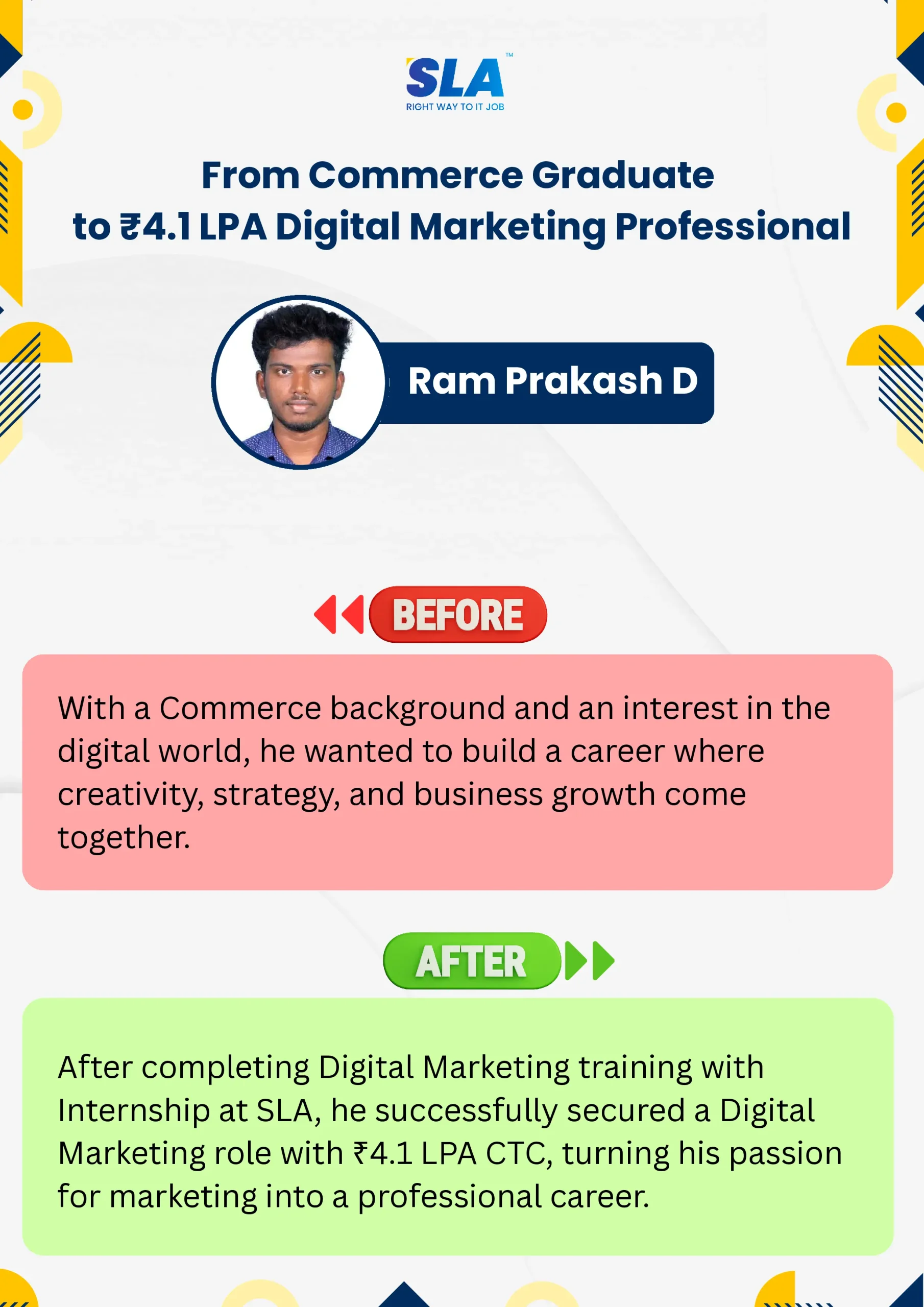
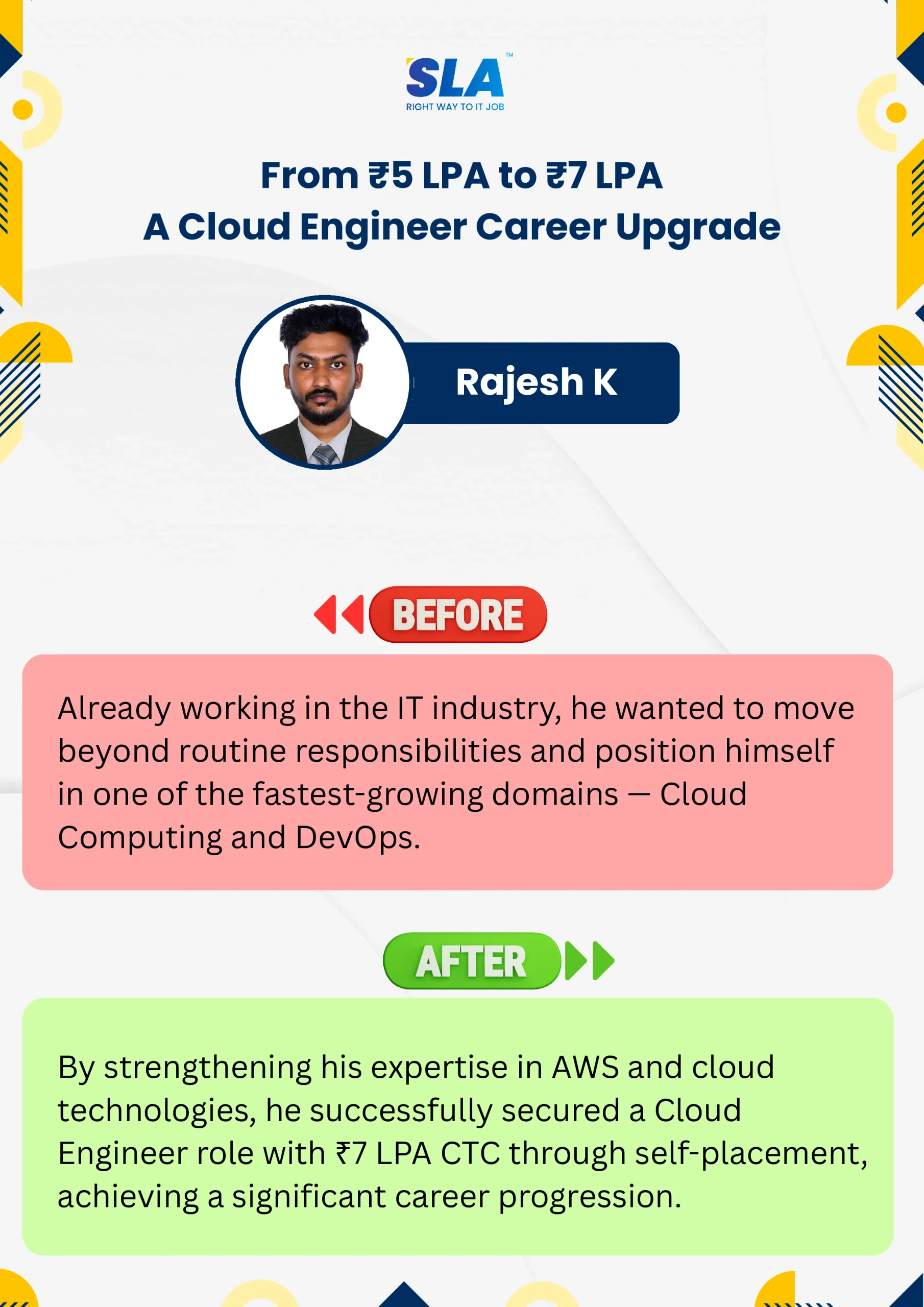
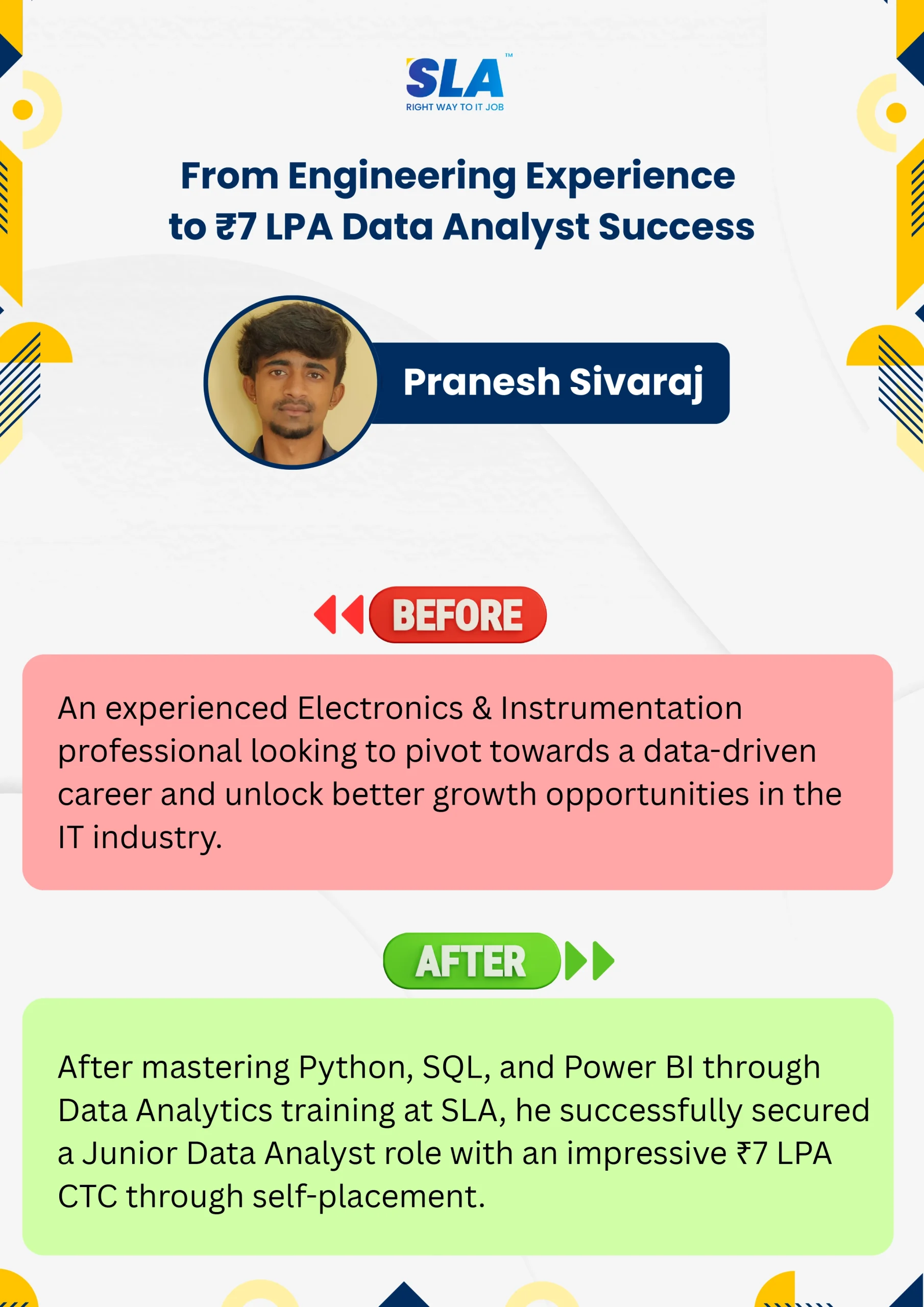
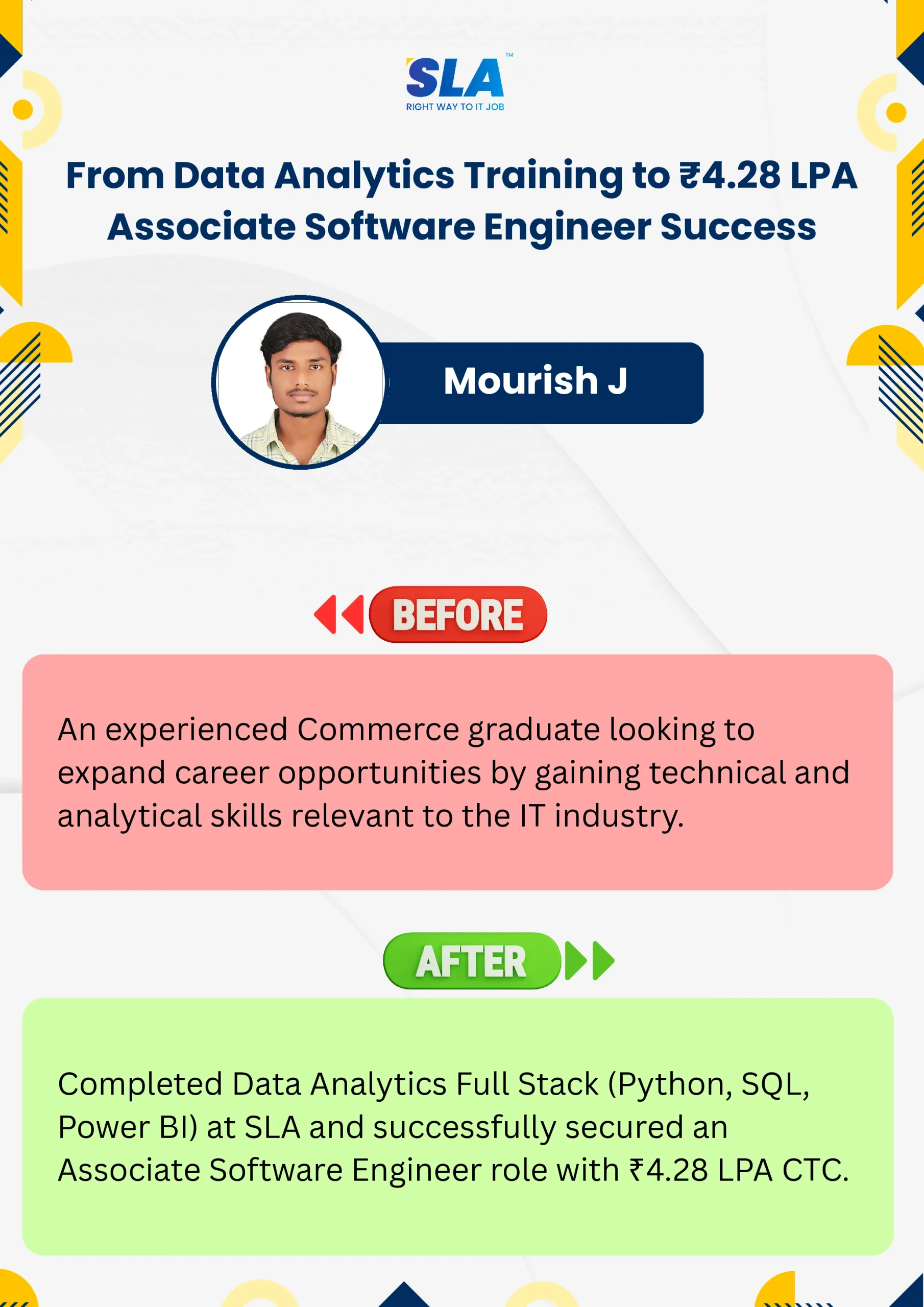
Google Reviews

Rating
4.8
1,053 Google reviews

Shaaru Menan
I had a 3 year career break. Joined SLA on Java Full Stack course and completed it.Did projects with the help of my Mentor. They…

Click here for Full Review

SARAN M
SLA Institute provides training in communication and aptitude along with strong technical skills. The trainers explain concepts clearly with a practical approach, which helps build…
Click here for Full Review

NalluKumar Ravichandran
Hi, I recently completed the DOT NET Full Stack Development course at SLA, and I had a great learning experience. The teaching style and student…
Click here for Full Review

Nithish Sahoo
I had an excellent experience taking this DevOps course. The curriculum is well-structured and covers both fundamental and advanced DevOps concepts in a clear manner.…
Click here for Full Review

MATHAN KUMAR G EEE
SLA Institute provides a structured learning environment for data analytics. The syllabus is relevant, and trainers are knowledgeable. Some sessions were very useful practically, while…
Click here for Full Review

Surya
Special thanks to Vishal Sir, the Placement Officer, for his interview guidance, resume support, and continuous motivation throughout the placement process. I would also like…
Click here for Full Review