Join Our 100% Job-Guaranteed Cloud Computing Course in OMR. We Provide Quality Cloud Computing training with an affordable Cost in OMR. Our Cloud Computing Syllabus covers the cloud fundamentals, service models (IaaS, PaaS, SaaS), virtualization, networking, storage, security, and popular cloud platforms like AWS, Azure, and Google Cloud. At Softlogic Systems, you’ll earn globally recognized certifications, build real-time projects, and receive complete placement assistance to launch a successful career in your chosen field.
Cloud Computing Training In Omr
DURATION
2 Months
EMI
0% Interest
Mode
Live Online / Offline
Let's take the first step to becoming an expert in Cloud Computing
100% Placement
Assurance
Get Certified
JOB PLACEMENT ELIGIBILITY TEST
Your Placement Eligibility Report
Want more details about Cloud Computing Course?
Course Schedules
Course Syllabus
Course Fees
or any other questions...
Fees, Duration & Batch Timings for Cloud Computing Course
Hands On Training
3-5 Real Time Projects
60-100 Practical Assignments
3+ Assessments / Mock Interviews
June 2026
Week days
(Mon-Fri)
Online/Offline
2 Hours Real Time Interactive Technical Training
1 Hour Aptitude
1 Hour Communication & Soft Skills
(Suitable for Fresh Jobseekers / Non IT to IT transition)
June 2026
Week ends
(Sat-Sun)
Online/Offline
4 Hours Real Time Interactive Technical Training
(Suitable for working IT Professionals)
Save up to 20% in your Course Fee on our Job Seeker Course Series
Syllabus of Cloud Computing Course
Defining cloud computing
- Components of a computing cloud
- Differentiating types of clouds: public, private, hybrid
Delivering services from the cloud
- Categorizing service types
- Comparing vendor cloud products: Amazon, Google, Microsoft and others
Key drivers of cloud computing solutions
- Instantaneous provisioning of computing resources
- Tapping into an infinite storage capacity
- Cost-effective pay-as-you-use billing models
Evaluating barriers to cloud computing
- Handling sensitive data
- Aspects of cloud security
- Assessing governance solutions
Characterizing SaaS
- Streamlining administration with centralized installation
- Optimizing cost and performance with scale on demand
Comparing service scenarios
- Improving collaboration with business productivity tools
- Simplifying business process creation by integrating existing components
Inspecting SaaS technologies
- Deploying web applications
- Implementing web services: SOAP, REST
- Choosing a development platform
Exploring the technical foundation for PaaS
- Specifying the components of PaaS
- Analyzing vendor PaaS provisions
- Selecting an appropriate implementation
Building services with solution stacks
- Evaluating the architecture of vendor-specific platforms
- Becoming familiar with service platform tools
Managing cloud storage
- Controlling unstructured data in the cloud
- Deploying relational databases in the cloud
- Improving data availability
Employing support services
- Testing in the cloud
- Monitoring cloud-based services
- Analyzing portability across platforms
Enabling technologies
- Scalable server clusters
- Achieving transparency with platform virtualization
- Elastic storage devices
Accessing IaaS
- Provisioning servers on demand
- Handling dynamic and static IP addresses
- Tools and support for management and monitoring
Calculating the financial implications
- Comparing in-house facilities to the cloud
- Estimating economic factors downstream
Preserving business continuity
- Selecting appropriate service-level agreements
- Safeguarding access to assets in the cloud
- Security, availability and disaster recovery strategies
Technical considerations
- Rearchitecting applications for the cloud
- Integrating the cloud with existing applications
- Avoiding vendor lock-in
- Planning the migration and selecting a vendor
Objectives of Cloud Computing Training
Our Cloud Computing course syllabus is carefully curated by our IT industry professionals who created the syllabus while bearing in mind the industry standards and trends in the IT industry. The syllabus explores a wide range of topics which are briefly discussed below:
- The syllabus begins with Cloud Computing basics like components of Cloud Computing, types of clouds etc.
- The syllabus then moves to mid range Cloud Computing like components of PaaS, Analyzing vendor PaaS provisions etc.
- The syllabus finally moves to advanced topics such as, Re Architecting applications for the cloud, Integrating the cloud with existing applications, Avoiding vendor lock-in etc.
Why Softlogic Systems is the Best Choice for Cloud Computing Training – Learn, Practice, and Get Placed!
Online & Offline Training Options
Learn from 100+ Real-Time Developers
Hands-on Projects & Codeathons
0% EMI Fee Options
Resume & Interview Support
Placement with Top IT Firms
1000+ Hiring Partners
No Backdoor Jobs
Highlights of Cloud Computing Course
What is Cloud Computing?
Cloud computing involves providing computing services via the internet, allowing users to utilize various resources and applications without the necessity of on-premises hardware. Rather than possessing physical servers, storage, and networking devices, users can utilize resources offered by cloud service providers on a flexible payment basis.
What are the reasons for learning Cloud Computing?
The following are the reasons for learning Cloud Computing:
- Easy growth: Cloud computing helps businesses adjust their computer needs easily. Learning about it helps companies manage changes in workloads without buying costly equipment.
- Saving money: Cloud computing saves businesses money because they don’t have to buy and maintain their own equipment. Instead, they pay only for what they use, which can be cheaper in the long run.
- Quick changes: Cloud computing lets businesses quickly add or remove resources as needed. Learning about it helps companies adapt to changes in the market or their needs faster.
- Anywhere access: Cloud computing lets people use programs and resources from anywhere with the internet. Learning how to use it helps teams work together better, no matter where they are.
What are the prerequisites for learning Cloud Computing training in OMR?
The following are the prerequisites for learning Cloud Computing:
- Foundational Computer Skills: It’s crucial to know how to operate a computer, including navigating operating systems and managing files.
- Networking Basics: Having a grasp of networking fundamentals, like IP addresses, DNS, routing, and firewalls, helps in understanding how data flows through networks in cloud environments.
- Operating System Understanding: Basic knowledge of operating systems, especially Linux, is valuable since many cloud services are based on Linux platforms. Familiarity with command-line interfaces (CLI) is also useful.
- Virtualization Awareness: Understanding virtualization concepts, such as virtual machines (VMs) and containers, is important as cloud computing frequently relies on virtualized resources.
Our C C++Training Course is suitable for:
- Students
- Job Seekers
- Freshers
- IT professionals aiming to enhance their skills
- Professionals seeking career change
- Enthusiastic programmers
What are the course fees and duration?
The Cloud Computing course fees depend on the program level (basic, intermediate, or advanced) and the course format (online or in-person).On average, the Cloud Computing course fees come in the range of ₹20,000 to ₹25,000 INR for 2 months, inclusive of international certification. For some of the most precise and up-to-date details on fees, duration, and certified Cloud Computing certification, kindly contact our Best Placement Training Institute in Chennai directly.
What are some of the jobs related to Cloud Computing?
The following are some of the jobs related to Cloud Computing:
- Cloud Architect
- Cloud Engineer
- Cloud Developer
- DevOps Engineer
What is the salary range for the position of Cloud Architect?
The Cloud Architect freshers salary typically with less than 5 years of experience earn approximately ₹9-10 lakhs annually. For a mid-career Cloud Architect with around 9 years of experience, the average annual salary is around ₹21.2 lakhs. An experienced Cloud Architect with more than 15 years of experience can anticipate an average yearly salary of around ₹27.6 lakhs. Visit SLA for more courses.
List a few real-time Cloud Computing applications.
Here are several real-time Cloud Computing applications:
- Data Analytics
- Document Editing
- Online Gaming
- Video Streaming
Boost Your Skills with Our Cloud Computing Training Experts
Our Mentors are from Top Companies like:
The following are our trainer’s profile for the Cloud Computing Training in OMR:
- Possessing over 8 years of experience, they exhibit expertise across all facets of Cloud Computing, encompassing Software as a Service (SaaS), Platform as a Service (PaaS), and Infrastructure as a Service (IaaS).
- They demonstrate excellent proficiency in virtualization, cloud development, cloud applications, storage options, and computing services.
- Highly skilled in designing, developing, and deploying Cloud Computing solutions and services, they adeptly integrate cloud solutions with existing applications and systems.
- Their extensive knowledge and experience extend to utilizing Cloud Computing platforms such as Microsoft Azure, Google Cloud Platform, Amazon Web Services, and OpenStack.
- They excel in training students on Cloud Computing topics, proficiently explaining complex technical concepts using simple language and visual aids.
- Each student’s capabilities are assessed, and tailored training is provided accordingly.
- They possess specialized skills in swiftly identifying problem areas, taking necessary steps to refine and improve technical requirements and curriculum.
- Exceptional in communication and interpersonal skills, they offer outstanding assistance in resume creation.
- With sound knowledge of multiple operating systems and programming languages, they stay updated on trends and innovations in Cloud Computing.
- They are adept at building strong, positive relationships with students, providing motivation and support across tasks, assignments, projects, and interview preparation.
What Modes of Training are available for Cloud Computing Course?
Offline / Classroom Training
- Direct Interaction with the Trainer
- Clarify doubts then and there
- Airconditioned Premium Classrooms and Lab with all amenities
- Codeathon Practices
- Direct Aptitude Training
- Live Interview Skills Training
- Direct Panel Mock Interviews
- Campus Drives
- 100% Placement Support
Online Training
- No Recorded Sessions
- Live Virtual Interaction with the Trainer
- Clarify doubts then and there virtually
- Live Virtual Interview Skills Training
- Live Virtual Aptitude Training
- Online Panel Mock Interviews
- 100% Placement Support
Corporate Training
- Industry endorsed Skilled Faculties
- Flexible Pricing Options
- Customized Syllabus
- 12X6 Assistance and Support
Certifications
Improve your abilities to get access to rewarding possibilities
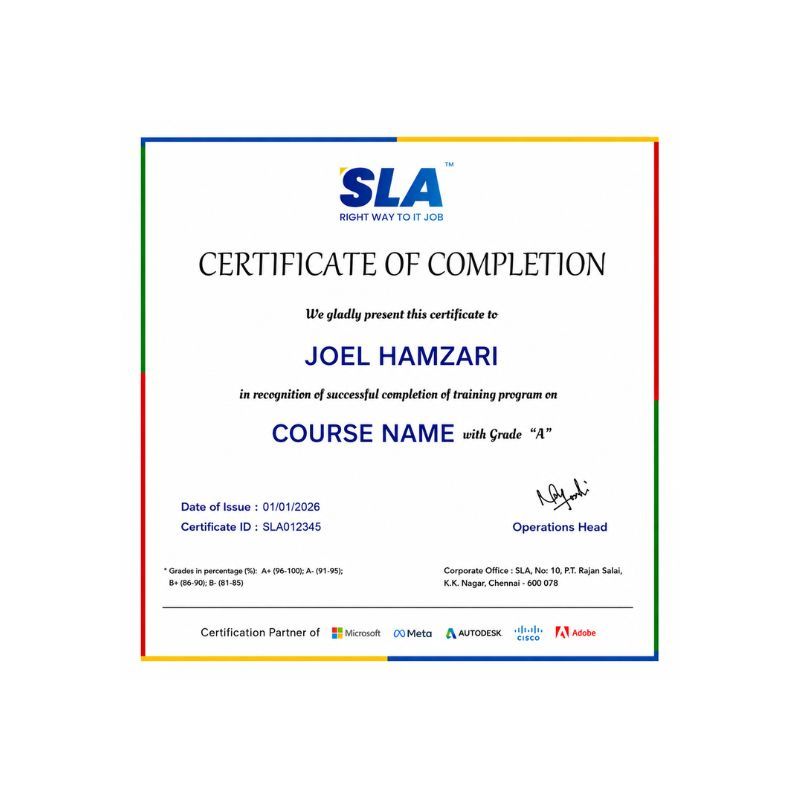
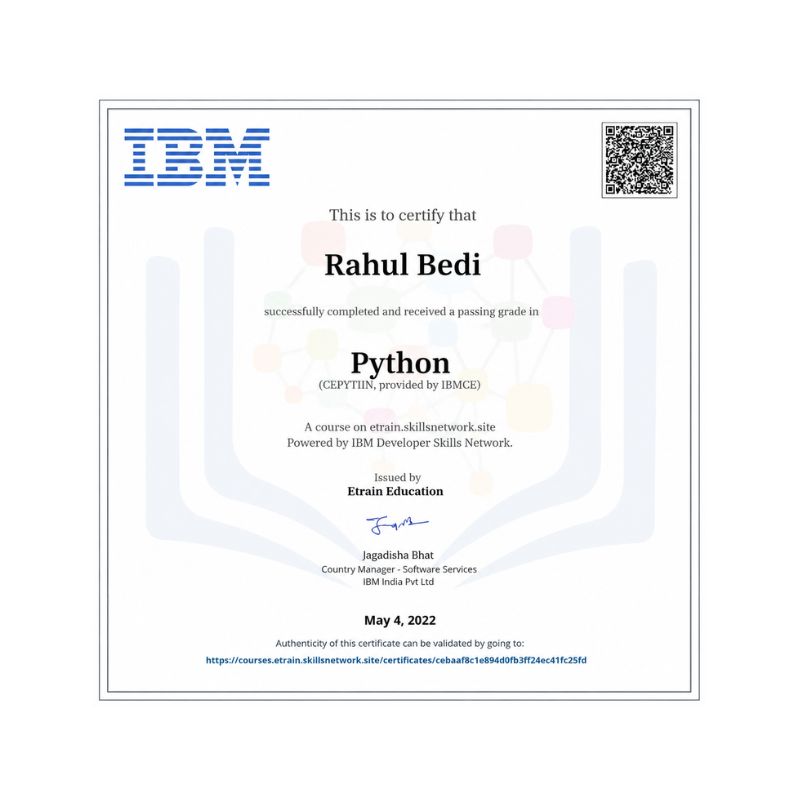
Earn Your Certificate of Completion
Take Your Career to the Next Level with Certifications
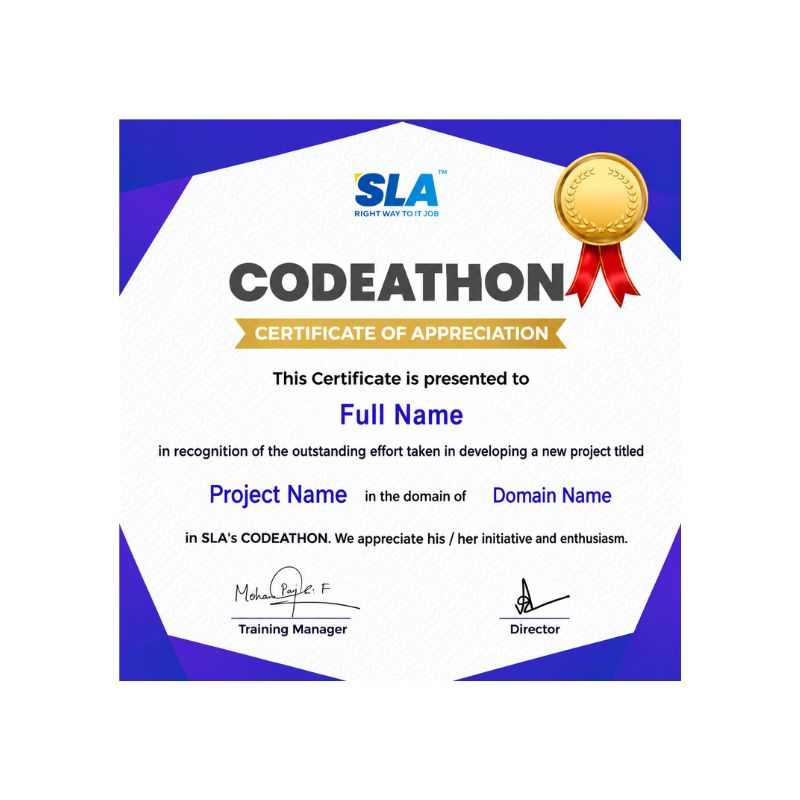
Stand Out from the Crowd with Codethon Certificate
Hands-on Project Practices in Cloud Computing Course
Real-Time Monitoring and Alerting
Serverless API Backend
Multi-Cloud Deployment Orchestration
Serverless Data Processing
Data Warehousing and Business Intelligence
Image Recognition Service
Serverless Chat Application
IoT Data Analytics
E-commerce Website Deployment
The SLA Way to Get Placed in Top IT Companies
Enrollment
Technology Training
Realtime Projects
Placement Training
Interview Skills
Panel Mock
Interview
Unlimited
Interviews
Interview
Feedback
100%
IT Career
Placement Support for a Cloud Computing Job
Genuine Placements. No Backdoor Jobs at Softlogic Systems.
Aptitude Training
from Day 1
Interview Skills
from Day 1
Softskills Training
from Day 1
Build Your Resume
Build your LinkedIn Profile
Build your GitHub
digital portfolio
Panel Mock Interview
Unlimited Interviews until you get placed
Life Long Placement Support at no cost
FAQs
What kind of payments does SLA accept?
SLA accepts all types of payments starting from cash, cheques, cards to all types of digital payments.
Does SLA provide EMI ?
Yes, SLA provides EMI with 0% interest.
What are the ways in which SLA addresses student issues?
SLA has an HR personnel who will look into that.
How many branches does SLA have?
SLA has two branches, one in K.K. Nagar and another in OMR, Navalur.
Does SLA teach practicals?
Yes, SLA does teach practicals as part of the syllabus
Difference between Public, Private, and Hybrid Clouds?
- Public clouds: Owned by third-party providers, serving multiple users over the internet.
- Private clouds: Dedicated to a single organization, can be hosted on-premises or by a third-party provider.
- Hybrid clouds: Combine public and private clouds, enabling data and application sharing.
How Cloud Computing Ensures Data Security and Privacy?
Cloud providers implement security measures like encryption and access controls for data protection.
Different Deployment Models in Cloud Computing?
- Public clouds: Managed by third-party providers, open to multiple users.
- Private clouds: Dedicated to a single organization, hosted on-premises or by a third-party.
- Community clouds: Shared by organizations with similar interests.
- Hybrid clouds: Combine public and private clouds.
Advantages of Serverless Computing in the Cloud?
- Serverless computing: Allows developers to focus solely on writing code, eliminating server management.
- Offers automatic scaling, along with reduced operational overhead.
How Cloud Computing Supports High Availability and Fault Tolerance?
- Cloud providers ensure high availability with redundancy and failover mechanisms across multiple data centers.
- Replication of data and services across dispersed locations enables failover in case of disruptions. Additionally, services like load balancers and auto-scaling enhance resilience and reliability.
Additional Information for
the Cloud Computing Course
History of Cloud Computing
- 1960s – 1970s:
Shared Access: People sharing a mainframe computer is like early cloud computing.
- 1980s – 1990s:
Computers Talking: Computers talking to each other and sharing info was big.
The Internet: The internet started, which helped computers work together even more.
- Late 1990s – Early 2000s:
Web Explosion: More services started popping up online, like web hosting and app providers.
SaaS Begins: In 1999, Salesforce started offering business apps over the internet.
- Mid-2000s:
Big Names Join: AWS, Google, and Microsoft started offering cloud services.
Email and More: Google launched Google Apps in 2006, giving people email and other tools in the cloud.
Azure’s Debut: Microsoft joined the cloud scene in 2010 with Azure.
- 2010s – Present:
Cloud Boom: Lots of businesses started using cloud computing because it’s flexible, scalable, and cheap.
Mix and Match: Many started using a mix of public and private clouds for better options.
Serverless is Born: Serverless computing became a thing, making app building easier.
Tech Keeps Growing: Cloud tech keeps improving, with things like AI and edge computing.